 ProMapRanker
Best Currency Converter Apps in 2026

Key takeaways
- XE is our pick for most people who just want a dependable converter, with live rates, alerts, and a long track record.
- Wise and Revolut are better when the next step is actually moving or spending money abroad, since the rate you see is closer to the rate you get.
- Pure converter apps such as XE and Yahoo Finance are free to download, but transfer fees and rate margins still apply when money moves.
- No app can promise the exact rate a bank or card network applies at the moment of payment, so treat every on-screen figure as a guide.
Quick comparison
| Pick | Great for | Pricing starts at | Free tier | |
|---|---|---|---|---|
 XE Currency | Everyday conversion and rate alerts | Free | Yes | Visit |
 Wise | Transparent transfers at the mid-market rate | Free | Yes | Visit |
 Revolut | Travel spending and multi-currency balances | Free | Yes | Visit |
 OFX | Large transfers with no transfer fee | Free | Yes | Visit |
 Remitly | Sending money home with cash pickup | Free | Yes | Visit |
 WorldRemit | Mobile money and cash payouts | Free | Yes | Visit |
 Paysend | Card-to-card transfers | Free | Yes | Visit |
 CurrencyFair | Peer-to-peer style exchange | Free | Yes | Visit |
 Yahoo Finance | Quick checks alongside market news | Free | Yes | Visit |
The best currency converter apps
We compared these apps on the rate they show, what it costs to actually move money, offline support, and how clearly fees are shown before you commit. Some are pure converters, and some are money apps with a converter built in, so the right pick depends on whether you only need a number or you need to send funds too. This is not financial advice, and exchange rates move constantly, so always check the final quote in the app before you pay.
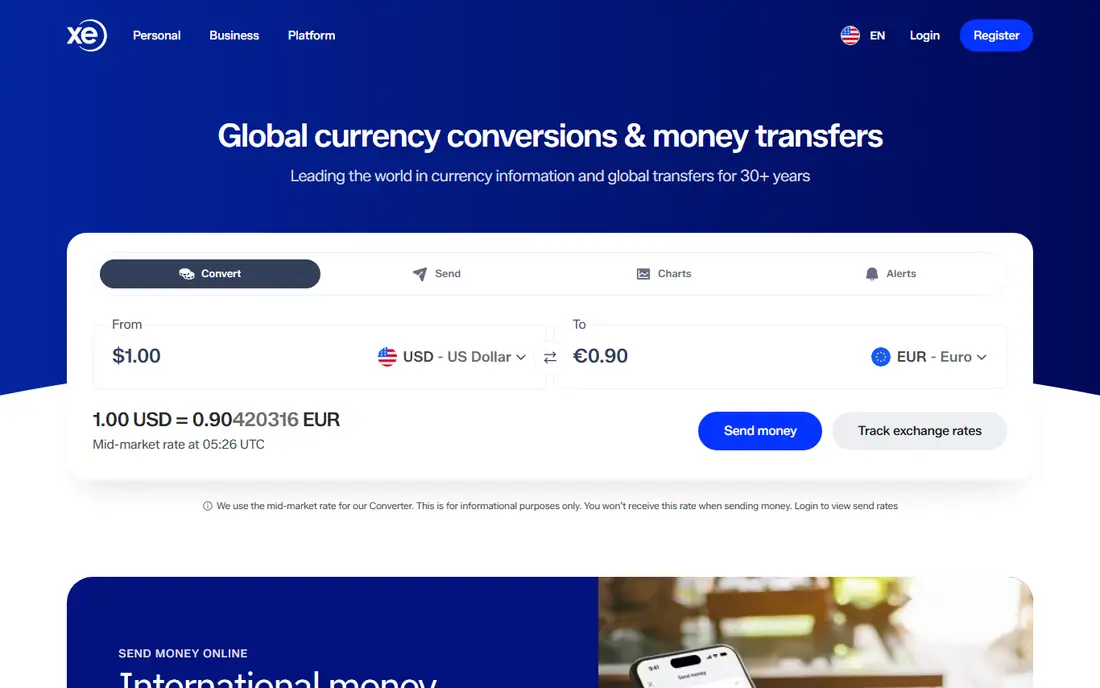
XE has been the default currency converter for years, and that familiarity is earned. The app converts between a wide range of currencies, shows historical charts, and lets you set a free rate alert for a pair you are watching. If you are standing in a market abroad and want a fast answer, XE gives it with little fuss, and its last updated rates stay visible when the connection drops.
The catch is the gap between converting and sending. XE also offers transfers, and those carry a margin on the rate plus any stated fee, so the conversion figure is not the amount a recipient will receive. Keep XE as your checking tool first, and compare its transfer quote against Wise or OFX before sending a large amount. For pure conversion, though, it remains the simplest dependable choice.
- Live rates for a wide range of currencies
- Free rate alerts
- Rates cached for offline viewing
- Transfer costs use a rate margin
- The app pushes transfers alongside conversion
- Some features need an account
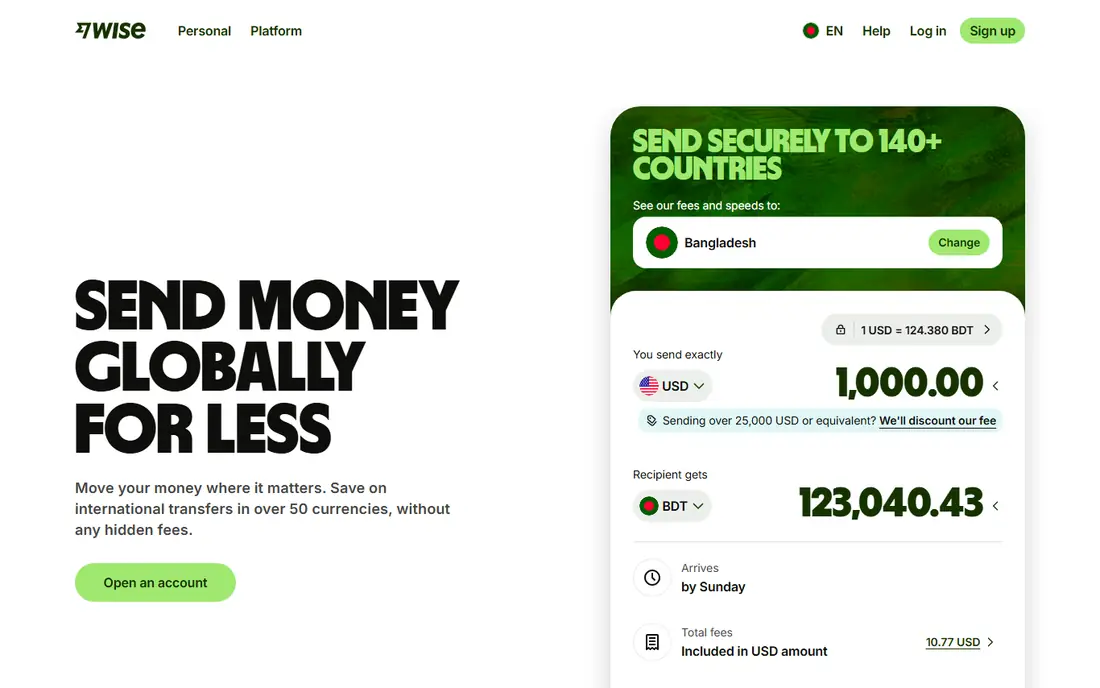
Wise is the app we point to when someone asks what a transfer will really cost. It converts at the mid-market rate, the rate banks use between themselves, and shows its fee separately before you confirm. That split makes comparison honest in a way that a single padded rate never can. You can also hold balances in many currencies and spend from the local balance, which avoids a fresh conversion on each purchase.
The app is free to download and there is no monthly subscription for a personal account, but transfers are not free. Fees vary by currency route and payment method, and the card carries a one-time fee in some regions. For checking a rate on the street, XE is quicker. For moving money, Wise is usually the clearer and cheaper route, and its quote is the one to beat.
- Uses the mid-market rate with a visible fee
- Holds balances in many currencies
- No monthly subscription
- Transfer fees vary by route
- Card delivery carries a one-time fee in some regions
- Not a pure offline converter
Revolut suits travellers who want one app for spending, budgeting, and exchanging, rather than a separate tool for each job. The free Standard plan lets you exchange currencies in the app, hold balances, and spend with a card, with budgeting tools and instant spending alerts built in. For a short trip with modest spending, that free tier often covers everything without a subscription.
The limits are the part to read carefully. Free currency exchange has a monthly allowance, and exchanges outside market hours can carry a markup, so a large weekend exchange can cost more than expected. Heavy users will find the better allowances on paid plans. If you travel often and spend a lot abroad, compare Revolut's paid plan against Wise's pay-as-you-go fees for your own pattern before committing.
- Currency exchange inside a full banking-style app
- Budgeting and cards included
- Generous free tier for casual use
- Free exchange limits apply
- Weekend markups can apply
- Best limits sit behind paid plans
OFX is built for larger transfers, such as a property deposit, a tuition payment, or a business invoice, rather than for checking the price of a coffee abroad. It charges no transfer fee on most routes, and larger amounts often earn a tighter rate margin, which is why it shows up so often for five-figure transfers. A dedicated dealer can also help with timing and forward contracts on bigger payments.
The trade is speed and simplicity. OFX uses a margin on the exchange rate, so the rate you receive is not the mid-market rate, and transfers can take longer than the near-instant options from newer apps. As a daily converter it is also less handy than XE. For a large, planned transfer, though, the fee-free structure and human support make it worth a quote.
- No transfer fee on most transfers
- Dedicated support for large amounts
- Rate shown before you commit
- Rate includes a margin
- Transfers can be slower than app rivals
- Less useful as a casual converter
Remitly is designed for people sending money to family, and that focus shapes the whole app. Recipients can collect cash, receive a bank deposit, or get mobile money depending on the corridor, which matters when the recipient does not use the same banking system as the sender. Delivery speed is a clear choice in the app, with express options costing more than economy ones.
For pure conversion, Remitly is not the first tool we would open. Its converter exists to support a transfer quote, and the total cost is a fee plus a margin on the rate, which varies a lot by route. The honest way to use it is to compare its total delivered amount against Wise and WorldRemit for your exact corridor. When cash pickup or mobile money matters, Remitly is often the most practical of the three.
- Cash pickup and mobile money options
- Clear delivery choices
- Wide country coverage
- Fees plus rate margin vary by route
- Express delivery costs more
- Converter is secondary to transfers
WorldRemit covers a similar job to Remitly, with a particular strength in mobile money wallets and airtime top-ups alongside bank and cash options. That range matters in countries where mobile money is the everyday way people receive funds. The app is straightforward, and the quote shows the amount the recipient should receive before you pay.
Costs vary by corridor, and the total is a fee plus a margin on the rate, so a route that is cheap on one corridor can be pricier on another. WorldRemit does not promise the mid-market rate, and for bank-to-bank transfers to major currencies, Wise is often cheaper. Choose WorldRemit when the payout method matters more than squeezing the last fraction of a percent from the rate.
- Strong mobile money and airtime options
- Many payout choices
- App is simple to use
- Fee plus rate margin varies by corridor
- Some routes cost more than rivals
- No mid-market rate promise
Paysend stands out for card-to-card transfers, sending money directly to a recipient's card in many countries without needing their bank details. That makes it useful when you know someone's card but not their account number, and the fee is shown before you confirm the payment. The app flow is short, which suits repeat sends to the same person.
The rate still carries a margin, so the delivered amount should be compared with Wise for the same corridor before a large send. Coverage also depends on the card network in the recipient's country, so not every destination works the same way. As a converter alone, Paysend is thin. As a way to get money onto someone's card quickly, it earns its place.
- Sends to cards in many countries
- Fee shown before payment
- Simple app flow
- Rate margin applies
- Coverage varies by card network
- Not a general converter
CurrencyFair uses a marketplace model in which users exchange with each other, with a small fixed fee plus a margin, rather than a bank-style rate. For regular transfers on supported corridors, that model can work out cheaper than a traditional provider, and the fee display is clear before you commit. It suits people who send similar amounts on a regular schedule and can wait a little longer for delivery.
The range of currencies is smaller than the big names, and some routes are slower, so it is not a universal replacement. Account setup and verification also take a little patience the first time. For a supported corridor and a planned transfer, though, CurrencyFair is worth comparing against Wise, since the marketplace rate sometimes wins.
- Low fixed fees on many routes
- Marketplace model can beat bank rates
- Clear fee display
- Smaller currency range than XE or Wise
- Transfers take longer on some routes
- Account setup takes care
Yahoo Finance is not a money transfer app, and that is exactly why some people prefer it for quick checks. The converter sits alongside stock, index, and currency charts, so a traveller who already follows markets can check a rate and read the news behind a move in one place. Basic conversion needs no account and no payment details.
The limits are plain. Yahoo Finance will not send money, it needs a connection, and its rate is a market reference rather than a quote you can transact at. For a fast answer before a purchase, it is fine. For the amount a recipient will actually receive, use a transfer app quote instead. Keep it as a reference tool, not a payment tool.
- Free converter inside a familiar finance app
- Charts and market news alongside rates
- No account needed for basic checks
- No transfers
- Needs an internet connection
- Rate is a guide, not a tradable quote
How we picked these
We compared official app and vendor pages, pricing and fee pages, and public documentation, and we favoured apps that are live in the US in October 2026 with a clear converter or transfer flow. We included pure converters, transfer apps with strong converters, and one market reference tool, because readers use the phrase best currency converter app for all three jobs. We did not list apps whose only job is trading currency for speculation, since that is a different product with different risks.
What to check before you trust a rate
First, decide whether you need a number or a payment. A pure converter answers the first question well, while only a transfer app can answer the second with a delivered amount. Compare the delivered amount, not just the headline rate, since a good-looking rate with a high fee can lose to a plainer rate with a low fee.
Second, check offline support before a trip. XE keeps its last rates cached, while most transfer apps and Yahoo Finance need a connection. Download the app, test it on Wi-Fi, and save the currencies you need before you travel.
Third, watch for weekend and limit effects. Some apps add a markup when markets are closed, and free exchange allowances run out. A conversion checked on a weekday can look different on a Sunday, so recheck the quote at the moment you plan to pay.
Frequently asked questions
What is the best currency converter app for travel?
XE is the simplest travel pick for quick checks and alerts, while Wise is the better pick when you will also spend or transfer abroad. Many travellers carry both, using XE for prices on the street and Wise for money movement. Offline caching in XE is a real advantage when mobile data is patchy.
Are the best currency converter apps free?
Most are free to download and free for basic conversion, including XE, Wise, Revolut, and Yahoo Finance. Transfer fees, rate margins, card fees, and paid plan limits still apply when money moves, so free to download does not mean free to send. Always read the final quote before confirming.
Which app shows the most accurate exchange rate?
Wise shows the mid-market rate with its fee separated, which makes its quote the easiest to verify. XE and Yahoo Finance show live market rates that are good guides, but the rate a bank or card network applies at payment can differ slightly. Treat every app figure as a guide until you see a confirmed transfer quote.
Do currency converter apps work offline?
Some do, in part. XE keeps rates from its last update cached for offline viewing, while most transfer apps need a connection to fetch a fresh quote. Download your currencies and check rates before you lose signal, and do not rely on an offline figure for a large transfer.
What is the difference between the best currency converter apps and transfer apps?
A converter app shows you a rate, while a transfer app moves money at a quoted rate and fee. Many apps do both, but the jobs are different, and the cheapest converter is not always the cheapest way to send. Compare the amount the recipient receives, not just the rate on screen.
Sources
- https://www.xe.com
- https://wise.com
- https://www.revolut.com
- https://www.ofx.com
- https://www.remitly.com
- https://www.worldremit.com
- https://paysend.com
- https://www.currencyfair.com
- https://finance.yahoo.com
- https://editorialge.com/best-currency-converter-apps-for-travelers/
- https://www.travelcurrencyguide.com/blog/best-travel-money-apps.html
See where you really rank - block by block
ProMapRanker scans Google Maps across a grid of your service area. Simple monthly plans from $19, white-label on every plan.
Start freeKeep reading
 best freelance platforms for beginners
Best Freelance Platforms for Beginners in 2026
Best freelance platforms for beginners compared, with fees, job types, and first-gig tips to help new freelancers pick a strong starting place in our guide.
Read → best foreign language apps
Best Foreign Language Apps in 2026
Best foreign language apps compared in 2026: Duolingo, Babbel, Rosetta Stone, Pimsleur and more, with prices, free plans and honest trade-offs for learners.
Read → best foraging apps for plant identification
Best Foraging Apps for Plant Identification in 2026
These 8 best foraging apps for plant identification help you name wild plants, but never eat a plant based on an app alone. Check our safety notes first.
Read →