 ProMapRanker
Best Content Writing Tools in 2026

Key takeaways
- Jasper suits marketing teams that need brand voice control, while Grammarly suits anyone polishing drafts written by people or AI tools.
- Surfer and Frase are the SEO pair here, with Surfer stronger on scoring and Frase stronger on low-cost briefs.
- Rytr and Copy.ai cover low-cost short copy, but they are not a full replacement for a human editor on long articles.
- Check word limits, seat counts, and fact-checking needs, since AI drafts still need human review before publishing.
Quick comparison
| Pick | Great for | Pricing starts at | Free tier | |
|---|---|---|---|---|
 Jasper | marketing teams | $69 per month | Free trial | Visit |
 Copy.ai | short marketing copy | $29 per month | No | Visit |
 Grammarly | editing and polish | $30 per month | Yes | Visit |
 Writesonic | SEO articles | $99 per month | Free trial | Visit |
 Frase | SEO briefs | $49 per month | Free trial | Visit |
 Surfer | content scoring | $59 per month | Free trial | Visit |
 Rytr | budget short copy | $9 per month | Yes | Visit |
 Notion AI | writing inside Notion | $10 per month | No | Visit |
The best content writing tools
We mixed drafting tools, editing tools, and SEO tools, since a good content workflow usually needs more than one job done well.

Jasper fits marketing teams that publish often and need output to sound like one brand. Brand voice settings, templates, and workflows help a team move from brief to draft faster, and the Pro plan covers up to five seats in current pricing guides. That structure suits agencies and in-house teams more than solo writers.
The cost is the clear limit, since the monthly price and seat model add up for a small team. Drafts also need editing for facts, tone, and claims, since AI text can sound confident while being wrong. If brand consistency at volume is your main need, Jasper is our pick for most teams.
- Brand voice controls
- Marketing templates and workflows
- Team collaboration features
- No free plan, trial only
- Price rises with seats
- Still needs human fact-checking
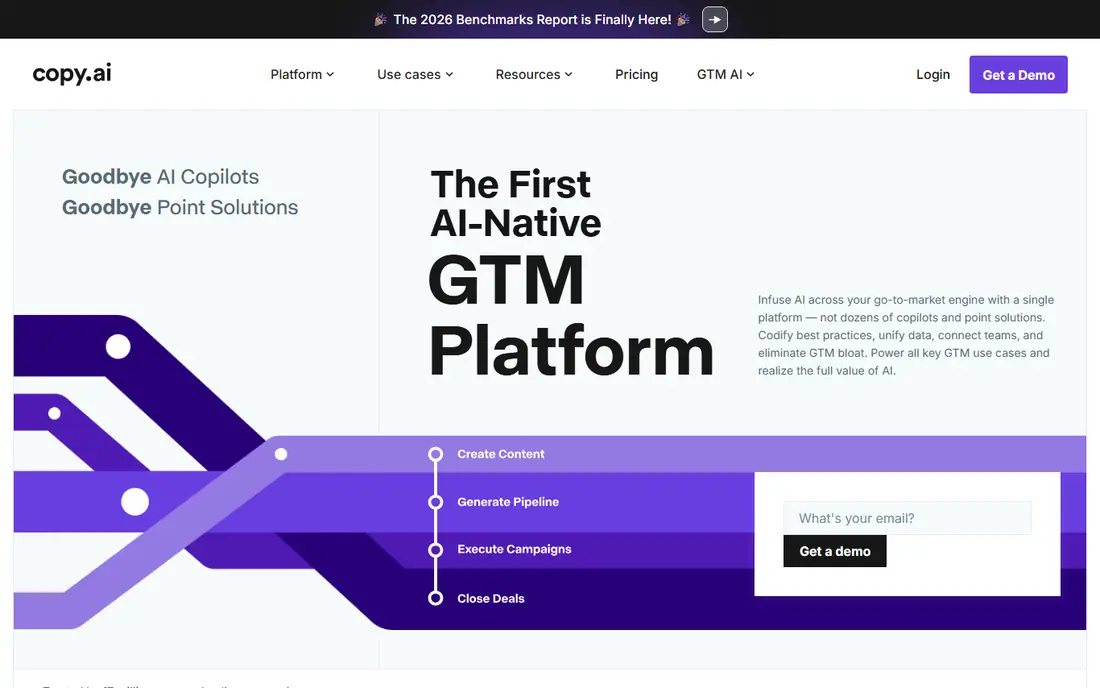
Copy.ai works best for short pieces like ads, emails, social posts, and product blurbs. The chat interface keeps the workflow simple, and the workflow tools help sales and marketing teams reuse prompts across campaigns. For a team that needs many short drafts each week, that speed matters.
Long articles are a weaker fit, since structure, sourcing, and depth need more human work than a short prompt can supply. Treat Copy.ai as a drafting aid for short copy, then edit for accuracy and voice. At its entry price, it is a fair test for teams that live on short copy.
- Fast short-form drafts
- Workflow tools for sales and marketing
- Simple chat interface
- Weaker for long-form articles
- Output quality varies by prompt and topic
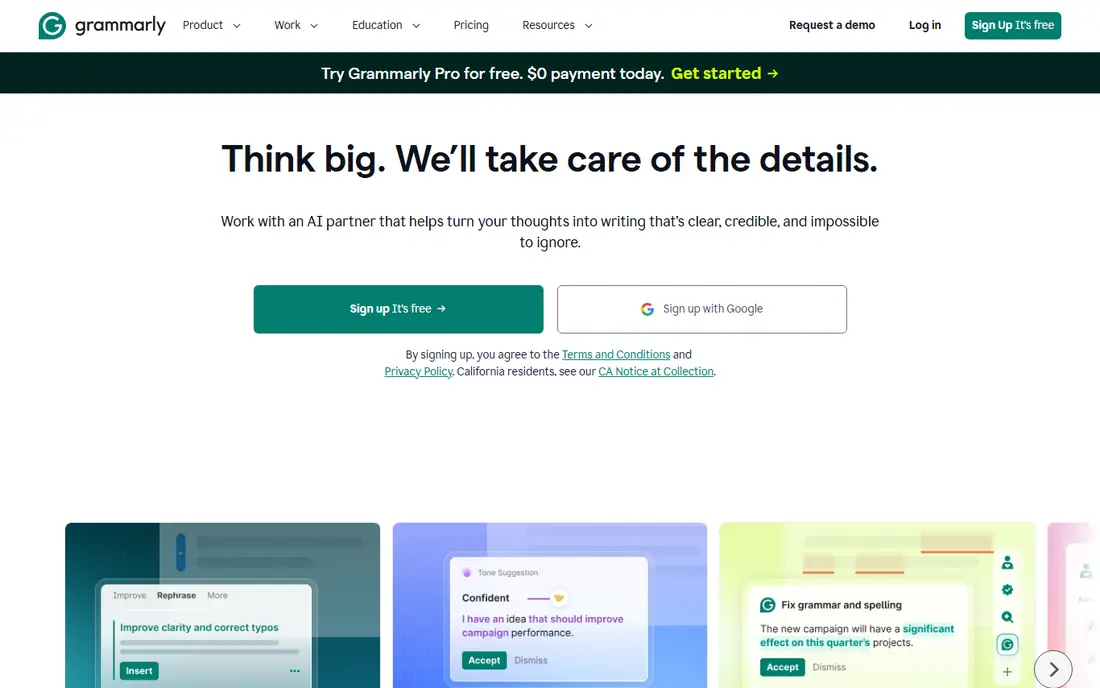
Grammarly is the editing layer in this list, not a drafting engine, and that distinction matters. It catches grammar, clarity, and tone issues wherever you type, which helps writers who already have a draft. The free tier covers basic checks plus a set of AI prompts each month, so many writers can start without paying.
It will not fix a weak argument, missing sources, or a thin outline, so pair it with a drafting tool or a human editor. The annual rate is much lower than the monthly rate, so check both before you buy. For polish on any draft, Grammarly is an easy recommendation.
- Works across browsers, docs, and email
- Strong grammar and clarity checks
- Useful free tier
- Polishes drafts, it does not replace research or structure
- Monthly price is higher than the annual rate
Writesonic targets bloggers and content teams that want SEO articles at scale, with tools for briefs, drafts, and optimisation. The platform also covers other formats, so a team can draft articles, ads, and social posts in one place. That breadth helps small teams that do not want four separate tools.
The entry price and article limits mean solo writers should check how many articles they truly publish each month. If you publish a few articles a month, a cheaper brief tool plus human writing may cost less. For teams publishing often, the workflow can still pay off.
- Article generation with SEO features
- Current data options in some plans
- Covers many content types
- Entry price is high for solo writers
- Article limits shape the real value
Frase helps writers start with research, not a blank page, by pulling top search results into a brief with headings, questions, and topics to cover. That structure helps freelancers and small teams write articles that match what readers actually search for. The starter plan keeps the price in reach for solo writers.
The starter article limit means busy teams may need a higher tier, and the scoring tools are less deep than Surfer. Use Frase when briefs and structure are your main gap, and add a separate editor for final polish. For budget SEO writing, it is a strong value pick.
- SERP research and briefs in one place
- Lower entry price than Surfer
- Clear article structure help
- Article limits on the starter plan
- Optimisation depth is thinner than Surfer
Surfer is the optimisation specialist here, scoring a draft against top-ranking pages and showing which terms, headings, and length to adjust. That guidance helps editors turn a decent draft into a competitive article. The audit tools also help teams fix older posts that have slipped.
It is not a drafting tool by itself, so you still need a writer or a drafting tool to create the first version. Document limits also matter, since the entry plan covers a set number of documents. For teams where ranking is the main goal, Surfer earns its price.
- Detailed content scoring against top results
- Clear term and structure guidance
- Audit tools
- Optimises drafts, it does not write them well alone
- Price rises with document limits
Rytr is the budget pick for writers who need short copy and do not want a large monthly bill. The free tier covers occasional use, and the paid plan raises character limits at a price far below most rivals. Templates for emails, ads, and blurbs keep short jobs fast.
Expect to edit more, since the drafts are simpler and less nuanced than those from larger tools. Long articles will need heavy human work, so Rytr fits short jobs best. For a freelancer on a tight budget, it is a fair starting point.
- Very low price
- Free tier for occasional use
- Many short-form templates
- Output needs more editing than pricier tools
- Long-form quality is limited
Notion AI suits teams that already plan, draft, and store content in Notion, since the AI tools sit inside the same docs. Writers can draft, summarise, rewrite, and fix tone without moving text between apps. That saves time for internal docs, briefs, and drafts that live in Notion anyway.
It is not a replacement for Surfer, Frase, or Jasper, since it lacks deep SEO scoring and marketing workflows. The add-on price also stacks on top of Notion plan costs, so check the total. If Notion is already your home base, this add-on is a natural fit.
- Drafting and editing inside your docs
- Summarising and rewriting tools
- Fits teams already on Notion
- Add-on cost on top of Notion plans
- Not a standalone SEO or marketing tool
How we picked these
We compared official pricing pages and October 2026 pricing guides, and we kept tools that are live and widely used for drafting, editing, or SEO content. We favoured a mix of price points and jobs, since no single tool drafts, edits, and optimises equally well. We did not claim hands-on writing tests, and we marked prices as monthly billing where that is the published figure, with annual rates often lower.
How to build a content workflow that works
Start with the job that hurts most. If drafting is slow, test a drafting tool for two weeks on real briefs. If ranking is the gap, test a brief or scoring tool instead. Buying every tool at once wastes money and confuses writers, while one focused trial shows clear results.
Next, set an editing rule before you publish anything from an AI tool. Check facts, quotes, prices, and claims against a primary source, and rewrite any sentence that sounds smooth but says nothing. AI drafts are a starting point, not a finished article, and readers notice when no human has checked the work.
Finally, track output and cost per article. Count drafts, published pieces, and editing time, then divide tool cost by published pieces. A tool that saves an hour per article is worth more than a cheaper tool that needs two hours of fixes. Keep the tools that earn their place, and drop the rest at renewal.
Frequently asked questions
What is the best content writing tool for beginners?
Grammarly plus a low-cost drafting tool is a good beginner stack, since Grammarly polishes any draft and Rytr or Copy.ai can start short pieces cheaply. Beginners should still learn structure and research, since no tool replaces a clear outline. Start with one tool, learn it well, and add a second only when a clear gap appears.
Which platform is best for content writing and SEO?
Frase is the budget pick for SEO briefs, while Surfer is stronger for scoring and optimising a finished draft. Many teams use Frase to plan and Surfer to polish, with a human writer in between. If you must pick one, choose Frase for planning on a budget and Surfer when ranking existing drafts matters most.
Do I need a paid tool to write good content?
No, a strong writer with a free editing tier and good research can produce good content without paid AI tools. Paid tools mainly save time on drafts, briefs, and optimisation. Pay when the time saved is worth more than the monthly cost, not because a tool promises better writing on its own.
Can AI writing tools replace a human writer?
No, AI tools draft and polish, but they do not interview sources, verify facts, or take responsibility for claims. Human writers still set the angle, check accuracy, and shape tone for readers. Use AI tools to speed up routine drafting, and keep humans in charge of facts and final judgement.
What is the best free content writing tool?
Rytr offers a free tier for short copy, and Grammarly offers a free tier for editing, so the pair covers a lot for no cost. Free tiers have limits on characters and AI prompts, so heavy users will hit them fast. Test both free tiers on real work before paying for any upgrade.
Sources
See where you really rank - block by block
ProMapRanker scans Google Maps across a grid of your service area. Simple monthly plans from $19, white-label on every plan.
Start freeKeep reading
 twitch alternatives
Twitch Alternatives in 2026
Explore the best Twitch alternatives in 2026 for live streaming, with free platforms, monetisation options, audiences, chat tools, and tips for new streamers.
Read → firebase alternatives
Best Firebase Alternatives in 2026
Looking for Firebase alternatives? We compare 9 backend platforms for auth, databases, realtime, storage, functions, self-hosting, and pricing for your app.
Read → companies with best work life balance
Companies With Best Work Life Balance in 2026
See companies with best work life balance in 2026, ranked by employee ratings, with flexible work options, benefits, and what to check before applying.
Read →