 ProMapRanker
Best Contact Management Software in 2026

Key takeaways
- HubSpot CRM is our pick for most small businesses, since its free plan covers contacts, deals, and basic reporting with no expiry date.
- Zoho CRM starts at $14 per user per month and offers a free tier for up to three users, which makes it strong value for small teams.
- Pipedrive starts at $14 per user per month and suits sales teams that think in pipelines and daily activities.
- Streak turns Gmail into a CRM, so teams that live in email can manage contacts and pipelines without a separate app.
- Less Annoying CRM charges a flat $15 per user per month with one plan, which suits owners who dislike tier games and setup fees.
Quick comparison
| Pick | Great for | Pricing starts at | Free tier | |
|---|---|---|---|---|
 HubSpot CRM | Most small businesses starting free | Free | Yes | Visit |
 Zoho CRM | Small teams that want full features cheaply | $14 per user per month | Yes | Visit |
 Pipedrive | Sales teams that think in pipelines | $14 per user per month | Free trial (14 days) | Visit |
 Freshsales | Small teams that want AI help | $9 per user per month | Yes | Visit |
 Less Annoying CRM | Owners who hate pricing tiers | $15 per user per month | Free trial (30 days) | Visit |
 Capsule | Service businesses that want simple records | $18 per user per month | Yes | Visit |
 Nimble | Relationship-focused solo operators | $24.90 per user per month | Free trial (14 days) | Visit |
 monday CRM | Teams that want flexible boards | $12 per user per month | Free trial | Visit |
 Streak | Teams that live in Gmail | $49 per user per month | Yes | Visit |
The best contact management software
We compared the best contact management software on contact records, pipelines, email integration, automation, and price. Our pick for most small businesses is HubSpot CRM, because its free plan covers contacts, deals, email tracking, and reporting without a time limit. Sales teams should look at Pipedrive, while Gmail-heavy teams should test Streak first.
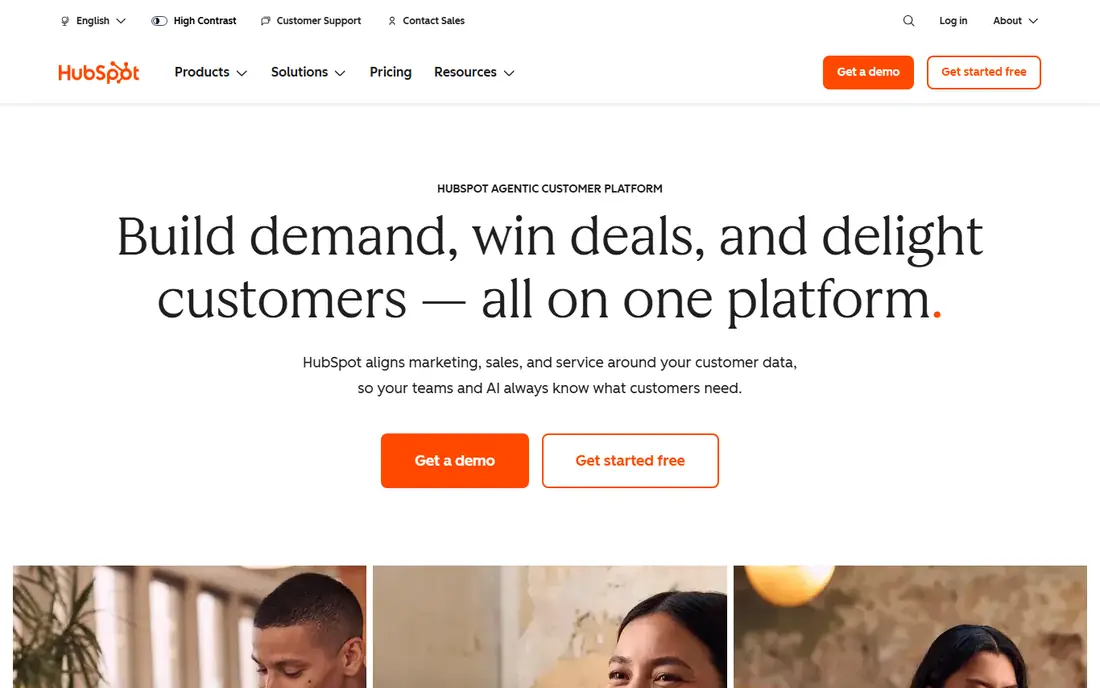
Start here if you want a short answer. HubSpot CRM gives small businesses a real working CRM for free, with contacts, deals, email tracking, and basic reporting. Its upgrade path is clear, since marketing, sales, and support hubs can be added as the business grows.
The catch is the price cliff, since Professional plans cost far more per seat than Starter, so map year-two needs before you scale. Check the current plan limits before you pay, since limits on users, invoices, or contacts decide the real cost.
- Free plan with no expiry
- Contacts, deals, and email tracking
- Large integration library
- Steep jump from Starter to Professional
- AI credits can add cost
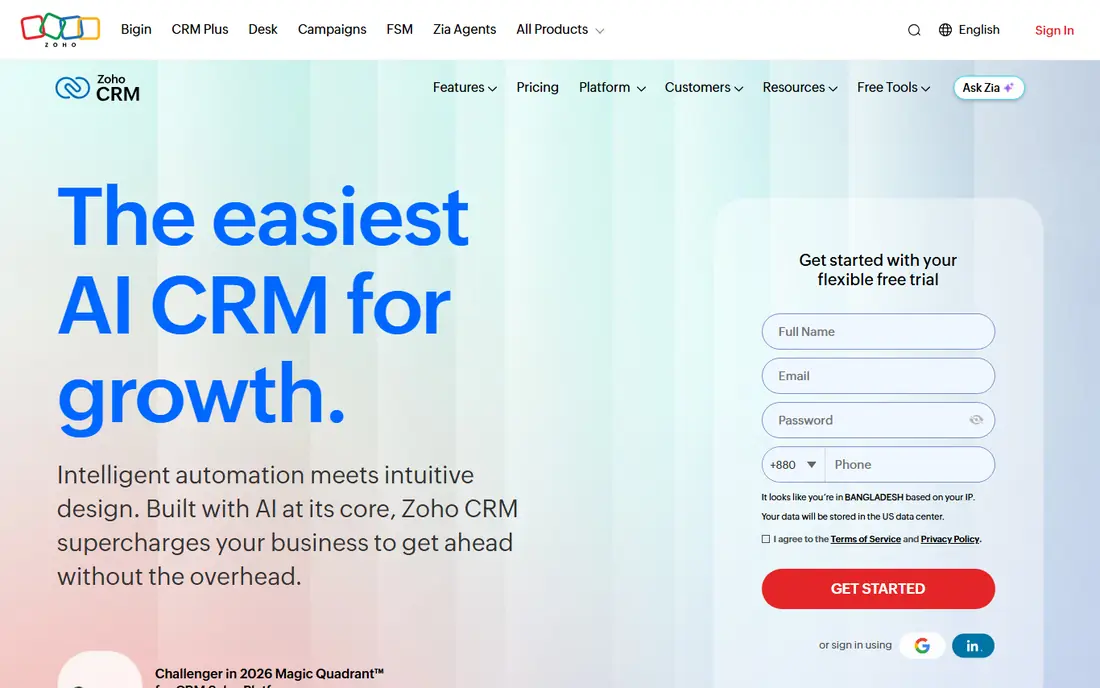
This one earns its place for a clear reason. Zoho CRM packs automation, workflows, and reporting into a low-priced plan, which gives small teams a lot per dollar. Its free tier covers up to three users, and paid Standard starts at $14 per user per month billed annually.
The catch is complexity, since Zoho settings take time to learn, and team users have limits that full users do not. Run a trial with your own data before you commit, and export a sample so you can see how leaving would work.
- Free tier for three users
- Automation and canvas tools
- Wide Zoho ecosystem
- Interface has many settings
- Team user limits can confuse buyers
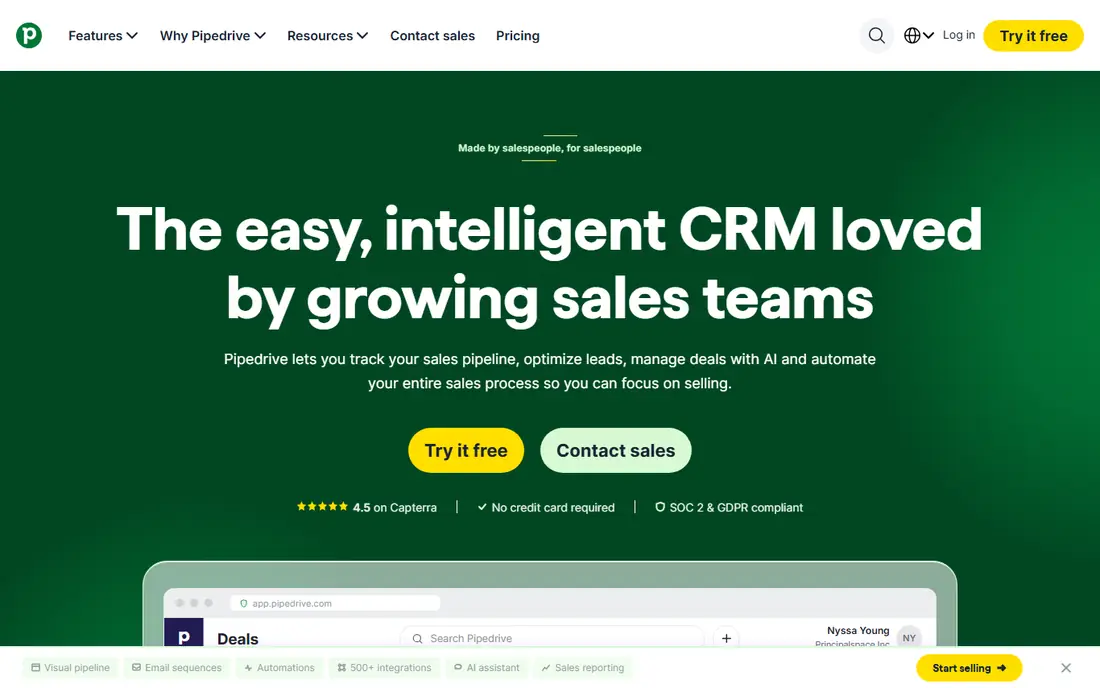
Consider this option when the basics matter more than extras. Pipedrive keeps selling work visible, with deals moving across a visual pipeline and activities tied to each deal. Its interface is fast to learn, and sales reporting shows pipeline health without extra setup.
The catch is tiering, since automation, email sync depth, and AI features improve on higher plans, so check the tier you need. Compare the total monthly cost, including add-ons and processing fees, rather than the headline price alone.
- Visual deal pipeline
- Activity reminders
- Clear sales reporting
- No free plan
- Advanced automation sits on higher tiers
This pick suits buyers who know what they need and want it done well. Freshsales suits small teams that want AI insights, lead scoring, and a built-in phone without enterprise pricing. Its free tier covers basic contact and deal work, and paid Growth plans add automation and forecasting.
The catch is scale, since deeper automation and reporting sit on higher tiers, so growing teams should price the next tier early. If the entry plan covers your daily work, stay there for a few months before paying for a higher tier.
- Free tier for small teams
- AI lead insights
- Built-in phone
- Higher tiers needed for deeper automation
- Smaller integration library than HubSpot
Put this on the shortlist if fit matters more than fame. Less Annoying CRM charges one flat price with no tiers, contracts, or setup fees, which owners find refreshing. Setup takes little time, and the tool covers contacts, tasks, pipelines, and reporting without clutter.
The catch is depth, since large sales teams that need advanced automation will outgrow it sooner than Pipedrive or HubSpot. Ask support a hard question during the trial, since the answer tells you a lot about help when something breaks.
- One flat price
- No tiers or contracts
- Very simple setup
- Fewer advanced sales features
- Less suited to large sales teams
This is a practical choice for a specific kind of buyer. Capsule suits service businesses that want clean contact records and simple pipelines without CRM complexity. Its free tier covers two users and 250 contacts, which is enough to test real work before paying.
The catch is the free contact cap, since growing lists push you to paid plans sooner than HubSpot free users face. Check the current plan limits before you pay, since limits on users, invoices, or contacts decide the real cost.
- Free tier for 250 contacts
- Simple contact and pipeline tools
- Easy setup
- Free tier limits contacts
- Advanced features need higher plans
We include this one because it solves a real problem well. Nimble focuses on relationships, enriching contact records with social and company details automatically. Its browser extension lets you add contacts and see CRM data on LinkedIn and other sites.
The catch is price and limits, since $24.90 per user per month billed annually is higher than simpler rivals, and contacts cap at 25,000. Run a trial with your own data before you commit, and export a sample so you can see how leaving would work.
- Social enrichment
- Email and calendar sync
- Browser extension
- No free plan
- Contact cap at 25,000 on the main plan
This option stands out for a different reason than the leaders. monday CRM suits teams that already like boards, since contacts, deals, and projects can live in one flexible workspace. Dashboards and automations help teams track pipelines, tasks, and delivery in the same place.
The catch is structure, since paid plans need at least three seats, and pure CRM users may find the board model less direct than Pipedrive. Compare the total monthly cost, including add-ons and processing fees, rather than the headline price alone.
- Flexible boards and automations
- Dashboards
- Project tracking beside CRM
- Three-seat minimum on paid plans
- CRM features feel board-first
Do not overlook this one if your needs are narrower than most guides assume. Streak turns Gmail into a CRM, so contacts, pipelines, and email tracking live where your team already works. That inbox-first design removes app switching, which helps teams that manage most customer work by email.
The catch is ecosystem fit and price, since Streak shines inside Gmail and costs $49 per user per month billed annually on paid plans. If the entry plan covers your daily work, stay there for a few months before paying for a higher tier.
- CRM inside Gmail
- Pipelines in the inbox
- Email tracking
- Best inside Gmail
- Higher price than simpler CRMs
How we picked these
We checked current pricing pages and plan limits for each tool, and we compared contact records, deal pipelines, email sync, tasks, reporting, and integrations. We kept only tools that manage contacts and relationships today for small businesses, and we left out enterprise-only platforms that need implementation teams. Where sources disagreed on a price, we used the most recent vendor-aligned figure and noted that you should confirm it on the pricing page.
How to choose contact software your team will keep updated
A CRM only works if records stay current, so pick the tool your team will open every day. If your team lives in Gmail, Streak removes a whole step. If your team lives on the phone, pick a tool with a strong mobile app and fast contact search. Test daily work during the trial, not just the demo.
Start with contacts, then add pipeline
Clean contacts matter more than pipeline charts, since bad data makes every report useless. Import a sample list, merge duplicates, and check how the tool handles companies, multiple contacts, and custom fields. If import feels painful during the trial, it will feel worse with ten thousand real records.
Watch the price cliff between tiers
Many CRMs look cheap at entry and jump sharply at the next tier. HubSpot Starter is affordable, but Professional costs far more per seat, while Zoho and Pipedrive scale more gradually. Map the features you need in year two, such as automation, sequences, or custom reporting, to the tier that actually includes them.
Check email, calendar, and export before you pay
Email sync, calendar sync, and CSV export are the three features that decide daily ease and exit freedom. Confirm that email tracking, meeting booking, and task reminders work with your email provider. Export a sample during the trial, since a tool that traps your contacts is expensive no matter how low its monthly price looks.
Frequently asked questions
What is the best contact management software?
HubSpot CRM is a strong default for small businesses, because its free plan covers contacts, deals, email tracking, and reporting. Zoho CRM suits teams that want more features at a low price, while Pipedrive suits sales teams that work from pipelines. Pick the tool your team will actually open daily.
What are the best contact management apps for a small team?
HubSpot, Zoho CRM, and Freshsales all offer free tiers that suit small teams, with paid plans starting around $9 to $14 per user per month. Capsule and Less Annoying CRM suit teams that want simpler records without sales complexity. Compare contact limits and automation features before you choose.
What is the top contact management software ranked for sales teams?
Pipedrive ranks highly for sales teams, since its visual pipeline, activity reminders, and deal tracking fit daily selling work. HubSpot and Freshsales also suit sales teams, with broader marketing tools beside the pipeline. If you sell mainly by phone, check built-in calling and email sequencing on each plan.
Is there a good free contact management tool?
Yes, HubSpot CRM offers a genuinely useful free plan with no expiry date, and Zoho CRM offers a free tier for up to three users. Capsule offers a free tier for up to 250 contacts, and Freshsales offers a free tier for small teams. Free tiers usually limit automation and reporting, so check those limits.
Can I move contacts from a spreadsheet into a CRM?
Yes, most tools here import contacts from CSV files, and several offer guided import from spreadsheets, Gmail, or other CRMs. Clean duplicates, standardise company names, and map custom fields before import, since a messy import creates months of cleanup. Export a sample after import to confirm nothing was lost.
Sources
See where you really rank - block by block
ProMapRanker scans Google Maps across a grid of your service area. Simple monthly plans from $19, white-label on every plan.
Start freeKeep reading
 top custom software development company
Top Custom Software Development Company in 2026
Looking for a top custom software development company? We compare 9 firms for web, mobile, and enterprise software, covering strengths and fit for 2026.
Read → tableau alternatives
Tableau Alternatives in 2026
Compare the best Tableau alternatives for 2026, from Power BI to Metabase, with prices, hosting options, and picks for small teams and enterprises today.
Read → microsoft teams alternatives
Best Microsoft Teams Alternatives in 2026
Looking for microsoft teams alternatives? We compare 9 chat and video tools for 2026, covering free plans, pricing, meetings, and integrations for teams.
Read →