 ProMapRanker
Best Construction Estimate Software in 2026


Residential builders managing whole jobs · Pricing starts at: See website
Key takeaways
- Takeoff-first tools such as STACK and PlanSwift suit teams that price from plans, while all-in-one tools suit builders who also manage jobs.
- STACK is the easiest to test, with a published price and a free version for takeoff and estimating.
- Most commercial estimating tools hide pricing behind a sales call, so a demo with your own plans is the fair test.
- Clear Estimates and Buildxact are the practical starting points for small residential teams moving off spreadsheets.
- Check accounting, proposal and change-order handling before you buy, since estimating alone rarely covers a whole job.
Quick comparison
| Pick | Great for | Pricing starts at | Free tier | |
|---|---|---|---|---|
| Buildertrend | Residential builders managing whole jobs | See website | No | Visit |
 STACK | Cloud takeoff and estimating | $299 per user per month | Yes | Visit |
 PlanSwift | Fast desktop takeoff | See website | Free trial | Visit |
 ProEst | Mid-size commercial estimating teams | See website | No | Visit |
 Buildxact | Small builders and remodelers | See website | Free trial | Visit |
 Houzz Pro | Design-build remodelers | See website | No | Visit |
 Clear Estimates | Fast residential quotes | $59 per month | Free trial | Visit |
 JobTread | Estimating tied to job management | See website | Free trial | Visit |
 Sage Estimating | Commercial teams in the Sage system | See website | No | Visit |
The best construction estimate software
We compared official feature pages, pricing pages and takeoff workflows for tools that turn plans and price lists into estimates, proposals and budgets. These nine cover residential remodelers, custom builders and commercial estimators.
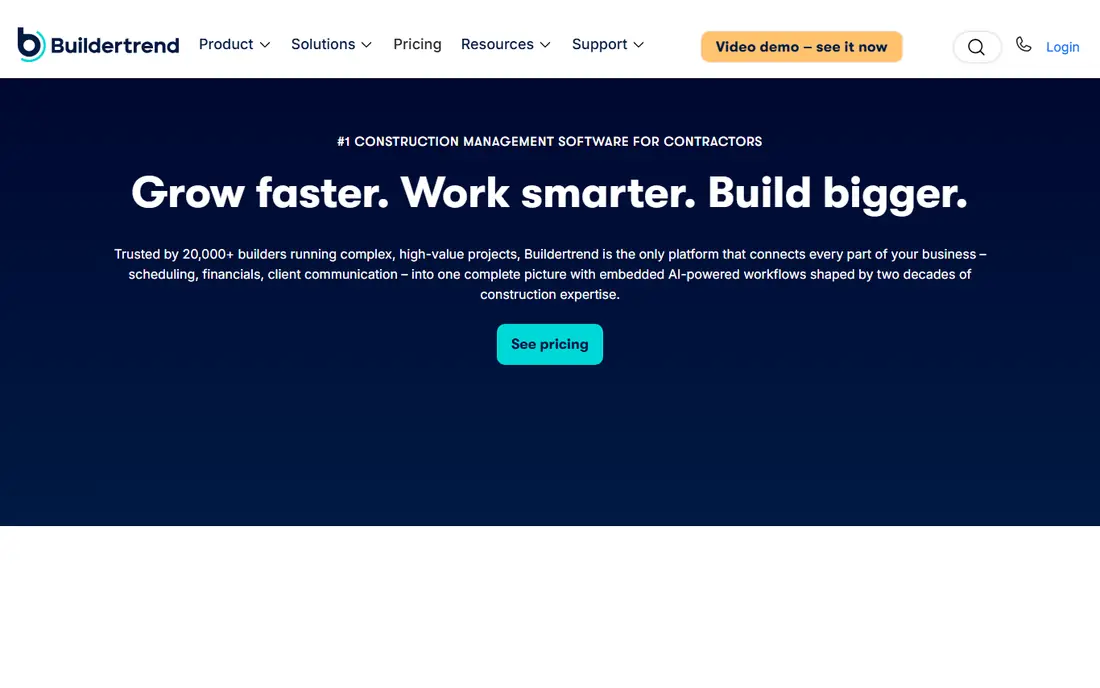
Buildertrend suits residential builders who want an estimate to flow into the rest of the job. Once a client approves a proposal, the same project can carry scheduling, selections, documents and payments without retyping figures. That connection reduces the errors that creep in when estimates live in one file and job costs live in another.
The trade-off is that Buildertrend is a full project platform, not a focused takeoff tool. Teams that only need fast quantity takeoff may find it heavier than STACK or PlanSwift, and pricing requires a sales conversation.
- Estimating linked to scheduling, selections and client communication
- Proposal and change-order tools
- QuickBooks and Xero links
- Quote-based pricing
- Broader than a pure estimating tool, so setup takes time
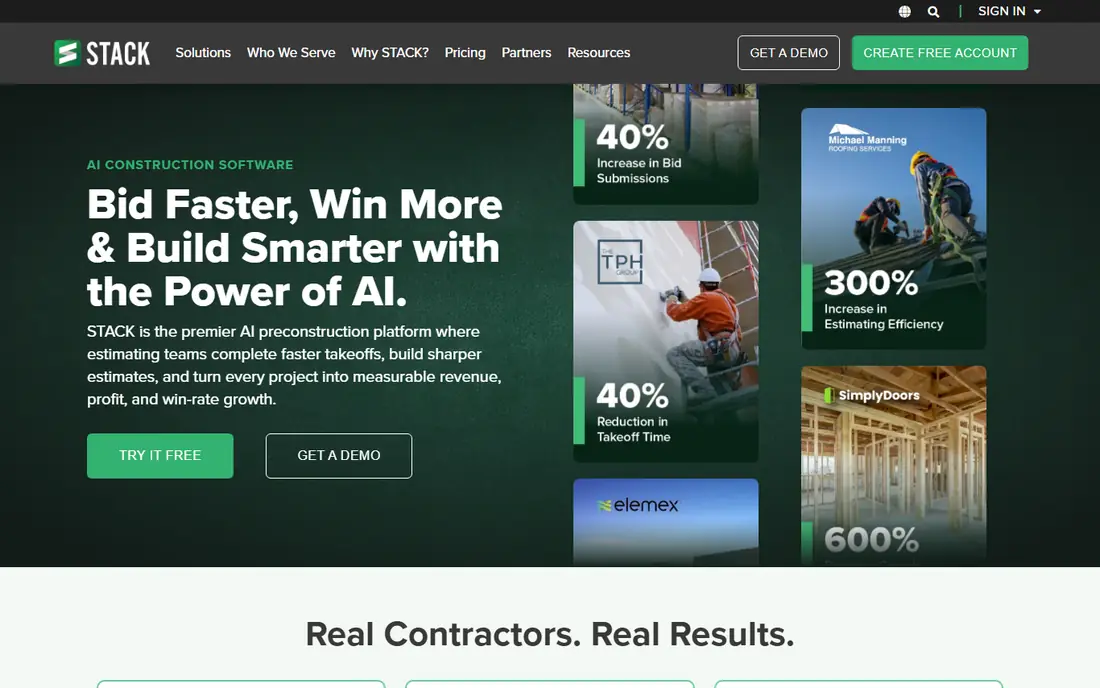
STACK lets estimators measure plans in a browser, apply costs and build a proposal without desktop software. Because it runs in the cloud, teams can share plans and markups without passing files back and forth. A free version makes it easy to test the takeoff workflow on a real plan before paying.
The catch is scope. STACK is strong on takeoff and estimating, but it is not a full job management or accounting system. Pair it with your accounting tool and confirm the export format fits your workflow before rolling it out.
- Browser-based takeoff and estimating in one place
- Free version for takeoff and estimating
- Template and grouping tools
- Accounting links are limited compared with all-in-one builders
- Per-user pricing adds up for large teams
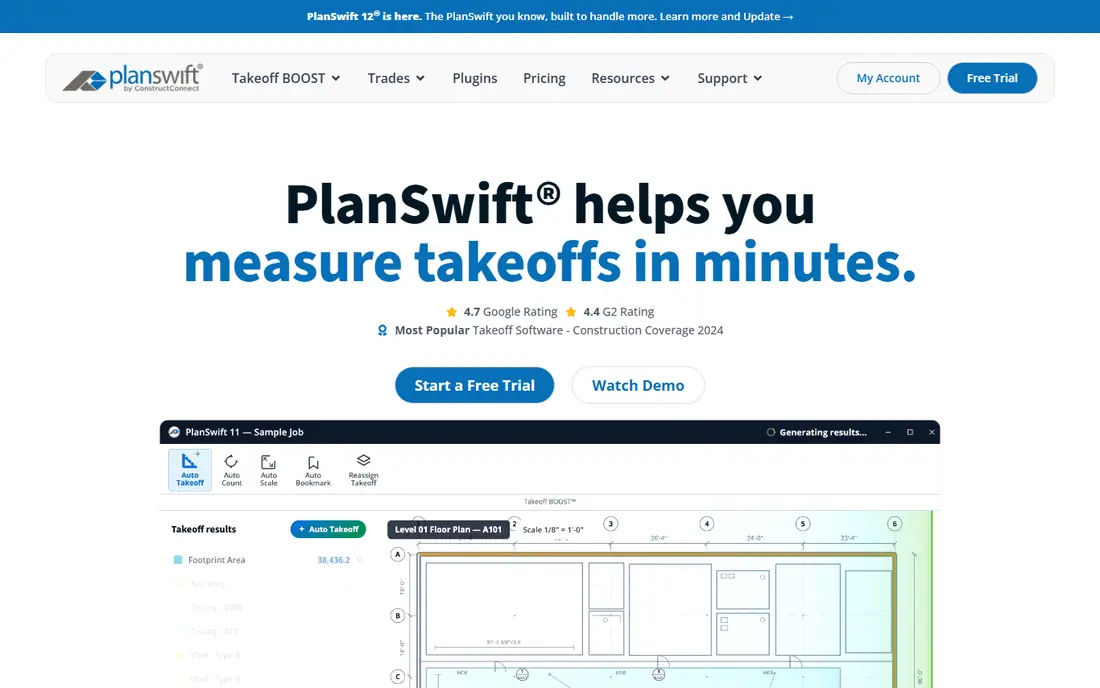
PlanSwift has long been a go-to for estimators who want speed on screen. You point and click on a plan to measure areas, lengths and counts, then build the estimate from those quantities. For teams with a steady flow of plan-based bids, that speed is the main selling point.
It is desktop software rather than a browser tool, so check device and sharing needs first. A 14-day trial is the right way to test it: run a real takeoff from your own plans and compare the time against your current method.
- Point-and-click takeoff from digital plans
- Drag-and-drop estimating
- Excel-compatible output
- Windows desktop focus
- Pricing is quote-based and per seat
ProEst is built for preconstruction teams that handle larger, more complex bids. It combines digital takeoff with cost databases, proposal creation and client tracking, so estimators can move from an early concept figure to a detailed bid in the same tool. That structure helps teams that bid many jobs and need consistent pricing.
Smaller contractors may find the depth unnecessary, and the lack of published pricing means budgeting needs a demo and quote. It fits best for mid-size and larger firms with a dedicated estimating function.
- Takeoff, conceptual estimating and proposals in one system
- Cost database tools
- CRM features for preconstruction
- Quote-based pricing
- More system than a small residential team needs
Buildxact is a practical step up from spreadsheets for small builders and remodelers. You can build an estimate, send a quote, track the job and manage purchase orders without buying a large enterprise system. Supplier connections help keep material prices current, which matters when prices move between quote and build.
The trade-off is takeoff power. For simple residential plans it is enough, but estimators who live in complex commercial drawings will likely want a dedicated takeoff tool alongside it or instead of it.
- Estimating plus scheduling and job tracking
- Supplier price links
- QuickBooks and Xero links
- Takeoff depth is lighter than STACK or PlanSwift
- Plan pricing varies by region and tier
Houzz Pro suits remodelers who sell design as well as build. Estimates connect to client selections, approvals and payments, so a change in finish or fixture can flow through to the client-facing proposal. That link helps when clients change their minds mid-project, as they often do.
It is less of a pure commercial estimating engine than ProEst or Sage Estimating. Choose it when client experience and design-build workflow matter as much as the takeoff itself, and confirm which estimating features sit in the tier you are quoted.
- Estimating linked to client selections and approvals
- Proposal and payment tools
- Large homeowner audience on Houzz
- Pricing is quote-based and tiers matter
- Estimating depth varies by plan
Clear Estimates is aimed at small remodelers who need a clean quote fast, not a week-long estimating project. Templates cover common residential jobs, and the interface stays simple enough to use on site. For a one- or two-person outfit, that speed can be worth more than advanced takeoff features.
The limits show on larger or more complex jobs. There is no deep accounting integration, and plan-based takeoff extras cost more. Use it for straightforward residential quotes, and keep a takeoff tool for plan-heavy work.
- Low published starting price
- Quick quote templates for remodelers
- Simple interface for small teams
- No accounting sync in the basic sense
- AI plan features sit on a higher tier
JobTread gives residential builders and remodelers an estimate that connects to the job that follows it. Leads, estimates, budgets, schedules and invoices sit in one place, which helps small teams avoid juggling five tools. The interface is clear, and the learning curve is shorter than many full project platforms.
Because it covers so much ground, pure takeoff specialists may still want a dedicated tool for complex plans. JobTread fits best when you want one system for estimating plus job tracking, rather than the deepest takeoff engine alone.
- Estimating, CRM, scheduling, invoicing and payments in one system
- Clean interface
- Residential focus
- Newer than Buildertrend, with fewer integrations
- Estimating depth is not its only focus
Sage Estimating is the commercial end of this list. It handles assemblies, cost databases and detailed bid breakdowns for firms that bid complex work and need consistent, auditable figures. Teams already using Sage accounting get a natural fit, since estimates, budgets and job costs can share the same structure.
That depth comes with effort. Expect training and setup time, and budget for a sales-led purchase rather than a quick online signup. For mid-size and large commercial firms, that investment is often the point.
- Deep cost databases and assemblies
- Strong fit with Sage accounting
- Suited to larger commercial bids
- Quote-based pricing
- Setup and training take real time
How we picked these
We compared official feature pages, pricing pages and takeoff workflows, and checked that each tool still offers estimating in October 2026. We favoured tools with real takeoff or template estimating, proposal output and a clear path to job costing or accounting. We left out general PDF markup tools that do not build estimates, and tools whose estimating product is no longer sold separately.
What to check before you buy
Start with how you price today. If most of your work comes from plans, test takeoff speed on your own drawings first. If most of it comes from repeat residential jobs, test templates and how fast you can turn a site visit into a sent quote. Those two workflows point to different tools.
Next, check what happens after the estimate is approved. Ask how change orders, selections and invoices work, and whether the tool links to your accounting system or only exports to a spreadsheet. A tool that builds a great estimate but forces retyping into accounting will cost you time on every job.
Finally, run a pilot on two or three real jobs, not demo data. Compare estimate time, accuracy against actual costs, and how clients respond to the proposal format. Price matters, but a tool that your estimators actually use on every bid is worth more than a cheaper one they avoid.
Frequently asked questions
What is the best construction estimate app for small contractors?
For small contractors, Clear Estimates and Buildxact are strong starting points because they are simpler and cheaper than commercial systems. Choose Clear Estimates for fast residential quotes, and Buildxact when you also want scheduling and job tracking in the same tool.
Is STACK free?
STACK offers a free version for takeoff and estimating, with paid plans for larger teams and more features. The paid Takeoff and Estimate plan is listed from $299 per user per month, so check what the free version leaves out before relying on it for paid work.
How is construction estimating software different from a spreadsheet?
It links quantities from plans to a price database, builds proposals and tracks changes in one place. A spreadsheet can do the math, but it does not check quantities against a plan, update supplier prices, or carry an approved estimate into job costing without manual work.
Do I need takeoff software as well as estimating software?
Many tools combine both, such as STACK and PlanSwift, while others focus on templates and job management. If you price from drawings often, a combined takeoff and estimating tool saves the most time. If you price repeat jobs, templates may matter more.
Can estimating software link to QuickBooks?
Several tools on this list link to QuickBooks or Xero, including Buildertrend, Buildxact and JobTread in their published integration lists. Confirm the exact sync for your plan, since some links cover invoices only and others cover job costs as well.
Sources
See where you really rank - block by block
ProMapRanker scans Google Maps across a grid of your service area. Simple monthly plans from $19, white-label on every plan.
Start freeKeep reading
 who has best internet service
Who Has the Best Internet Service in 2026
Who has best internet service for US homes? We compare fiber, cable, fixed wireless and satellite providers on speed, price, availability and terms today.
Read → which survey tool has the best analytics
Which Survey Tool Has the Best Analytics in 2026
Find which survey tool has the best analytics in 2026, comparing Qualtrics, SurveyMonkey, Typeform, Alchemer, and more on reports, text, and stats today.
Read → which streaming service has the best movies
Which Streaming Service Has the Best Movies in 2026
Answering which streaming service has the best movies, with Netflix, Max, Criterion and more compared on libraries, prices and free options in this guide.
Read →