 ProMapRanker
Best Company Bank Account in 2026

Key takeaways
- Mercury, Relay, and Novo offer $0 entry plans, while Chase and Bank of America suit companies that deposit cash in person.
- Terms and fees vary by provider and can change, so confirm the current fee schedule before opening any account.
- Sub-accounts help companies separate tax money, payroll, and operating cash without opening many bank accounts.
- Fintech accounts often lack branches, so cash-heavy companies should check deposit options first.
Quick comparison
| Pick | Great for | Pricing starts at | Free tier | |
|---|---|---|---|---|
 Mercury | Digital-first startups | Free | Yes | Visit |
 Chase Business Complete | Branches and cash deposits | $15 per month | No | Visit |
 Bank of America | Large-bank relationship banking | See website | No | Visit |
 Relay | Multiple accounts and budgeting | Free | Yes | Visit |
 Bluevine | Interest on operating cash | Free | Yes | Visit |
 Novo | Solo owners and online sellers | Free | Yes | Visit |
 Brex | Funded teams and spend control | Free | Yes | Visit |
 Rho | Growing companies and cards | Free | Yes | Visit |
 Found | Freelancers and simple bookkeeping | Free | Yes | Visit |
The best company bank accounts
A company bank account is more than a place to hold cash. It shapes how you pay staff, collect payments, set aside tax money, and prove income at tax time. We compared traditional banks and digital providers on fees, cash handling, sub-accounts, and everyday tools. This is general information only, not financial advice. Terms and fees vary by provider, account, and eligibility, and they can change, so read the current fee schedule before you apply.
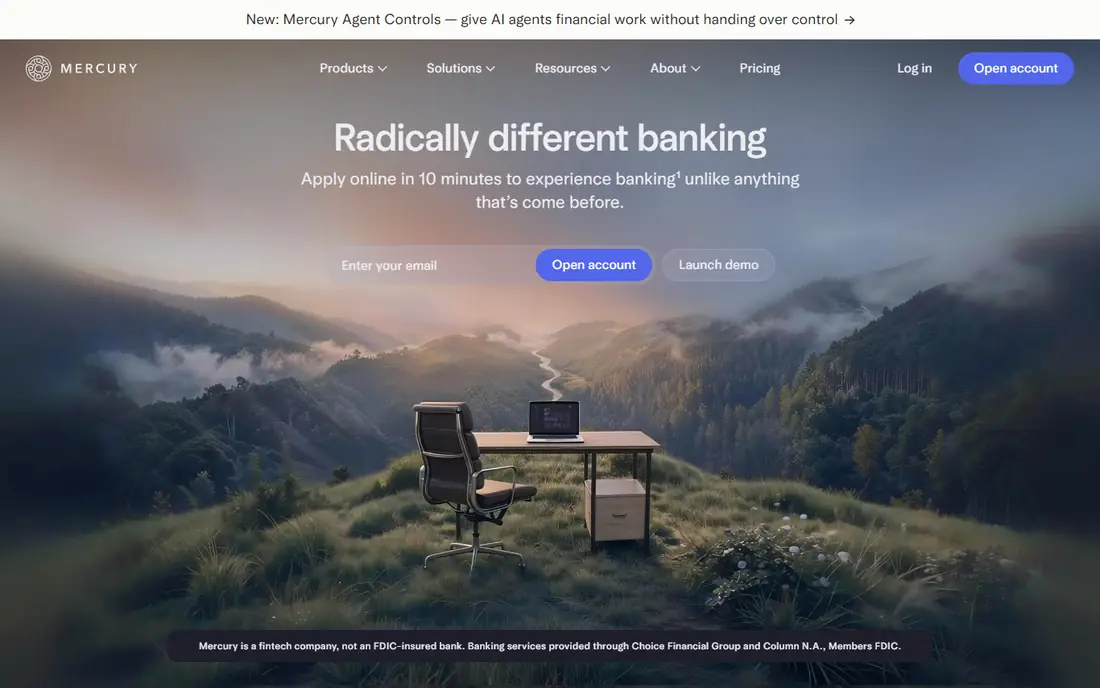
Mercury is a strong default for startups and online companies that do not handle cash. The base plan costs nothing per month, and you can open multiple checking and savings accounts under one login, which helps separate operating cash from reserves. Domestic wires and ACH transfers are included on the base plan, according to the provider.
The limits are clear. Mercury has no branches and no cash deposit option, so a cash-heavy business should look elsewhere. Advanced workflow features sit on paid Plus and Pro plans. For a digital company that pays vendors online, collects payments online, and wants a tidy dashboard, Mercury is hard to beat.
- $0 base plan with no monthly fee
- Multiple checking and savings accounts
- Clean online dashboard
- No cash deposits
- No branches
- Paid plans needed for advanced workflows
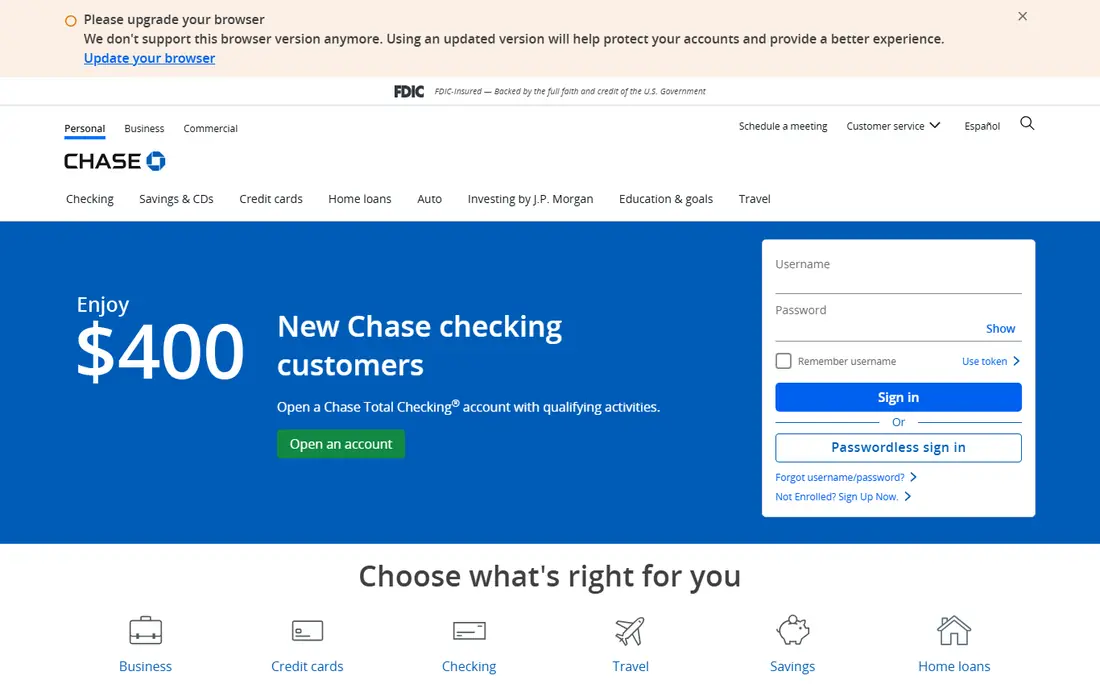
Chase Business Complete Checking suits companies that still touch cash, checks, or in-person banking. You can deposit cash at a branch, talk to a banker about lending, and use a wide ATM network. The $15 monthly fee can be waived by meeting balance or activity conditions, which many established companies meet without effort.
The trade-off is yield and modern tooling. Checking interest is minimal, and the digital experience is more traditional than fintech rivals. If your company deposits cash weekly, needs a local branch, or wants a full banking relationship in one place, Chase remains a practical choice despite the fee.
- Large branch and ATM network
- Cash deposits in person
- Access to lending and cards
- Monthly fee unless waived
- Interest on checking is minimal
- Digital tools feel traditional
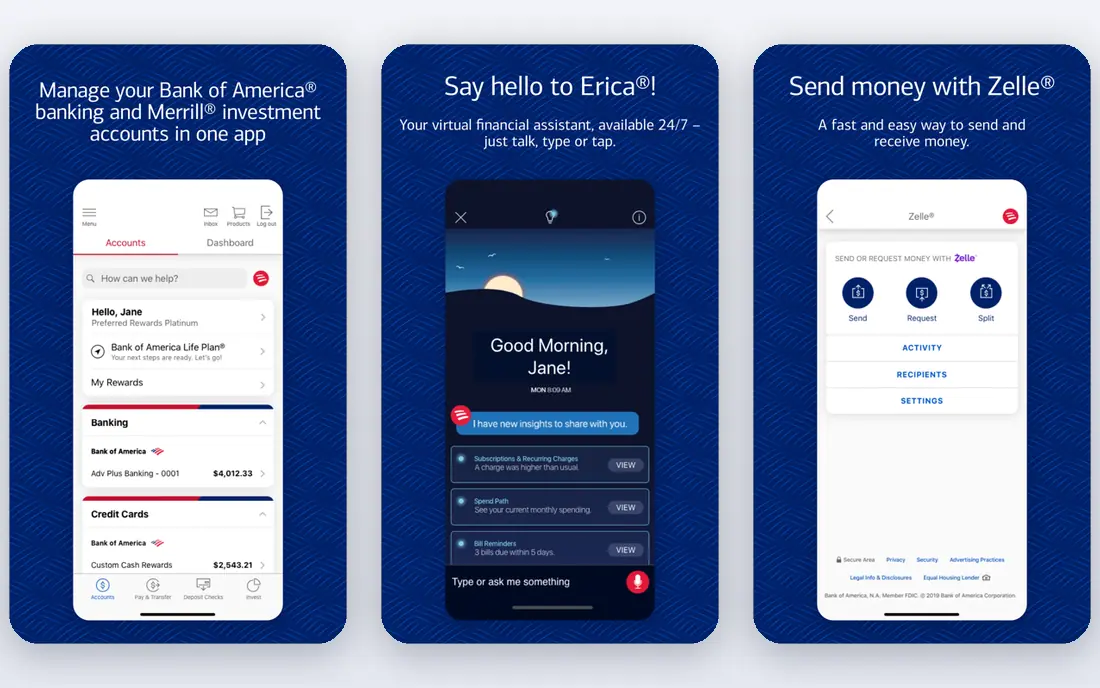
Bank of America Business Advantage Fundamentals Checking fits companies that want a national bank with branches, cards, and lending under one roof. Zelle for business helps with fast payments to vendors and customers who use it, and relationship programs can reduce fees for companies with larger balances.
Fees need a close read. The monthly fee and waiver conditions vary, and cash deposit rules include a free allowance per cycle with charges above it. A company with steady branch use and a growing balance can make this account work well. A purely digital company will likely find cheaper options above.
- Large financial center network
- Zelle for business
- Relationship pricing options
- Monthly fee after any introductory period
- Fee waiver rules need checking
- Cash deposit fees can apply above a limit
Relay is built for owners who budget by account. Instead of one pot of cash, you can open separate checking accounts for taxes, payroll, rent, and operating costs, and move money between them as income arrives. That structure fits the profit-first style of budgeting and makes tax season less stressful.
The Starter plan is free and includes up to 20 checking accounts for LLCs and corporations, with fewer for sole proprietors. Cash deposits go through partner retailers rather than branches, and paid Grow and Scale plans add features and more accounts. If separating money is your main goal, Relay is our top pick in this guide.
- Up to 20 checking accounts on the Starter plan
- $0 entry plan
- Strong budgeting structure
- Online only
- Cash deposits only through retail partners
- Higher plans cost $30 or more per month
Bluevine suits companies that keep a meaningful operating balance and want it to earn interest. The Standard plan costs nothing per month and pays interest on checking balances, with higher rates on Plus and Premier tiers for eligible accounts. Sub-accounts help separate funds, and the platform includes invoicing and payment tools.
Cash handling is the weakness. Deposits are limited to partner locations and can carry fees, so cash-heavy firms should compare carefully. Interest rates are also variable and change with market rates. For a digital company with steady balances, Bluevine turns idle cash into a small but useful return.
- $0 Standard plan
- Interest on checking balances
- Sub-accounts with their own numbers
- Cash deposits are limited and can carry fees
- Higher tiers cost $30 or $95 per month
Novo keeps things simple for solo owners and small online businesses. There is no monthly fee and no minimum balance, and Reserves buckets inside the account let you set aside money for taxes or expenses without opening extra accounts. Integrations with payment and accounting tools reduce manual entry.
The account is deliberately narrow. You get one checking account, not many, and there is no cash deposit option. Express ACH and outgoing wires can cost extra, so check those fees if you move money urgently. For a lean online business, Novo is a clean, low-cost home for operating cash.
- $0 monthly fee with no minimum balance
- Reserves budgeting buckets
- Integrations with common tools
- Single checking account
- No cash deposits
- Express transfers can cost extra
Brex pairs a business account with corporate cards and spend management, which suits funded startups and growing teams. Managers can set card limits, track spending by team, and automate expense records, reducing month-end admin. The Essentials plan costs nothing per user, while Premium adds advanced software at a per-user price.
Brex is less suited to a solo shop that only needs checking. There are no branches or cash deposits, and approval and card requirements apply. For a team that issues cards to many staff and needs control over spending, Brex combines banking and expense tools in a way few rivals match.
- $0 Essentials plan
- Corporate cards with spend controls
- Treasury options for larger balances
- No cash deposits
- Best suited to funded or larger teams
- Advanced software costs per user
Rho targets growing companies that want banking, cards, bill pay, and expense management in one platform without per-user fees. Checking carries no monthly, per-user, or minimum-balance fees on the published terms, and domestic ACH and wires are free. That combination keeps costs predictable as headcount grows.
As with other digital providers, there are no branches, so cash handling is limited. Card terms, including any personal guarantee waiver, depend on eligibility. For a digital-first company scaling from a handful of staff to a larger team, Rho offers a strong mix of banking and spend tools at a low base cost.
- $0 platform fee on checking
- Corporate cards with no personal guarantee on eligible accounts
- Bill pay in one platform
- Online only
- No branches
- Eligibility rules apply to cards and credit features
Found is designed for freelancers, sole proprietors, and very small companies that want banking and bookkeeping together. The free plan includes a checking account, invoicing, expense tracking, and tax set-asides, so income, expenses, and estimated tax money stay visible in one place. That reduces the spreadsheet work many small owners dread.
Larger companies with payroll, many staff, or complex banking needs will outgrow Found. Cash deposits carry a fee, and advanced features sit on Plus and Pro plans. For a one-person or few-person business, Found is a practical way to keep money and records together without paying for a separate bookkeeping tool.
- $0 base plan
- Built-in bookkeeping and tax tools
- Invoicing included
- Geared to smaller businesses
- Cash deposits carry a fee
- Paid plans needed for advanced tax features
How we picked these
We compared official fee schedules, account pages, and recent provider disclosures for business checking accounts available to US companies in October 2026. We favored accounts with clear published fees, a working online or mobile experience, and a distinct fit, from branch banking to multi-account budgeting. We left out accounts that lacked published terms or served only a narrow niche, such as accounts limited to one state or one industry. Terms and fees vary, so confirm the current schedule before applying.
What to check before you open a company account
Start with how money moves in your business. List your monthly deposits, payments, payroll, and cash handling, then match those flows to fees. A free account with expensive wires can cost more than a $15 account with free transfers, depending on volume. Check transaction limits, ACH timing, and whether checks, cards, and mobile deposit are included.
Branches, cash, and eligibility
Decide if you need branches at all. Cash-heavy companies need a branch or a low-fee retail deposit option, while digital companies can save money online. Confirm eligibility, required documents, and how long approval takes, since fintech providers and traditional banks ask for different company records. Also check deposit insurance coverage and if funds sit at a partner bank, since coverage rules differ by structure.
Separate money from day one
Open sub-accounts or buckets for taxes, payroll, and reserves as soon as you can. Moving a fixed share of each payment into a tax account prevents a surprise bill later. Review fees every six months, because balances, volume, and provider terms change, and an account that was free at $5,000 a month may not be the best fit at $50,000 a month.
Frequently asked questions
What is the best company bank account for a small business?
It depends on how you handle money. Mercury and Relay suit digital companies, Chase and Bank of America suit cash-heavy companies, and Novo and Found suit solo owners. Match the account to cash deposits, sub-accounts, and fee structure, not just the headline fee.
Are there really free company bank accounts?
Yes, several providers offer $0 monthly fee plans, including Mercury, Relay, Novo, Brex, Rho, and Found. Other fees can still apply, such as wire fees, cash deposit fees, or paid plan upgrades, so read the full fee schedule.
Can I open a company bank account online?
Yes, most digital providers and many traditional banks allow online applications. You usually need company formation documents, an employer identification number, and identification for owners. Approval time varies by provider and company type.
Do fintech accounts offer deposit insurance?
Many do through partner banks, with pass-through coverage up to the standard limit, and some use sweep programs that spread deposits across partner banks. Coverage terms vary by provider and account structure, so confirm the current disclosure before depositing large balances.
What are the best company bank accounts for startups?
Mercury and Brex are popular with startups for digital banking and cards, while Relay suits startups that budget by account. A startup that deposits cash or needs local lending may still prefer Chase or Bank of America for branch access.
Sources
See where you really rank - block by block
ProMapRanker scans Google Maps across a grid of your service area. Simple monthly plans from $19, white-label on every plan.
Start freeKeep reading
 top custom software development company
Top Custom Software Development Company in 2026
Looking for a top custom software development company? We compare 9 firms for web, mobile, and enterprise software, covering strengths and fit for 2026.
Read → tableau alternatives
Tableau Alternatives in 2026
Compare the best Tableau alternatives for 2026, from Power BI to Metabase, with prices, hosting options, and picks for small teams and enterprises today.
Read → microsoft teams alternatives
Best Microsoft Teams Alternatives in 2026
Looking for microsoft teams alternatives? We compare 9 chat and video tools for 2026, covering free plans, pricing, meetings, and integrations for teams.
Read →