 ProMapRanker
Best Communication Apps in 2026

Key takeaways
- Most remote teams need two layers: a chat app for daily talk and a video app for meetings, not one tool that tries to do everything.
- Slack wins on integrations and search, while Microsoft Teams wins when your company already pays for Microsoft 365.
- Free plans look generous until message history, meeting length, or storage limits start to bite, so check those limits first.
- Async video and threaded chat reduce meeting load, but only if the team agrees on what goes where.
Quick comparison
| Pick | Great for | Pricing starts at | Free tier | |
|---|---|---|---|---|
 Slack | Team chat and integrations | $7.25 per month | Yes | Visit |
 Microsoft Teams | Microsoft 365 workplaces | $4.00 per month | Yes | Visit |
 Zoom Workplace | Video meetings and webinars | See website | Yes | Visit |
 Google Chat | Google Workspace teams | See website | Yes | Visit |
 Discord | Community and casual teams | Free | Yes | Visit |
 Zulip | Threaded async chat | See website | Yes | Visit |
 Webex | Enterprise meetings and calling | See website | Yes | Visit |
 Mattermost | Self-hosted team chat | See website | Yes | Visit |
 Loom | Async video updates | See website | Yes | Visit |
The best communication apps
We compared apps on chat, video, integrations, and admin controls, with a focus on remote teams that need to stay in touch without living in meetings.
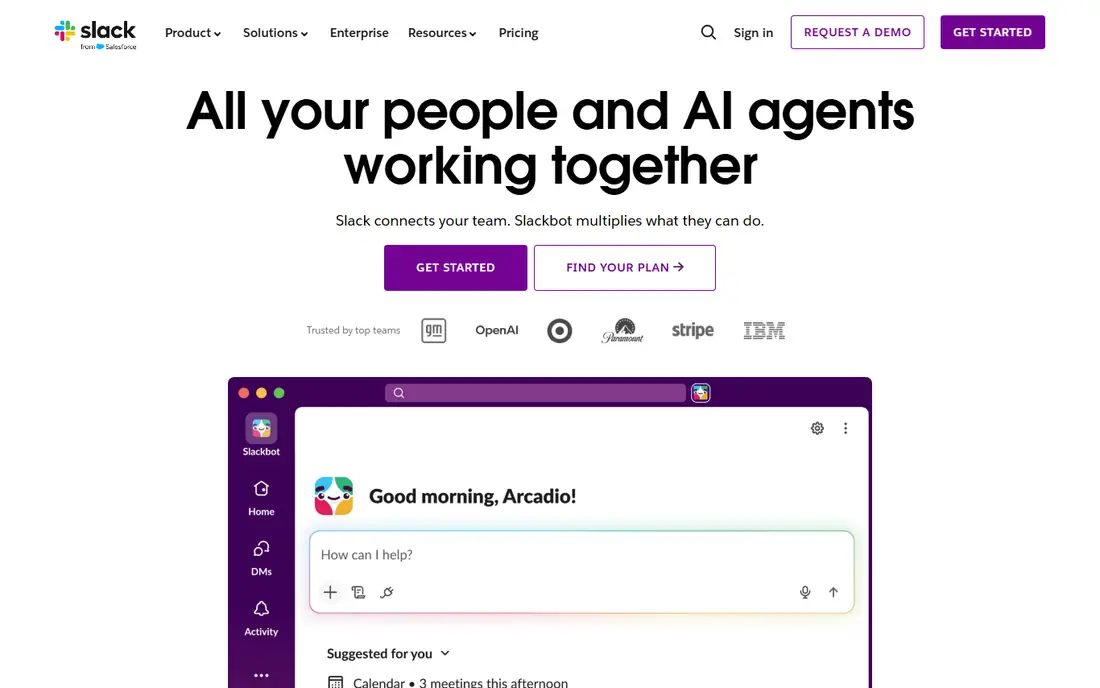
Slack remains the default team chat app for many remote teams. Channels keep project talk organized, threads keep side discussions from flooding a channel, and huddles give you a quick audio option without scheduling a meeting. Its integration catalog connects chat to project tools, code tools, and CRMs, which is why many teams treat Slack as their work hub.
The catch is price and noise. The free plan shows only the last 90 days of history, and Pro starts at $7.25 per user per month billed annually, or $8.75 billed monthly, in published pricing guides. Large teams should also set channel rules and notification norms early, or Slack becomes a source of interruption rather than a help.
- Strong channels, threads, and search
- Wide app integrations
- Slack Connect for outside partners
- Free plan limits history to 90 days
- Per-user cost adds up at scale
- Notification overload needs rules
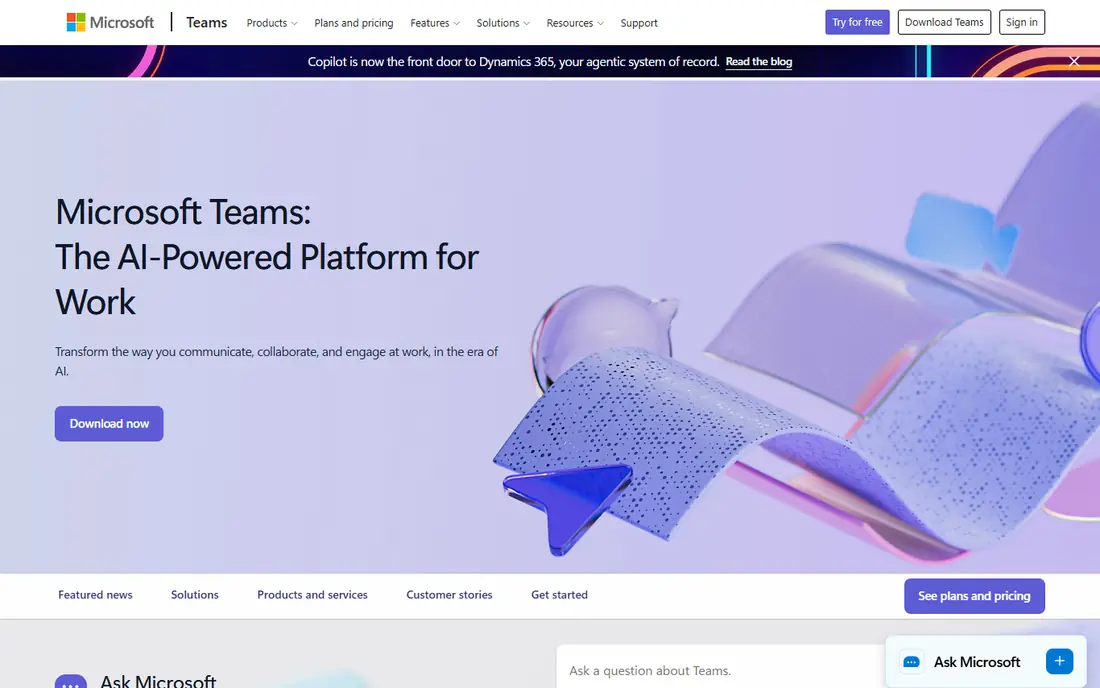
Microsoft Teams makes most sense if your company already uses Microsoft 365. Chat, video meetings, file sharing, and Office apps sit in one place, and Teams Essentials is listed at $4.00 per user per month paid yearly in published guides. That bundle value is hard to beat for a Microsoft shop, and admin controls suit larger organizations.
The downside is clutter. Teams packs a lot into one window, and new users often need training to find channels, files, and meetings quickly. If you do not use Microsoft 365, Slack or Google Chat will usually feel simpler. For Microsoft workplaces, though, Teams is the practical default.
- Native Microsoft 365 integration
- Chat, meetings, and files in one app
- Strong enterprise controls
- Interface can feel busy
- Best value only with Microsoft 365
- Some features need higher tiers
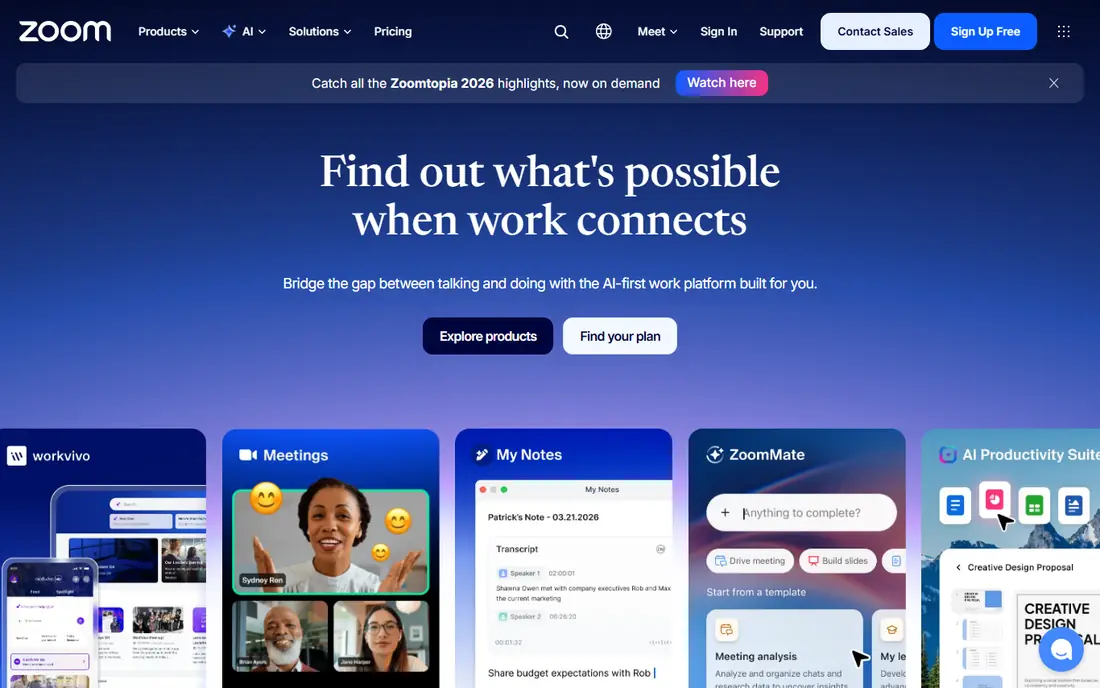
Zoom Workplace is still the safest pick when video quality matters most. Meetings stay stable on weaker connections, breakout rooms help workshops, and webinar tools suit external events. Team Chat, whiteboard, and scheduling round out the package, so many teams run Zoom alongside a chat app rather than instead of one.
The free plan limits group meetings in length, so a team that meets often will need a paid plan. Pricing is listed by plan on the vendor site, so check the current per-license rate before you budget. If your main need is daily chat, pick Slack or Teams first and keep Zoom for meetings.
- Reliable video and audio quality
- Breakout rooms and webinars
- Team chat and whiteboard included
- Free meetings have a time limit
- Paid pricing varies by plan
- Chat is weaker than Slack for daily work
Google Chat suits teams that already live in Google Workspace. Spaces organize project talk, direct messages handle quick questions, and Drive files and Gmail sit close by. For a small team that wants simple chat without another bill, Chat is often enough, since it comes with Workspace plans.
The limit is depth. Google Chat has fewer third-party integrations than Slack, and serious video meetings go through Google Meet, so you still need a second app for calls. If your team is Google-centered and your chat needs are straightforward, Chat is a clean, low-friction choice.
- Simple chat inside Google Workspace
- Spaces for projects
- Works well with Gmail and Drive
- Fewer integrations than Slack
- Video runs through Meet, not Chat
- Admin features depend on Workspace tier
Discord is a strong free option for communities, creator teams, and casual work groups. Text channels, voice channels, and screen sharing cover most daily needs, and the free tier keeps message history without the 90-day limit that constrains Slack free. That makes Discord popular with open communities and small teams on a tight budget.
The trade-off is business control. Discord lacks the admin, compliance, and integration depth of Slack or Teams, and large servers need active moderation to stay usable. For a formal company with compliance needs, pick a business tool. For a community or a small creative team, Discord is hard to beat on price.
- Free unlimited message history
- Voice channels for always-on talk
- Good for communities and gaming teams
- Less formal admin control than business tools
- Channel sprawl without rules
- Enterprise compliance is limited
Zulip is built for teams that hate losing decisions in a fast-moving chat stream. Every message sits in a channel and a topic, so a discussion stays in one thread even when many topics run in parallel. That structure suits engineering teams, open-source projects, and async-first companies that read chat in batches rather than live.
The catch is familiarity. New users need time to learn topics, and the integration catalog is smaller than Slack. Zulip offers a free cloud tier and self-hosting, with paid plans listed on its site, so check current rates. For async teams that value organized threads over constant presence, Zulip is a thoughtful alternative.
- Topics keep every thread organized
- Open-source and self-hostable
- Good for async-first teams
- Smaller integration catalog than Slack
- Interface takes learning
- Mobile experience divides opinion
Webex suits large organizations that need meetings, calling, and messaging under enterprise controls. Its meeting quality, webinar tools, and calling features are built for scale, and admin tools help IT manage a global workforce. A free tier supports basic meetings, with paid plans adding capacity and controls.
The weakness is daily chat. Teams that live in chat all day often find Webex messaging less fluid than Slack or Teams, so many Webex customers still pair it with another chat tool. If your priority is enterprise meetings and calling with strong governance, Webex is a solid, proven choice.
- Strong meetings, webinars, and calling
- Enterprise security and admin controls
- Good for large organizations
- Messaging is weaker than Slack
- Interface can feel dated
- Pricing depends on plan and seats
Mattermost is the self-hosted answer to Slack. Teams that must keep chat data inside their own systems, such as government, defense, or regulated firms, can run Mattermost on their own servers and control retention and access. Its channels, threads, and integrations cover the core chat job well.
The trade-off is operations. Self-hosting means you handle updates, backups, and scaling, and the app ecosystem is smaller than Slack. Mattermost offers a free tier and paid plans on its site, so confirm current pricing. For teams where data control is the top requirement, Mattermost is the most practical Slack alternative.
- Self-hosting and data control
- Open-source core
- Channels, threads, and integrations
- You own hosting and upgrades
- Smaller ecosystem than Slack
- Enterprise features are paid
Loom solves a different problem: meetings that could have been a short video. You record your screen and camera, share a link, and teammates watch and comment when they have time. That cuts status meetings and helps onboarding, design reviews, and support explanations, especially across time zones.
Loom is not a replacement for chat or live meetings. You still need Slack, Teams, or Zoom for discussion and decisions, and a growing video library needs folders and naming rules. With a free tier and paid plans on its site, Loom is best as an addition to your chat stack, not as the stack itself.
- Quick screen and camera recordings
- Replaces many status meetings
- Easy sharing and comments
- Not a chat app on its own
- Video libraries need organizing
- Paid features vary by plan
How we picked these
We compared official product and pricing pages and recent public guides, and we favored apps that are live in 2026, cover chat, video, and async needs, and suit different team sizes. We did not claim hands-on testing, and we wrote See website where pricing varies by plan or is not published as a single starting figure. Prices that are listed come from published vendor or guide material and should be rechecked before purchase.
How to choose the best communication app for remote teams
Start with the work, not the app. List your daily needs: quick questions, project discussion, live meetings, async updates, and outside partners. Most teams need chat plus video, and some need async video on top. Pick one app for each need, and write down what goes where, or every tool will fill with the same chatter.
Next, test the limits that hurt later. Check message history on free plans, meeting length caps, storage limits, and guest access for outside partners. A free plan that deletes history or caps meetings will force a paid upgrade at the worst time, so test those limits with real team size before you roll out.
Finally, set norms. Agree on channel naming, response expectations, and when to use a thread, a video call, or an async recording. Tools do not fix notification overload on their own. A short team agreement, plus a weekly cleanup of dead channels, will do more for remote communication than switching apps again.
Frequently asked questions
What is the best app for communication for a small remote team?
A small team often does well with Slack free or Google Chat, plus Zoom or Meet for video, because the cost stays low and setup is fast. If budget is tight and history matters, Discord free is also worth testing, though it lacks business admin controls.
What is the best business instant messaging software?
Slack is the strongest general pick for business messaging, thanks to channels, search, and integrations, while Microsoft Teams is best inside Microsoft 365. For self-hosted control, Mattermost is the leading alternative, and Zulip suits async-first teams that value threads.
What are the best communication tools for remote teams?
The best remote stack usually pairs a chat app such as Slack or Teams with a video app such as Zoom, plus Loom for async updates. That mix covers quick questions, live discussion, and time zone friendly updates without forcing every conversation into a meeting.
What is the best communication platform for a large company?
Large companies usually need admin controls, compliance, and calling, so Microsoft Teams or Webex are strong starting points, depending on existing systems. Slack Enterprise can also fit, especially where integrations and outside partner channels matter most.
Is Discord good for business communication?
Discord works well for communities and casual teams, with free history and voice channels, but it lacks the admin and compliance depth of business tools. Use it for community or creative work, and pick Slack, Teams, or Webex for formal company communication.
How can remote teams reduce meeting overload?
Use async video for status updates, threaded chat for decisions that do not need a call, and short meetings with a clear agenda for the rest. Agree on response times and quiet hours, so chat stays useful instead of becoming a constant interruption.
Sources
See where you really rank - block by block
ProMapRanker scans Google Maps across a grid of your service area. Simple monthly plans from $19, white-label on every plan.
Start freeKeep reading
 best freelance platforms for beginners
Best Freelance Platforms for Beginners in 2026
Best freelance platforms for beginners compared, with fees, job types, and first-gig tips to help new freelancers pick a strong starting place in our guide.
Read → best foreign language apps
Best Foreign Language Apps in 2026
Best foreign language apps compared in 2026: Duolingo, Babbel, Rosetta Stone, Pimsleur and more, with prices, free plans and honest trade-offs for learners.
Read → best foraging apps for plant identification
Best Foraging Apps for Plant Identification in 2026
These 8 best foraging apps for plant identification help you name wild plants, but never eat a plant based on an app alone. Check our safety notes first.
Read →