 ProMapRanker
Best Coloring Apps for Kids in 2026


Guided art and learning activities · Pricing starts at: Free
Key takeaways
- Crayola Create and Play and Disney Coloring World lead for guided, brand-safe coloring with clear parent controls.
- Bimi Boo apps suit toddlers and preschoolers, with simple tools, no ads in the core experience and offline play.
- Check purchase settings before handing over a device, since several apps offer in-app purchases up to 59.99 dollars.
- Every app here is child-appropriate with no chat, dating or anonymous contact features.
Quick comparison
| Pick | Great for | Pricing starts at | Free tier | |
|---|---|---|---|---|
| Crayola Create and Play | Guided art and learning activities | Free | Free trial | Visit |
 Disney Coloring World | Disney character coloring | Free | Yes | Visit |
 Bimi Boo Coloring Book for Kids | Toddlers and preschoolers | Free | Yes | Visit |
 My Little Pony Color by Magic | Character color-by-number play | Free | Yes | Visit |
 Coloring Games: Color and Paint | Free coloring with many modes | Free | Yes | Visit |
 Baby Shark Coloring Book | Young fans of Baby Shark | Free | Yes | Visit |
 Kids Coloring Games - EduPaint | Simple preschool coloring | Free | Yes | Visit |
The best coloring apps for kids
Parents need two things from a coloring app: pictures a child enjoys, and a safe space with no ads, chats or surprise purchases. We compared official app pages, app store listings and privacy notes, and we kept only child-appropriate apps with no social or dating features.
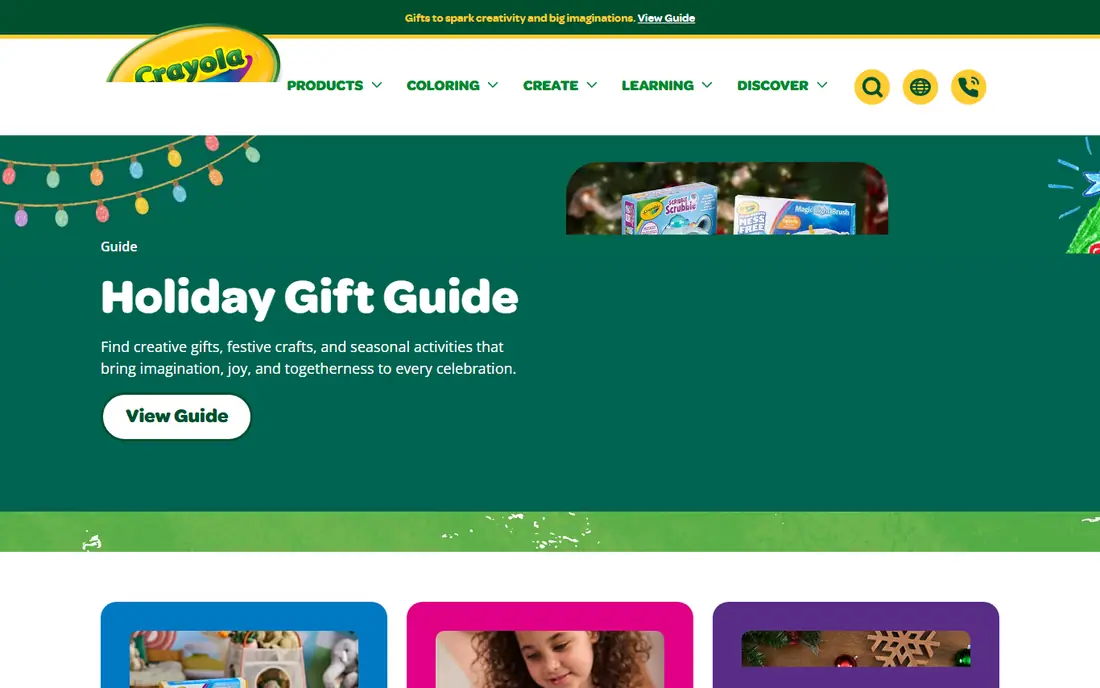
Crayola Create and Play turns the familiar crayon box into a guided app. Children color pages, make pixel art, try glow art and care for digital pets, with activities that also touch spelling, numbers and problem solving. The Crayola brand gives parents a known starting point, and the app states COPPA and PRIVO certification for family privacy.
The catch is price. Downloading is free, but unlimited access needs a subscription after a 7-day trial, so check the plan before a child gets attached to locked pages. For parents who want a curated, learning-led coloring app, Crayola is our pick for most families.
- Official Crayola art tools and coloring pages
- Activities built with learning experts
- COPPA and PRIVO certified privacy
- Full access needs a subscription after a 7-day trial
- Some activities suit older preschoolers better than toddlers
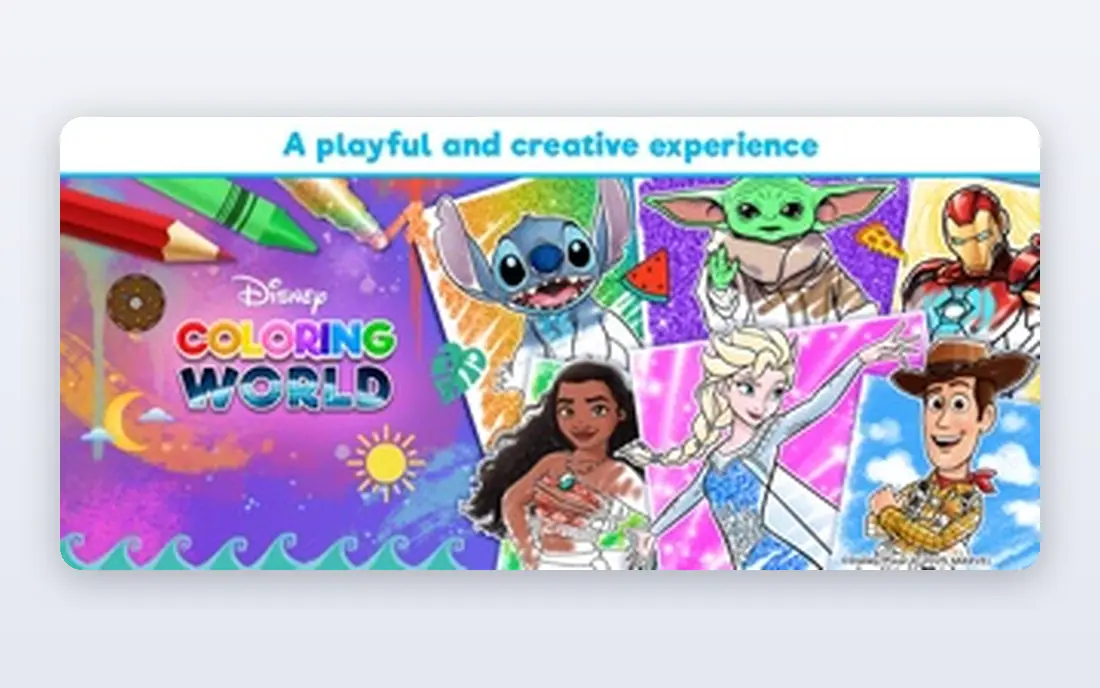
Disney Coloring World works because recognition does half the work. A child who loves Frozen, Mickey or Stitch can pick a familiar face and start coloring at once, instead of facing a blank page. Tools include brushes, crayons, glitter, patterns and stamps, and a Magic Color tool fills sections cleanly for younger hands.
Parents should set purchase controls first, since in-app purchases run from 0.99 dollars to 59.99 dollars per item. The app states no third-party advertising and COPPA Safe Harbor certification through Privo. If your child loves Disney characters, this is the most engaging coloring app here.
- Over 2,000 pages with Disney, Pixar, Marvel and Star Wars characters
- Magic Color tool fills sections neatly
- No third-party advertising
- In-app purchases range up to 59.99 dollars
- Character focus may bore children who prefer free drawing
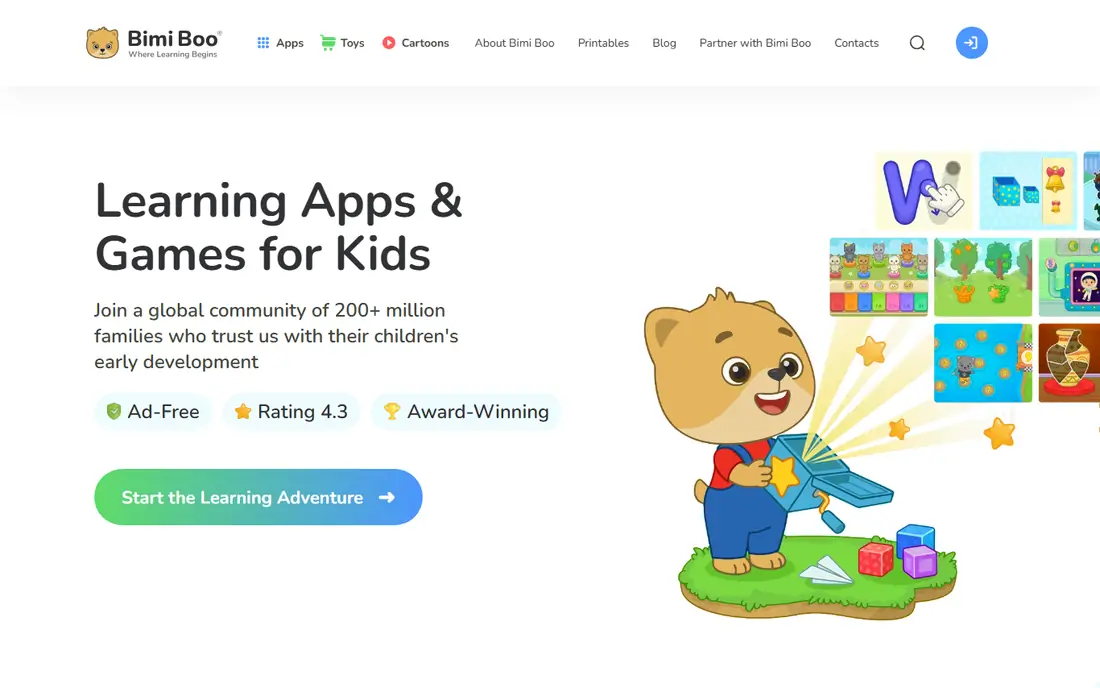
Bimi Boo keeps everything small and clear. Pages cover animals, dinosaurs, cars, ocean life and more, and tools include pencil, brush, spray, crayon and chalk, with an undo button for mistakes. A selection of animal pages is free, and the app works offline, which suits car rides and waiting rooms.
The app states no ads and content made with preschool education experts. A subscription opens the full set of pages, so parents should check what the free pages cover first. For toddlers and young preschoolers, Bimi Boo is the calmest, easiest start on this list.
- 176 coloring pages across 11 themes
- Simple interface for ages 2 to 5
- No ads and offline play
- Full page set needs a subscription
- Art tools are simpler than Crayola or Disney apps
My Little Pony Color by Magic gives children a clear job: tap a numbered section and watch the picture fill with the right color. That structure helps younger children finish a picture without frustration, and fans of the show will recognize the characters at once. The format also teaches number matching in a light, playful way.
Free drawing fans may find it limiting, since the picture guides every choice. In-app purchases open more content, so set controls before play. For a child who loves ponies and likes finishing a picture neatly, this app hits its niche well.
- Color-by-number format suits children who like structure
- Familiar pony characters
- Simple tap-to-fill play
- Color-by-number limits free creativity
- Some content needs in-app purchases
- Best for fans of the show
Coloring Games: Color and Paint, from RV AppStudios, packs several modes into one free app. Children can tap to fill pages, use a wider color fill mode with stickers and glitter, or draw on a blank canvas. That variety suits families who want one app to cover both guided coloring and free drawing.
The app is built for children, with a simple interface, but it lacks the licensed characters of Disney or Crayola. Some extras need purchases, so check settings first. For a free, flexible coloring app without a subscription push at the start, this is a strong choice.
- Free to download with paint, color fill and doodle modes
- Interface simple enough for very young children
- Wide range of pages
- Fewer brand characters than Disney or Crayola
- Some content and features need purchases
- Parent controls vary by device
Baby Shark Coloring Book leans on a world young children already know. The characters, colors and songs make the first session easy, and the pages are simple enough for toddlers to finish. Parents of Pinkfong fans will recognize the style from videos and songs their children already enjoy.
The theme is the limit too. Children who do not care for Baby Shark will prefer a broader app such as Crayola or Bimi Boo. Check purchase settings, since extra content can cost more. For a young fan, though, familiarity makes this app an easy win.
- Familiar Baby Shark characters and songs world
- Simple coloring pages for young children
- Easy tap and color play
- Narrow theme suits only fans of the brand
- Deeper content may need purchases
- Less free drawing than open canvas apps
Kids Coloring Games - EduPaint, from Cubic Frog, keeps preschool coloring plain and friendly. Pages are easy to understand, tools are simple, and the focus stays on coloring rather than games or rewards. That restraint suits parents who want a quiet app without noisy extras.
The library is smaller than the big-brand apps, and tools stay basic. Still, for a young child who just wants to color, simplicity is a strength. Try the free pages first, and check purchase options before letting a child browse locked content.
- Preschool-focused coloring pages and drawing tools
- Simple interface for young children
- Educational app maker background
- Smaller page library than Crayola or Disney
- Some features need purchases
- Art tools are basic
How we picked these
We compared official app pages, app store listings and privacy notes, and we kept only apps made for children with no chat, social feeds, dating or anonymous contact features. We weighed age fit, ad presence, purchase controls, offline play and whether tools suit small hands. Apps aimed mainly at adults did not make this list, even if children could use them.
How to keep coloring time safe and calm
Set purchase controls before the first session, and turn off in-app purchases if your device allows it. Try the free pages together first, so you know what is locked and what a subscription would add. Keep sessions short, and pair screen coloring with paper coloring when you can, since both build fine motor skills in different ways.
Check the privacy note for each app. Look for COPPA certification, no third-party advertising and no chat features. If an app asks for an account or personal details for a young child, skip it and pick one that plays without an account. A short test session with your child also helps. Watch how easily they can find a page, pick a color and undo a mistake, since a confusing menu leads to frustration faster than a small page library. Save finished pictures together when the app allows it, and praise the choices your child made rather than aiming for a perfect result.
Frequently asked questions
What is the best coloring app for kids?
Crayola Create and Play is the best all-round pick for guided art and learning, while Disney Coloring World leads for character fans. For toddlers, Bimi Boo Coloring Book for Kids is the calmest start. The best app depends on your child's age and interests.
Are coloring apps safe for toddlers?
The apps here are made for children, with no chat or anonymous contact features. Still, parents should set purchase controls, check for ads, and read the privacy note. Bimi Boo and Disney Coloring World both state no third-party advertising, which is a good sign.
Do kids coloring apps cost money?
Most are free to download with in-app purchases or subscriptions for full content. Crayola Create and Play offers a 7-day trial before a subscription, while Bimi Boo and Disney offer free pages with paid extras. Always check the price before a child starts playing.
Which coloring app has no ads?
Bimi Boo states no ads in its coloring apps, and Disney Coloring World states no third-party advertising. Crayola Create and Play is also built as a parent-approved app. If ads matter to you, confirm the current store listing, since terms can change with updates.
Can kids color offline in these apps?
Yes, several apps support offline play, including Bimi Boo and Disney Coloring World for pre-downloaded content. Offline play is useful for travel and for limiting screen time distractions. Check each app's store page for offline details before a trip.
Sources
See where you really rank - block by block
ProMapRanker scans Google Maps across a grid of your service area. Simple monthly plans from $19, white-label on every plan.
Start freeKeep reading
 who has best internet service
Who Has the Best Internet Service in 2026
Who has best internet service for US homes? We compare fiber, cable, fixed wireless and satellite providers on speed, price, availability and terms today.
Read → which survey tool has the best analytics
Which Survey Tool Has the Best Analytics in 2026
Find which survey tool has the best analytics in 2026, comparing Qualtrics, SurveyMonkey, Typeform, Alchemer, and more on reports, text, and stats today.
Read → which streaming service has the best movies
Which Streaming Service Has the Best Movies in 2026
Answering which streaming service has the best movies, with Netflix, Max, Criterion and more compared on libraries, prices and free options in this guide.
Read →