 ProMapRanker
Best Collage Maker App in 2026

Key takeaways
- Canva is our pick for most people because collages come with a full design toolkit, templates and a usable free plan.
- PicCollage and PhotoGrid are the fastest phone-first options for social grids and video collages.
- Adobe Express is the best choice for business collages that need clean type and consistent branding.
- Free exports are not equal, so check watermarks, resolution and ads before you commit to one app.
Quick comparison
| Pick | Great for | Pricing starts at | Free tier | |
|---|---|---|---|---|
 Canva | All-round collage design | $14.99 per month | Yes | Visit |
 Adobe Express | Branded business collages | $9.99 per month | Yes | Visit |
 Picsart | Creative and AI-assisted collages | See website | Yes | Visit |
 Fotor | Quick template collages with editing | $39.99 per year | Yes | Visit |
 BeFunky | Playful collages with creative effects | See website | Yes | Visit |
 PicCollage | Fast mobile collages for social sharing | $35.99 per year | Yes | Visit |
 PhotoGrid | Mobile collages with video grids | See website | Yes | Visit |
 FotoJet | Browser collages without a heavy signup | See website | Yes | Visit |
 Google Photos | Fastest free photo grids from your library | Free | Yes | Visit |
The best collage maker app
These are the best app for photo collage picks we found for 2026, from the fastest phone grid to the most complete design toolkit. Prices below are the paid starting points where we could verify them, and free plans are noted so you can test before paying.
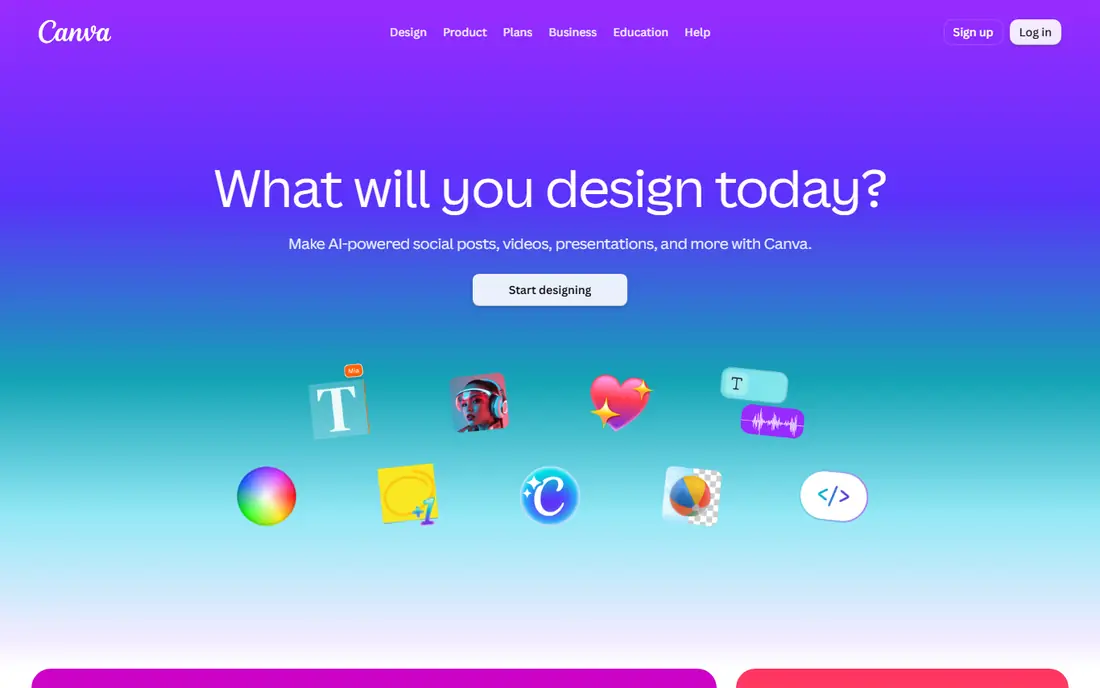
Canva is the safest starting point if you are unsure which collage maker app is best for you. Templates cover grids, social posts, birthday cards, mood boards and print layouts, all sized for common platforms. Text tools are stronger than in most phone-only apps, with font pairing, spacing and effects that keep a collage readable rather than cluttered.
The free plan covers many everyday collages, while Pro adds premium templates, background removal and a larger photo library. If you only need a quick two-photo grid for a story, Canva can feel like more app than you need. If you make collages weekly, for a small business or a family project, the template depth and web access make it the best collage maker app for most people.
- Huge template library
- Strong text and layout tools
- Works on phone and web
- Free plan limits some premium templates and assets
- Can feel large for a simple grid
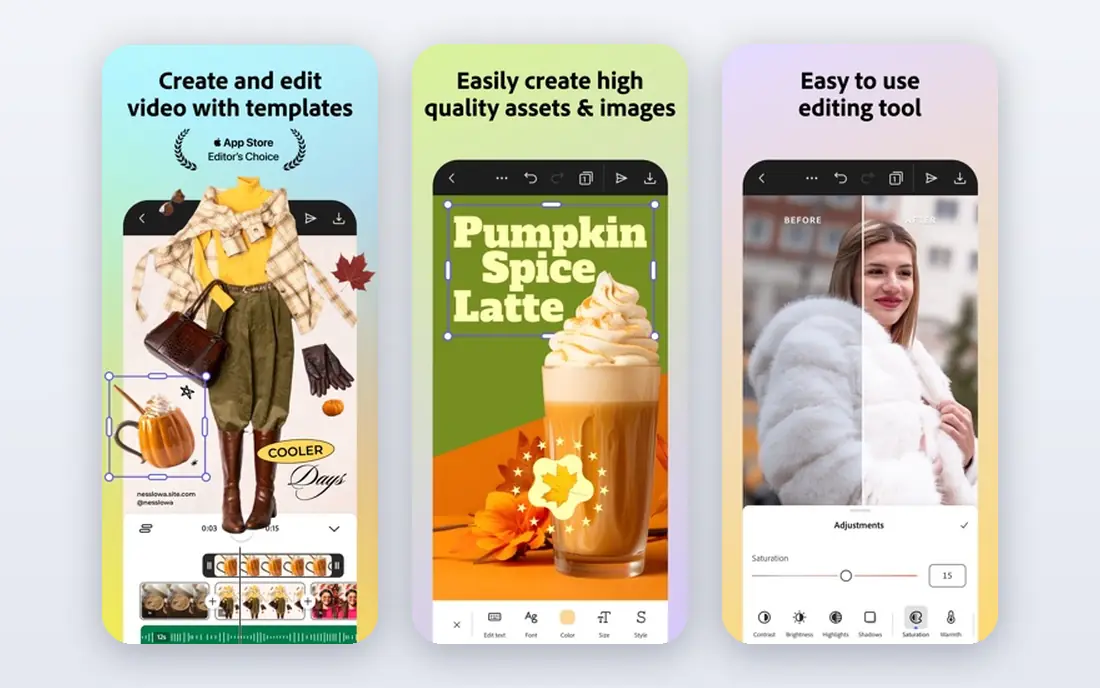
Adobe Express suits teams and small businesses that need collages to match a brand. Layouts are clean, type stays sharp, and brand colors and fonts can be saved for reuse on paid plans. That consistency matters when the same collage style appears across social posts, flyers and presentations. The app also works well for quick edits on a phone without opening a desktop design program.
Casual users may find the free plan enough for simple grids, but the best brand features sit behind Premium. Playful sticker-heavy collages are not its strength either. Choose Adobe Express when the collage has to look like part of a business, not just a fun photo grid.
- Clean typography
- Brand kits on paid plans
- Good Adobe stock and template access
- Paid plan needed for the full brand toolkit
- Template style is more polished than playful
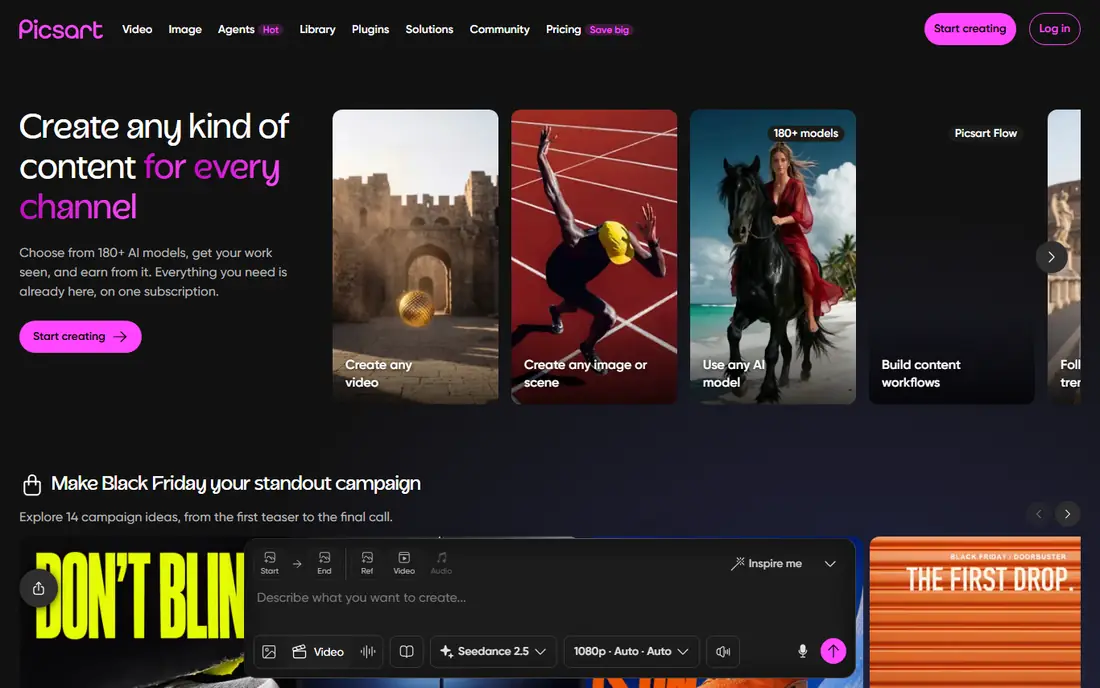
Picsart is for people who want to edit photos and build a collage in the same app. You can cut out a subject, add stickers and effects, adjust color, and then drop the result into a grid or a freeform layout. AI-assisted tools can help with backgrounds and object removal, which saves time when a photo needs cleanup before it joins a collage.
The trade-off is clutter. The app packs in many features, and the free experience includes ads and prompts to upgrade. If you want a plain grid in 30 seconds, a simpler app will be faster. If you enjoy creative editing and want one app for photos and collages, Picsart is one of the best collage maker apps for that style.
- Strong photo editing built in
- Stickers, effects and AI tools
- Large creative community
- Free plan includes ads and limits some tools
- Interface can feel busy
Fotor is a practical web-first choice for users who want templates without learning a large design platform. Collage layouts cover classic grids, artistic shapes and social sizes, and basic photo editing is built in so you can fix exposure or crop before arranging photos. Batch tools also help when you need several similar collages for a product set or an event album.
Free users should check export details before finishing a project. Some free exports carry limits that matter for print or for large social images, and the full template library sits behind Pro. For a low annual price, Fotor is a solid middle ground between a phone-only grid app and a full design suite.
- Many collage templates
- Photo editing and batch tools
- Works on web and phone
- Free exports can carry limits
- Pro needed for the full template set
BeFunky is easy to enjoy. The collage maker offers grids, freeform canvases and a wide set of effects, frames and graphics that suit birthday posts, travel albums and scrapbook-style layouts. The interface stays simple, so a new user can build a first collage without watching tutorials. Free exports on many layouts are clean, which is a real advantage over apps that watermark free work.
Business users will miss the deeper brand tools and template depth of Canva or Adobe Express. BeFunky is best for personal and social collages where creativity matters more than brand control. If you want a fun, low-friction app that still exports well, it deserves a place on your shortlist.
- Easy grid and freeform layouts
- Fun effects and graphics
- Clean free exports on many layouts
- Paid plan needed for premium assets
- Fewer business templates than Canva
PicCollage is the fastest way to turn phone photos into a social-ready grid. Pick photos, pick a layout, adjust spacing and borders, add a sticker or a caption, and share. The app understands common social sizes for posts and stories, which saves the resizing step that slows down many other apps. Freeform mode also lets you arrange photos like a scrapbook page when a strict grid feels too rigid.
The free plan includes ads, and premium removes them while adding more layouts and assets. Text tools are serviceable but not as refined as the design-led apps here. For speed on a phone, PicCollage is hard to beat, and it is our pick for the best app to make photo collage posts on the go.
- Very fast grid creation
- Grid and freeform modes
- Strong stickers and text for stories
- Free plan includes ads
- Typography is weaker than Canva or Adobe Express
PhotoGrid stands out for video. Many collage apps handle still photos well and stop there, while PhotoGrid lets you build grids that include video clips, which suits reels, short-form posts and event recaps. Still-photo grids are plentiful too, with layouts for different aspect ratios and a solid set of filters and stickers.
As with most phone-first apps, the free plan comes with ads and limits, and the best layouts and export options sit behind a subscription. If your collages are mostly still photos, PicCollage or Canva may be simpler. If video grids are a regular part of your posts, PhotoGrid earns its spot among the best collage maker apps.
- Video collage support
- Many grid layouts
- Good for reels and short video posts
- Free plan limits and ads
- Some advanced features need a subscription
FotoJet is a good choice for a quick collage on a computer. Open the site, pick a template, drop in photos, and export, without installing an app or learning a large platform. Templates cover classic grids, magazine-style layouts and social sizes, and the editor is simple enough for a first-time user to finish a collage in one sitting.
It does not match Canva for design depth or Picsart for photo editing. Advanced users will hit limits sooner, and full access needs a paid plan. For a one-off birthday collage, a school project or a quick social post on a laptop, FotoJet is one of the best free collage apps to try first.
- Works in a browser
- Classic and creative templates
- No app install needed
- Fewer advanced editing tools
- Paid plan needed for full access
Google Photos is the lowest-effort collage maker for Android users and for anyone whose photos already live in Google Photos. Select photos, create a collage, and share, with no new account or install to manage. The result is a clean grid that works well for sharing a trip, an event or a family moment quickly.
Design control is the limit. Templates, text options and creative effects are far thinner than in dedicated collage apps, and you cannot build a polished branded layout here. Use Google Photos when speed and simplicity matter most, and move to Canva, PicCollage or BeFunky when you want more creative control.
- Free
- Already holds your photos
- Very fast collage creation
- Limited templates and design control
- No advanced text or sticker tools
How we picked these
We compared official pricing pages, app store listings and product feature pages for collage tools that are live in 2026 on phone or web. We kept only tools that can build a photo collage directly, not general photo editors with no collage layout. We did not claim hands-on testing. Where a price could not be verified from the vendor page or a current listing, we wrote See website rather than guessing.
How to choose the right collage app
Start with where your photos live and where the collage will appear. A phone-first app wins for stories and reels, while a web tool wins for print layouts and larger projects. Then check the free plan on a real project, not just on a marketing page, since watermarks and export limits only show up at export time.
Check exports before you design
Build a test collage and export it at the size you need. Look for watermarks, check resolution on a larger screen, and confirm the file format works for your platform or printer. An app that looks great in the editor but exports a small or watermarked image will waste the time you spent arranging photos.
Match templates to your style
Template depth matters more than feature count for most users. If you make social posts, look for story and post sizes built in. If you make print collages, look for high-resolution export and classic grid layouts. If you make scrapbook-style pages, freeform mode and stickers matter more than a large template library.
Watch the subscription math
A monthly plan can cost more over a year than an annual plan for the same app, and some apps charge per year rather than per month. If you make collages only a few times a year, a free plan or a single annual plan may be better value than a monthly subscription you forget to cancel.
Frequently asked questions
Which collage maker app is best overall?
Canva is the best all-round pick for most people, thanks to its template library, text tools and usable free plan. For a fast phone grid, PicCollage is simpler, and for business layouts, Adobe Express gives cleaner branding control.
What is the best app to make a collage on a phone?
PicCollage and PhotoGrid are the strongest phone-first choices. PicCollage is fastest for still-photo grids and stories, while PhotoGrid adds video grids for reels and short-form posts.
What are the best free collage apps?
Google Photos, FotoJet, BeFunky and the free plans of Canva and PicCollage are good free starting points. Check each free export for watermarks and resolution, since free plans differ on those details.
What is the best collage maker software for a computer?
Canva and Fotor work well in a browser, and FotoJet is a lighter browser option. For print layouts, check export resolution and file format before choosing, since web tools vary on print-ready output.
Can I make a video collage with these apps?
Yes, PhotoGrid supports video grids, and Canva and Picsart also support video projects. If video is your main need, start with PhotoGrid and test export quality and length limits on a real clip.
Do collage apps add watermarks to free exports?
Some do, and some do not, and the rules can differ by template. BeFunky and Google Photos are known for clean free exports on many layouts, while other apps reserve watermark-free export for paid plans. Always test one export before building a large project.
Sources
See where you really rank - block by block
ProMapRanker scans Google Maps across a grid of your service area. Simple monthly plans from $19, white-label on every plan.
Start freeKeep reading
 top custom software development company
Top Custom Software Development Company in 2026
Looking for a top custom software development company? We compare 9 firms for web, mobile, and enterprise software, covering strengths and fit for 2026.
Read → tableau alternatives
Tableau Alternatives in 2026
Compare the best Tableau alternatives for 2026, from Power BI to Metabase, with prices, hosting options, and picks for small teams and enterprises today.
Read → microsoft teams alternatives
Best Microsoft Teams Alternatives in 2026
Looking for microsoft teams alternatives? We compare 9 chat and video tools for 2026, covering free plans, pricing, meetings, and integrations for teams.
Read →