 ProMapRanker
Best Cloud Storage Services in 2026


Google users and everyday collaboration · Pricing starts at: $1.99 per month
Key takeaways
- The best cloud storage services match your devices: Google Drive for Google users, OneDrive for Windows and Microsoft 365 users, and iCloud for Apple households.
- Free tiers range from 2GB to 20GB, so check whether the free space is shared with email and photos before you rely on it.
- Privacy-focused services such as Proton Drive, Sync.com, and pCloud use stronger encryption, but may offer fewer collaboration tools.
- Lifetime plans from pCloud can save money over years, but only if you are sure you will use the service long term.
Quick comparison
| Pick | Great for | Pricing starts at | Free tier | |
|---|---|---|---|---|
| Google Drive | Google users and everyday collaboration | $1.99 per month | Yes | Visit |
 Microsoft OneDrive | Windows users and Microsoft 365 households | $1.99 per month | Yes | Visit |
 Dropbox | Fast sync and professional file sharing | $9.99 per month | Yes | Visit |
 Apple iCloud Drive | iPhone, iPad, and Mac households | $0.99 per month | Yes | Visit |
 pCloud | One-time lifetime storage and media playback | $49.99 per year | Yes | Visit |
 Sync.com | Private file sharing with clients | See website | Yes | Visit |
 Proton Drive | End-to-end encrypted storage for privacy users | $3.99 per month | Yes | Visit |
 MEGA | Large free encrypted storage | See website | Yes | Visit |
The best cloud storage services
We compared services with live consumer and business plans in 2026, using vendor pricing pages and October 2026 cloud storage comparisons. Prices below are entry paid plans, and free tiers are noted in each section.
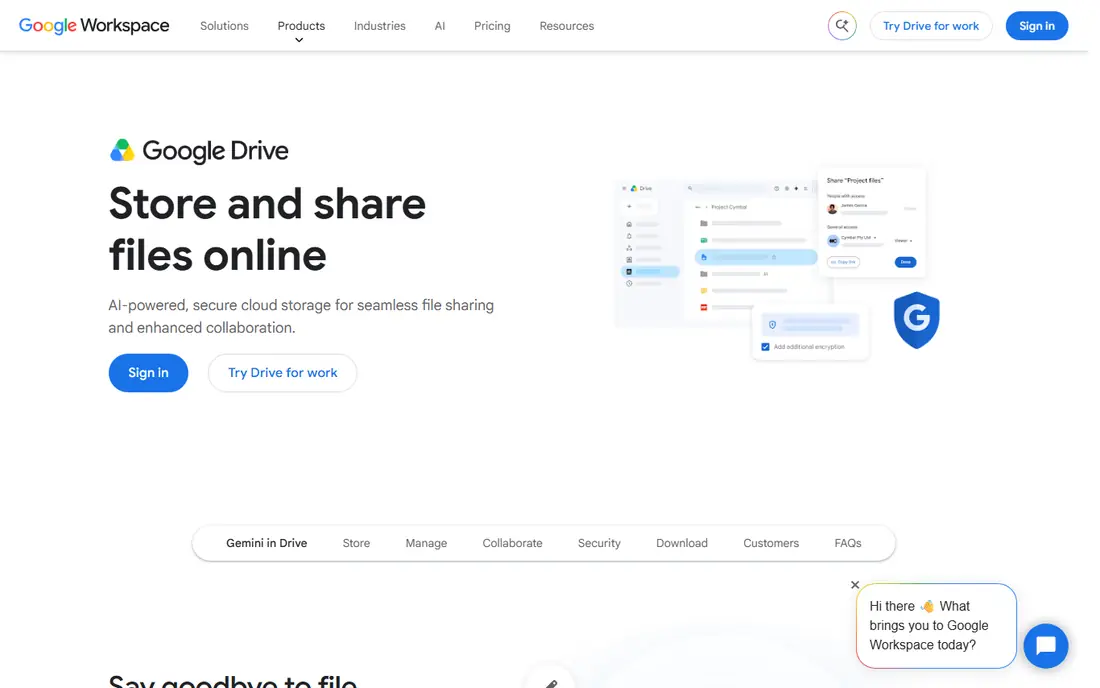
Google Drive is the best all-round pick for most people, because its 15GB free tier is the most generous among the big ecosystem providers, and its paid Google One plans start at a low monthly price for 100GB. Docs, Sheets, Slides, and Gmail work directly with Drive files, so sharing a document for comment or joint editing takes seconds. Search across file names and content is also strong, which helps when a folder grows to thousands of files over years.
The shared quota is the main watch point. That 15GB covers Gmail, Drive, and Google Photos together, so a full inbox and a large photo library can fill it quickly. Google Drive is also not end-to-end encrypted by default, so buyers with strict privacy needs should look at Proton Drive or Sync.com. For everyday storage, sharing, and collaboration, though, Google Drive remains the most practical default.
- 15GB free shared across Google services
- Strong Docs, Sheets, and Gmail integration
- Easy link sharing and search
- Free space fills fast when Gmail and Photos share it
- Desktop sync can feel heavy on older machines
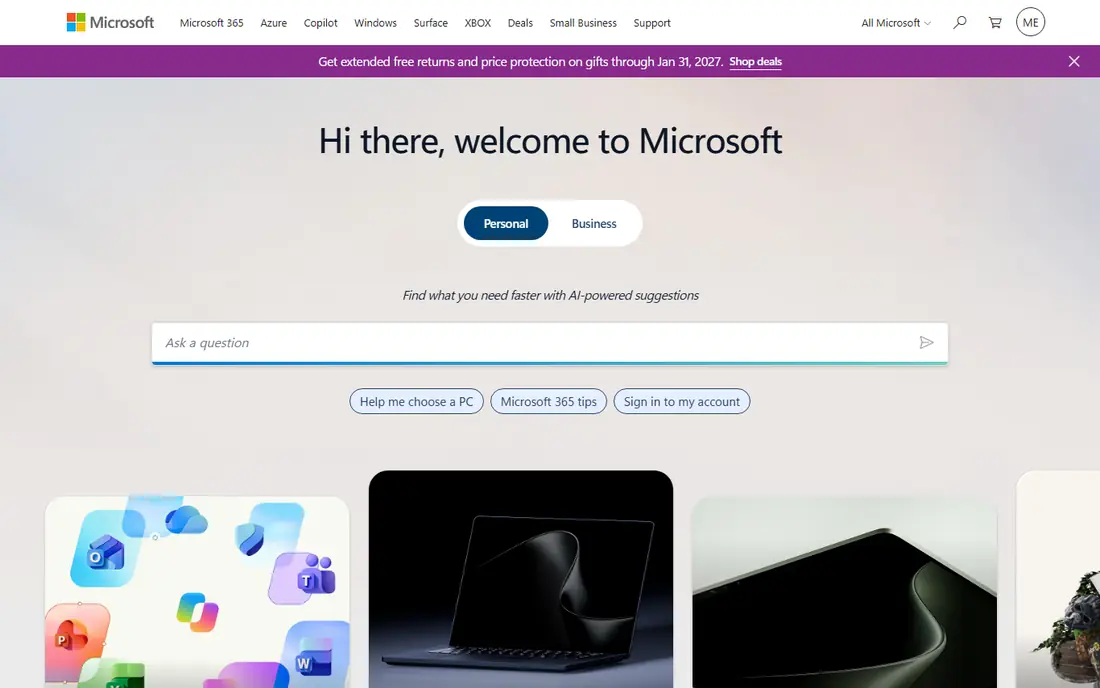
OneDrive is the natural pick for a Windows PC or a Microsoft 365 household. Files appear in File Explorer, online-only files save local disk space, and Microsoft 365 Personal adds 1TB plus Word, Excel, PowerPoint, and Outlook desktop apps. That bundle is often cheaper than buying storage and Office separately, which makes OneDrive a strong value for a family or a small business already using Microsoft tools. Personal Vault adds an extra authentication step for sensitive files.
The free tier is only 5GB, so most users will need a paid plan sooner than with Google Drive. OneDrive is also not end-to-end encrypted, with Microsoft holding the keys, so privacy-focused buyers should weigh that point. Sync errors, especially with large folders or special characters in file names, can also confuse new users. If you live in Windows and Office, OneDrive is still the most integrated choice.
- Deep Windows and File Explorer integration
- Microsoft 365 bundles add 1TB plus Office apps
- Personal Vault for sensitive files
- Only 5GB free
- Best value requires a Microsoft 365 subscription
- Sync errors can confuse new users
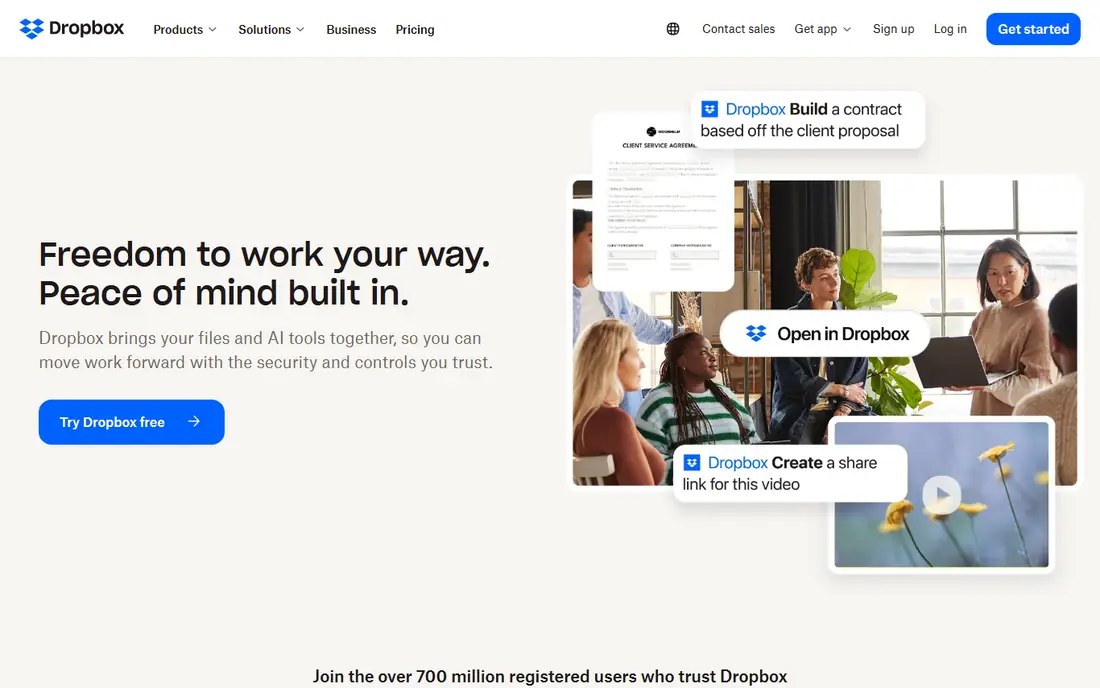
Dropbox built its name on sync that just works, and for many professionals it still does. Files sync quickly across Mac, Windows, iOS, and Android, sharing links are simple to create, and integrations with creative and business apps are broad. For a freelancer who sends large files to clients, or a team that needs reliable version history, Dropbox is a dependable workhorse. The interface is also clean, with fewer distractions than a full office suite.
The price and free tier are the drawbacks. Dropbox offers only 2GB free, and its Plus plan costs more than Google One or OneDrive entry plans for a similar amount of space. Dropbox is also not end-to-end encrypted by default, so it suits collaboration more than strict privacy storage. If sync speed and sharing matter more than the lowest price, Dropbox earns its premium. If price matters most, Google Drive or OneDrive will give more space for less.
- Fast and reliable sync across devices
- Wide app integrations
- Simple sharing and request links
- Only 2GB free
- Paid plans cost more per gigabyte than Google or Microsoft entry plans
Apple iCloud Drive is the obvious pick for a household that lives on iPhone, iPad, and Mac. Device backups, Photos, and app data sync through iCloud, and the entry paid plan is very cheap for 50GB. Family plans let a household share larger storage tiers, which helps when several iPhones back up to one account. For an Apple user, iCloud is less a separate app and more a part of how the devices work.
The free tier is only 5GB, which fills quickly with device backups and photos, so most Apple users will pay for iCloud sooner or later. The Windows and Android experience is also more limited than on Apple devices, though a web interface covers basic access. iCloud is not the best pick for a mixed-device household that needs equal support everywhere. For an Apple household, it is the most integrated and simplest choice.
- Deep Apple device backup and sync
- Low entry price for 50GB
- Family sharing options on higher plans
- Only 5GB free
- Windows and Android experience is more limited
- Best features need Apple devices
pCloud appeals to buyers who dislike subscriptions. Its yearly plans cover 500GB and 2TB tiers, and its lifetime plans let you pay once for the same storage, which can save money over several years. The free tier offers up to 10GB, and the built-in media player makes pCloud useful for music and video libraries as well as documents. File versioning and trash recovery also help when a file is changed or deleted by mistake.
Client-side encryption, called pCloud Crypto, is a paid extra rather than a default, so buyers who want zero-knowledge storage must add that cost. Lifetime plans also carry a risk: if you stop using the service, or if the company changes terms, the upfront payment is harder to recover. If you are confident you will use pCloud for years, and you like the idea of paying once, it is a strong value pick.
- Up to 10GB free
- Lifetime plans avoid ongoing subscriptions
- Built-in media player and file versioning
- Client-side encryption is a paid add-on
- Lifetime value depends on long-term use
Sync.com is built for privacy-first sharing, especially for professionals who send files to clients. Its zero-knowledge encryption means Sync cannot read your files, and sharing links can be password protected with expiry dates. Team folders, version history, and remote wipe for lost devices suit a small business that handles sensitive documents. For a lawyer, accountant, or consultant, that privacy focus is a real advantage over a general consumer drive.
The trade-off is ecosystem depth. Sync.com has fewer built-in office tools and third-party integrations than Google Drive or OneDrive, so collaboration may need an extra step. Pricing also varies by plan and promotion, so check the current checkout before comparing. If privacy and client sharing matter more than built-in document editing, Sync.com is one of the best choices in this list.
- Zero-knowledge encryption by default
- Secure link sharing and team folders
- Version history and remote wipe options
- Fewer office and collaboration integrations than Google or Microsoft
- Pricing varies by plan and promotion
Proton Drive is the best pick for a buyer who wants strong encryption without managing keys or a self-hosted server. Files and folder names are end-to-end encrypted, so even Proton cannot read them, and the service is based in Switzerland under Swiss privacy law. The free plan includes a document editor, and paid plans add more storage plus access to other Proton services on higher tiers. For a user who already uses Proton Mail or VPN, Drive fits naturally into that privacy setup.
The limits are space and ecosystem. The free tier is only 5GB, and paid storage tiers are smaller than Google or Microsoft plans at a similar price. Linux users get a command-line tool rather than a full desktop app, which may matter for some setups. If you value privacy above the lowest price per gigabyte, Proton Drive is a clear and trustworthy pick.
- End-to-end encryption by default
- Based in Switzerland
- Document editor and encrypted link sharing included
- Only 5GB free
- Storage tiers are smaller than some rivals at the same price
- Linux app support is limited
MEGA stands out for its free tier. With 20GB free and end-to-end encryption by default, it gives more free encrypted space than most rivals, which suits a buyer who wants privacy without paying at first. Paid plans add larger storage tiers, and built-in chat and sharing tools cover basic collaboration. For a student, a freelancer, or a household that needs a second encrypted backup, MEGA is a useful free starting point.
The drawbacks are pricing clarity and polish. Paid plans are charged in euros for many users, so the dollar cost varies with exchange rates, and the interface feels less refined than Google Drive or Dropbox. MEGA also offers fewer business integrations than Box or Dropbox. If you want the largest free encrypted tier and you are comfortable with a less polished interface, MEGA is a strong free pick.
- 20GB free tier
- End-to-end encryption by default
- Chat and sharing tools built in
- Paid pricing is charged in euros for many users
- Interface and support feel less polished than big rivals
How we picked these
We compared services with live plans in 2026, using vendor pricing pages and October 2026 cloud storage comparisons. We mixed ecosystem services, collaboration tools, and privacy-focused services, because buyers weigh those factors differently. We kept only services with a clear free or paid plan, published storage tiers, and apps for major platforms, and we noted where prices vary by billing period or currency.
What to check before you buy
Start with your devices and your current storage use. Check how much space your photos, documents, and backups actually take, then add room for growth over the next year. Next, check whether the free tier is shared with email or device backups, because a headline free number can be misleading. Finally, test sharing and sync on your main devices during a trial, because a service that syncs slowly on your setup will frustrate you daily.
Storage size or privacy
If you need the most space for the lowest price, Google Drive, OneDrive, and iCloud entry plans usually win, especially when bundled with office or device services. If you handle sensitive client files, health records, or legal documents, prioritise end-to-end encryption from Proton Drive, Sync.com, or MEGA, even if the price per gigabyte is higher. For most households, a mix works well: an ecosystem drive for daily files, and an encrypted drive for sensitive backups.
Backup or sync
Cloud storage syncs files across devices, but it is not the same as a full backup. If you delete a file from a synced folder, that deletion can sync everywhere, though version history and trash recovery give some protection. For irreplaceable photos and documents, keep a second copy on an external drive or a separate backup service. Check version history length and trash retention before you rely on a cloud drive as your only copy.
Frequently asked questions
What is the best cloud storage service for most people?
Google Drive is the best all-round pick for most people, because of its 15GB free tier, low entry price, and strong collaboration tools. OneDrive is better for Windows and Microsoft 365 users, and iCloud is better for Apple households. Choose the service that matches the devices and apps you already use daily.
What is the best free cloud storage service?
MEGA offers the largest free encrypted tier at 20GB, while Google Drive offers 15GB shared across Gmail, Drive, and Photos. pCloud offers up to 10GB free, and OneDrive, Proton Drive, and Sync.com offer 5GB free. The best free pick depends on if you need the most space, the best collaboration tools, or the strongest encryption.
Is cloud storage safe for private files?
Reputable cloud services use encryption in transit and at rest, but only end-to-end encrypted services prevent the provider itself from reading your files. Proton Drive, Sync.com, and MEGA offer that stronger model by default, while Google Drive, OneDrive, and Dropbox do not. For very sensitive files, use an end-to-end encrypted service and a strong, unique password with two-factor authentication.
Can I use more than one cloud storage service?
Yes, many people use one service for daily files and another for backups or sensitive files. A common mix is Google Drive or OneDrive for collaboration, plus Proton Drive or Sync.com for private documents. Just keep track of where each file lives, and avoid splitting a single project across two services, because that leads to version confusion.
What happens if I stop paying for cloud storage?
Most services keep your files for a grace period, but you may lose the ability to upload new files or sync until you pay or free up space. Some services may delete files after a long unpaid period, so read the terms before you rely on a paid plan for irreplaceable files. Keep a local backup of anything you cannot afford to lose.
Sources
See where you really rank - block by block
ProMapRanker scans Google Maps across a grid of your service area. Simple monthly plans from $19, white-label on every plan.
Start freeKeep reading
 top custom software development company
Top Custom Software Development Company in 2026
Looking for a top custom software development company? We compare 9 firms for web, mobile, and enterprise software, covering strengths and fit for 2026.
Read → tableau alternatives
Tableau Alternatives in 2026
Compare the best Tableau alternatives for 2026, from Power BI to Metabase, with prices, hosting options, and picks for small teams and enterprises today.
Read → microsoft teams alternatives
Best Microsoft Teams Alternatives in 2026
Looking for microsoft teams alternatives? We compare 9 chat and video tools for 2026, covering free plans, pricing, meetings, and integrations for teams.
Read →