 ProMapRanker
2026 Guide to the Best Cloud Platform for Developers

Developers and startups who want predictable VPS costs without hyperscaler complexity · Pricing starts at: $4/month (Basic Droplet, 1 vCPU, 512MB RAM)
Direct answer
Our first pick is DigitalOcean, best for developers and startups who want predictable VPS costs without hyperscaler complexity. Listed starting prices: DigitalOcean from $4/month (Basic Droplet, 1 vCPU, 512MB RAM), Cloudflare Workers from $0 (Workers Free, 100,000 requests/day); $5/month minimum (Workers premium) and Vercel from $0 (Hobby, personal non-commercial); $20/month per user (Pro). Cloudflare Workers is the stronger choice for developers building APIs, edge middleware and automation where global latency and zero egress, while Render suits developers who want a modern Heroku alternative.
ProMapRanker compared 6 cloud platform for developers. The goal is a practical shortlist: published prices, free plan facts, best-fit use cases and honest limits for every entry.
Key takeaways
- This list starts with DigitalOcean, which is built for developers and startups who want predictable VPS costs without hyperscaler complexity.
- The lowest published monthly entry price here is $0, from Vercel.
- The main caution on DigitalOcean: Droplets are IaaS, so patching, firewalls and backups are your job except when you buy managed products.
- Heroku suits startups and solo developers who value ops-free deployment, notably in the Salesforce ecosystem.
Quick comparison
| Pick | Great for | Pricing starts at | Free tier | |
|---|---|---|---|---|
| DigitalOcean | Developers and startups who want predictable VPS costs without hyperscaler complexity | $4/month (Basic Droplet, 1 vCPU, 512MB RAM) | No | Visit |
 Cloudflare Workers | Developers building APIs, edge middleware and automation where global latency and zero egress fees | $0 (Workers Free, 100,000 requests/day); $5/month minimum (Workers premium) | Yes | Visit |
 Render | Developers who want a modern Heroku alternative with managed databases in the same dashboard | See website (workspace plan plus per-service compute) | Yes | Visit |
 Vercel | Teams building Next.js, React or other frontend-led apps | $0 (Hobby, personal non-commercial); $20/month per user (Pro) | Yes | Visit |
 Fly.io | Docker-savvy developers who want full-stack apps and workers close to users worldwide | Pay-as-you-go (smallest always-on app about $2.19/month) | Free trial | Visit |
 Heroku | Startups and solo developers who value ops-free deployment, notably in the Salesforce ecosystem | $5/month (Eco dyno) | No | Visit |
Every option for cloud platform for developers explained
DigitalOcean
Great for: Developers and startups who want predictable VPS costs without hyperscaler complexity
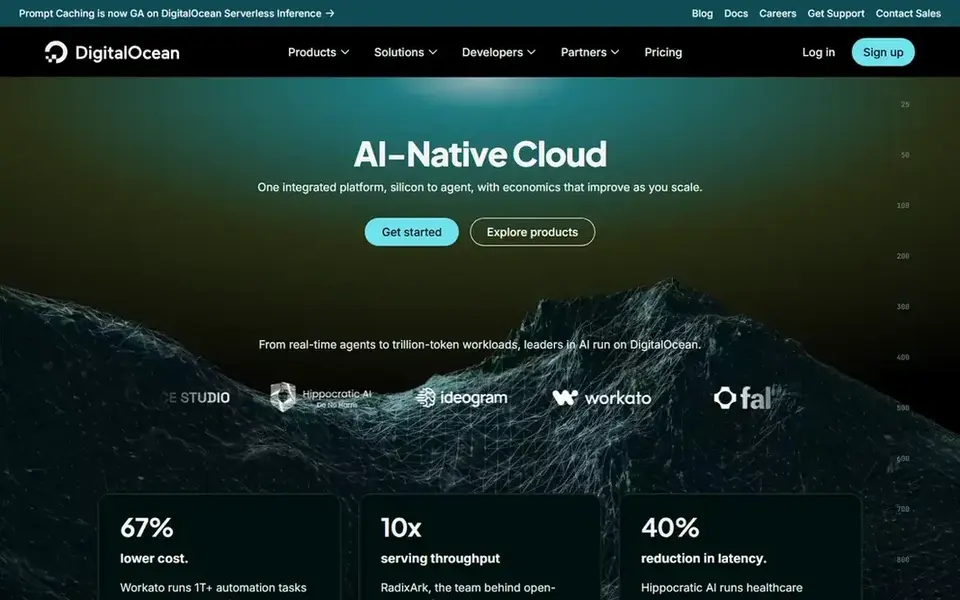
Think of DigitalOcean for developers and startups who want predictable VPS costs without hyperscaler complexity. DigitalOcean is the honest VPS. One-click marketplace apps, a Terraform provider and a full API make it approachable for a VPS.
Where it is weaker: firewalls and backups are your job except when you buy managed products.
On top of that, the trade is operational responsibility: the Droplet is yours to secure, update and back up, with managed backups adding 20 to 30 percent. As for the details, four dollars buys a real Linux server with root SSH access and 500GB of transfer, billed per second with a monthly cap, and the $6 level doubles the RAM. DigitalOcean cost at the entry level: $4/month. No free plan comes with DigitalOcean.
- One-click apps
- Transparent flat monthly pricing that is simple to budget
- It lacks the git-push simplicity of Vercel or Netlify for frontend work
Cloudflare Workers
Great for: Developers building APIs, edge middleware and automation where global latency and zero egress fees
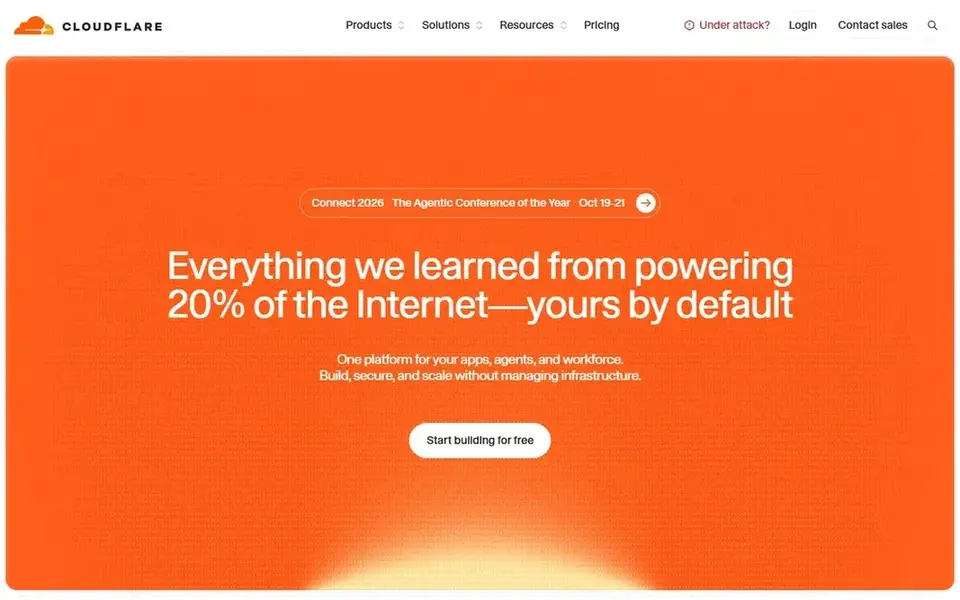
Cloudflare Workers serves developers building APIs, edge middleware and automation where global latency and zero egress fees matter. For APIs, middleware, cron automation and JAMstack backends, the latency and cost profile is unmatched. The architecture demand is real: you must design for stateless isolates with CPU limits and no native Node modules, so long-running processes and heavy computation do not fit.
The free tier handles 100,000 requests a day, and the $5-a-month premium plan bundles 10 million requests plus 30 million CPU-ms, with no data transfer charges at all. On top of that, Durable Objects and stateful primitives add their own pricing. Starting cost for Cloudflare Workers: $0. A free plan is available with Cloudflare Workers.
Where it falls short: Stateless isolates.
- Runs in 335+ cities for excellent worldwide latency
- Deep product family (Pages, R2, D1, KV, Queues, Durable Objects, Workers AI)
- Not traditional servers: no long-lived processes, no native filesystem, restricted runtime APIs
Render
Great for: Developers who want a modern Heroku alternative with managed databases in the same dashboard
In short, Render is for developers who want a modern Heroku alternative with managed databases in the same dashboard. Render is the unified Heroku successor plenty of teams migrated to.
What to check first: Free level services sleep.
Free plans exist for web services, Key Value and Postgres with the usual sleep-and-limits caveats. Also, per-second billing means you pay for exactly what runs. Pricing for Render is not stated here, so ask the vendor for current figures. A free plan is available with Render.
- Cron jobs and hosted Postgres/Redis on one system with minimal config
- Per-second compute billing means stopped services cost nothing
- Fewer regions than the hyperscalers
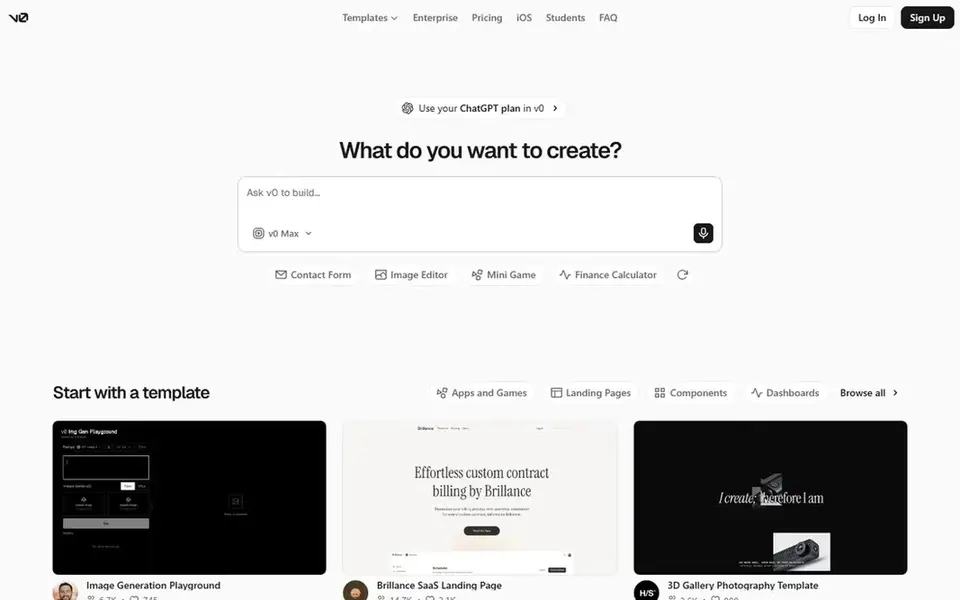
Where Vercel fits: teams building Next.js, React or other frontend-led apps who want the shortest path from Git push to production. Vercel is the frontend developer's default.
On top of that, Hobby's non-commercial restriction means side projects that earn revenue need Pro. Beyond that, the honest catch is the usage meter. On cost, Vercel starts like this: $0. Vercel offers a free plan.
Where it falls short: Backend workloads are restricted to serverless and edge paradigms.
- Global edge network with automatic HTTPS and caching
- Ample usage model with spend-management tools
- Hobby is restricted to personal, non-commercial use, so anything earning money needs Pro
Fly.io
Great for: Docker-savvy developers who want full-stack apps and workers close to users worldwide
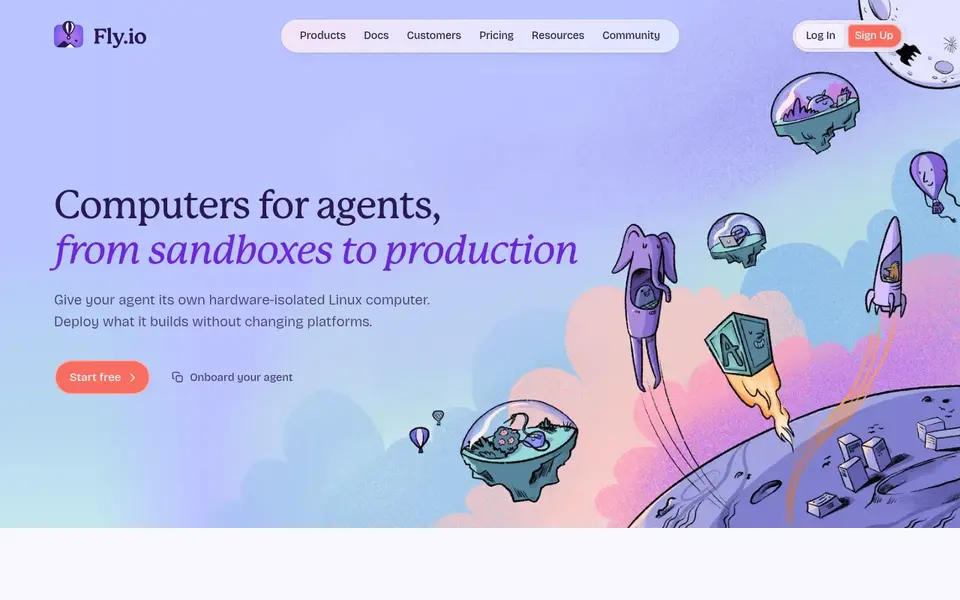
Fly.io is designed for Docker-savvy developers who want full-stack apps and workers close to users worldwide. A single fly.toml deploys hardware-isolated VMs across 30-plus regions with an anycast IP, and scale-to-zero means idle apps cost nearly nothing.
From a buyer's view, the smallest always-on Machine runs about $2.19 per month. Price to start with Fly.io: Pay-as-you-go. Free plan details: Free trial.
Where it falls short: Numerous billing components (Machines, volumes, snapshots, egress, IPs), so estimating takes effort.
- Hardware-isolated VMs suit Docker-first apps
- Workers and AI agent workloads
- Managed Postgres Basic at $38/month dominates a small app's bill
Heroku
Great for: Startups and solo developers who value ops-free deployment, notably in the Salesforce ecosystem
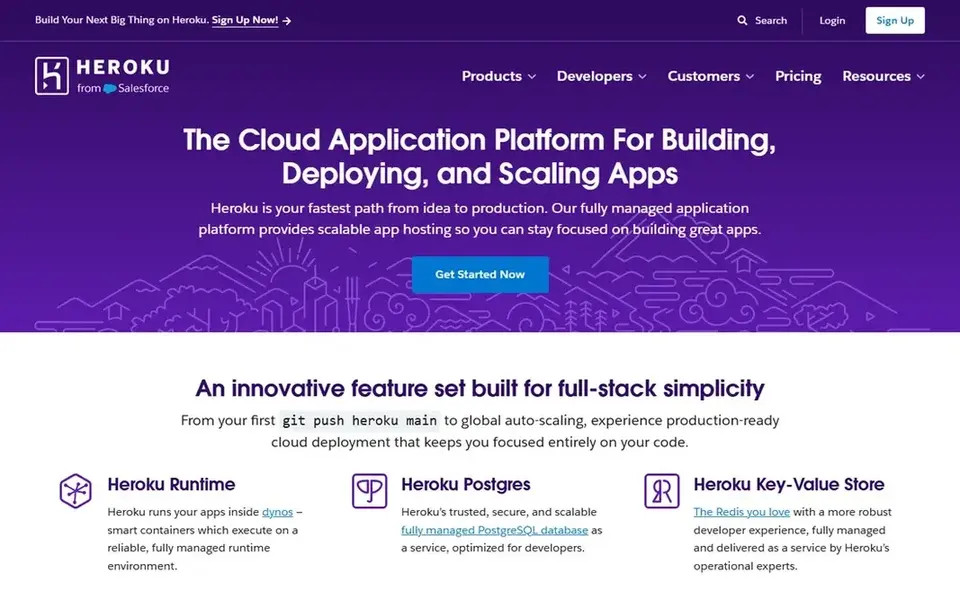
Where Heroku fits: startups and solo developers who value ops-free deployment, particularly in the Salesforce ecosystem. Heroku invented the git-push deploy, and the workflow still shines: buildpacks, release pipelines, review apps and one-click Postgres work from day one. Also, Salesforce owns Heroku, so teams in that ecosystem get the smoothest ride.
Upsides: The original developer-friendly PaaS: git push deploys in Ruby, Node, Python, Java, Go.
Where it is weaker: Per-dyno pricing plus database and add-on costs can exceed less expensive choices at scale.
On top of that, the honest math: an entry-level production app needs a minimum of an always-on dyno plus a database, so figure $12 a month minimum before extras. Costs scale per dyno instead of per usage, which punishes bursty workloads. Heroku starts at: $5/month. Heroku has no free plan.
- PHP and more
- Managed data services and Salesforce sync
- Eco dynos sleep after 30 minutes of no traffic
How the list was put together
For each of the 6 tools we noted price, free plan or trial, fit for cloud platform for developers and the main limit, using vendor pages and documentation. Where a price is missing, the vendor does not list one publicly or ties it to a quote. Always confirm before budgeting. We ordered the tools by general fit, then by how clearly pricing is shown, then by free access. A buyer with unusual needs may reorder them.
Things to verify first
- Get a written quote from Render; the list shows no starting price for them.
- Look at free plan limits closely: Cloudflare Workers, Render and Vercel have one, and the caps decide whether it is usable for real work.
- Take the trial from Fly.io and push a live task through it before you pay.
- Before choosing DigitalOcean, weigh its main limit: Droplets are IaaS, so patching, firewalls and backups are your job except when you buy managed products.
- Pick one real project and run it in Render first; a small pilot shows fit faster than a checklist.
- Confirm that DigitalOcean connects to the apps your team already uses, on the plan you would actually buy.
Frequently asked questions
How do I avoid surprise cloud bills?
Set spend alerts and budget caps before launch, understand which meter dominates your app (typically bandwidth or egress), and load-test before a launch.
What is the cheapest option for cloud platform for developers in this list?
On published monthly entry prices, Vercel is the lowest here at $0. Entry price is only part of the cost, because seats, add-ons and billing terms can change the total.
How are the tools for cloud platform for developers ordered?
The order follows typical fit for cloud platform for developers, with DigitalOcean first and Heroku last, then price clarity and free access. It is editorial judgement, not a score, so another team could rank the tools differently.
Do these tools publish their prices?
Not all of them. Render publishes no starting price, so expect a quote request for it. The rest, DigitalOcean included, show a starting price, though seats and billing terms still change the final cost.
Is DigitalOcean the right pick for everyone comparing cloud platform for developers?
No single tool suits every team. DigitalOcean comes first because it fits developers and startups who want predictable VPS costs without hyperscaler complexity, while Cloudflare Workers suits developers building APIs, edge middleware and automation where global latency and zero egress fees and Render suits developers who want a modern Heroku alternative with managed databases in the same dashboard. Match the tool to your own size, budget and workflow before deciding.
Sources
See where you really rank - block by block
ProMapRanker scans Google Maps across a grid of your service area. Simple monthly plans from $19, white-label on every plan.
Start freeBrowse all guides
← Best Ci Cd Tools for Cloud Deployment Automation (2026)Best Developer Platform with Self Serve Analytics in 2026 →
 best esg data providers
2026 Guide to the Best ESG Data Providers
Weighing the best ESG data providers? We lined up 6 products by cost, free access and fit. Strengths and gaps are listed per tool. Budget notes included.
Read → best blogging platforms that pay writers
Best Blogging Platforms That Pay Writers (2026)
Best blogging platforms that pay writers, compared. 5 tools with published prices, free plans and limits. Concise write-ups of every option. Details below.
Read → best ai internal communications software
2026 Guide to the Best AI Internal Communications Software
Shortlisting the best AI internal communications software? 6 products compared on cost, free access and ideal buyer. Prices and drawbacks included. No hype.
Read → best price comparison app
Best Price Comparison App in 2026
Compare the best price comparison app options in 2026 for barcode scanning, price history, alerts, and coupons, all with free tiers for shoppers today.
Read → best devops platforms
Best DevOps Platforms in 2026
Compare the best DevOps platforms for CI/CD, testing, and delivery, with pricing, free tiers, and guidance for teams of every size in 2026 Compare features,.
Read → best price scraping tools
Best Price Scraping Tools in 2026
We compared the best price scraping tools for price monitoring, covering APIs, no-code builders, and pricing, with respect for site terms and robots rules.
Read →More in Developer Tools · All guides A to Z by date · Latest guides