 ProMapRanker
Best DevOps Platforms in 2026

Key takeaways
- GitLab is the most complete all-in-one DevOps platform, covering code, CI/CD, security scanning, and deployment in one place.
- GitHub Actions is the easiest choice for teams already on GitHub, while Jenkins remains the free, self-hosted option for teams that want full control.
- Azure DevOps fits Microsoft-centered teams, and CircleCI suits cloud teams that want fast builds with little infrastructure work.
- Pricing units differ sharply, from per-user seats to build minutes and credits, so compare total cost at your real build volume.
- For learning DevOps, start with GitHub Actions or GitLab, since both offer free tiers and skills that transfer to many jobs.
Quick comparison
| Pick | Great for | Pricing starts at | Free tier | |
|---|---|---|---|---|
 GitLab | all-in-one DevOps | $29 per user per month | Yes | Visit |
 GitHub Actions | teams on GitHub | Free | Yes | Visit |
 Azure DevOps | Microsoft-centered teams | Free | Yes | Visit |
 Jenkins | self-hosted control | Free | Yes | Visit |
 CircleCI | fast cloud builds | $15 per month | Yes | Visit |
 Harness | enterprise delivery at scale | See website | Free trial | Visit |
 Octopus Deploy | deployment and release management | $10 per target per month | Free trial | Visit |
 TeamCity | powerful self-hosted CI | See website | Free trial | Visit |
 Buildkite | hybrid orchestration | See website | Free trial | Visit |
The best DevOps platforms
We compared CI/CD features, hosting options, security tools, and pricing for platforms that teams actually use to ship software in 2026. The best DevOps platform depends on where your code lives, how much infrastructure you want to run, and how strict your security and compliance needs are. A platform that is perfect for a startup can be a poor fit for a regulated enterprise, and the reverse is also true.
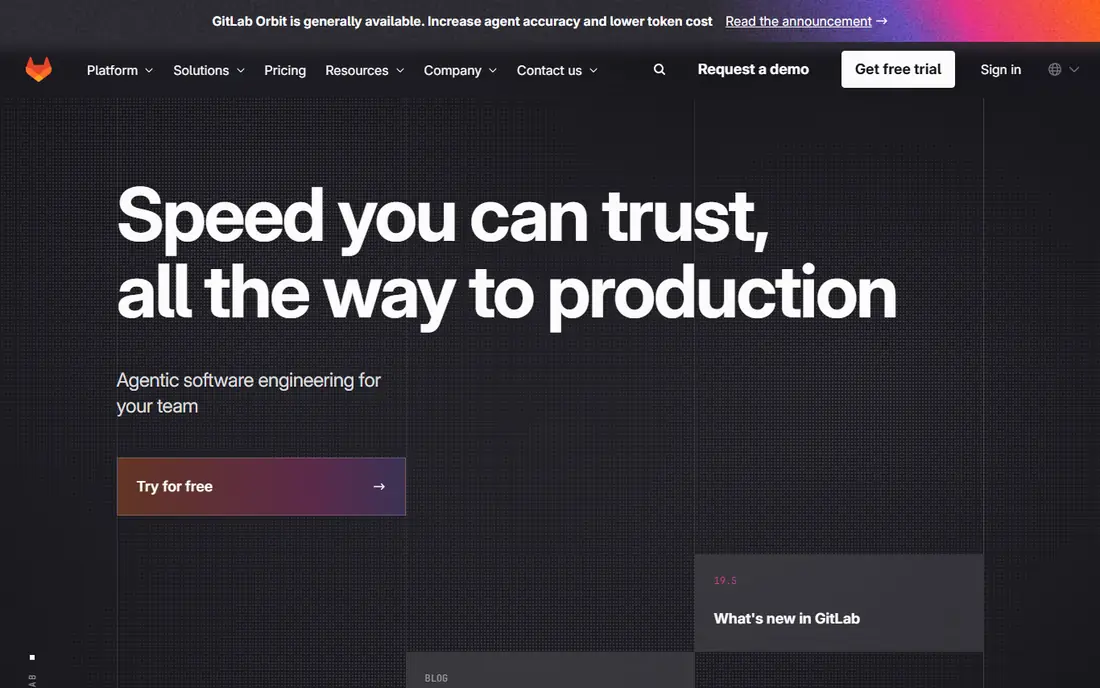
GitLab is our pick for teams that want one platform for the whole software lifecycle. Code hosting, merge requests, CI/CD pipelines, container registry, and security scanning live together, which reduces the number of tools a team must connect and maintain. That integration helps with traceability, since a change, a pipeline run, and a security finding can be viewed in one place.
The free tier is useful for small projects, but its build minutes run out quickly on active codebases, and the paid Premium tier starts at $29 per user per month. Teams that only need CI may find GitLab heavier than GitHub Actions or CircleCI, but teams that want DevSecOps in one system will value the breadth.
- Code, CI/CD, security scanning, and registry in one platform
- Self-hosted and cloud options
- Strong issue tracking and planning tools
- Free tier build minutes are limited
- Interface can feel heavy for teams that only need CI
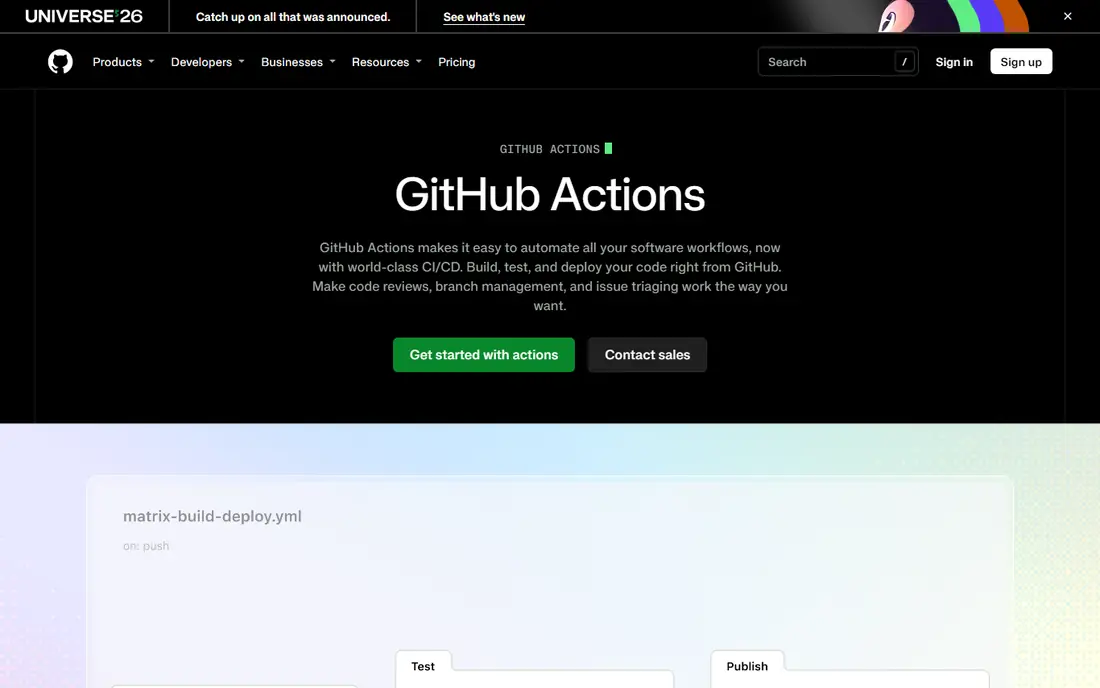
GitHub Actions is the natural choice when your code already lives on GitHub. Workflows run from files in the repository, pull request checks appear where developers already work, and the marketplace offers thousands of reusable actions for common tasks. Public repositories get generous free usage, which makes it a strong pick for open source and learning.
Private repositories come with monthly minute allowances that vary by plan, and heavy builds can add usage charges. It also lacks some of the built-in planning and security breadth that GitLab bundles, so larger organizations often pair it with other tools. For most GitHub-centered teams, though, the low friction is hard to beat.
- Built into GitHub with a large actions marketplace
- Free for public repos
- Self-hosted runners available
- Costs grow with private-repo minutes
- Less built-in DevOps breadth than GitLab
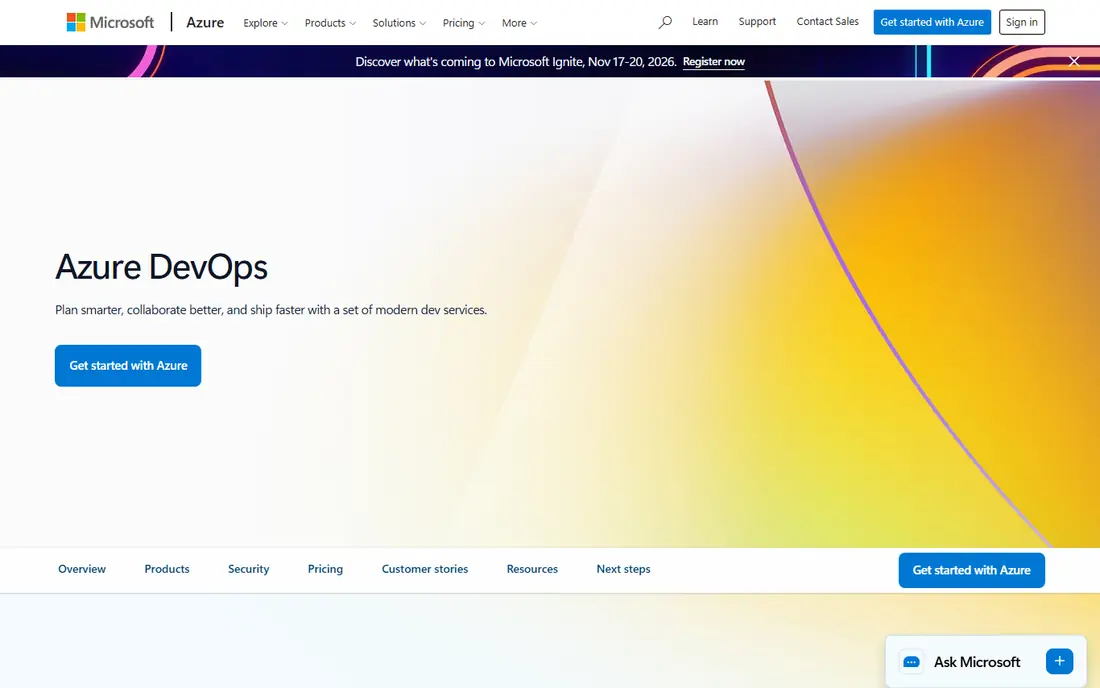
Azure DevOps suits teams that build on Azure, use Visual Studio, or work inside Microsoft 365. Boards for planning, Repos for code, Pipelines for CI/CD, and Test Plans for quality work together, and the integration with Azure makes deployments to Microsoft cloud services straightforward. Small teams can start on the free tier, which includes a hosted job with monthly minutes.
The trade-off is ecosystem fit. Teams outside the Microsoft stack may find GitLab or GitHub Actions more natural, and the Azure DevOps interface can feel less modern than newer platforms. For Microsoft-centered organizations, however, the combined suite and governance tools are a strong advantage.
- Boards, repos, pipelines, and test plans in one suite
- Strong Azure and Microsoft integration
- Free tier for small teams
- Interface feels dated in places
- Best value requires commitment to the Microsoft ecosystem
Jenkins remains the go-to option for teams that want complete control without a per-user license. It is free and open source, it runs on your own servers, and its plugin library covers an enormous range of tools and workflows. Organizations with strict network controls, air-gapped environments, or unusual build setups often choose Jenkins for that flexibility.
That freedom comes with work. You must install, update, back up, and secure Jenkins and its agents, and plugin management can become a job in itself. Teams without dedicated DevOps staff may spend more time maintaining Jenkins than shipping features. If you have the expertise, it is powerful and cheap. If you do not, a hosted platform will serve you better.
- Free and open source
- Huge plugin library
- Full control over hosting, agents, and pipelines
- You run and secure the infrastructure yourself
- Setup and maintenance take real time
- Interface is dated
CircleCI appeals to cloud teams that want reliable builds without managing servers. Its hosted executors, parallelism, and caching help large test suites finish faster, and the free tier gives new teams room to try it before paying. The Performance plan starts at $15 per month and adds credits for heavier use.
Credit pricing needs attention, since larger machines and more parallelism burn credits faster. CircleCI is mainly a CI/CD platform, not a full DevOps suite with planning and code hosting, so teams still need GitHub, GitLab, or another host for code. For build speed and low operational effort, it is a strong choice.
- Fast cloud builds with good parallelism
- Credit-based pricing with a free tier
- Self-hosted runners available
- Credit use varies with resource choices
- Less all-in-one breadth than GitLab or Azure DevOps
Harness is built for organizations with complex delivery needs, such as canary deployments, feature flags, and multi-cloud releases. Its deployment automation and guardrails help large teams ship safely, and its AI-assisted features aim to catch failed deployments early. Enterprises with many services and strict release controls get the most from it.
Smaller teams will likely find Harness overpowered and overpriced, since pricing is quote-based and aimed at larger organizations. It also takes more setup and training than GitHub Actions or CircleCI. Choose it when delivery complexity and risk justify an enterprise platform, not for a first CI setup.
- Advanced deployment strategies and rollback controls
- AI-assisted delivery features
- Multi-cloud support
- Enterprise pricing is quote-based
- More complex than small teams need
Octopus Deploy fills a gap that CI tools often leave: getting a tested build safely into production across many environments and tenants. Its release workflows, approvals, and runbooks give operations teams a clear view of what went where and when. Agencies and enterprises that deploy the same product for many customers benefit from its multi-tenancy features.
It is not a complete CI replacement, so most teams pair it with GitHub Actions, Jenkins, or another build tool. Pricing per target means costs grow with the number of machines or environments you deploy to, so model that total before committing. For deployment-heavy teams, that focus is a strength.
- Clear release and deployment workflows
- Multi-tenancy for agencies and enterprises
- Good runbook automation
- It focuses on deployment rather than full CI
- Pricing is per target, so large fleets cost more
TeamCity from JetBrains offers a more polished experience than Jenkins while keeping the control of a self-hosted CI server. Build chains, test reporting, and integration with JetBrains IDEs help development teams see failures quickly and understand what broke. It is available as a cloud service and as an on-premises server, which gives teams flexibility on hosting.
It is not free at scale, and licensing depends on agents and team size, so confirm the current pricing for your setup. You still manage servers and agents on the self-hosted version, though less plugin wrangling is involved than with Jenkins. Teams that like JetBrains tools often find TeamCity a comfortable fit.
- Polished interface for a self-hosted CI tool
- Strong build chain and test reporting
- Cloud and on-premises options
- Pricing and licensing need checking for your team size
- Setup still requires server management
Buildkite splits the job in a useful way: Buildkite runs the orchestration in the cloud, while your build agents run on your own infrastructure. That hybrid model suits teams that need to keep source code and build environments inside their own network, but do not want to run a full CI server themselves. Pipelines are clear to read, and the agent model scales well for large organizations.
The catch is that agents remain your responsibility, including updates, security, and capacity. Pricing is based on active users and usage, so confirm the current rates for your team size. For teams that want cloud convenience plus infrastructure control, Buildkite is a balanced middle ground between Jenkins and a fully hosted platform.
- Managed control plane with your own agents
- Good for teams with strict infrastructure control
- Clear pipeline visualization
- You still operate build agents
- Pricing depends on active users and usage
How we picked these
We compared official feature pages, pricing pages, and documentation for DevOps platforms that are actively maintained and widely used in October 2026. We favored platforms that cover CI/CD plus a clear delivery or DevOps strength, and we left out single-purpose tools that do not serve as a platform. Where vendors price by seats, minutes, credits, or targets, we reported the starting unit as published and wrote See website where the current figure was not clearly verifiable.
How to choose the right platform
Start with where your code lives and where you deploy. GitHub code points to GitHub Actions, GitLab code points to GitLab CI/CD, and Azure workloads point to Azure DevOps. Then decide how much infrastructure you want to run. Hosted platforms save time, self-hosted tools save license cost but add maintenance, and hybrid tools like Buildkite split the difference.
Next, model cost at realistic volume. Count developers, build minutes, parallel jobs, and deployment targets, and compare those totals across two or three finalists. Finally, run a real pipeline on a trial, including a failed build, a security scan, and a rollback, since those moments show whether a platform helps or hinders your team under pressure.
Frequently asked questions
Which platform is best for DevOps beginners?
GitHub Actions and GitLab are the best starting points for learning DevOps, since both offer free tiers, clear documentation, and skills that employers recognize. Jenkins is also useful to learn, but its setup work makes it a slower first step.
What is the best DevOps tool for a small team?
GitHub Actions is usually best for small teams on GitHub, and GitLab is best for small teams that want planning, code, and CI in one place. Both have free tiers that cover light use, and both scale as the team grows.
What is the best DevOps platform for enterprises?
GitLab and Harness are strong enterprise picks, with GitLab covering the full lifecycle and Harness covering advanced delivery at scale. Azure DevOps is also strong for Microsoft-centered enterprises that need governance and Azure integration.
Is Jenkins still a good DevOps tool in 2026?
Yes, Jenkins remains a good choice for teams that want free, self-hosted CI with full control and a large plugin library. It suits teams with DevOps expertise and strict hosting needs, but it requires more maintenance than hosted platforms.
How much does a DevOps platform cost?
Costs range from free for Jenkins and the free tiers of GitHub Actions, GitLab, and Azure DevOps, to per-user, per-minute, per-credit, or per-target pricing on paid plans. The true cost depends on team size, build volume, and deployment targets, so model your own usage before choosing.
Sources
See where you really rank - block by block
ProMapRanker scans Google Maps across a grid of your service area. Simple monthly plans from $19, white-label on every plan.
Start freeKeep reading
 who is the best seo company
Who Is the Best SEO Company in 2026
Compare who is the best SEO company in the USA, from full service agencies to SEO only specialists, with fit and service notes Compare features, pricing,.
Read → top bi software
Top BI Software in 2026: 9 Tools Compared
Compare the top BI software in 2026, with dashboards, reporting, data links, sharing, pricing and free plans for small teams, analysts and large companies.
Read → spyfu alternatives
SpyFu Alternatives in 2026: 9 Tools Compared
Compare the best spyfu alternatives in 2026, from Semrush and Ahrefs to SE Ranking, Moz, and Mangools, for competitor and keyword research work. for teams
Read →