 ProMapRanker
Best Cloud Infrastructure Automation Software in 2026

Key takeaways
- HCP Terraform and Pulumi suit most multi-cloud teams, while Ansible fits teams that also manage servers and apps after provisioning.
- CloudFormation and similar cloud-native tools cost less in tool fees but tie your templates to one provider.
- Free tiers are useful for small estates, but per-resource and per-worker pricing can grow fast, so test with your real resource count.
- Policy checks, drift detection, and state handling matter more than a long feature list once more than one person can change infrastructure.
- Open source tools such as Crossplane and OpenTofu remove licence fees but still need time, hosting, and care with state and access.
Quick comparison
| Pick | Great for | Pricing starts at | Free tier | |
|---|---|---|---|---|
 HCP Terraform | Multi-cloud provisioning at scale | Free | Yes | Visit |
 Pulumi | Developers who prefer real code | $40 per month | Yes | Visit |
 Ansible Automation Platform | Configuration after provisioning | See website | Free trial | Visit |
 AWS CloudFormation | AWS-only estates | Free | Yes | Visit |
 Spacelift | Governing Terraform and related tools | Free | Yes | Visit |
 env0 | Managed runs and environments | Free | Yes | Visit |
 Crossplane | Kubernetes-native infrastructure | Free | Yes | Visit |
 OpenTofu | Open source Terraform-style workflows | Free | Yes | Visit |
 Scalr | Teams that want Terraform runs with controls | See website | Free trial | Visit |
The best cloud infrastructure automation software
We compared official feature pages, pricing pages, and documentation for tools that create, change, and manage cloud resources in a repeatable way. The list below covers managed platforms, cloud-native services, and open source options, so a small team and a large platform team can both find a fit.
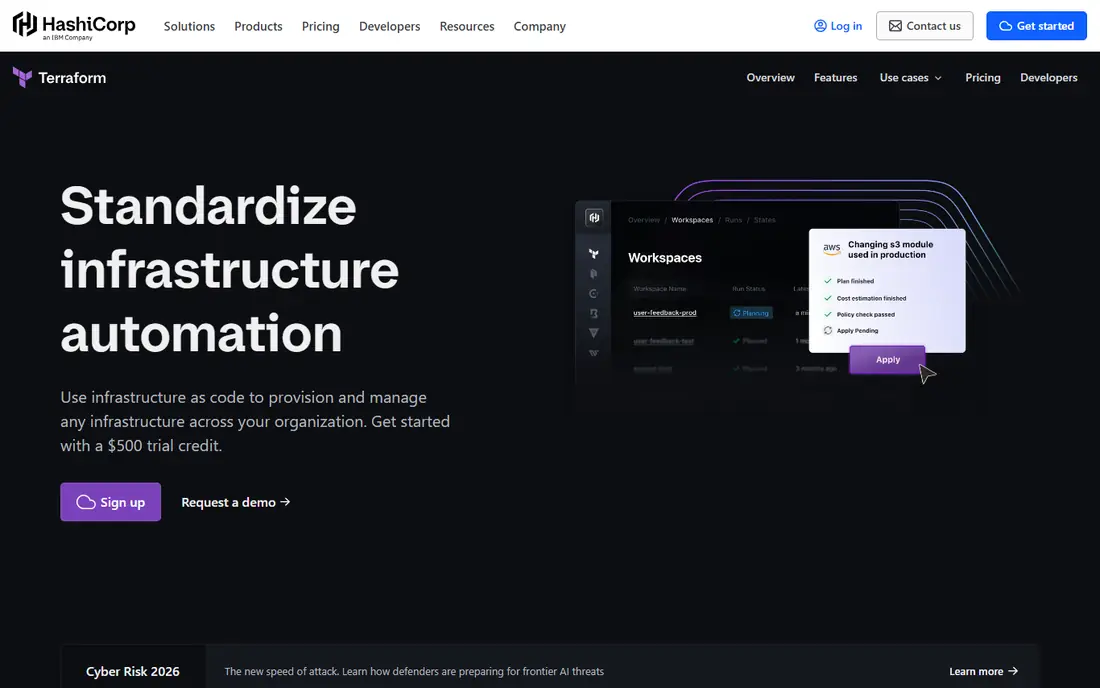
HCP Terraform is the managed version of Terraform, and it remains the default choice for many teams that run more than one cloud. You write declarative configuration, review a plan that shows what will change, and then apply it. That review step is the main reason teams trust it with production changes, because surprises show up before resources are created or destroyed. The provider ecosystem covers major clouds, databases, networking, and many software-as-a-service tools, which reduces the need for one-off scripts.
The honest catch is cost and care around state. The free tier covers up to 500 managed resources, which suits small estates, but larger estates pay per managed resource each month, and small resources such as individual rules and records can add up. State holds details about your infrastructure, so access, locking, and backups deserve attention from day one. For a team that wants a proven, portable way to provision infrastructure, this is still our first shortlist pick.
- Very large provider ecosystem
- Clear plan and apply workflow
- Managed runs with policy and state handling
- Costs rise with managed resources
- State files need careful access control
- Licence terms need a read for commercial use
Pulumi lets developers define infrastructure in a general-purpose programming language instead of a domain-specific language. That choice matters when your infrastructure logic needs loops, shared libraries, tests, or reuse from application code. Teams that already review code in pull requests often find Pulumi fits their habits well, because infrastructure changes look like other code changes. The managed cloud service adds state, secrets handling, policy checks, and deployment history.
The trade-off is pricing and ecosystem size. The individual tier is free, and the Essentials tier starts at 40 dollars per month with a credit allowance, but larger estates move into higher tiers as managed resources grow. Terraform has more ready-made modules, so a Pulumi team may write more from scratch. If your team is developer-led and values code reuse over the largest module catalogue, Pulumi is a strong pick.
- Uses TypeScript, Python, Go, and other languages
- Strong state and policy features
- Good for teams that already code daily
- Credit and resource pricing needs careful reading
- Smaller module ecosystem than Terraform
- Learning curve for non-developers
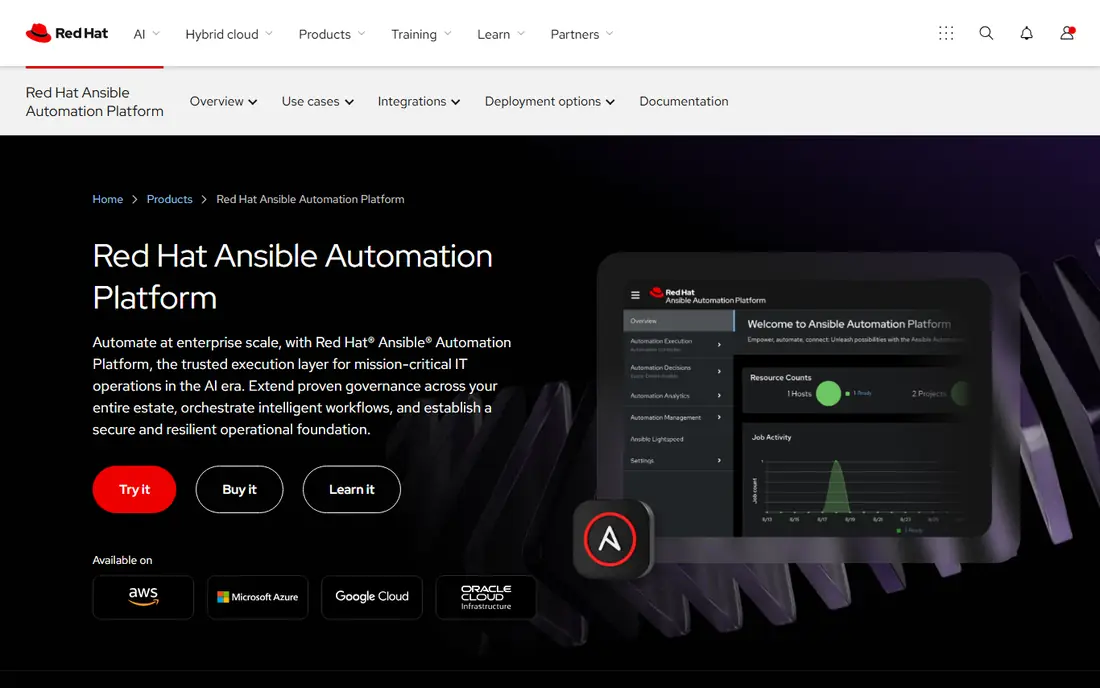
Ansible is best understood as a configuration and automation tool that pairs well with a provisioning tool, even though it can create cloud resources too. It connects over SSH or APIs without an agent on most targets, runs tasks in order, and uses readable YAML playbooks. That simplicity helps operations teams automate patching, app deployment, user setup, and routine checks without learning a new language. Red Hat Automation Platform adds a controller, job scheduling, role-based access, and audit history for larger teams.
The catch is state. Ansible does not track cloud infrastructure state in the same way Terraform or Pulumi do, so drift and complex dependency graphs are harder to manage with Ansible alone. Many teams use Terraform or Pulumi to create the resources and Ansible to configure what runs on them. If your main pain is day-to-day server and app work rather than cloud provisioning alone, Ansible earns its place.
- Agentless approach over SSH and APIs
- Strong for server and app configuration
- Large collection library
- Not a full replacement for a stateful provisioning tool
- Large inventories need design work
- Pricing is quote-based
AWS CloudFormation is the native way to define AWS infrastructure as code, using JSON or YAML templates. There is no separate tool fee, so you pay for the AWS resources you create, which makes it easy to justify for an AWS-only team. Stacks group related resources, change sets preview changes, and drift detection shows when a resource has been changed outside the template. For teams that live entirely in AWS, that close fit with new AWS services is a real advantage.
The limit is portability. Templates written for CloudFormation do not move to Azure or Google Cloud, and a team that later adds a second cloud will need a second approach. Template files can also grow long for complex estates, although nested stacks and modules help. If AWS is your only cloud for the foreseeable future, CloudFormation is simple, cheap in tool fees, and well supported.
- No tool fee beyond AWS resource charges
- Deep AWS service coverage
- Stacks and change sets aid review
- AWS-only by design
- Template work can feel verbose
- Cross-cloud teams need another tool
Spacelift is a control plane for infrastructure-as-code runs rather than a new provisioning language. It runs your existing Terraform, OpenTofu, Pulumi, or CloudFormation work with approvals, policy checks, drift detection, and audit logs in one place. That makes it attractive for a team that already has working code but needs better control over who can apply changes, when runs happen, and what rules must pass first. Stack dependencies and scheduled runs help with environments that must change in a set order.
The free tier suits small teams getting started, but paid plans are largely quote-based and scale with workers, so budgeting needs a sales conversation and a clear view of peak concurrency. A worker handles one run at a time, so too few workers can queue releases at busy moments. If governance and audit trails are your main gap, Spacelift addresses that gap without forcing a rewrite.
- Works with Terraform, OpenTofu, Pulumi, and CloudFormation
- Policy and approval controls
- Private workers for secure runs
- Paid pricing is largely quote-based
- Worker limits need capacity planning
- Adds a layer to learn
env0, now styled as env zero in some materials, provides managed runs, environments, and controls for Terraform, OpenTofu, Pulumi, and related tools. The free tier includes a monthly run allowance and a set of active environments, which is enough for a small team to test the workflow. Paid tiers add more environments, cost management, drift handling, and self-hosted agents for teams that need runs inside their own network. The focus on environments makes it useful for preview, staging, and short-lived test setups.
The main drawback is pricing clarity. Paid tiers are quote-based and priced by successful applies or environments, so two teams with similar estates can get different quotes. The control plane is hosted by the vendor, which suits most teams but needs a security review for strict environments. If you want managed runs without building your own runners, env0 is worth a trial.
- Free tier with runs and environments
- Supports several IaC tools
- Cost and drift views aid day-to-day work
- Paid tiers are quote-based
- Control plane is cloud-hosted
- Larger teams need to check agent and policy limits
Crossplane turns Kubernetes into a control plane for cloud infrastructure. You define cloud resources as Kubernetes objects, and Crossplane reconciles them toward the desired state, which fits platform teams that already run Kubernetes and want one API for apps and infrastructure. Compositions let a platform team offer a simple, approved building block, such as a database with backup and networking, while hiding the detailed cloud settings. Because it is open source, there is no licence fee, although you still pay for the cloud resources and the cluster.
The catch is the skill requirement. A team without Kubernetes experience will face a steep start, and provider installation, credentials, and upgrades need ownership. Crossplane also works best when you want continuous reconciliation rather than one-off runs. For a Kubernetes-centred platform team, it is a strong choice. For a small team without Kubernetes, a managed tool above will be faster.
- Manages cloud resources from Kubernetes
- Open source with no licence fee
- Composition suits platform teams
- Needs Kubernetes skill
- Provider setup takes time
- Not the simplest start for a small team
OpenTofu is an open source fork of Terraform that keeps the familiar workflow of writing configuration, planning, and applying changes. It appeals to teams that want an open licence and community-led development, and to teams that already know Terraform concepts. State handling, workspaces, and modules work in ways Terraform users will recognise, which keeps migration effort lower than learning a new language. Because the tool itself is free, costs come from hosting, runners, and cloud resources.
The trade-off is ecosystem and support. Terraform still has the larger provider and module catalogue, so an OpenTofu team should check provider coverage for the services it uses most. OpenTofu also needs a runner and state backend, which a managed platform can provide or a team can build. If open source licensing matters to your organisation, OpenTofu is the clearest like-for-like option.
- Open source under a permissive licence
- Familiar Terraform-style workflow
- State and module concepts carry over
- Smaller ecosystem than Terraform
- Some providers need checking
- Managed hosting is separate
Scalr provides remote runs, state management, policy checks, and workspaces for Terraform and OpenTofu. Its account and environment hierarchy suits organisations that need separate teams, projects, and access rules without giving everyone full admin rights. Cost estimation, run history, and policy enforcement help platform teams keep changes reviewed and repeatable. The interface will feel familiar to Terraform users, which shortens onboarding.
The main drawback is that pricing is quote-based, so a small team cannot judge cost from a public price list alone. Scalr also focuses on Terraform-style workflows rather than covering every automation need, so configuration management may still need Ansible or a similar tool. If your estate is Terraform-based and governance is the gap, Scalr deserves a place on the shortlist.
- Terraform and OpenTofu runs with policy
- Remote state and workspaces
- Hierarchical access suits larger orgs
- Pricing is quote-based
- Focus is narrower than a full platform
- Evaluation needs a trial with real code
How we picked these
We compared official feature pages, pricing pages, and documentation, and we kept only tools that exist and work in October 2026 and that truly automate cloud infrastructure. We favoured tools with a clear provisioning or run-control role, a public pricing or free option where possible, and coverage for more than one team size. Where a vendor did not publish a price, we wrote See website rather than guessing. We did not claim hands-on testing that did not happen.
What to check before you commit
Start with one real workload, not a demo template. Provision a small service with networking, storage, and access rules, change it, roll it back, and check that the plan shows the change clearly. Test state locking by running two changes at once in a safe environment, and confirm who can read and change state. Check how drift is reported, how secrets are handled, and how policy failures appear in a pull request.
Next, model cost with your real numbers. Count managed resources, workers, and environments, and ask for a quote that matches peak use, not average use. Ask about renewal terms, extra frameworks or policies, and charges for private runners. Finally, confirm exit options. Can you export state, keep your code, and run it elsewhere if you leave a managed platform. A tool that locks state or code in a proprietary format will cost more later than a slightly higher monthly fee today.
Frequently asked questions
What is the best cloud infrastructure automation software for a small team?
For a small team, HCP Terraform with its free tier or OpenTofu with a simple runner often fits best, because both start free and use a widely known workflow. Pulumi is a good alternative if the team already writes code daily. Pick the tool your team will actually maintain, since an unused automation setup is worse than a simple one that stays current.
What is the difference between infrastructure provisioning and configuration management?
Provisioning creates cloud resources such as virtual machines, networks, and databases, while configuration management sets up software and settings on those resources after they exist. Terraform, Pulumi, and CloudFormation focus on provisioning, while Ansible focuses more on configuration. Many teams use one tool for each job and connect them in the same pipeline.
Do I need a managed platform, or can I use open source tools alone?
Open source tools alone can work well for a small, skilled team that can host state, runners, and access controls. A managed platform adds policy, audit logs, drift detection, and support, which matter more as team size and risk grow. If you lack time to run the platform itself, a managed option often costs less in staff time than it adds in fees.
How does per-resource pricing affect my bill?
Per-resource pricing charges for each managed resource, so small items such as rules, records, and policies count alongside large servers. Count your full estate before you compare headline prices, and test with a representative project. A tool that looks cheap for 50 resources can become costly at 5,000 resources.
Can these tools manage more than one cloud?
Terraform, Pulumi, Spacelift, env0, Crossplane, OpenTofu, and Scalr can work across clouds, subject to provider coverage. CloudFormation is AWS-only, and Ansible works across clouds mainly for configuration and API tasks. If multi-cloud support is a requirement, confirm provider coverage for each service you plan to use.
Is infrastructure as code safe for production changes?
It can be safer than manual console changes, because changes are reviewed, versioned, and repeatable. Safety still depends on plan review, state protection, access controls, and testing in a non-production environment first. Never apply an unreviewed plan to production, and keep backups of state and configuration.
Sources
See where you really rank - block by block
ProMapRanker scans Google Maps across a grid of your service area. Simple monthly plans from $19, white-label on every plan.
Start freeKeep reading
 who has best internet service
Who Has the Best Internet Service in 2026
Who has best internet service for US homes? We compare fiber, cable, fixed wireless and satellite providers on speed, price, availability and terms today.
Read → which survey tool has the best analytics
Which Survey Tool Has the Best Analytics in 2026
Find which survey tool has the best analytics in 2026, comparing Qualtrics, SurveyMonkey, Typeform, Alchemer, and more on reports, text, and stats today.
Read → which streaming service has the best movies
Which Streaming Service Has the Best Movies in 2026
Answering which streaming service has the best movies, with Netflix, Max, Criterion and more compared on libraries, prices and free options in this guide.
Read →