 ProMapRanker
Best Cloud-Based Brainstorming Software in 2026

Key takeaways
- Miro is the most complete cloud canvas, while Lucidspark is best for a structured session that must end in a decision.
- FigJam is the cheapest paid route for design teams, at $3 per editor per month on a Collab seat.
- Free plans at Miro, Mural, Lucidspark and FigJam all cap editable boards, so regular workshops need a paid plan.
- Pick the tool that matches your follow-up: a canvas that stays alive, a diagram, a task list, or a published doc.
Quick comparison
| Pick | Great for | Pricing starts at | Free tier | |
|---|---|---|---|---|
 Miro | Ongoing team canvases | $8 per month | Yes | Visit |
 Mural | Facilitated workshops | $9.99 per month | Yes | Visit |
 FigJam | Design team brainstorming | $3 per month | Yes | Visit |
 Lucidspark | Structured ideation sessions | $9 per month | Yes | Visit |
 Microsoft Whiteboard | Microsoft 365 teams | Free | Yes | Visit |
 Excalidraw | Simple sketch-style boards | Free | Yes | Visit |
 Stormboard | Structured idea reports | See website | Yes | Visit |
 Whimsical | Fast wireframes and flowcharts | $10 per month | Yes | Visit |
The best cloud-based brainstorming software
We compared official feature pages, pricing pages, app store listings, privacy policies and public reviews. We judged each tool on live collaboration, templates, facilitation controls such as voting and timers, and what happens after the session, because a brainstorm that produces no decision is wasted time.

Miro is the broadest cloud brainstorming canvas in this list, with sticky notes, diagrams, docs, tables and a large template library for retros, planning and product work. Teams can run a live session, then keep the same board alive as a project space, adding comments and updates over weeks. Integrations with common work tools help that board connect to tasks and docs.
The limit is the free plan and seat maths. Free accounts allow three editable boards, which a regular workshop team will outgrow fast, and paid Starter seats cost $8 per member per month billed yearly. Price the editors you actually need, and use free viewers for occasional contributors where possible.
- Huge template library
- Many integrations
- Boards can stay live for months
- Free plan caps editable boards at three
- Seat costs rise for large teams
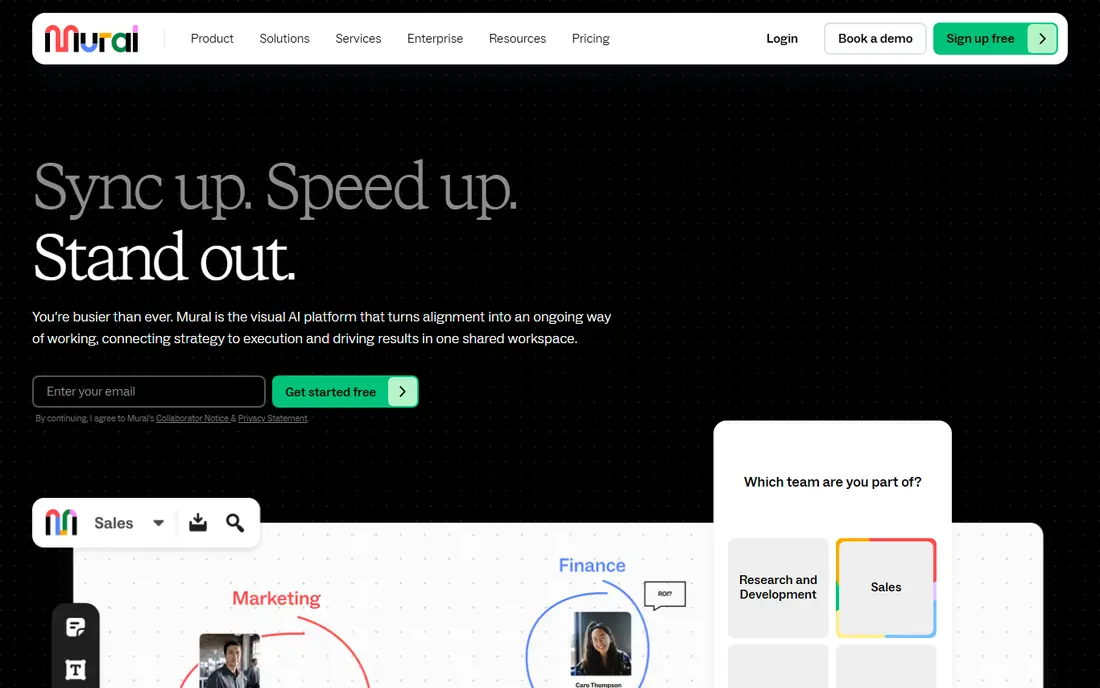
Mural is built for a facilitator running a structured workshop, not just an open canvas. Tools such as timers, summoning participants to a frame, private mode and voting help a group move from many ideas to a shortlist in one session. Its templates cover design thinking, agile retros and research synthesis, which suits consulting and product teams.
The trade-off is price and scope. Paid plans start at $9.99 per member per month billed yearly, and Mural is less strong as a precise diagram tool than Lucidchart. Use it when facilitation quality decides the session, and pair it with another tool if exact diagrams are the main output.
- Strong facilitation tools such as timers and private voting
- Deep template set
- Good for design thinking
- Paid entry is higher than FigJam
- Diagramming is weaker than a dedicated diagram tool
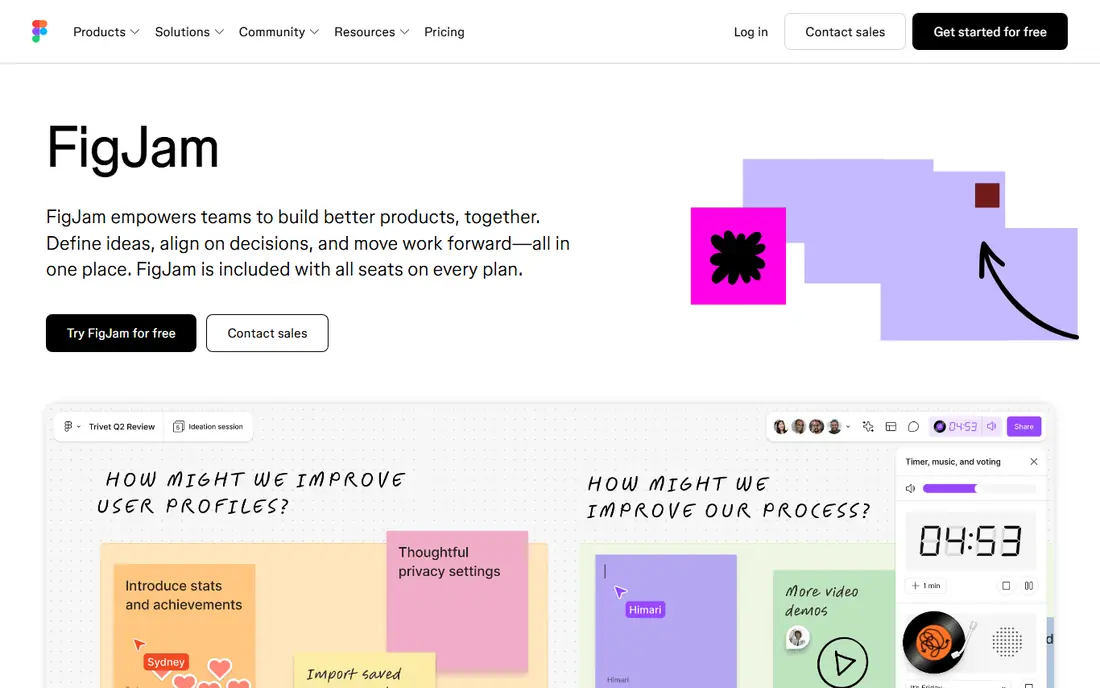
FigJam, from Figma, is the low-cost brainstorming board for teams already designing in Figma. Ideas on sticky notes can move straight into Figma design files, which removes the rework of copying a workshop output into another tool. Editor access starts at $3 per editor per month on a Collab seat, with viewers free, which keeps team cost low.
The limit is breadth. FigJam feels light once a session leaves design work, and its facilitation tools are simpler than Mural or Lucidspark. It is best for design-led brainstorms, not for a firm-wide planning system.
- Cheapest paid editor route here
- Tight Figma handoff
- Simple and fast for early ideas
- Light outside design work
- Fewer facilitation controls than Mural or Lucidspark
Lucidspark focuses on the session itself: generate ideas, group them, vote, and hand the result to Lucidchart for precise diagrams. Its facilitator panel, with voting, timers and private mode, helps a group reach a decision rather than just collecting notes. That structure suits enterprise workshops where an outcome must be documented.
The free plan allows three editable documents with object limits, so regular users need a paid plan at $9 per user per month for Individual use. Teams should also check whether they need Lucidchart as well, since that adds cost if diagrams are the final output.
- Facilitator panel with voting and timers
- Automatic idea grouping
- Pairs with Lucidchart
- Free plan caps editable documents and objects
- Full value often needs a second Lucid product
Microsoft Whiteboard is the zero-extra-cost pick for teams already paying for Microsoft 365. Boards run in a browser and inside Teams meetings, with sticky notes, ink, shapes and simple collaboration. For a team that brainstorms inside Teams calls, that built-in access removes another login and another bill.
The weakness is depth. Whiteboard lacks the template range, voting depth and facilitation controls of Miro or Mural, and it feels basic once a team leaves the Microsoft world. It is best for quick internal sessions, not for client-facing facilitated workshops.
- Included with most Microsoft 365 plans
- Works inside Teams
- No extra cost for existing subscribers
- Feels basic outside the Microsoft stack
- Template and facilitation depth is limited
Excalidraw gives teams a clean, hand-drawn canvas for sketching ideas, diagrams and flows without a heavy interface. The core tool is free and open source, and teams can self-host it, which suits developers and privacy-minded firms. Its simplicity also keeps a session focused, since there are fewer widgets to distract from the ideas.
The limit is structure. Excalidraw has few templates, limited facilitation tools, and enterprise controls sit in the paid Plus tier at $6 per user per month. Use it for fast sketching and technical diagrams, not for a formal workshop programme.
- Free and open source
- Hand-drawn look
- Self-hosting option for privacy-minded teams
- Few templates
- Light enterprise controls
- Collaboration needs Excalidraw Plus for full features
Stormboard suits teams that want a brainstorm to end as a structured report, not just a board. Ideas are organised into sticky-note sections, voted on, and exported into reports that managers can read without opening a canvas. That output focus helps agile teams and project managers who must show what a session decided.
The downside is polish and price clarity. The interface looks older than Miro or FigJam, and some pricing is not clearly published, so we list See website. Test the report export on a real session before buying, since that export is the main reason to choose Stormboard.
- Structured sticky-note reports
- Voting and idea scoring
- Good for turning sessions into documents
- Interface feels dated next to Miro
- Pricing is not clearly published for all tiers
Whimsical is the fastest tool here for turning an idea into a flowchart, wireframe or mind map. Its clean shapes and simple controls help product and engineering teams sketch a flow in minutes, without the clutter of a large canvas platform. A free plan lets a solo user test the core tools before paying $10 per user per month.
The limit is freeform scope. Whimsical is less suited to a wide-open sticky-note workshop than Miro or Mural, and its free plan limits will push a regular team to a paid tier. Use it where structure matters more than open-ended doodling.
- Very fast for flowcharts and wireframes
- Clean look
- Good for product and engineering teams
- Less freeform than a full whiteboard
- Free plan is limited for regular teams
How we picked these
We compared official feature pages, pricing pages, app store listings, privacy policies and public reviews, and we kept only cloud tools that exist and work in October 2026 and truly support live group brainstorming. We excluded hardware-only whiteboards and single-user drawing apps, because they do not cover remote team sessions. Where pricing varied across sources, we used the most recent vendor-consistent figure or See website.
How to run a better cloud brainstorm
Start with a decision, not a blank board. Write the question at the top, set a time limit for idea generation, and use private voting before group discussion, so early voices do not anchor the whole session. A facilitator should own timers, grouping and the final shortlist, even on a simple tool.
Next, plan the follow-up before the session starts. Decide whether ideas become tasks, diagrams, docs or design files, and pick the tool that hands off cleanly to that next step. A Miro board that stays alive suits ongoing work, Lucidspark suits a decision that becomes a Lucidchart diagram, and FigJam suits ideas that become Figma designs. End every session by naming owners and next steps on the board itself.
Frequently asked questions
What is the best cloud-based brainstorming software for remote teams?
Miro is the most complete pick for remote teams, with Mural best for facilitated workshops and FigJam best for design teams on a budget. Microsoft Whiteboard is best if your team already pays for Microsoft 365 and needs no extra cost.
Is Miro free?
Miro has a free plan with three editable boards and unlimited members, which suits solo sketching and testing. Paid Starter plans start at $8 per member per month billed yearly, with more boards, features and admin controls.
What is the difference between Miro and Lucidspark?
Miro is a broad canvas that can hold ongoing work for months, while Lucidspark is focused on running a structured session that ends in a decision. Lucidspark pairs with Lucidchart for precise diagrams, while Miro keeps more work inside one board.
Can I use a brainstorming tool without a paid plan?
Yes, for light use. Miro, Mural, FigJam, Lucidspark, Microsoft Whiteboard, Excalidraw and Whimsical all offer free plans, but each caps editable boards, objects or features. Regular workshop teams should budget for a paid plan.
How do I turn brainstorm ideas into action?
Assign an owner and a next step to each shortlisted idea on the board, then export or link it to your task, doc or design tool. Tools that integrate with your existing work system, such as Miro, FigJam or Lucidspark, make that handoff faster than a standalone board.
Sources
See where you really rank - block by block
ProMapRanker scans Google Maps across a grid of your service area. Simple monthly plans from $19, white-label on every plan.
Start freeKeep reading
 who has best internet service
Who Has the Best Internet Service in 2026
Who has best internet service for US homes? We compare fiber, cable, fixed wireless and satellite providers on speed, price, availability and terms today.
Read → which survey tool has the best analytics
Which Survey Tool Has the Best Analytics in 2026
Find which survey tool has the best analytics in 2026, comparing Qualtrics, SurveyMonkey, Typeform, Alchemer, and more on reports, text, and stats today.
Read → which streaming service has the best movies
Which Streaming Service Has the Best Movies in 2026
Answering which streaming service has the best movies, with Netflix, Max, Criterion and more compared on libraries, prices and free options in this guide.
Read →