 ProMapRanker
Best Cloud-Based Bookkeeping Software in 2026


Most small businesses · Pricing starts at: $38 per month
Key takeaways
- QuickBooks Online and Xero remain the safest defaults for most small businesses, because accountants know them and integrations are broad.
- Wave offers a genuinely free core for solo businesses, but bank feeds now sit on the paid Pro plan, so check that cost first.
- Zoho Books gives strong value for growing businesses, with a free plan for businesses under $50,000 in annual revenue.
- FreshBooks suits service businesses that bill by time and project, while Xero suits teams that need unlimited users on every plan.
- Payroll, inventory, and multi-currency features often sit on higher tiers, so price the plan that covers your actual needs.
Quick comparison
| Pick | Great for | Pricing starts at | Free tier | |
|---|---|---|---|---|
| QuickBooks Online | Most small businesses | $38 per month | Free trial | Visit |
 Xero | Teams and growing businesses | $25 per month | Free trial | Visit |
 Wave | Solo businesses on a budget | Free | Yes | Visit |
 Zoho Books | Budget-conscious growing businesses | Free | Yes | Visit |
 FreshBooks | Service businesses and freelancers | $23 per month | Free trial | Visit |
 Sage Business Cloud | Inventory-led businesses | See website | Free trial | Visit |
 Bench | Hands-off bookkeeping | See website | No | Visit |
 Patriot Software | Simple small-business accounting | $20 per month | Free trial | Visit |
 Puzzle | Modern startups and founders | $25 per month | Free trial | Visit |
The best cloud-based bookkeeping software
We compared official pricing pages, bank feed handling, invoicing, reporting, and payroll options for cloud accounting tools. This is general information about software, not tax or financial advice, and businesses should confirm tax and payroll rules with their own advisers.

QuickBooks Online is the default choice for many US small businesses, largely because accountants, bookkeepers, and app vendors know it well. It covers invoicing, expenses, bank reconciliation, sales tax, reporting, and payroll as an add-on, with higher tiers adding inventory, project profitability, and multi-user access. That breadth helps a business grow without switching systems.
The entry Simple Start plan at $38 per month covers one user, so teams need a higher tier for multi-user access. Promo pricing also expires, so check the regular rate before committing. QuickBooks Online fits businesses that want the largest ecosystem and the easiest path to accountant support, provided they accept the higher long-term price.
- Widest accountant familiarity
- Broad app integrations
- Strong reporting and inventory on higher tiers
- Price rises after promo periods
- Simple Start allows only one user
- Payroll is a paid add-on
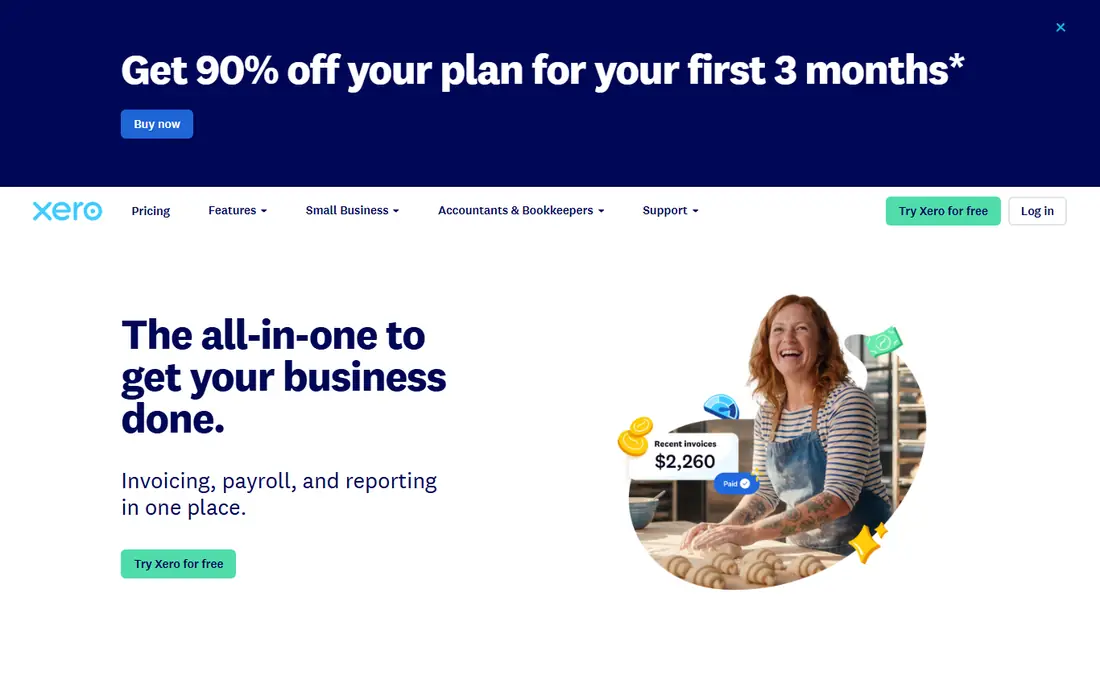
Xero stands out for unlimited users, which helps teams, bookkeepers, and advisers work in the same file without per-seat charges. It offers bank feeds, invoicing, expense claims, reporting, and multi-currency support, with a large marketplace of connected apps. Growing businesses that add staff or advisers will feel that difference quickly.
The Early plan at $25 per month limits monthly invoices and bills, so active businesses often need Growing or Established tiers. US payroll runs through a partner such as Gusto, rather than a native payroll product. Xero suits businesses that value team access and clean bank reconciliation, and that plan to grow beyond a solo setup.
- Unlimited users on all plans
- Strong bank reconciliation
- Large app marketplace
- Early plan limits invoices and bills
- US payroll needs a partner integration
- Inventory is basic on lower tiers
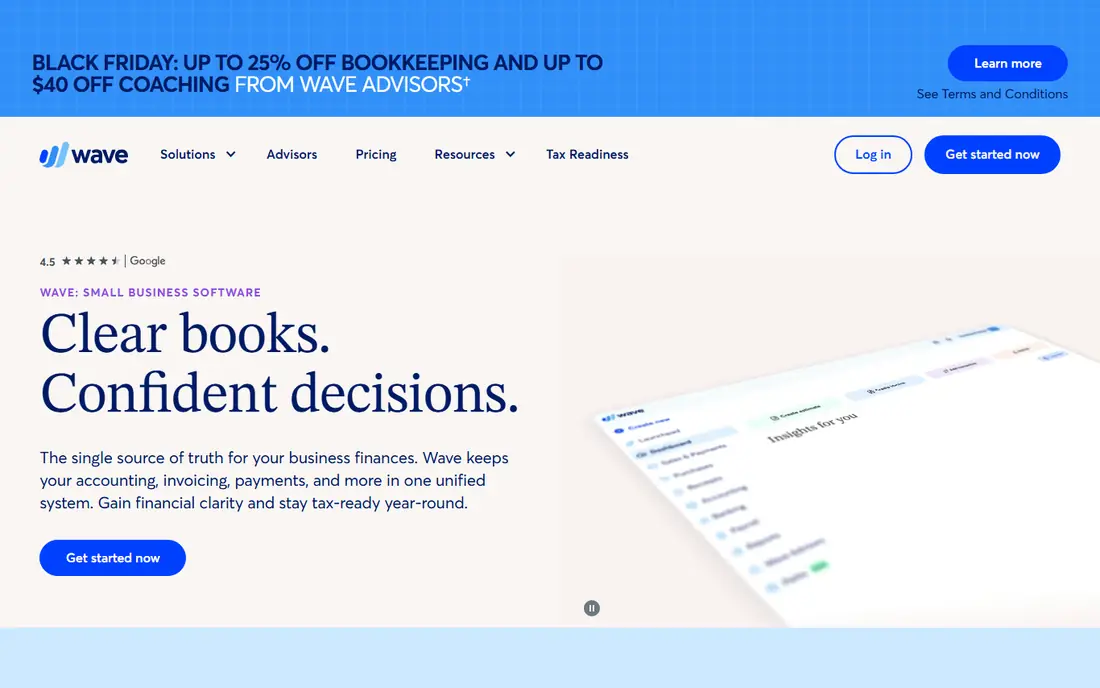
Wave offers free accounting and invoicing for small businesses, which makes it the lowest-cost starting point on this list. Solo operators can send invoices, track income and expenses, and manage basic reports without a monthly fee. The interface is simple, which helps owners who do their own books and want to avoid accounting jargon.
The main limit is bank feeds, which now require the Pro plan at about $19 per month, so manual entry becomes the trade-off on the free tier. Wave also lacks the inventory, project, and payroll depth of QuickBooks or Xero. It fits freelancers and micro-businesses with simple books, not growing firms with complex reporting needs.
- Free core accounting and invoicing
- Simple interface
- Good for freelancers and micro-businesses
- Bank feeds require paid Pro
- Limited reporting depth
- No full payroll or inventory suite
Zoho Books offers full double-entry accounting, invoicing, expenses, inventory, and project tracking at a lower price than many rivals. Businesses with under $50,000 in annual revenue can use the free plan, while paid plans start at $15 per month for Standard on some listings, with higher tiers for larger invoice volumes. That value is hard to ignore for a growing business watching costs.
The trade-off is ecosystem depth in the US. Bank connections and third-party apps are fewer than QuickBooks or Xero, and the interface takes some learning. Zoho Books fits businesses already using Zoho CRM, Projects, or Inventory, and businesses that want full accounting features without a high monthly fee.
- Free plan for businesses under $50,000 revenue
- Full double-entry accounting
- Strong Zoho ecosystem integration
- Fewer US bank and app integrations than QuickBooks
- Interface can feel dense
- Support response times vary
FreshBooks is built for service businesses that bill clients for time, projects, and expenses. Invoicing, estimates, time tracking, client portals, and payment reminders are its strengths, and the interface is easy for non-accountants. Freelancers and agencies that live on client billing will find it faster than a full accounting suite for daily work.
It is less suited to businesses with complex inventory, manufacturing, or detailed general ledger needs, since it is not a full double-entry system on every plan. The Lite plan at $23 per month covers a small number of clients, so growing firms need higher tiers. FreshBooks fits service-led businesses that prioritise billing speed over accounting depth.
- Excellent invoicing and time tracking
- Client portal
- Easy to learn
- Not built for complex double-entry bookkeeping
- Bank reconciliation is basic on lower tiers
- Inventory is limited
Sage Business Cloud, including Sage Accounting and Sage Intacct for larger firms, suits businesses that need inventory control, job costing, and detailed financial reporting. Product businesses, distributors, and firms with stock, purchase orders, and multi-location needs will find more depth here than in freelancer-focused tools. Sage also has a long history in accounting, which shows in its reporting options.
The learning curve is steeper, and pricing varies by product, so firms should confirm the exact Sage product and tier for their needs. Smaller service businesses may find Sage heavier than necessary. Sage fits established operations that need inventory and financial control, and that can invest time in setup and training.
- Strong inventory and job costing
- Established accounting depth
- Good for product businesses
- Steeper learning curve
- Pricing varies by product and region
- Interface feels traditional
Bench is a managed bookkeeping service rather than pure software, pairing cloud software with a human bookkeeping team. Bench staff categorise transactions, reconcile accounts, and prepare monthly statements, which suits owners who want books done without doing them. That service model is the point, and it removes the weekly bookkeeping burden for busy founders.
The cost is higher than DIY tools, and owners who like hands-on control may find the service layer restrictive. Bench also depends on the owner providing documents and bank access on time. It fits businesses that want accurate monthly books without hiring a bookkeeper, and that accept a managed-service price for that convenience.
- Human bookkeepers included
- Monthly financial statements
- Tax-season support options
- Not self-serve software alone
- Monthly cost is higher than DIY tools
- Less control for hands-on owners
Patriot Software offers straightforward cloud accounting for very small businesses, with invoicing, expenses, bank imports, and reporting, plus a payroll add-on. The Accounting Basic plan starts at $20 per month, which keeps costs low for a solo owner or tiny team. Setup is simple, and the interface avoids the complexity of larger suites.
Reporting and integrations are more limited than QuickBooks or Xero, so growing firms with many connected apps may outgrow it. Inventory handling is also basic. Patriot fits businesses that want simple, affordable books and a payroll option in one vendor, without paying for features they will not use.
- Simple setup
- Affordable entry price
- Payroll add-on available
- Limited reporting depth
- Fewer integrations than QuickBooks or Xero
- Inventory features are basic
Puzzle is a modern cloud accounting tool aimed at startups and founders who want accrual accounting, investor-ready reports, and a clean interface. It covers invoicing, expenses, bank feeds, and financial statements, with a focus on metrics that founders share with investors and boards. The entry plan starts at $25 per month billed annually.
As a newer vendor, Puzzle has fewer integrations and accountant workflows than QuickBooks or Xero, so firms should check bank support and adviser access before switching. It fits early-stage startups that want modern reporting and are comfortable with a smaller ecosystem. Established firms with complex inventory or payroll needs should compare it carefully against Xero or QuickBooks.
- Modern interface
- Startup-friendly reporting
- Accrual accounting focus
- Newer vendor with smaller ecosystem
- Fewer accountant integrations
- Payroll and inventory depth is limited
How we picked these
We compared official pricing pages, bank feed and invoicing features, reporting depth, and payroll options, and we kept only tools that run in the cloud with current US availability. We included DIY software and one managed service, since some owners want books done for them rather than software alone. Where pricing varied by source or billing term, we used the most recent published starting figure or wrote See website rather than presenting a promo rate as the regular price.
What to check before you buy
Start with your transaction volume and team size. A solo freelancer with a few invoices a month needs a different tool from a product business with inventory, staff, and dozens of monthly bills. Count invoices, bills, bank accounts, and users, then check each plan limit against those numbers. A cheap entry plan that caps invoices will cost more once you upgrade mid-year.
Next, check bank feeds, payroll, and accountant access together. Bank feed reliability saves hours each month, payroll add-ons can double the bill, and accountant access affects year-end cost. Ask your accountant which tools they support, and test a bank connection during the trial. A tool your accountant dislikes will cost more in year-end cleanup than any monthly saving.
Finally, test the monthly close. Reconcile a bank account, run a profit and loss report, check sales tax handling, and export data. If any step feels confusing or manual, it will stay confusing every month. A clean trial close, plus a written regular price after any promo ends, gives you a fair comparison across vendors.
Frequently asked questions
What is the best cloud-based bookkeeping software?
For most small businesses, QuickBooks Online or Xero are the safest picks, thanks to accountant support and broad integrations. Wave suits solo owners on a tight budget, while Zoho Books suits growing businesses that want full features at a lower price.
Is there really free cloud bookkeeping software?
Yes, Wave offers free core accounting and invoicing, and Zoho Books offers a free plan for businesses under $50,000 in annual revenue. Free plans have limits, such as bank feed access on Wave, so check what is included before relying on them.
Do I need payroll with my bookkeeping software?
Payroll is usually a paid add-on or a partner integration, not part of the base accounting price. Check payroll cost, tax filing support, and state coverage separately, since those factors vary by vendor and location.
Can I switch bookkeeping software later?
Yes, most tools support data export, but history, attachments, and payroll records do not always transfer cleanly. Export a full backup before switching, and run old and new systems in parallel for one month if possible.
What is the difference between bookkeeping software and accounting software?
Bookkeeping software focuses on recording income, expenses, invoices, and bank transactions, while full accounting software adds general ledger depth, inventory, payroll, and advanced reporting. Many cloud tools now cover both, with depth varying by plan.
Does cloud bookkeeping software work for inventory businesses?
Yes, but inventory depth varies widely. QuickBooks Plus, Xero Established, Zoho Books, and Sage offer stronger inventory features, while FreshBooks and Wave offer only basic or no inventory tracking. Check stock, purchase order, and costing features on the exact tier you plan to buy.
Sources
See where you really rank - block by block
ProMapRanker scans Google Maps across a grid of your service area. Simple monthly plans from $19, white-label on every plan.
Start freeKeep reading
 who has best internet service
Who Has the Best Internet Service in 2026
Who has best internet service for US homes? We compare fiber, cable, fixed wireless and satellite providers on speed, price, availability and terms today.
Read → which survey tool has the best analytics
Which Survey Tool Has the Best Analytics in 2026
Find which survey tool has the best analytics in 2026, comparing Qualtrics, SurveyMonkey, Typeform, Alchemer, and more on reports, text, and stats today.
Read → which streaming service has the best movies
Which Streaming Service Has the Best Movies in 2026
Answering which streaming service has the best movies, with Netflix, Max, Criterion and more compared on libraries, prices and free options in this guide.
Read →