 ProMapRanker
Best Cloud AI Services for Machine Learning in 2026


AWS machine learning at scale · Pricing starts at: See website
Key takeaways
- Managed platforms such as SageMaker, Vertex AI and Azure Machine Learning suit teams that want training, deployment and monitoring in one place.
- Databricks and IBM watsonx.ai suit data-heavy and governed enterprise work, with costs tied to usage units.
- GPU clouds such as Lambda, Paperspace and CoreWeave suit teams that mainly need raw compute for training.
- Usage-based pricing means idle instances and storage are the most common surprise costs.
Quick comparison
| Pick | Great for | Pricing starts at | Free tier | |
|---|---|---|---|---|
| Amazon SageMaker AI | AWS machine learning at scale | See website | Free trial | Visit |
 Google Vertex AI | Google data and AI work | See website | Free trial | Visit |
 Azure Machine Learning | Microsoft enterprise AI | See website | Free trial | Visit |
 Databricks | Data and AI on a lakehouse | See website | Free trial | Visit |
 IBM watsonx.ai | Governed enterprise AI | See website | Free trial | Visit |
 Lambda | GPU training | See website | No | Visit |
 Paperspace | Accessible GPU notebooks | Free | Yes | Visit |
 CoreWeave | Large GPU workloads | See website | No | Visit |
 Oracle Cloud Infrastructure Data Science | Oracle enterprise data work | See website | Free trial | Visit |
The best cloud AI services for machine learning
We compared official feature pages, pricing pages and public documentation for cloud services that train, deploy and manage machine learning models.
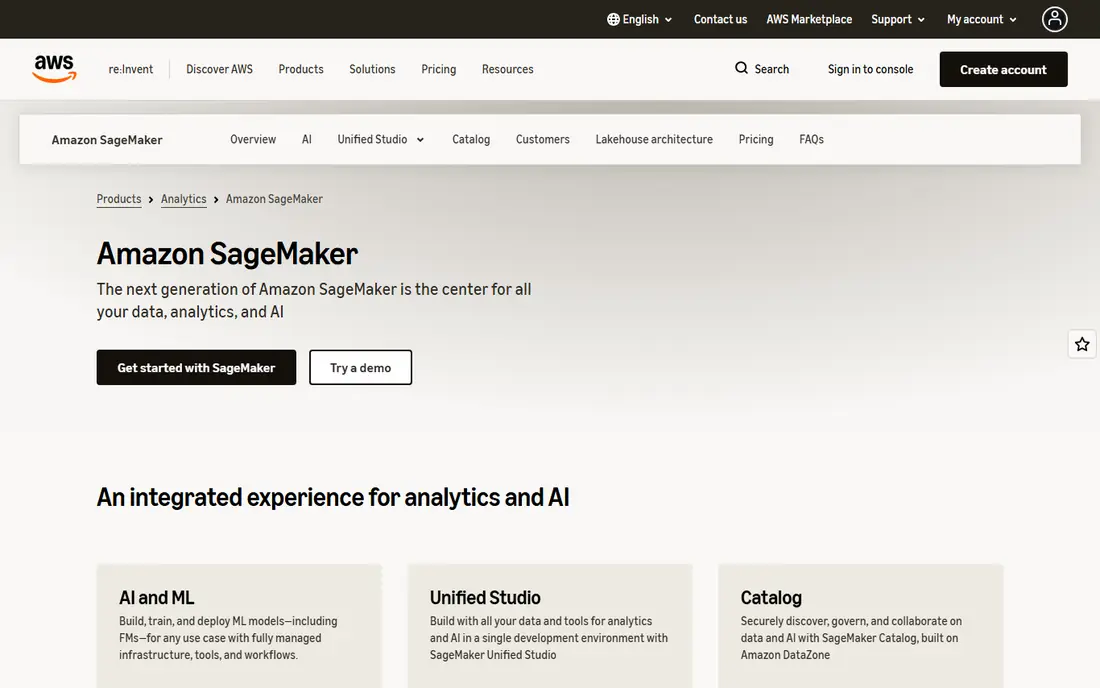
SageMaker covers data preparation, training, tuning, deployment and monitoring, which suits teams already running on AWS. Managed spot training can cut training costs for work that can pause and resume, and endpoints can scale for production traffic. Integration with AWS storage, databases and security controls keeps governance inside one cloud.
The catch is cost complexity. You pay for instances, storage and endpoints, and idle resources keep billing until you stop them. SageMaker also adds a managed surcharge over raw compute prices, so teams should compare it against running their own clusters before committing to large jobs.
- Full model lifecycle in one service
- Managed spot training
- Broad AWS integration
- Usage costs can rise quickly
- Pricing is complex
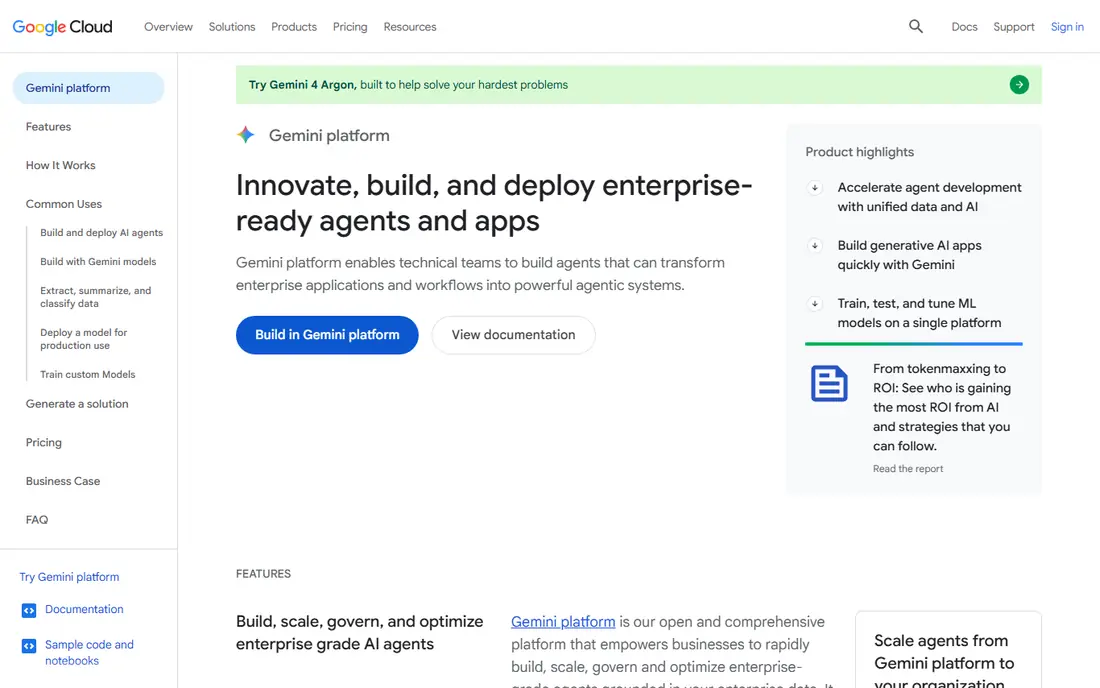
Vertex AI suits teams that already use Google Cloud and BigQuery. It offers custom training, AutoML for teams without deep modelling experience, model registry, endpoints and monitoring, with data staying close to Google analytics tools. TPU access gives an alternative to GPU pricing for suitable workloads.
Low-traffic endpoints can be costly because endpoints do not always scale to zero, so variable workloads need careful endpoint design. Committed use discounts help steady workloads, but they apply to underlying compute rather than the full managed surcharge, so model the total bill first.
- Training, AutoML and deployment in one platform
- BigQuery integration
- TPU options
- Endpoint costs for low traffic
- Managed surcharge over raw compute
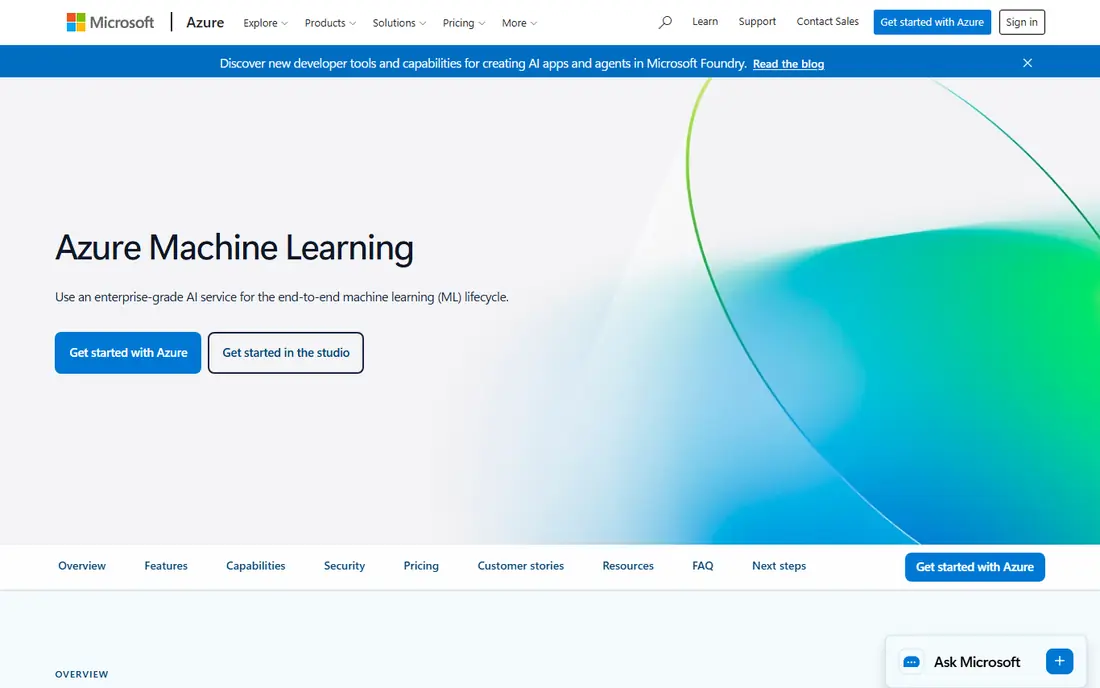
Azure Machine Learning fits Microsoft-centred organisations that need governed model development. It offers notebooks, a visual designer, automated machine learning, pipelines and managed endpoints, with identity, networking and compliance controls from Azure. Teams can move from experiment to production without leaving the Microsoft stack.
Pricing depends on compute, storage and endpoints, with savings plans and reservations for steady use. Teams outside Azure may find the integration advantage smaller, and they should compare endpoint auto-scaling behaviour against SageMaker and Vertex AI for their traffic pattern.
- Strong enterprise identity and governance
- Designer and code options
- Azure integration
- Complex pricing
- Best value inside Azure
Databricks combines data engineering, analytics and machine learning on a lakehouse, so teams can prepare data and train models without moving data between many systems. Collaborative notebooks, job scheduling and model serving suit data teams that already work in Spark or Python. It is a strong pick when data preparation is as large a job as modelling itself.
Pricing is based on Databricks units plus cloud compute, which makes bills harder to predict than a flat monthly plan. Set auto-termination on clusters, watch job costs, and start with a trial project before moving production pipelines across.
- Unified data and AI work
- Spark at scale
- Collaboration notebooks
- Usage-unit pricing needs care
- Costs grow with data work
IBM watsonx.ai is a studio for building, tuning and deploying both traditional machine learning and foundation-model work. It suits regulated industries that need governance, model tracking and data controls alongside modelling tools. A free tier with limited capacity units helps teams try the studio before buying.
Paid pricing combines a monthly tier fee with usage-based charges, so the total depends on capacity use and inference volume. Small teams may find the sales-led process slower than self-serve rivals, while large governed teams may value the controls enough to accept it.
- Studio for traditional and generative AI
- Governance focus
- Foundation model options
- Tiered pricing with usage fees
- Enterprise sales process
Lambda is a GPU cloud aimed at AI training and inference rather than a full managed machine learning platform. Teams that already have training code and pipelines can rent GPU instances and run their own stack, often at a lower per-GPU price than managed platforms. That suits researchers and startups with clear compute needs.
The trade-off is responsibility. You manage more of the environment, scheduling and monitoring yourself, and popular GPU types can be scarce in some regions. Lambda fits teams that want compute first and are comfortable building the rest.
- GPU-focused cloud
- On-demand instances
- AI infrastructure focus
- Less managed ML tooling than SageMaker or Vertex AI
- Availability varies
Paperspace, now part of DigitalOcean, gives individuals and small teams GPU notebooks and deployments without hyperscaler complexity. A free tier and low-cost paid options make it a practical place to learn, prototype and run smaller training jobs. The notebook workflow will feel familiar to data scientists.
It is not a like-for-like replacement for SageMaker or Vertex AI at enterprise scale, and managed lifecycle features are thinner. For teaching, side projects and early-stage work, however, the low entry cost and simple setup are real advantages.
- Notebook-based GPU work
- Lower entry cost
- DigitalOcean ownership
- Smaller scale than hyperscalers
- Managed ML features are thinner
CoreWeave is a specialised GPU cloud built for large-scale AI training and inference. It offers Kubernetes-based infrastructure, high-performance networking and storage tuned for AI workloads, which appeals to labs and companies running sustained large jobs. Teams with predictable large compute needs can negotiate capacity in a way that general clouds do not always offer.
It is not aimed at beginners or small experiments, and pricing is contract-led rather than a simple self-serve plan. If your work is a single small model, a managed platform or Paperspace will be cheaper and simpler to start with.
- Large-scale GPU infrastructure
- Kubernetes-based AI cloud
- High-performance focus
- Enterprise and contract-led
- Not a beginner tool
Oracle Cloud Infrastructure Data Science suits enterprises already running Oracle databases and applications. It provides notebooks, data science jobs, model deployment and pipelines inside Oracle Cloud, keeping data close to existing Oracle systems. That proximity can simplify governance and data movement for Oracle-heavy teams.
The wider AI ecosystem is smaller than those of the three large hyperscalers, so teams may find fewer ready-made integrations and community examples. Pricing is usage-based with a free trial, so test a real workload before moving a pipeline across.
- Notebook and pipeline tools
- Oracle data integration
- Managed jobs
- Smaller AI ecosystem than AWS, Google or Azure
- Pricing is usage-based
How we picked these
We compared official feature pages, pricing pages and public documentation, and favoured services that are still offered in October 2026 and that support full machine learning work, not only chat models. We excluded pure chatbot APIs and pure data warehouses, since this article covers services for training and running machine learning models.
What to check before you choose
Start with your data and your team, not with GPU headlines. A managed platform saves engineering time but adds a surcharge, while a raw GPU cloud saves money only if your team can run the pipeline itself. Price a real job, not a marketing example.
Estimate a real workload
List dataset size, expected training hours, GPU type, inference volume and storage growth. Run a small version of the job on a trial or free tier, then scale the bill. Idle notebooks, endpoints and snapshots are common waste, so set auto-shutdown and review usage weekly in the early months.
Check deployment and governance needs
Confirm how models are versioned, monitored and rolled back, and how access is controlled. Regulated teams should check audit logs, regional hosting and model governance tools before choosing. A platform that trains well but deploys poorly will slow production use.
Avoid lock-in surprises
Keep training code, data and model artefacts portable where you can, and document any platform-specific features you rely on. That makes it easier to move a workload if pricing or availability changes, and it keeps a single vendor from dictating your whole AI budget.
Frequently asked questions
What are the best cloud AI services for machine learning?
SageMaker, Vertex AI and Azure Machine Learning are the leading managed options, Databricks suits data-heavy teams, and Lambda, Paperspace and CoreWeave suit GPU-focused work. The best AI cloud service for machine learning depends on your data, team and budget.
How much do cloud AI services cost?
Most charge by compute hours, storage and inference, so there is no single monthly price. Small experiments can cost a few dollars, while sustained GPU training can run into thousands per month. Use trial credits and cost calculators before large jobs.
Is SageMaker better than Vertex AI?
Neither is better for every team. SageMaker suits AWS estates, Vertex AI suits Google data estates, and Azure Machine Learning suits Microsoft estates. Compare endpoint scaling, data integration and total cost for your workload.
Can beginners use these services?
Yes, with limits. Vertex AI AutoML, Azure automated machine learning and Paperspace notebooks give gentler starting points than raw GPU clouds. Beginners should start small, use managed notebooks and set spending alerts.
What is the cheapest way to train a model in the cloud?
Spot or preemptible instances, auto-shutdown, small test runs and free tiers usually cut costs most. Managed platforms add convenience, so compare their surcharge against the engineering time you save.
Sources
- https://aws.amazon.com/sagemaker
- https://cloud.google.com/vertex-ai
- https://azure.microsoft.com/en-us/products/machine-learning
- https://www.databricks.com
- https://www.ibm.com/products/watsonx-ai
- https://www.lambda.ai
- https://www.paperspace.com
- https://www.coreweave.com
- https://www.oracle.com/artificial-intelligence/data-science
See where you really rank - block by block
ProMapRanker scans Google Maps across a grid of your service area. Simple monthly plans from $19, white-label on every plan.
Start freeKeep reading
 who has best internet service
Who Has the Best Internet Service in 2026
Who has best internet service for US homes? We compare fiber, cable, fixed wireless and satellite providers on speed, price, availability and terms today.
Read → which survey tool has the best analytics
Which Survey Tool Has the Best Analytics in 2026
Find which survey tool has the best analytics in 2026, comparing Qualtrics, SurveyMonkey, Typeform, Alchemer, and more on reports, text, and stats today.
Read → which streaming service has the best movies
Which Streaming Service Has the Best Movies in 2026
Answering which streaming service has the best movies, with Netflix, Max, Criterion and more compared on libraries, prices and free options in this guide.
Read →