 ProMapRanker
Best Cloud Accounting Software in 2026

Most US small businesses · Pricing starts at: $20 per month
Key takeaways
- QuickBooks Online suits most US small businesses, with the widest accountant network and app ecosystem in this list.
- Xero suits teams with several users, because every plan includes unlimited users at a flat monthly price.
- Zoho Books and Wave keep entry costs at zero, which suits new firms that need proper cloud books without a subscription.
- FreshBooks suits service firms that bill time, while Sage Intacct and NetSuite suit larger firms with complex, multi-entity needs.
- This guide is general information only, not accounting advice, and prices vary by plan, billing term, and location.
Quick comparison
| Pick | Great for | Pricing starts at | Free tier | |
|---|---|---|---|---|
| QuickBooks Online | Most US small businesses | $20 per month | Free trial | Visit |
 Xero | Teams with unlimited users | $27 per month | Free trial | Visit |
 FreshBooks | Service firms billing time | $23 per month | Free trial | Visit |
 Zoho Books | Low-cost cloud accounting | Free | Yes | Visit |
 Wave | Free cloud books for freelancers | Free | Yes | Visit |
 Sage Accounting | Straightforward small business books | $20 per month | Free trial | Visit |
 Sage Intacct | Multi-entity and mid-market firms | See website | No | Visit |
 NetSuite | Large growing firms on one system | See website | No | Visit |
The best cloud accounting software
These tools run in a browser, keep books in the cloud, and update across devices without a desktop install. This guide is general information only, not accounting advice, and prices vary by plan and billing term.
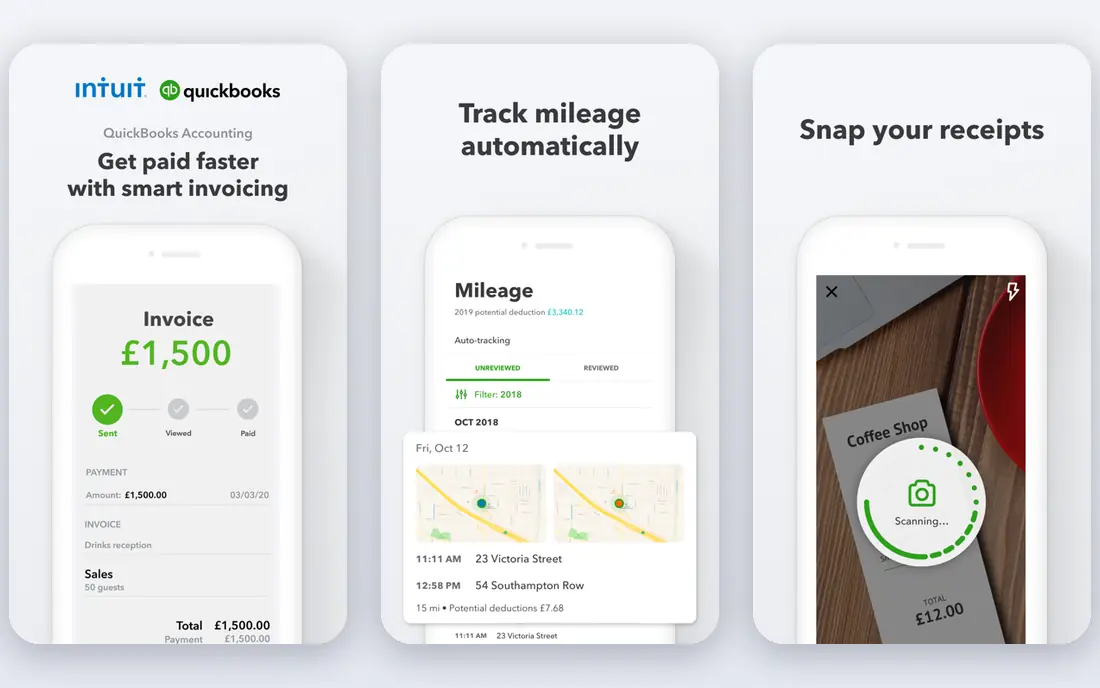
QuickBooks Online is our pick for most US small businesses moving to the cloud. Invoices, expenses, bills, bank reconciliation, and financial reports sit in one browser-based ledger, and most accountants and bookkeepers already know the system. That familiarity reduces setup time and makes it easier to get help when the books get complicated.
Costs need planning. The lowest plan suits solo operators, while teams soon need higher plans for extra users, inventory, and project tracking. Payroll, payments, and time tracking add further charges. For a business that wants the largest ecosystem and the easiest accountant handover, QuickBooks Online still leads.
- Widest US accountant and app ecosystem
- Full invoicing, bills, and reporting
- Payroll and payments add-ons
- User limits force plan upgrades
- Prices have risen on higher plans
- Add-ons raise the total
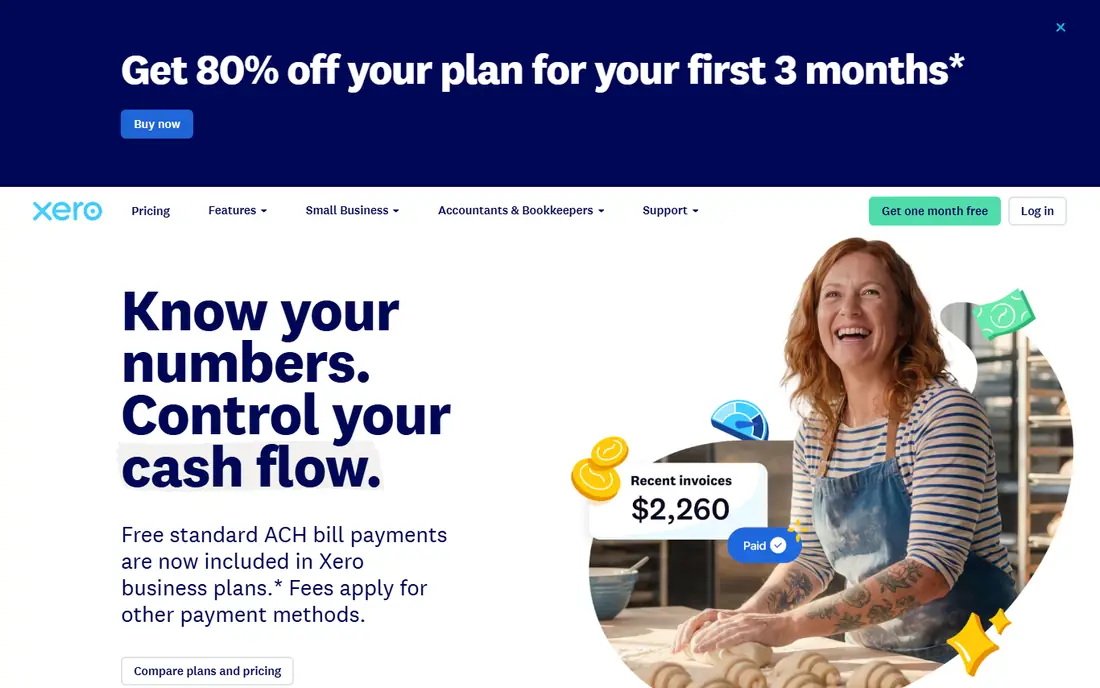
Xero suits firms where several people need access to the books without a per-user fee. Every plan includes unlimited users, so an owner, a bookkeeper, and an accountant can all work in the same file at the same price. Invoicing, bank feeds, and real-time reports keep daily work current, and the app marketplace fills gaps such as inventory and reporting.
The Early plan limits invoices to 20 per month and bills to five, which a busy business can exceed quickly. Growing removes those caps and adds automatic reconciliation and dashboards. For a team of three or more, Xero often costs less than a seat-based rival at the same size.
- Unlimited users on every plan
- Clean bank reconciliation
- Large app marketplace
- Early plan caps invoices and bills
- US payroll runs through a partner
- Inventory depth is limited
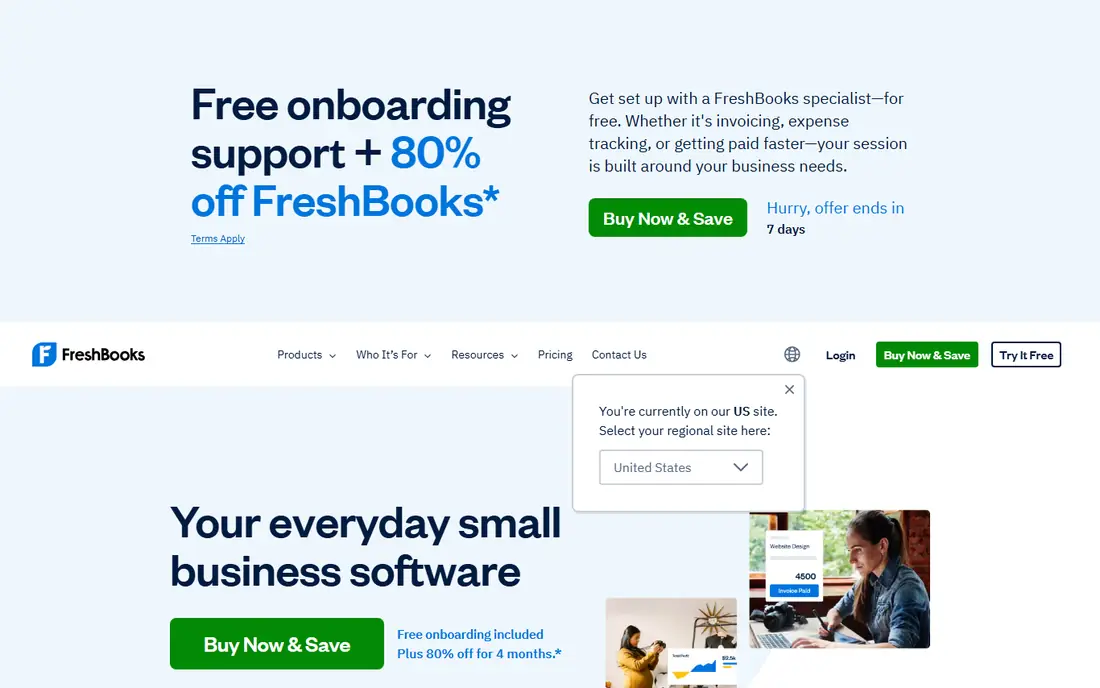
FreshBooks is a cloud accounting tool built around service billing. Time tracking flows onto invoices, estimates convert to projects, and clients pay through a portal, which suits consultants, agencies, and freelancers. Double-entry reports from the Plus plan upward give accountants the records they need, while the interface stays simple for owners.
Client caps decide the real price. Lite allows five billable clients, Plus allows 50, and only Premium is unlimited, so a growing agency can move up a tier sooner than expected. Extra team members also add a monthly fee. For a service firm that bills hours and projects, FreshBooks is a strong cloud choice.
- Strong invoicing and time tracking
- Client portal and proposals
- Simple, clean interface
- Lite plan limits billable clients to five
- No permanent free plan
- Extra users cost extra
Zoho Books gives a new business proper cloud accounting at no subscription cost, subject to a revenue limit on the free plan. Invoicing, expenses, bank reconciliation, and reports cover the basics, and paid plans add users, workflows, bills, purchase orders, and inventory. Connections to Zoho CRM, Inventory, and Mail help firms that already use Zoho apps.
The free plan suits a solo firm or a very small team, not a business with high revenue or many users. Support is also lighter on free plans. For a startup that needs real books in the cloud without a monthly fee, Zoho Books is the best low-cost entry in this list.
- Genuine free plan for small firms
- Bank reconciliation and invoicing
- Broad Zoho app connections
- Free plan has a revenue limit
- Phone support is limited on lower plans
- US payroll needs a separate route
Wave offers free cloud accounting for freelancers and micro-businesses, with unlimited invoicing, expense tracking, and basic reports. Setup is quick, the interface is simple, and card and bank payments can be added so customers pay from invoices. A paid Pro plan adds automatic bank imports and receipt scanning.
Limits appear as a business grows. There is no inventory or time tracking at any level, and Wave serves the US and Canada only. Payment processing fees apply when customers pay online. For a one-person business with straightforward income, Wave remains the simplest free cloud option.
- Unlimited free invoicing and bookkeeping
- Simple setup
- Payments and payroll add-ons
- No inventory or time tracking
- Bank automation needs the paid plan
- US and Canada only
Sage Accounting covers cloud bookkeeping without a long list of features a small owner may never use. Invoices, quotes, expenses, and bank reconciliation handle daily work, while cash flow views show what is owed and what is due. Higher plans add users, inventory, and project features as the business grows.
It is less modern in feel than QuickBooks or Xero, and bill pay is a weak spot to check if you pay many suppliers through the software. Payroll also sits as a separate add-on. For a small business that wants steady, dependable cloud books, Sage Accounting is a solid, affordable choice.
- Unlimited invoices
- Bank reconciliation and cash flow views
- Clear plan ladder
- Bill pay depth is limited
- Interface feels dated in places
- Payroll is a separate add-on
Sage Intacct suits mid-market firms that have outgrown small business accounting. Multi-entity consolidation, dimensional reporting, and approval workflows help finance teams close the books faster and report by department, location, or project. Automation reduces manual journal work as transaction volume grows.
Pricing is quote-based and implementation needs planning, data migration, and training, so it is not a quick self-serve switch. A solo freelancer or tiny firm will find it far more tool than needed. For a growing firm with several entities or complex reporting, Sage Intacct is a serious cloud step up from Sage Accounting.
- Strong multi-entity and dimensional reporting
- Automation for approvals and close
- Scales for mid-market firms
- Quote-based pricing
- Implementation takes time and expertise
- Overkill for a small solo business
NetSuite suits larger firms that want accounting, inventory, order management, and CRM in a single cloud system. Multi-subsidiary firms benefit from consolidated reporting, global currency handling, and tax tools, while growing companies avoid stitching several separate systems together. That single-system view is its main advantage at scale.
The cost is commitment. Pricing is quote-based, implementation is a major project with data migration and process design, and ongoing admin needs skilled staff or a partner. Small businesses should not start here. For a firm that has outgrown small business tools and needs one system for finance and operations, NetSuite is the enterprise-grade cloud choice.
- Accounting plus ERP, inventory, and CRM in one system
- Strong multi-subsidiary support
- Global currency and tax tools
- Quote-based pricing
- Implementation is a major project
- Ongoing admin needs skilled staff
How we picked these
We compared official feature pages, pricing pages, and app store listings for cloud accounting tools that are live in October 2026. We kept only browser-based tools with a real ledger, invoicing, and bank connections, and we left out desktop-only accounting and pure invoice makers. Where pricing was quote-based, we wrote See website rather than estimating.
What to check before you choose
Start with users, invoice volume, and reporting needs, not brand names. A tool that charges per user can cost more for a team than a flat-priced rival, while a tool with a low entry price can cost more once invoice caps or client caps force an upgrade. Map those three numbers first, then shortlist.
Check payroll, payments, and inventory together
Accounting rarely stands alone. Confirm whether payroll, card payments, bank payments, and inventory are built in, partner add-ons, or missing entirely. Add those monthly costs to the subscription before comparing totals, since a cheap ledger with expensive add-ons can cost more than a fuller plan.
Test the month-end close
Use a trial to import bank transactions, reconcile an account, send an invoice, and run a profit and loss report and a balance sheet. Check how easy it is to find an error, fix a miscoded transaction, and export data for your accountant. A smooth month-end close saves more time than any single feature.
Plan migration and accountant access
Export customers, suppliers, open invoices, and balances from the old system before switching, and keep the old file readable until year-end. Give your accountant access early and ask which reports they need. A tool your accountant can work in directly will cost less in fees than one that needs manual exports every month.
Frequently asked questions
What is the best cloud accounting software?
QuickBooks Online suits most US small businesses, Xero suits teams with several users, and Zoho Books and Wave suit low budgets. FreshBooks suits service firms, while Sage Intacct and NetSuite suit larger firms. The best choice depends on users, invoice volume, and reporting complexity.
What is the top cloud accounting software for a small business?
For most small businesses, QuickBooks Online or Xero are the safest top choices, with full ledgers, invoicing, and accountant support. Zoho Books is the best free starting point, and FreshBooks suits service billing. Compare user pricing and invoice caps before deciding.
Is there free cloud accounting software?
Yes, Wave offers free invoicing and bookkeeping, and Zoho Books offers a free plan for small firms under a revenue limit. Both cover core accounting, while bank automation, extra users, and advanced features usually need a paid plan. Payment processing fees still apply when customers pay online.
What is the best platform for cloud accounting at scale?
Sage Intacct suits mid-market firms with multi-entity reporting, and NetSuite suits larger firms that need accounting plus ERP in one system. Both are quote-based and need implementation planning. Small firms should start with QuickBooks Online, Xero, or Zoho Books instead.
Can cloud accounting software handle payroll?
Some tools include payroll as an add-on, while others connect to a payroll partner. QuickBooks Online and Wave offer payroll add-ons in the US, Xero connects to a payroll partner, and Zoho Books needs a separate route. Confirm payroll coverage, state support, and per-employee fees before choosing.
Is my data safe in cloud accounting software?
Reputable cloud tools use encryption, backups, and access controls, and let you set user permissions for staff and accountants. Check the vendor security page, enable two-factor login, and export backups regularly. Keep user access tight, and remove access promptly when staff leave.
Sources
See where you really rank - block by block
ProMapRanker scans Google Maps across a grid of your service area. Simple monthly plans from $19, white-label on every plan.
Start freeKeep reading
 twitch alternatives
Twitch Alternatives in 2026
Explore the best Twitch alternatives in 2026 for live streaming, with free platforms, monetisation options, audiences, chat tools, and tips for new streamers.
Read → firebase alternatives
Best Firebase Alternatives in 2026
Looking for Firebase alternatives? We compare 9 backend platforms for auth, databases, realtime, storage, functions, self-hosting, and pricing for your app.
Read → companies with best work life balance
Companies With Best Work Life Balance in 2026
See companies with best work life balance in 2026, ranked by employee ratings, with flexible work options, benefits, and what to check before applying.
Read →