 ProMapRanker
Best Client Portal Software in 2026

Key takeaways
- SuiteDash offers the best all-in-one value for small firms, with unlimited users and a flat monthly price.
- Assembly suits service businesses that want a polished, branded portal with forms, billing, and messaging in one place.
- Ahsuite and SuperOkay are the best low-cost starting points for freelancers and small agencies.
- Check white-label depth, client login ease, and storage limits before you commit, since those vary more than the headline price.
Quick comparison
| Pick | Great for | Pricing starts at | Free tier | |
|---|---|---|---|---|
 SuiteDash | All-in-one value for agencies | $19 per month | No | Visit |
 Assembly | Polished branded portals for service firms | $29 per month | Yes | Visit |
 Ahsuite | Budget freelancers | Free | Yes | Visit |
 SuperOkay | Simple client hubs for small agencies | $9 per month | Yes | Visit |
 Plutio | Solopreneurs and small teams | $19 per month | No | Visit |
 Clinked | Secure document collaboration | See website | No | Visit |
 Moxo | Complex service workflows | See website | No | Visit |
 Softr | No-code portals from data | $59 per month | Yes | Visit |
The best client portal software
We compared client portal tools on portal design, file sharing, messaging, billing, white-label options, and pricing model. The tools below all give clients a branded place to see work, share files, and stay in touch without long email threads. We use the phrase top client portal software in the same sense as the main keyword: tools that help a firm serve clients through a portal, not just a project board with guest access.
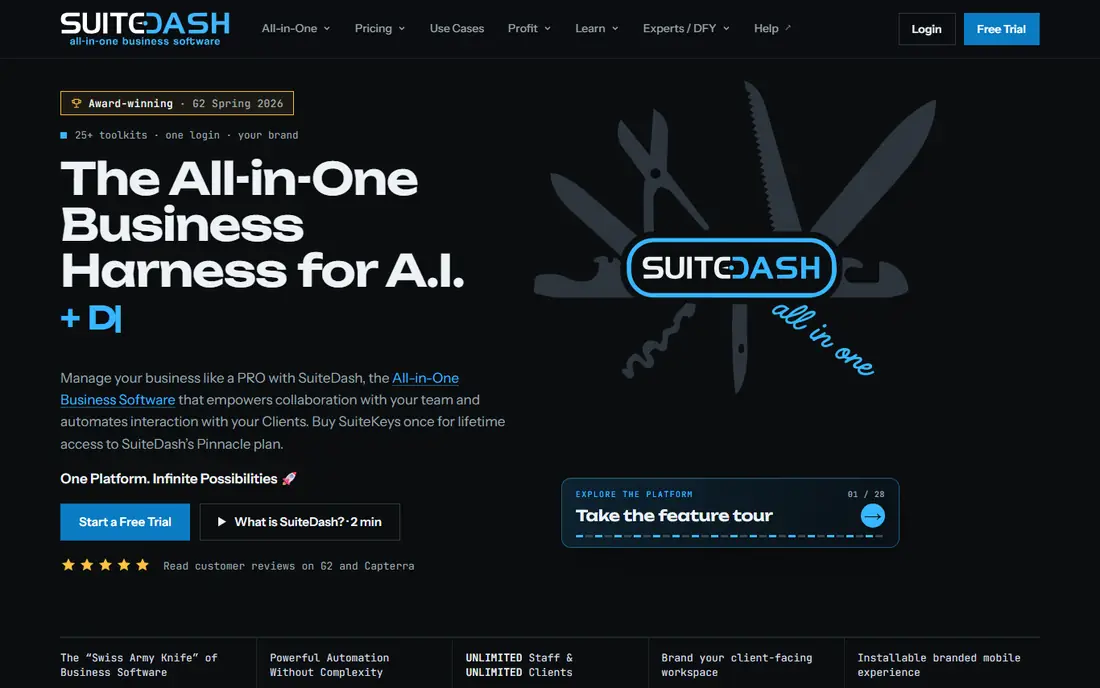
SuiteDash is the value pick in this list because it bundles a white-label client portal with a CRM, project tools, file sharing, invoicing, and support tickets for a flat monthly price. Plans start at 19 dollars per month, with higher tiers at 49 and 99 dollars adding storage and automation toolkits. Since pricing is per workspace rather than per user, a growing team does not pay more each time a staff member or client joins.
The trade-off is a learning curve. SuiteDash covers so much that setting up a clean client view takes time, and new users may need a trial week to arrange it well. If you want one tool to replace several subscriptions, though, SuiteDash is hard to beat on price and breadth.
- Unlimited clients and staff on all plans
- White-label portal
- CRM, projects, files, and support in one tool
- Interface can feel busy at first
- Storage limits vary by plan
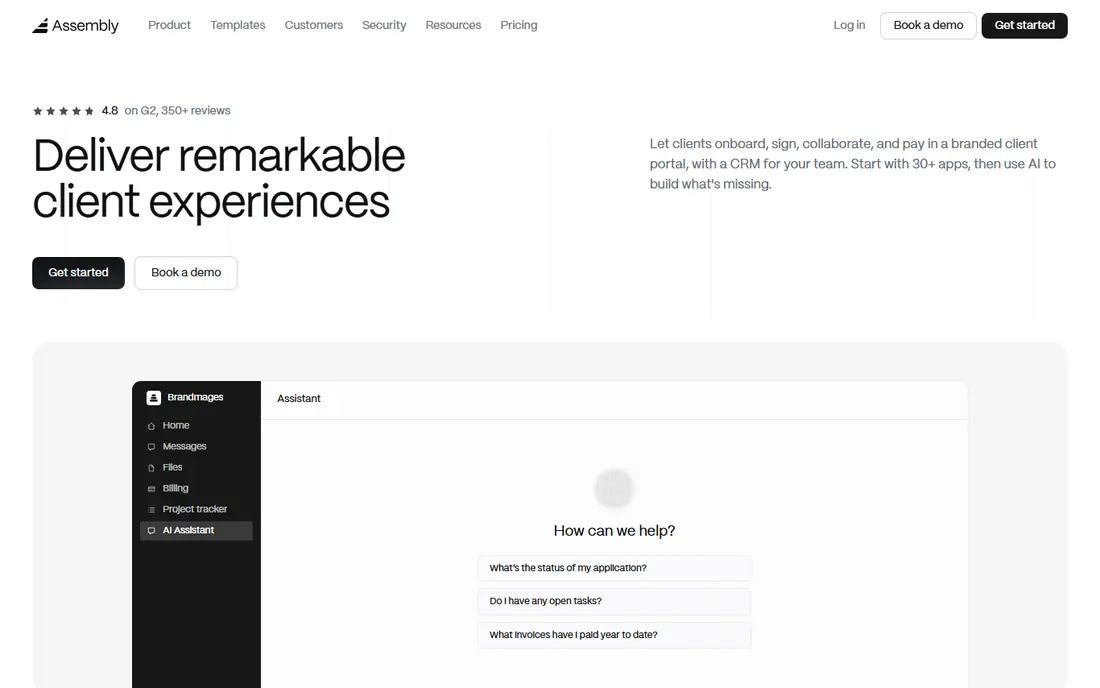
Assembly, formerly known as Copilot, is built for service businesses that want clients to see a professional portal from day one. It combines client portals with forms, messaging, contracts, proposals, invoicing, and a help desk, so a client can check progress, sign a document, and pay without leaving the portal. Its design is one of the cleanest in this group, which helps with less technical clients.
Pricing needs a close read. Published guides list a starter tier around 29 dollars per month billed annually, with other guides listing different entry figures, so confirm the current price on the pricing page. White-label depth also rises with plan level. For firms that value client experience over the lowest price, Assembly is a strong pick.
- Clean client experience
- Forms, messaging, contracts, and billing in one portal
- White-label options on higher plans
- Entry pricing varies by billing term in published guides
- Advanced white-label features cost more
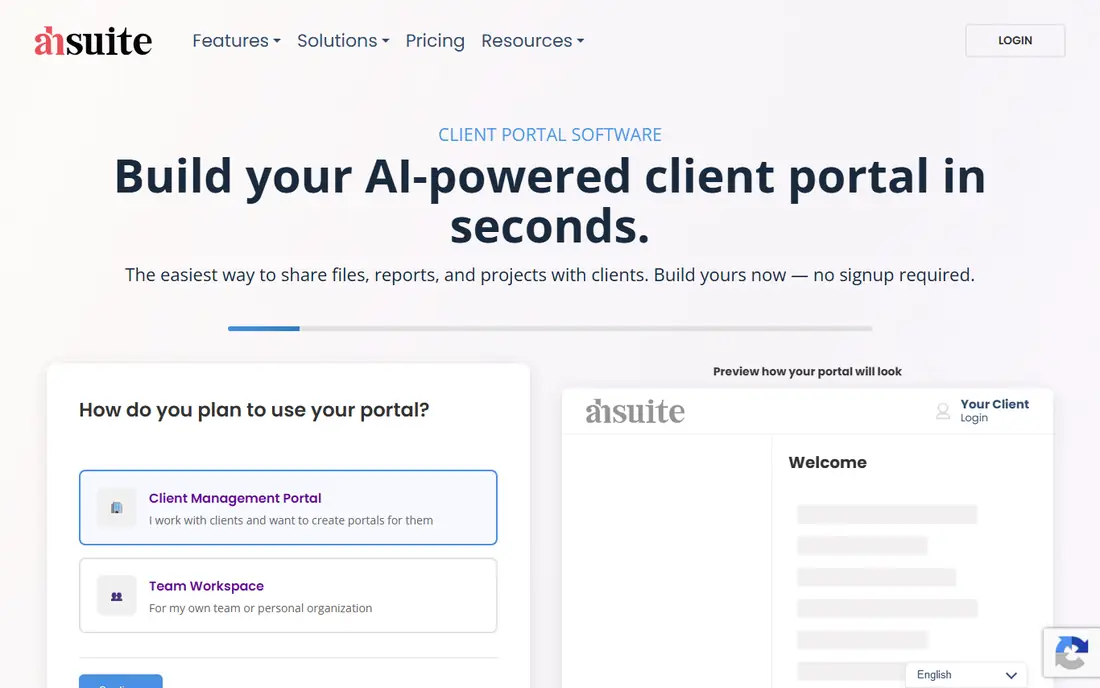
Ahsuite suits freelancers who want a client portal without paying from day one. Its free plan includes a limited number of portals, and paid plans start low, with white-label options from the mid tier. Clients get a simple place to see files, tasks, and messages, which is enough for many one-person businesses.
The limit is depth. Ahsuite does not try to replace a full CRM or accounting tool, so larger agencies may outgrow it. For a freelancer moving clients out of email and into a portal, it is a low-risk start. Upgrade only when you need more portals, branding, or team features.
- Free plan with portals
- Low paid entry
- Magic-link style client access
- Smaller feature range than SuiteDash
- White-label features start on paid plans
SuperOkay focuses on the hub idea: one clean page per client where you share files, reports, links, and updates. Its entry plan starts at 9 dollars per month, and a free tier lets you test the basic idea. That simplicity helps creative agencies and consultants who mainly need to present work and collect feedback, not run complex workflows.
If you need deep task management, invoicing, or CRM features, SuperOkay may feel thin next to SuiteDash or Assembly. For a report and asset hub that clients actually open, its simplicity is the point. We would pick it when ease of use matters more than an all-in-one feature list.
- Low entry price
- Simple setup
- Good for sharing reports, files, and links
- Less project depth than SuiteDash
- White-label depth rises with plan
Plutio is a business management tool with a client portal built in, rather than a portal-only product. It covers projects, tasks, time tracking, proposals, contracts, and invoices, and clients can log in to see their own work and files. That breadth suits solopreneurs who want one workspace for delivery and client communication.
White-label branding sits on higher plans, so budget for that if a fully branded portal matters. The tool also rewards a little setup time to arrange templates and client views. For a solo operator or tiny team that wants delivery and portal in one place, Plutio is a practical choice.
- Projects, tasks, proposals, and invoicing in one tool
- Client portal included
- Good for solo operators
- White-label features cost more
- Interface takes a short time to learn
Clinked suits firms that share sensitive documents and need a secure, branded workspace for clients. It combines file sharing, projects, tasks, discussions, and integrations, with white-label options and a mobile app. That mix helps accounting, legal support, and consulting firms where document control matters as much as design.
Price is the main barrier. Published guides list a standard plan around 239 dollars per month, with a lower per-user starter option also mentioned, so confirm the current plan that fits your team size. Small freelancers will likely find better value elsewhere. For compliance-minded teams, Clinked is worth the higher price.
- Strong secure file sharing
- Branded workspaces
- Project and task tools
- Mobile access
- Higher entry price in published guides
- Can be more than a small freelancer needs
Moxo is built for professional services with multi-step client workflows, such as onboarding, document collection, approvals, and signatures. It offers secure sharing, workflow automation, and virtual data rooms, which helps firms that handle many clients through the same regulated process. Its white-label options also suit firms that want the portal to look fully their own.
This is not a budget tool. Pricing is custom and aimed at mid-market and enterprise teams, and setup takes more planning than a simple hub. Small agencies should start with SuiteDash or Assembly. Larger service firms with complex workflows should shortlist Moxo.
- Workflow automation
- Secure document sharing
- E-signatures
- Virtual data rooms
- Enterprise pricing
- Setup can be complex for small teams
Softr takes a different path: it lets you build a client portal from a spreadsheet or Airtable base, with login, permissions, and custom pages. That suits teams that already track work in Airtable or Sheets and want a client-facing front end without hiring a developer. You control the layout, the data shown to each client, and the branding.
The catch is that Softr is a builder, not a complete business suite. You still need your own tools for billing, contracts, or project tracking unless you connect them. If you like building exactly the portal you want and you already have clean data, Softr is a flexible pick. If you want a ready portal out of the box, pick SuiteDash or Assembly instead.
- Build custom portals without code
- Works with Airtable and Google Sheets
- Permissions and branding controls
- Needs a data source set up first
- Not a ready-made CRM or billing tool
How we picked these
We compared client portal software using vendor pricing pages and recent 2026 guides that checked those pages. We looked for a true client portal, not just guest access to a project board, and we weighed white-label depth, login ease, file sharing, messaging, billing, and price model. We did not run hands-on trials of every tool, and we wrote See website where published guides conflicted on price. The software for client portals in this list all remain live and actively sold in October 2026, based on their own sites and recent guides.
What to check before you choose a client portal
Start with the client experience. Ask a non-technical client to log in during a trial and find a file, a message, and an invoice without help. If they struggle, the portal will not reduce email, no matter how many features it lists. Check whether login uses a password, a magic link, or single sign-on, and whether clients can reset access without calling you.
Next, check branding and growth costs. White-label depth varies: some tools remove branding on all plans, while others reserve custom domains and full branding for higher tiers. Also check whether pricing is per user, per workspace, or per client, since that decides what growth costs. Finally, check file handling, permissions, and export. Can you limit what each client sees, set expiry on shared files, and export your data if you leave? A portal that holds client work should make leaving possible, not painful.
Frequently asked questions
What is the best client portal software?
SuiteDash is the best value all-in-one option for most small firms, while Assembly suits firms that want the most polished client experience. Ahsuite and SuperOkay suit freelancers on a budget. The best software for client portals depends on whether you need breadth, polish, or the lowest price.
What are the best client portal tools for agencies?
Agencies often pick SuiteDash for all-in-one value, Assembly for branded delivery, and SuperOkay for simple report hubs. Larger firms with complex workflows may prefer Moxo or Clinked. Shortlist by portal design, billing, and white-label needs, then trial with a real client.
How much does client portal software cost?
Entry prices here run from free to about 59 dollars per month, with mid plans around 19 to 49 dollars and enterprise tools priced by quote. Flat-rate tools such as SuiteDash stay cheaper as teams grow, while per-user tools rise with each staff member.
Do clients need training to use a portal?
Most clients need little training if the portal is clean and login is simple. Magic-link login and a single page per client help the most. Avoid portals that bury files under many menus, and send a short welcome note explaining where files, messages, and invoices live.
Can client portal software replace email?
It can reduce email a lot, but rarely replaces it fully. Portals work best for files, approvals, invoices, and project updates, while email still suits quick questions and external contacts. The win is fewer lost files and fewer status questions, not zero email.
Sources
See where you really rank - block by block
ProMapRanker scans Google Maps across a grid of your service area. Simple monthly plans from $19, white-label on every plan.
Start freeKeep reading
 best tour operator software
Best Tour Operator Software in 2026
Compare the best tour operator software for bookings, channel management, waivers and payments, with pricing models for day tours and multi-day trips.
Read → best time clock app for small business
Best Time Clock App for Small Business in 2026
We compare the best time clock app for small business options, with free plans, GPS clock ins, scheduling and payroll links for hourly teams and payroll help.
Read → best test automation tools
Best Test Automation Tools in 2026
Compare the best test automation tools, from Playwright and Selenium to Cypress, Katalon and BrowserStack, with prices, languages and best uses explained.
Read →