 ProMapRanker
Best Chess App for Kids in 2026

Key takeaways
- ChessKid is our top pick for most families, with moderated play, parental controls, and lessons built for children aged about 5 to 13.
- The safest apps in this list either remove open chat entirely or limit it to approved contacts and parents, so check chat settings before a child plays online.
- Single-player learning apps such as Learn Chess with Dr. Wolf remove online contact risk altogether, which suits younger children.
- Parents should create and control the account, review friend lists, and turn off chat and location features where an app allows it.
- Free tiers are useful for testing, but paid plans usually add lessons, puzzles, and progress tools that keep children engaged longer.
Quick comparison
| Pick | Great for | Pricing starts at | Free tier | |
|---|---|---|---|---|
 ChessKid | Safest all-round kids chess | Free | Yes | Visit |
 ChessKid Adventure | Game-based learning for younger kids | See website | Yes | Visit |
 Learn Chess with Dr. Wolf | Single-player lessons with no online play | See website | Yes | Visit |
 Lichess | Older kids with chat disabled | Free | Yes | Visit |
 Chessity | School-style lessons and practice | See website | Free trial | Visit |
 Magnus Chess Academy | Structured academy lessons | See website | Yes | Visit |
 Dino Chess | Very young beginners | See website | Yes | Visit |
 Chessable | Tactics and opening study for older kids | Free | Yes | Visit |
 Chess for Kids by ChessKid | Extra puzzles and play on mobile | See website | Yes | Visit |
The best chess apps for kids
Every app below was chosen for age-appropriate content and for a safer approach to online contact. We did not include general adult chess apps with open chat, even when they are popular with adults, because the brief for this list is safety first.
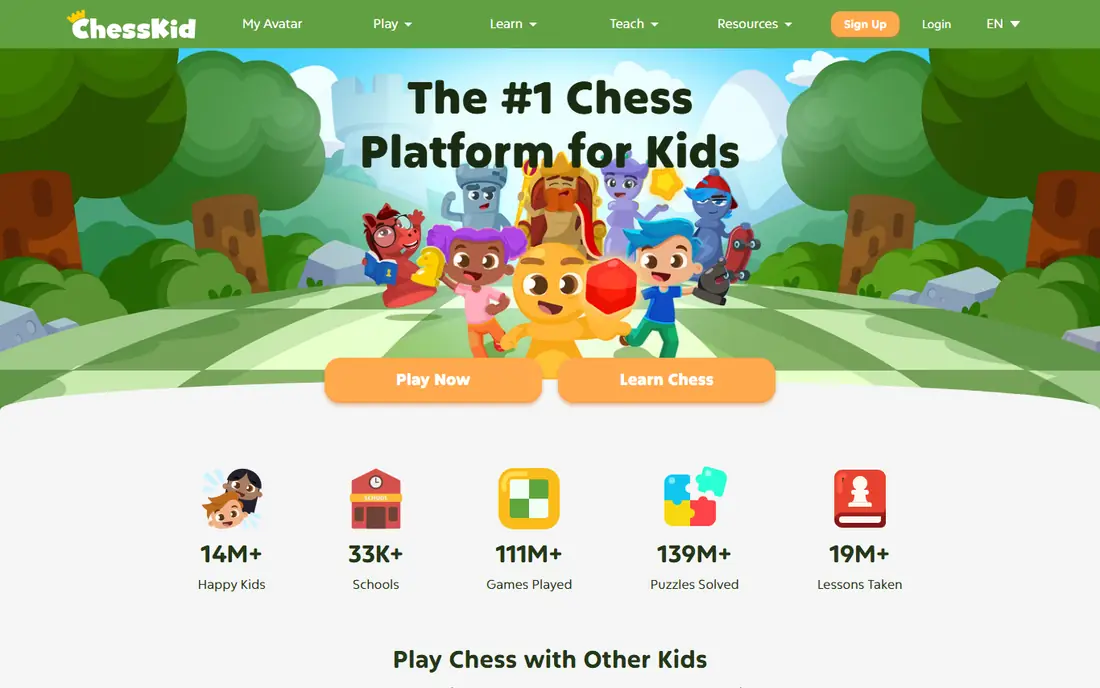
ChessKid, built by the team behind Chess.com, is the clearest kids-first choice in this list. It offers video lessons, puzzles, and games in a bright, child-friendly design, with coaching from characters such as FunMasterMike. Children can play computer opponents or play other children in a moderated setting, and parents control accounts and friend lists.
On privacy, ChessKid states that kids can only chat in games with their parents, with no other free chat allowed, and that children cannot make friends without explicit parental permission. That design is exactly what parents should look for. The free tier covers play and some puzzles, while Gold membership adds unlimited puzzles and videos. Check current Gold pricing on the site before subscribing.
- Built for children aged about 5 to 13
- Moderated environment
- Parental controls and approved friends only
- Best features need a paid Gold membership
- Older teens may outgrow the style
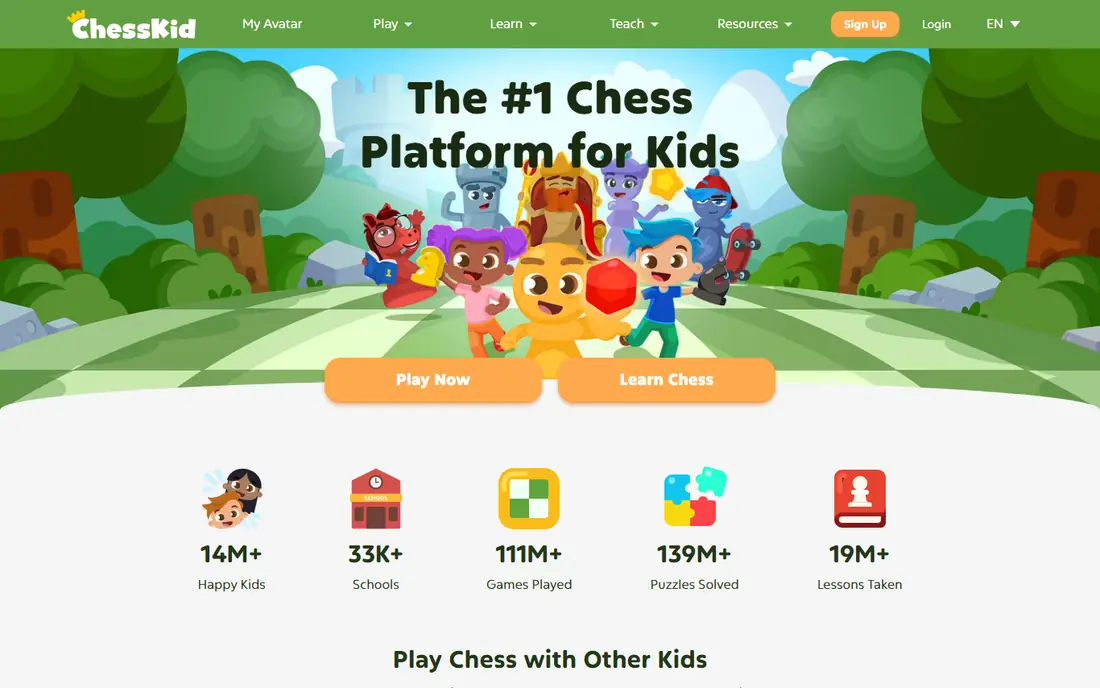
ChessKid Adventure turns early chess learning into a game, with quests and characters that guide a child through how pieces move and how basic tactics work. It suits younger children who respond better to a story and rewards than to a formal lesson list. Parents who already use ChessKid will find the style familiar.
Because it is part of the ChessKid family, the same parental control approach applies: accounts are managed by parents, and open contact with strangers is not part of the design. It is a companion to ChessKid rather than a replacement for it, so older children who want serious games and tournaments will move to the main ChessKid app sooner.
- Adventure game format that teaches chess step by step
- Child-friendly characters
- Builds on ChessKid lessons
- Less suited to older or advanced children
- Needs a ChessKid account for full use
Learn Chess with Dr. Wolf
Great for: Single-player lessons with no online play

Learn Chess with Dr. Wolf takes a different safety approach: it removes online play altogether. A child learns by playing against an AI coach who explains ideas, asks questions, and adjusts to the child's level. That makes contact risk effectively zero, since there is no other player to message.
The trade-off is social play. Children who want to play friends online will need ChessKid or a similar moderated platform as well. For a first chess app, especially for a child under ten, the single-player focus is a strength, not a weakness, because it keeps attention on learning the game.
- Friendly AI coach explains moves in plain language
- No online opponents or open chat
- Good for beginners
- No online play against other children
- Advanced players will need a second app
Lichess is a free, open-source chess platform for all ages, and it can work for older children only when a parent sets it up carefully. Its kid mode and account settings allow chat to be turned off and reduce contact features, which is why it appears here with a clear warning rather than as a first pick for young children.
Parents should create the account, enable kid mode, disable chat, and review settings before a child plays. Lichess does not have the same child-first design as ChessKid, and its community features are built for adults. Used with those controls on, it offers excellent free puzzles and study tools for a child who has outgrown ChessKid.
- Free and open source
- Strong puzzles and study tools
- Kid mode and chat controls available
- Adult-oriented design
- Parents must actively set kid mode and disable chat
Chessity is a structured learning platform used by schools and chess clubs, with a curriculum that moves from basics to tactics in order. Adaptive lessons adjust to a child's level, and dashboards let teachers or parents track progress. That structure suits families who want chess treated like a school subject rather than a casual game.
It feels less playful than ChessKid, so children who need characters and stories to stay interested may prefer ChessKid first. Chessity's strength is progression: a child works through levels with clear goals, and parents can see what has been completed. Check family pricing and trial terms on the site, since school pricing differs.
- Structured curriculum used by schools
- Adaptive lessons and puzzles
- Teacher and parent dashboards
- Less game-like than ChessKid
- Pricing varies for schools and families
Magnus Chess Academy, linked to the Magnus chess school network, offers structured lessons for young learners through classes and online material. It suits families who want a teacher-led path rather than only self-guided app play. Levels give children a sense of progression, and the academy format can help children who learn better with a class group.
Availability varies, so check whether online lessons are offered in your area and what they cost before committing. As with any program involving classes, parents should check safeguarding, teacher background checks where applicable, and how online sessions are supervised. For pure app play at home, ChessKid remains simpler.
- Academy-style lessons and classes
- Structured levels for young learners
- In-person and online options in some areas
- Availability and pricing vary by location
- Less of a pure self-play app
Dino Chess is aimed at the youngest beginners, with dinosaur characters and simple lessons that teach how each piece moves. It suits children around preschool and early primary age who are not ready for a full chess platform. The tone is gentle, and the lessons are short enough for young attention spans.
Children who can already finish a game will outgrow it quickly, so treat it as a first step. Pair it with physical board play at home, which helps young children connect screen lessons to real pieces. Parents should still supervise account setup and check whether any online features are enabled.
- Dinosaur characters and simple lessons for young children
- Gentle introduction to pieces and moves
- Parent-friendly design
- Too simple for children who already play well
- Limited advanced material
Chessable uses spaced repetition to help learners remember tactics and openings, which suits motivated older children who already know the rules and want to improve. Free courses cover basics, while paid courses go deeper. It is a study tool rather than a playful kids app, so it fits children who enjoy practice and review.
Parents should set up the account and check community features before a child uses it, since Chessable is built for a general audience. Used as a study companion alongside ChessKid or Lichess with chat off, it gives older kids a serious training method without relying on open chat.
- Spaced repetition for tactics and openings
- Free courses available
- Good for motivated older children
- Study-focused, not a kids game
- Adult-oriented interface needs parental setup
This mobile companion gives children ChessKid play, puzzles, and lessons in a phone and tablet format. It is useful for families who want practice on the go without handing a child a general chess app. The same parental controls apply, including parent-managed accounts and restricted friend and chat features.
The overlap with the main ChessKid app means most families do not need both as separate purchases. Think of it as the mobile front door to the same ChessKid account, rather than a different product. If your child already uses ChessKid on a computer, this app keeps that progress portable.
- Mobile-friendly ChessKid play and puzzles
- Same parental controls as ChessKid
- Good for practice on the go
- Overlaps heavily with the main ChessKid app
- Paid features need Gold membership
How we picked these
We compared official product pages, app store listings, privacy and safety pages, and parent-facing help material. We favored apps with child-specific design, parental controls, and either no open chat or chat limited to approved contacts and parents. We excluded popular adult chess apps with open chat and location features, even when they offer strong play, because they do not meet the safety brief for this list.
How to keep a child safe on any chess app
Create the account yourself, use a parent email, and do not let a child set up an account alone. Turn off chat, disable friend requests from strangers, and review the friend list regularly. Teach your child a simple rule: only play people a parent has approved, and tell a parent at once if any message feels odd or asks for personal details.
Check privacy before you pay
Read the privacy policy for what data the app collects, whether it shares data with third parties, and how to request deletion. Prefer apps that state clearly that children's data is protected and that parents can manage or delete an account. If a policy is vague, ask support before subscribing, and favor a single-player app until you are satisfied.
Balance screen play with board play
App lessons work best alongside a real board. Play a short game together at home, let your child teach you a tactic they just learned, and keep sessions short for younger children. That balance also helps you spot whether an app is teaching or just keeping a child tapping for rewards.
Frequently asked questions
What is the best chess app for kids?
ChessKid is the best chess app for kids for most families, thanks to its child-specific design, moderated play, and parental controls. Learn Chess with Dr. Wolf is a strong alternative for younger children, since it has no online opponents or open chat at all.
What are the best chess apps for kids with no chat?
Learn Chess with Dr. Wolf has no online play, so there is no chat with other players. ChessKid limits chat to games with parents and requires parental permission for friends. Lichess can work for older kids only when a parent enables kid mode and turns chat off.
What age is ChessKid for?
ChessKid is designed for children aged about 5 to 13, with lessons and games pitched to that range. Younger children may start with Dino Chess or ChessKid Adventure, while older children who outgrow ChessKid often move to Lichess with safety settings on.
Is it safe for kids to play chess online?
Online chess can be safer than many online games when the app is built for children, since there is no need for open chat or location sharing. Risks rise on adult platforms with open chat, so parents should choose a kids platform, control the account, and check settings regularly.
Does ChessKid have a free plan?
Yes, ChessKid offers a free tier that covers play and some puzzles, with a paid Gold membership adding unlimited puzzles and videos. Check current Gold pricing on the ChessKid site, since prices and trial terms can change.
Can kids play chess with friends safely?
Yes, on ChessKid, children can play approved friends with parental permission, and parents can review activity. The safest approach is to approve only friends a parent knows in real life, such as classmates or family members, and to keep chat limited to parents.
Sources
See where you really rank - block by block
ProMapRanker scans Google Maps across a grid of your service area. Simple monthly plans from $19, white-label on every plan.
Start freeKeep reading
 who has best internet service
Who Has the Best Internet Service in 2026
Who has best internet service for US homes? We compare fiber, cable, fixed wireless and satellite providers on speed, price, availability and terms today.
Read → which survey tool has the best analytics
Which Survey Tool Has the Best Analytics in 2026
Find which survey tool has the best analytics in 2026, comparing Qualtrics, SurveyMonkey, Typeform, Alchemer, and more on reports, text, and stats today.
Read → which streaming service has the best movies
Which Streaming Service Has the Best Movies in 2026
Answering which streaming service has the best movies, with Netflix, Max, Criterion and more compared on libraries, prices and free options in this guide.
Read →