 ProMapRanker
Best Cheap SEO Tools in 2026

Key takeaways
- Google Search Console is the best free starting point, because it shows real search data for your own site at no cost.
- Ubersuggest and Mangools are the honest budget picks for keyword research, with entry prices well below premium tools.
- Keysearch and LowFruits suit bloggers and new sites that need low-competition keyword ideas, not enterprise data depth.
- SE Ranking and Serpstat are the cheapest usable all-in-one options, covering rank tracking, audits, and backlinks in one plan.
- Cheap tools work best when you pair one keyword tool with Search Console, rather than buying several overlapping subscriptions.
Quick comparison
| Pick | Great for | Pricing starts at | Free tier | |
|---|---|---|---|---|
 Google Search Console | Free own-site data | Free | Yes | Visit |
 Ubersuggest | Cheapest keyword research | $12 per month | Yes | Visit |
 Mangools | Beginner-friendly suite | $29.90 per month | Free trial | Visit |
 Keysearch | Budget keyword research | $24 per month | Free trial | Visit |
 LowFruits | Low-competition keywords | $29 per month | No | Visit |
 SpyFu | Competitor keyword history | $39 per month | Free trial | Visit |
 SE Ranking | All-in-one on a budget | See website | Free trial | Visit |
 Serpstat | All-in-one research and audit | See website | Free trial | Visit |
 Sitechecker | Low-cost site audits | See website | Free trial | Visit |
The best cheap SEO tools
We compared tools on keyword data, rank tracking, site audits, backlink data, and price, using official pricing pages and third-party comparisons from October 2026. The list covers free tools, single-purpose budget tools, and all-in-one platforms, so small sites can build a stack without premium prices.
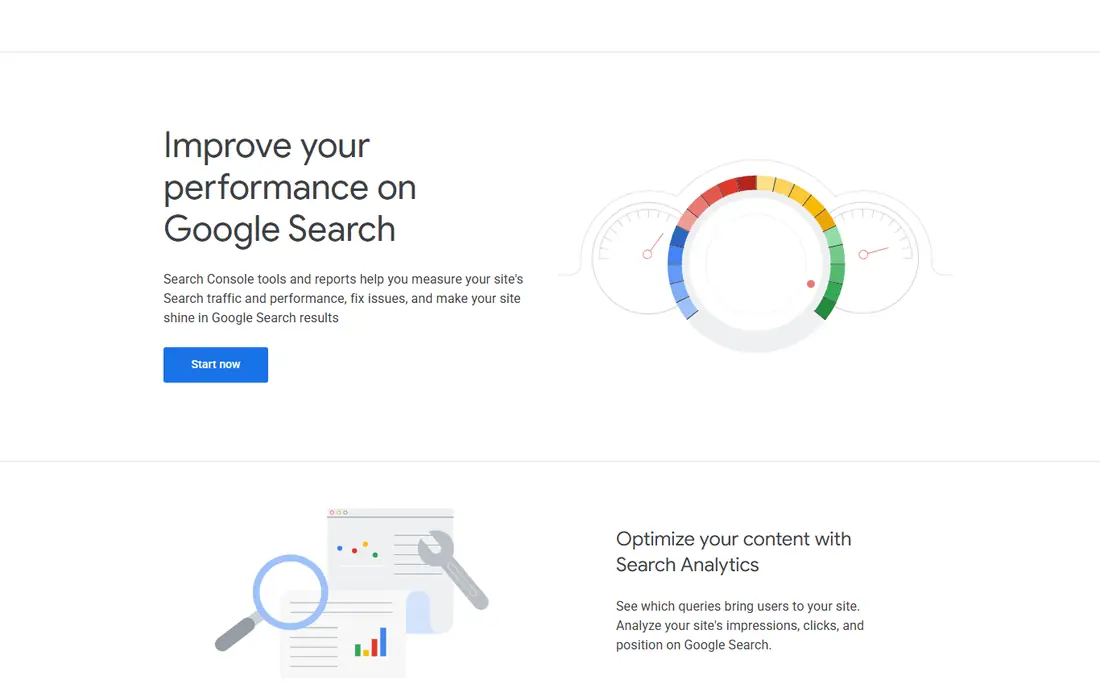
Google Search Console is the first tool every small site should use, because it is free and it shows what Google actually sees. It reports the queries that bring clicks, average position, indexing problems, mobile usability issues, and Core Web Vitals data for your own verified sites. That data is more reliable for your own site than any third-party estimate, because it comes from Google itself.
The limit is scope. Search Console shows only your own sites, not competitors, and it does not give keyword difficulty scores or a full backlink index. Pair it with a budget keyword tool from this list for research, and use Search Console to measure what actually ranks and gets clicks. For a new site, that pairing covers most needs at very low cost.
- Free real search queries, clicks and rankings for your own site
- Indexing and coverage reports
- Direct data from Google
- No competitor data
- No keyword difficulty or backlink depth for other sites
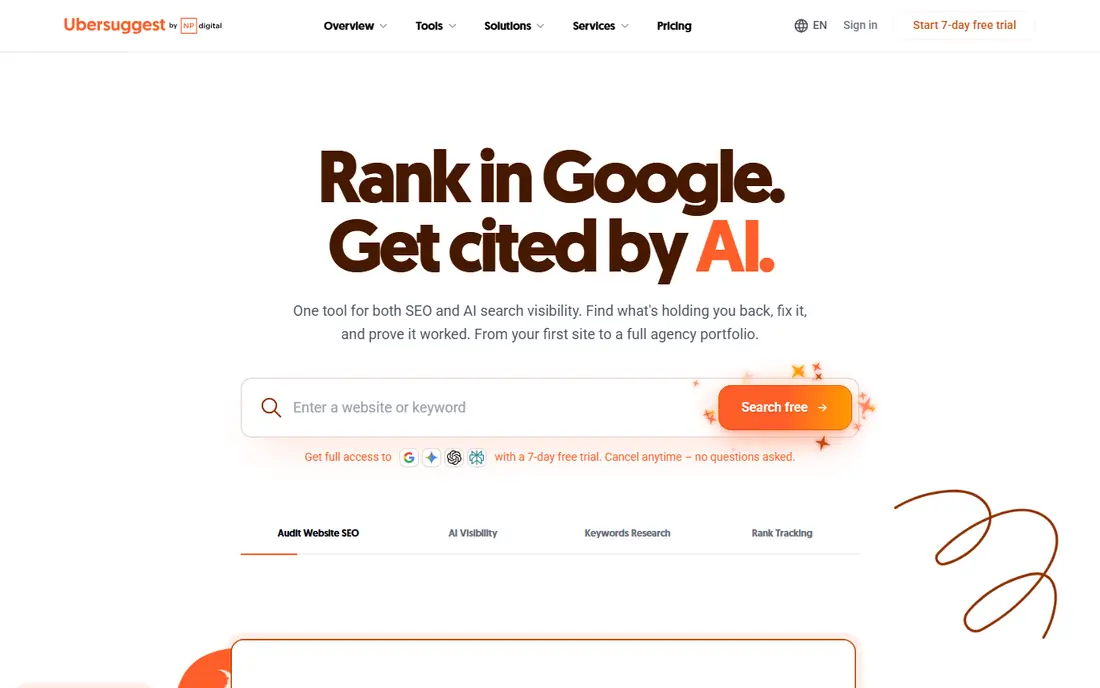
Ubersuggest, from Neil Patel, is the cheapest usable keyword research tool for beginners and small businesses. It covers keyword volume, difficulty, content ideas, site audits, and basic backlink data, with a free tier for daily searches and an Individual plan from $12 per month. For a solo blogger or small business with straightforward SEO needs, that coverage is enough to find topics, check a site for basic issues, and track a small set of keywords.
The data is not as deep as Ahrefs or Semrush, and volume estimates can differ from premium tools. Treat Ubersuggest as a starting point for ideas and prioritisation, then check Search Console for real performance on your own site. Its low price and lifetime option, when available, make it a sensible first paid SEO tool for a tight budget.
- Low entry price
- Keyword ideas, site audits and backlink data in one tool
- Lifetime deal sometimes available
- Data depth below Ahrefs and Semrush
- Estimates can vary from premium tools
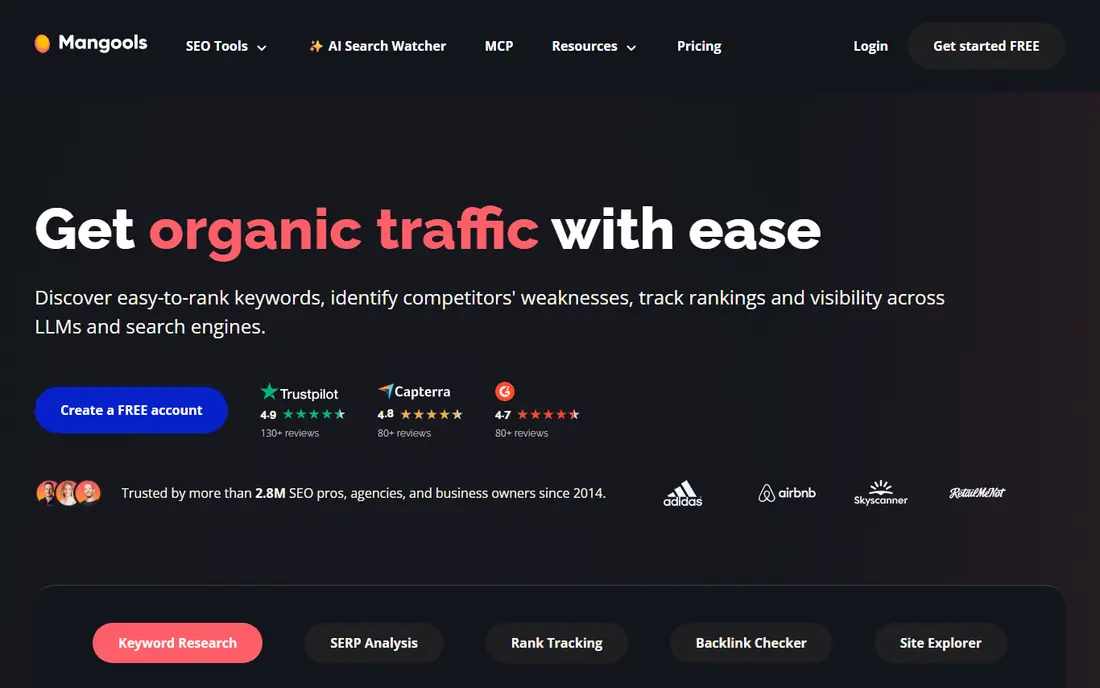
Mangools bundles five tools under one price: KWFinder for keyword research, SERPChecker for search results analysis, SERPWatcher for rank tracking, LinkMiner for backlink research, and SiteProfiler for domain analysis. The interface is clean and easy for beginners, and KWFinder difficulty scores are often described as more realistic than some rivals. That suite covers the core SEO tasks for a small site without needing several subscriptions.
Backlink data is thinner than Ahrefs, and the entry price is higher than Ubersuggest. For a blogger or freelancer who wants one tidy suite, Mangools is often described as the best value all-rounder in the budget space. It suits content-focused sites where keyword research and rank tracking are the main ongoing needs.
- Five tools in one suite
- Clean, beginner-friendly interface
- Realistic keyword difficulty scores
- Backlink data thinner than premium tools
- Higher entry price than Ubersuggest
Keysearch is a popular budget keyword tool for bloggers and affiliate site owners. It covers keyword difficulty scoring, search volume, competitor analysis, and content research, with a starting price around $24 per month. That focus on keyword research suits content sites where finding rankable topics is the main ongoing task, rather than technical audits or large-scale rank tracking.
Keysearch is not a full all-in-one platform. A user who also needs detailed site audits and backlink monitoring may need a second tool, such as Search Console or Sitechecker. For keyword-first work on a budget, though, Keysearch offers a strong balance of price and usable data, and it is easy to learn for a new site owner.
- Low price for keyword research
- Difficulty scoring and competitor analysis
- Content research tools
- Less all-in-one depth than SE Ranking or Serpstat
- Interface less polished than Mangools
LowFruits takes a different approach to keyword research. Instead of only showing volume and difficulty, it analyses search results to find keywords where smaller or lesser-known sites already rank, which signals a realistic chance for a new site. That weak-spot view helps new sites avoid topics dominated by large, authoritative pages, and focus on terms they can actually win.
LowFruits is not an all-in-one tool. It does not replace rank tracking, audits, or backlink analysis, so pair it with Search Console and a rank tracker. Pricing is around $29 per month or by credits, depending on the plan, so check the current options on the official site. For a new site struggling to rank, LowFruits is one of the most practical cheap SEO tools in this list.
- Finds keywords where smaller sites already rank
- Clear weak-spot analysis
- Good for new sites
- Not an all-in-one tool
- No rank tracking or site audit depth
SpyFu focuses on competitor research. It shows the keywords competitors rank for, their ad history, and their top pages, going back years in many cases. That history helps a small site find proven topics, see which competitor pages drive traffic, and plan content that targets gaps. It also covers PPC keywords, which is useful for sites that run or plan paid search alongside SEO.
SpyFu is less strong as a primary rank tracker or technical audit tool, so most users pair it with Search Console or an all-in-one platform. The Basic plan starts at $39 per month, with limited free searches for a quick check. For competitor-led content planning on a budget, SpyFu offers depth that general keyword tools do not match.
- Long competitor keyword and ad history
- Useful for content and PPC research
- Limited free searches
- Less strong as a primary rank tracker or audit tool
- Data best for US markets
SE Ranking is the most complete all-in-one option at the budget end, covering rank tracking, site audits, backlink monitoring, competitor research, and reporting. Freelancers managing several client sites value the white-label reports and the ability to track many keywords without premium pricing. It is a step up from single-purpose tools, for users who need one platform for most SEO tasks.
Pricing has varied across recent listings, with entry figures ranging from lower monthly plans to higher core plans, so we list See website here rather than repeating a stale figure. Check the current plan limits for keywords, audit pages, and backlinks before subscribing. For a freelancer or small agency, SE Ranking remains a strong budget all-in-one, provided the current price fits the client load.
- Rank tracking, audits, backlink monitoring and competitor research in one platform
- White-label reports for clients
- Entry price has risen in recent listings, so check current plans
- Research interface less intuitive for some users
Serpstat is another cheap all-in-one SEO platform, covering keyword research, rank tracking, site audits, backlink analysis, and competitor research. It suits small teams and freelancers who want one subscription for most tasks, rather than several single-purpose tools. Team features and reporting help agencies manage multiple projects, and the platform has grown its database over recent years.
The long-tail database is smaller than Ahrefs or Semrush, and the interface can feel busy at first. Pricing has also varied across listings, so check the official pricing page for the current entry plan. For a budget all-in-one that covers research, tracking, and audits, Serpstat is a solid alternative to SE Ranking, and the choice often comes down to interface preference and current plan limits.
- Keyword research, rank tracking and audits in one lower tier
- Large keyword database
- Team features
- Smaller long-tail database than premium rivals
- Interface takes time to learn
Sitechecker focuses on site audits, on-page SEO checks, rank tracking, and backlink monitoring, at a low entry cost in many listings. It helps small site owners find broken links, missing titles, slow pages, and other technical issues that block rankings, without paying for a full enterprise audit tool. That technical focus complements a keyword tool such as Keysearch or Ubersuggest.
Sitechecker is not a primary keyword research tool, so pair it with a research tool and Search Console for a complete cheap stack. Pricing varies by plan and billing period, so check the official site for the current entry price. For a small site that needs a clear, affordable audit, Sitechecker is a practical addition to the budget toolkit.
- Focused site audits and on-page checks
- Rank tracking and backlink monitoring
- Low entry cost in many listings
- Less keyword research depth than dedicated tools
- Smaller database than premium platforms
How we picked these
We compared official pricing pages and third-party cheap SEO tool comparisons from October 2026, and we favoured tools that are still available, that publish or clearly list a low entry price, and that cover a distinct need: free own-site data, keyword research, competitor research, audits, or all-in-one coverage. We did not claim hands-on testing, and we wrote See website where recent pricing listings conflicted.
Building a cheap SEO stack
A good budget stack has three parts: free own-site data, one keyword tool, and one tracking or audit tool. Search Console covers the first part free. Ubersuggest, Mangools, Keysearch, or LowFruits covers keyword research. SE Ranking, Serpstat, or Sitechecker covers tracking and audits. That stack usually costs far less than a premium all-in-one, and it avoids paying twice for the same data.
Start free, then add one paid tool
Begin with Search Console and Google Keyword Planner for volume ideas, and fix basic technical issues first. Add one paid keyword tool only when free data limits your topic research. A single paid tool, used well, beats three subscriptions that are barely opened. Review the subscription every few months, and cancel tools that no longer earn their place.
Judge tools on your own keywords
Test any tool on keywords you already rank for, and compare its volume and difficulty figures with Search Console clicks and positions. If a tool consistently misleads you on your own site, it will mislead you on new topics too. That simple test is more useful than a feature list, and it helps you pick between similar budget tools.
Avoid paying for data you already have
Many budget tools overlap on keyword volume, rank tracking, and audits. Before adding a second tool, list what the first tool already covers, and buy only for the gap. LowFruits adds weak-spot analysis, SpyFu adds competitor history, and Sitechecker adds focused audits. Buy for a distinct gap, not for a similar feature set.
Frequently asked questions
What is the best cheap SEO software?
For most small sites, the best cheap stack is Google Search Console free, plus Ubersuggest or Mangools for keyword research. SE Ranking or Serpstat suit users who want one all-in-one platform. The best choice depends on whether you need keyword research, audits, or client reporting most.
What are the best cheap SEO tools for beginners?
Ubersuggest and Mangools are the friendliest budget starts, because they are easy to learn and cover keyword ideas, audits, and basic tracking. Pair either with Search Console, and learn from real clicks and positions on your own site before buying more tools.
Is Google Search Console enough for SEO?
For measuring your own site, yes, it is essential and free. For finding new topics and checking competitors, it is not enough on its own, because it shows no competitor data or keyword difficulty. Pair it with a budget keyword tool for research, and use Search Console to measure results.
How much should a small site spend on SEO tools?
Many small sites do well on free tools plus one paid tool at $12 to $30 per month. A freelancer with several clients may need an all-in-one plan at a higher price, with white-label reporting. Spend more only when a tool clearly saves time or finds topics that lead to traffic.
Are free SEO tools worth using?
Yes, for core tasks. Search Console gives real search data, and free tiers of Ubersuggest and SpyFu allow limited research. Free tools lack competitor depth and large-scale tracking, so they work best as a starting stack, with one paid tool added when research needs grow.
Sources
See where you really rank - block by block
ProMapRanker scans Google Maps across a grid of your service area. Simple monthly plans from $19, white-label on every plan.
Start freeKeep reading
 twitch alternatives
Twitch Alternatives in 2026
Explore the best Twitch alternatives in 2026 for live streaming, with free platforms, monetisation options, audiences, chat tools, and tips for new streamers.
Read → firebase alternatives
Best Firebase Alternatives in 2026
Looking for Firebase alternatives? We compare 9 backend platforms for auth, databases, realtime, storage, functions, self-hosting, and pricing for your app.
Read → companies with best work life balance
Companies With Best Work Life Balance in 2026
See companies with best work life balance in 2026, ranked by employee ratings, with flexible work options, benefits, and what to check before applying.
Read →