 ProMapRanker
Character Recognition Software in 2026: Top 6 Compared

PDF editing inside Adobe workflows · Pricing starts at: See website
Direct answer
For PDF editing inside Adobe workflows, Adobe Acrobat Pro is where this list starts. Listed starting prices: ABBYY FineReader PDF from $16 per month, Rossum from $18,000 per year and Kofax OmniPage from $129 one time per license. For a different need, Amazon Textract covers developer OCR and data extraction API and ABBYY FineReader PDF covers general PDF editing with AI-based OCR. The remaining 3 options are covered below with prices and limits.
ProMapRanker put together this guide to character recognition software for readers who want a clear shortlist without reading every vendor page. It compares 6 tools on starting price, free plans, who each one suits and where each one falls short.
Key takeaways
- Number one here is Adobe Acrobat Pro, a fit for PDF editing inside Adobe workflows.
- Adobe Acrobat Pro, Microsoft Azure AI Document Intelligence and the 4 others all need a premium plan or a trial, since no free plan is listed.
- ABBYY FineReader PDF is the lowest-priced starter here at $16 per month.
- Microsoft Azure AI Document Intelligence fits Azure-based document extraction models.
- What to know about Adobe Acrobat Pro first: OCR is one part of a broader suite.
Quick comparison
| Pick | Great for | Pricing starts at | Free tier | |
|---|---|---|---|---|
| Adobe Acrobat Pro | PDF editing inside Adobe workflows | See website | Not stated | Visit |
 Amazon Textract | Developer OCR and data extraction API | See website | Not stated | Visit |
 ABBYY FineReader PDF | General PDF editing with AI-based OCR | $16 per month | Free trial | Visit |
 Rossum | Transactional document workflow automation | $18,000 per year | Free trial | Visit |
 Kofax OmniPage | Focused OCR and document conversion | $129 one time per license | Free trial | Visit |
 Microsoft Azure AI Document Intelligence | Azure-based document extraction models | See website | Not stated | Visit |
Character Recognition Software compared in detail
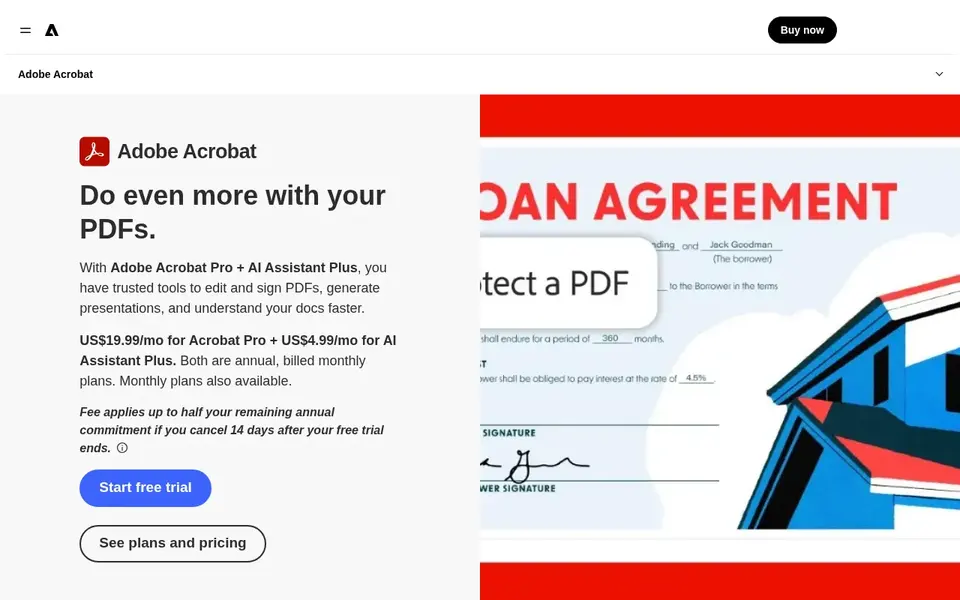
Adobe Acrobat Pro is aimed squarely at PDF editing inside Adobe workflows. Adobe Acrobat Pro is full PDF software for editing, converting, and sharing documents, with OCR available for scanned files.
Teams that largely edit and convert documents instead of build extraction pipelines will find the workflow straightforward. Its recognition capabilities serve document editing instead of structured data extraction from forms and tables at volume. This comparison lists no price for Adobe Acrobat Pro; ask the vendor. As for free access: Not stated.
Main advantages: share PDFs.
The main drawbacks: OCR is one part of a broader suite.
- Familiar Adobe interface
- Continuous feature updates
- Heavy automation may need extras
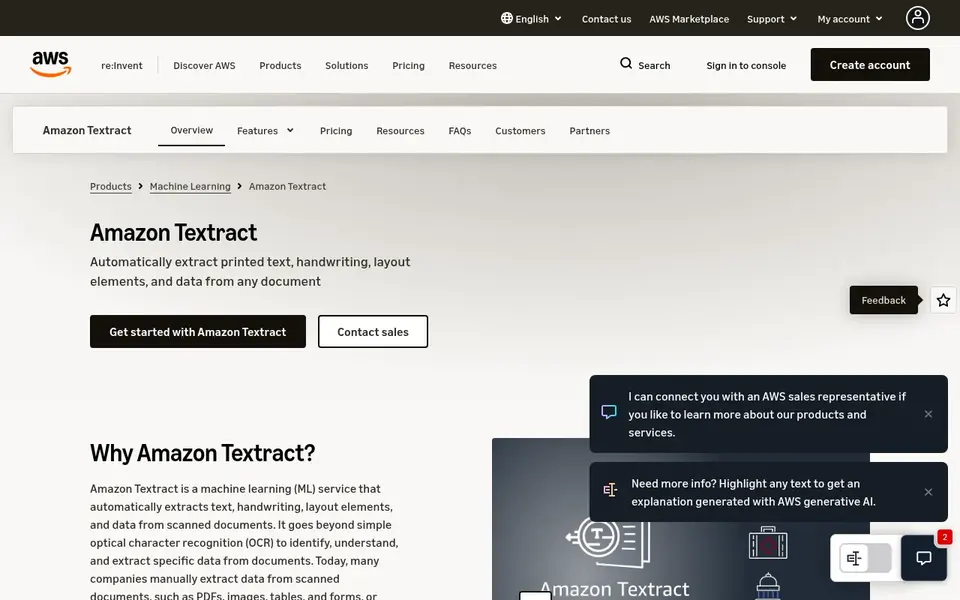
Think of Amazon Textract for developer OCR and data extraction API. Amazon Textract is a machine learning service that uses OCR to extract text, handwriting, and data from scanned PDFs, forms, and tables.
The main drawbacks: Not a document editor.
Teams without development resources should weigh a packaged OCR application or automation system instead. This comparison lists no price for Amazon Textract; ask the vendor. Free plan details: Not stated.
- Manages forms and tables
- Machine learning OCR service
- Needs development work
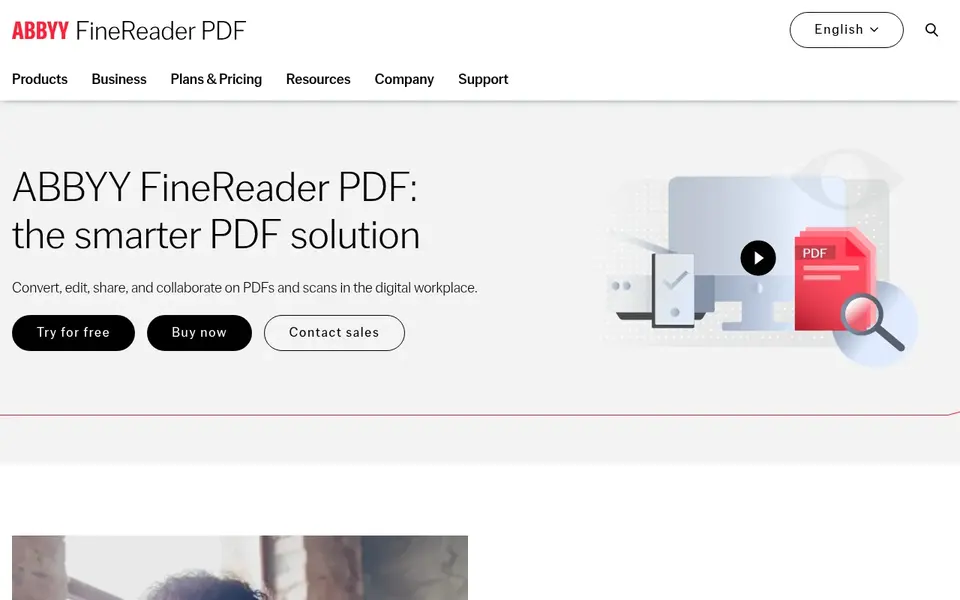
ABBYY FineReader PDF is designed for general PDF editing with AI-based OCR. If you have to process forms and invoices inside a business system, a dedicated document automation product or a cloud API may fit better than a desktop-oriented editor.
Where it is weaker: Desktop-centric workflow.
In daily use, ABBYY FineReader PDF is a PDF editor built around ABBYY's AI-based OCR technology. It converts files for example PDF to Excel or PDF to Word, and it also supports editing, sharing, and collaboration. Price to start with ABBYY FineReader PDF: $16 per month. Free plan details: Free trial.
- Editing and collaboration features
- AI-based OCR for conversions
- Advanced automation needs other tools
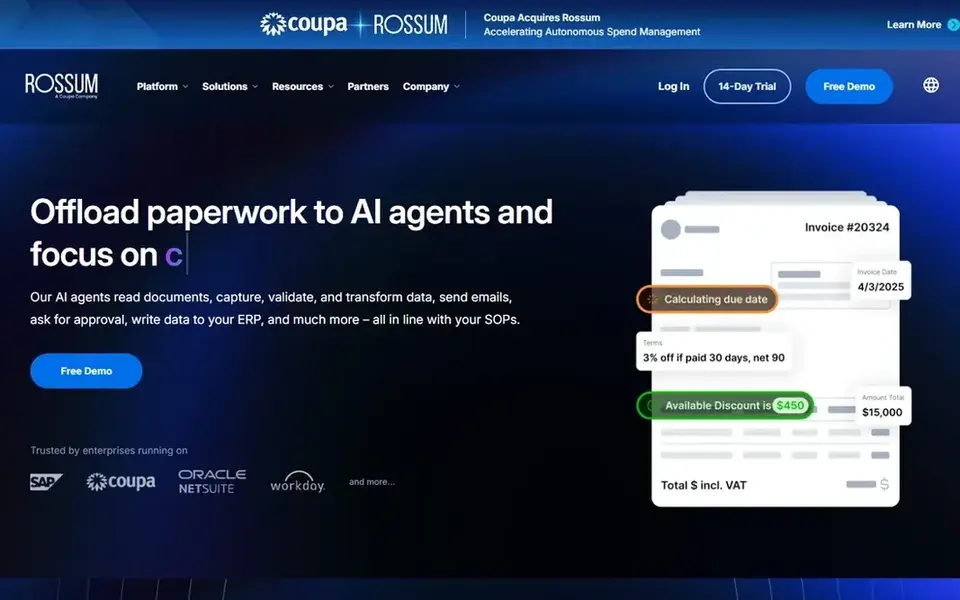
In short, Rossum is for transactional document workflow automation. It suits operations teams that process recurring business documents and want automation instead of manual review, especially where documents feed straight into transactional processes.
Where it shines: Targets transactional workflows.
Small teams with low document volumes may find a more straightforward OCR or PDF tool more proportionate to their needs. Rossum pricing: $18,000 per year. Trial and free access: Free trial.
Downsides: Narrower than general PDF editing.
- Aims to cut manual tasks
- AI document processing focus
- Best fit is high-volume operations
Pick Kofax OmniPage if this describes you: focused OCR and document conversion. If you have to edit layouts heavily or route extracted data through transactional workflows, consider a PDF editor or a document automation system instead.
It suits users who want recognition as the core task, for example converting scanned pages into editable or searchable documents, instead of a wide PDF editing environment. Starting cost for Kofax OmniPage: $129 one time per license. On free options: Free trial.
Where it is weaker: Automation needs separate tooling.
- Targeted at document management
- Dedicated OCR toolset
- Narrower than full PDF suites
Microsoft Azure AI Document Intelligence
Great for: Azure-based document extraction models
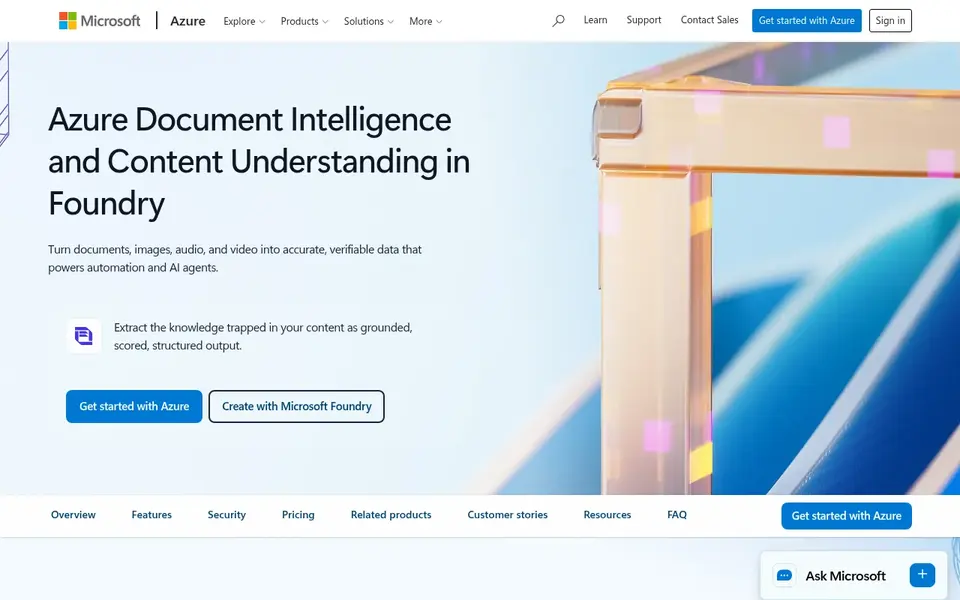
Choose Microsoft Azure AI Document Intelligence for Azure-based document extraction models. Microsoft Azure AI Document Intelligence, now part of Azure Content Understanding in Foundry Tools, extracts document text, structure, and fields with AI models.
If your users have to open, edit, and convert documents themselves, a desktop PDF editor or a business automation system is the more direct choice. Pricing for Microsoft Azure AI Document Intelligence is not stated here, so ask the vendor for current figures. On free options: Not stated.
Downsides: Not pitched at manual PDF editing.
- Prebuilt document models
- Extracts text, structure, fields
- Setup needs Azure knowledge
Selection criteria
ProMapRanker looked at what each vendor publishes: pricing, plan limits, feature coverage for character recognition software and stated drawbacks. No hands-on testing is claimed. Prices and plan limits come from vendor pages and can change, so confirm them on the vendor site before you buy. Order on the page follows fit for the typical buyer first, then price transparency and free access. Your own requirements should decide the final pick.
Things to verify first
- Confirm the entry price on the vendor page. For Adobe Acrobat Pro, Amazon Textract and Microsoft Azure AI Document Intelligence that means a quote rather than a fixed price.
- Run a trial of ABBYY FineReader PDF, Rossum and Kofax OmniPage with real work before paying for a year; your own workflow is the best test.
- Read the limits listed for Adobe Acrobat Pro first: OCR is one part of a broader suite.
- Compare total cost, not headline price: for Kofax OmniPage, add extra seats, add-ons and any usage-based charges.
- Look at the help docs and support options for Microsoft Azure AI Document Intelligence before you commit.
Frequently asked questions
Can I try these options before paying?
Often, yes. ABBYY FineReader PDF, Rossum and Kofax OmniPage offer a free trial. Use your own data and a real task during the test, and check what the free tier or trial limits before you rely on it.
What is the cheapest option for character recognition software in this list?
On published monthly entry prices, ABBYY FineReader PDF is the lowest here at $16 per month. Entry price is only part of the cost, because seats, add-ons and billing terms can change the total.
How should I evaluate accuracy before buying?
Test each candidate on a sample of your own scanned documents, including poor-quality scans, handwriting, and tables if relevant. Compare the output against what your workflow needs, and confirm supported formats and languages on the vendor site before committing.
Does any tool for character recognition software here have a free plan?
A permanent free plan is not offered by Adobe Acrobat Pro, Microsoft Azure AI Document Intelligence or the other tools here. ABBYY FineReader PDF, Rossum, Kofax OmniPage offer a trial. Plan a short evaluation period instead.
Do these tools publish their prices?
Not all of them. Adobe Acrobat Pro, Amazon Textract and Microsoft Azure AI Document Intelligence publish no starting price, so expect a quote request for those. The rest, ABBYY FineReader PDF included, show a starting price, though seats and billing terms still change the final cost.
What is the difference between OCR software and document automation systems?
Document automation products go further by routing extracted data through business workflows. Some tools combine both, so match the choice to whether you need editing or process automation.
Sources
- Adobe Acrobat Pro: adobe.com/acrobat/acrobat-pro.html
- Amazon Textract: aws.amazon.com/textract
- ABBYY FineReader PDF: abbyy.com/finereader
- Rossum: rossum.ai
- Kofax OmniPage: kofax.com/products/omnipage
- Microsoft Azure AI Document Intelligence: azure.microsoft.com/en-us/products/ai-services/ai-document-intelligence
See where you really rank - block by block
ProMapRanker scans Google Maps across a grid of your service area. Simple monthly plans from $19, white-label on every plan.
Start freeBrowse all guides
← AI WYSIWYG Editors Software: 5 Options Compared in 2026BetterPic Alternatives in 2026: Prices and Free Plans →
 best ai aggregator platforms
Best AI Aggregator Platforms in 2026
5 best AI aggregator platforms, with entry costs, free tiers and the buyer each one serves. Each tool gets a one-line verdict. Current for November 2026.
Read → anyword alternatives
Anyword Alternatives: 5 Tools Compared in 2026
Compare 5 picks for Anyword alternatives, with prices, free plans and who each fits. Strengths and weak spots are spelled out. Current for November 2026.
Read → fiddler ai alternatives
5 Fiddler AI Alternatives Compared (2026)
Fiddler AI alternatives in 2026: 5 contenders with entry costs and free tiers. DataRobot leads the list for unified agent and model product. Straight answers.
Read → best tools for ai mode
Best Tools for AI Mode in 2026
Compare the best tools for AI mode in 2026, covering Google AI Mode tracking, citations, prompts and content fixes for brands and SEO teams for teams.
Read → best ai tools for english speaking practice
Best AI Tools for English Speaking Practice in 2026
We compare the best ai tools for english speaking practice on feedback, conversation, price, and level, so you can practice speaking English with confidence.
Read → best free ai hairstyle app
Best Free AI Hairstyle App in 2026
We compared the best free ai hairstyle app options for virtual try-ons, with free tiers, style libraries and honest limits for each pick listed in 2026.
Read →More in AI Tools · All guides A to Z by date · Latest guides