 ProMapRanker
Best Cash Flow Forecasting Software in 2026

Key takeaways
- Float is the clearest fit for Xero and QuickBooks Online teams that need a rolling forecast with scenarios.
- Pulse and Dryrun suit smaller teams that want a simple, visual view of cash in and cash out.
- PlanGuru, Jirav, and Fathom suit teams that also need budgets, reporting, and wider financial planning.
- A forecast is only as good as the accounting data behind it, so check the sync and how often it updates.
- This article is general information only, not financial advice, and no tool can promise future cash or returns.
Quick comparison
| Pick | Great for | Pricing starts at | Free tier | |
|---|---|---|---|---|
 Float | Xero and QuickBooks forecasting | $130 per month | Free trial (14 days) | Visit |
 Dryrun | Visual cash flow with scenarios | See website | Free trial | Visit |
 Pulse | Small business cash clarity | See website | Free trial | Visit |
 PlanGuru | Budgeting and forecasting depth | See website | Free trial | Visit |
 Jirav | Startups and finance teams | See website | Free trial | Visit |
 Fathom | Visual reporting and scenarios | See website | Free trial | Visit |
 Agicap | Cash management for growing firms | See website | Free trial | Visit |
 Clockwork | FP and A for QuickBooks and Xero | See website | Free trial | Visit |
 LivePlan | Forecasting plus business planning | See website | Free trial | Visit |
The best cash flow forecasting software
We compared official feature pages, pricing pages, and integration lists for tools that turn accounting data into a forward view of cash. This is general information only, not financial advice. A forecast helps you plan for payroll, tax, and slow-paying clients, but it does not promise returns or guarantee that a client will pay on time.
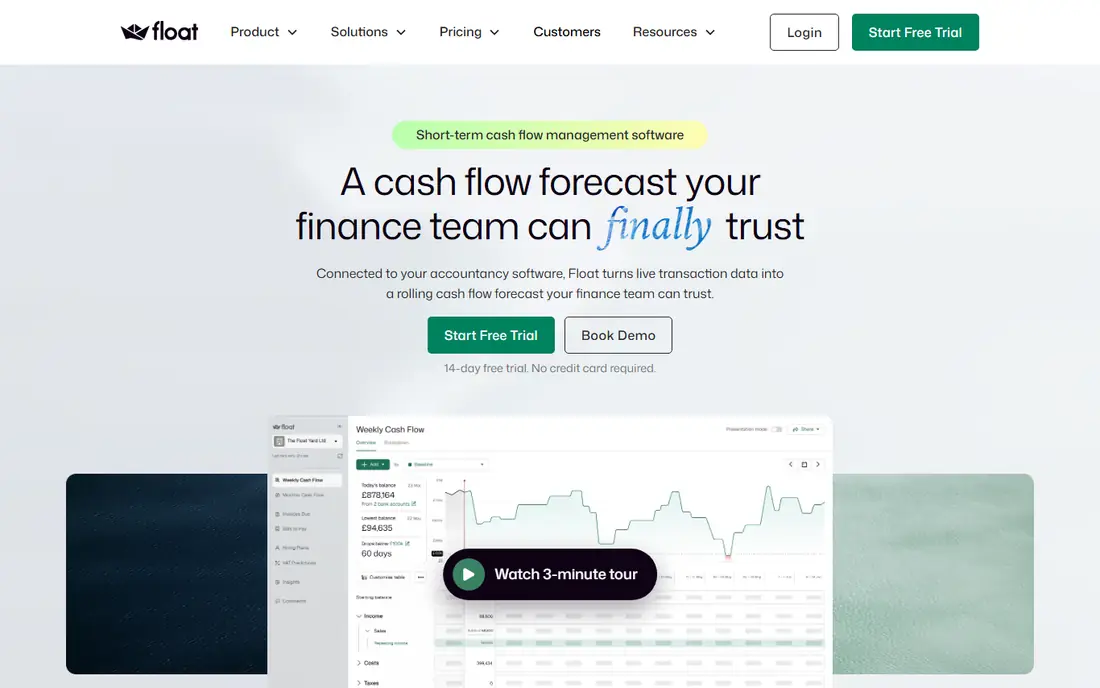
Float is built for finance teams that live in Xero or QuickBooks Online and need to see cash ahead, not just last month. It pulls reconciled transactions, builds a rolling forecast, and lets you test scenarios such as a late-paying client, a new hire, or a slower sales month. Accounts receivable and payable views show when money is due in and due out, which helps a team spot a shortfall weeks ahead rather than on payroll day. The small business plan starts at 130 dollars per month on monthly billing, with a 14-day free trial and no credit card required for the trial.
The catch is price and scope. Solo owners may find cheaper tools enough, and Float will not move money or run payment batches for you. Growth and Scale tiers for larger firms are priced by quote or on higher published tiers, so check the plan that matches your entity count. If cash forecasting is a weekly job for your finance team, Float is our first pick here.
- Rolling 13-week and longer forecasts
- Scenario planning
- Daily sync with Xero and QuickBooks Online
- Priced for finance teams, not solo owners
- Higher tiers need a quote
- Not a payment or treasury tool
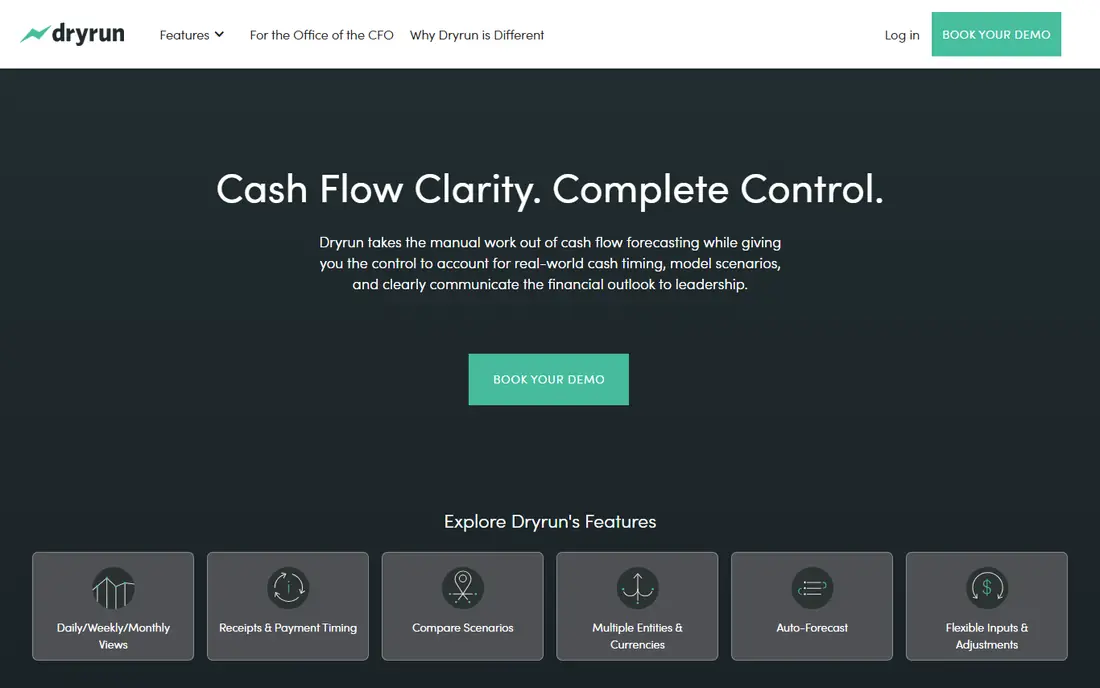
Dryrun presents cash flow as a visual timeline that makes a shortfall easy to see at a glance. You can model scenarios, compare them side by side, and share the view with an advisor or a business partner. That visual style suits owners who do not want to read a spreadsheet to understand next month. It also works well for accountants who need to show a client what happens if a large invoice slips by 30 days.
The drawback is pricing clarity. Dryrun does not publish a simple entry price on every page, so you need a trial or a quote to judge total cost. Its value also depends on regular updates from your accounting data or manual entries, since a stale forecast can mislead. If you want a visual, scenario-led tool and you work with an advisor, Dryrun is worth testing.
- Clear visual forecast timeline
- Scenario modelling
- Useful for advisors and their clients
- Pricing is not fully published
- Smaller integration list than Float
- Needs clean input data
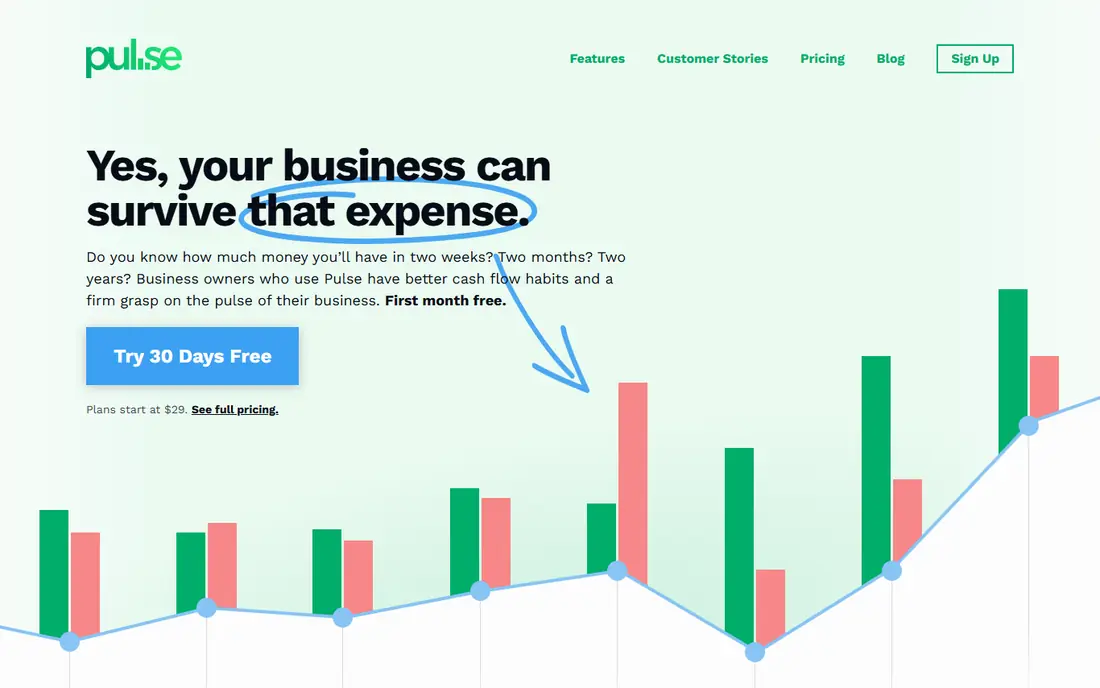
Pulse is a simpler cash flow tool for small business owners who want to know, in plain terms, how much cash they will have next week and next month. It focuses on cash in, cash out, and upcoming bills, without the wider budgeting and reporting layers of a finance platform. That focus keeps setup light and makes it easier for an owner to keep the forecast current, which is half the value of any forecasting tool.
The trade-off is depth. Pulse will not replace a full budgeting platform for a finance team that needs department budgets, headcount planning, and board reporting. Pricing is also not as clearly published as some rivals, so confirm the plan before you commit. For a small team taking its first step beyond a spreadsheet, Pulse is a sensible, low-friction choice.
- Simple cash flow view for small teams
- Easy to add income and expenses
- Good first forecasting tool
- Less depth than full FP and A tools
- Pricing needs checking
- Limited multi-entity features
PlanGuru suits teams that want forecasting as part of a wider budgeting process, not as a standalone cash chart. It supports detailed budgets, multi-year forecasts, and reporting that accountants can use with clients. That depth helps when a business needs to link sales, payroll, and capital spending into one plan, rather than tracking bank balance alone. The tool has a long history in the accountant market, which shows in its reporting options.
The catch is the learning curve. PlanGuru takes more setup time than a simple cash tool, and its interface feels more traditional than newer cloud tools. Some pricing is quote-based, so a small firm should trial it with a real budget before buying. If your main need is a detailed annual plan with cash flow inside it, PlanGuru fits well.
- Detailed budgets and forecasts
- Supports multi-year planning
- Strong for accountants and advisors
- Interface feels more traditional
- Setup takes longer
- Pricing needs a quote for some tiers
Jirav is a financial planning tool that covers budgeting, forecasting, and cash flow tracking for startups and growing finance teams. It connects to accounting systems and, on higher tiers, to payroll and operational data, so a forecast can reflect hiring plans and actual spending together. Budget-versus-actual reporting helps a team see where the plan drifted and adjust the next quarter. That breadth suits firms moving from a spreadsheet to a system the whole finance team can use.
The drawback is cost and scope. Jirav is priced by quote, and a very small business may pay for planning depth it does not yet need. It also works best when someone owns the model and keeps drivers current. If you are a startup with investors, board reporting, and a growing team, Jirav is a strong shortlist option.
- Budgeting, forecasting, and reporting in one place
- Connects to accounting and HR systems
- Good for growing firms
- Pricing is quote-based
- Can be more than a small owner needs
- Setup benefits from finance ownership
Fathom is known for visual financial reporting, and its forecasting tools build on that strength. You can create forecasts, test what-if scenarios, and present the results in charts that non-finance managers can read. It connects to Xero and QuickBooks, so actuals flow in and the forecast can be compared with real results. For advisors and small finance teams, that mix of reporting and forecasting in one tool reduces the need for separate chart tools.
The catch is that Fathom is a reporting platform first, so a team that wants only a dedicated cash flow timeline may find extra features in the way. Pricing varies by tier and by the number of companies, so check the plan for your firm size. If clear presentation matters as much as the numbers themselves, Fathom is a good fit.
- Clear visual reports and forecasts
- Scenario and what-if modelling
- Works with Xero and QuickBooks
- Cash flow is part of a wider reporting tool
- Pricing varies by tier
- Deep modelling needs care
Agicap combines cash flow forecasting with wider cash management, including bank connections, payment handling in some regions, and multi-entity views. That breadth suits growing firms that manage several companies or bank accounts and want one view of cash across them. Scenario planning helps a finance lead test hiring, investment, or a change in payment terms before committing. The tool is widely used in Europe and has grown in other markets.
The drawback is pricing and regional variation. Agicap is priced by quote, and some payment or treasury features depend on your country and bank. A small single-entity firm may not need the full suite and could do well with a simpler tool. If you manage several entities or want cash management beyond a forecast chart, Agicap deserves a trial.
- Cash flow forecasting plus payment and treasury features
- Multi-entity support
- Bank connections in many regions
- Pricing is quote-based
- Feature depth varies by country
- Smaller firms may not need the full suite
Clockwork, formerly Clockwork AI, is a financial planning tool built around QuickBooks and Xero data. It helps finance teams and advisors build forecasts, model hiring, and track cash flow without rebuilding a spreadsheet each month. Scenario tools let you test a slower sales month or a new cost and see the cash effect. For firms that already run on QuickBooks or Xero, that close fit keeps setup simpler than a generic planning suite.
The catch is scope and pricing. Clockwork is priced by quote, and it focuses on planning and forecasting rather than full enterprise resource planning. As with every tool here, a forecast built on messy accounting data will mislead, so clean books matter first. If you want FP and A depth tied to QuickBooks or Xero, Clockwork is a solid option.
- Forecasting built for QuickBooks and Xero
- Scenario and hiring models
- Cash flow views for advisors
- Pricing is quote-based
- Narrower focus than full ERP planning
- Needs clean accounting data
LivePlan pairs cash flow forecasting with business planning, which suits owners writing a plan for a lender, investor, or internal goal. You can build a forecast, set milestones, and track actual results against the plan in one place. The guided setup helps owners who are new to forecasting, and the plan format makes it easier to explain assumptions to someone outside the finance team. That combination is useful for a startup or a small firm at a planning stage.
The trade-off is specialisation. LivePlan is not as deep as Float or Jirav for daily cash management or complex scenario work. A finance team that needs multi-entity consolidation or detailed driver models will outgrow it. If your main need is a credible plan with a cash forecast inside it, LivePlan is a practical choice.
- Cash flow forecasts inside a business plan
- Guided setup for owners
- Useful for lender and investor plans
- Less specialised than dedicated cash tools
- Advanced finance features are limited
- Pricing needs checking
How we picked these
We compared official feature pages, pricing pages, and integration lists, and we kept only tools that exist and work in October 2026 and that truly forecast cash flow. We favoured tools with accounting sync or clear manual forecasting, scenario support, and a trial or published price where possible. Where a vendor did not publish a price, we wrote See website rather than guessing. We did not claim hands-on testing that did not happen. This article is general information only, not financial advice.
How to use a cash forecast without fooling yourself
Start by fixing the inputs. Reconcile bank and accounting data, confirm invoice due dates, and list payroll, tax, rent, and loan payments with their real dates. A forecast that uses monthly totals will hide a payroll shortfall in week two, so use weekly views for the next 13 weeks and monthly views beyond that. Update the forecast at least weekly, and note every assumption, such as when a large client usually pays.
Next, run three scenarios: expected, slow, and delayed. The slow scenario should assume late payments and lower sales, not just a small dip. Ask what action each scenario triggers, such as delaying a hire, chasing an invoice, or arranging a credit line before it is urgent. Finally, compare forecast with actual cash each month and adjust the drivers that were wrong. A forecast that never gets checked against reality is a chart, not a planning tool.
Frequently asked questions
What is the best cash flow forecasting software for a small business?
For a small business on Xero or QuickBooks, Float is a strong pick if the budget allows, while Pulse suits owners who want a simpler view. LivePlan fits owners who also need a business plan. The right choice depends on how often you will update it and who owns the forecast.
What are the best tools for cash flow forecasting if I only need a 13-week view?
Float, Dryrun, and Pulse all support short-term cash views, with Float offering a clear 13-week rolling forecast. A weekly view matters most for payroll and tax timing. Pick the tool that shows due dates clearly and updates from your accounting system.
How often should I update a cash flow forecast?
Update it weekly for the next quarter and monthly for the longer view. Update it sooner after a large sale, a delayed payment, or a new hire. A forecast left untouched for a month will drift from reality and lose its value as a warning tool.
Do these tools replace an accountant or financial advisor?
No. These tools organise data and show scenarios, but an accountant or advisor helps with tax timing, loan terms, and judgement about assumptions. Use the tool to prepare better questions and clearer numbers for that conversation.
Can cash flow forecasting software predict future cash exactly?
No. It can show what happens under stated assumptions, but client payment timing, sales, and costs can still change. Treat the forecast as a planning aid, not a promise. This article is general information only, not financial advice.
What is the difference between cash flow forecasting and budgeting?
Budgeting sets planned income and spending for a period, often by category, while cash flow forecasting tracks when cash actually enters and leaves the bank. A business can be profitable on paper and still run short of cash if clients pay late. Both views matter, and tools such as Jirav and PlanGuru combine them.
Sources
See where you really rank - block by block
ProMapRanker scans Google Maps across a grid of your service area. Simple monthly plans from $19, white-label on every plan.
Start freeKeep reading
 who has best internet service
Who Has the Best Internet Service in 2026
Who has best internet service for US homes? We compare fiber, cable, fixed wireless and satellite providers on speed, price, availability and terms today.
Read → which survey tool has the best analytics
Which Survey Tool Has the Best Analytics in 2026
Find which survey tool has the best analytics in 2026, comparing Qualtrics, SurveyMonkey, Typeform, Alchemer, and more on reports, text, and stats today.
Read → which streaming service has the best movies
Which Streaming Service Has the Best Movies in 2026
Answering which streaming service has the best movies, with Netflix, Max, Criterion and more compared on libraries, prices and free options in this guide.
Read →