 ProMapRanker
Best Caller ID App in 2026: 9 Apps Compared

Key takeaways
- Truecaller offers the largest identification database, while Hiya offers strong spam blocking with less contact access.
- Free tiers on Android cover basic caller ID and spam flagging, but call screening and ad-free use usually need a paid plan.
- iPhone users get a thinner caller ID experience than Android users, because Apple limits how these apps work.
- Whoscall suits users who need offline lookup, while RoboKiller and Nomorobo suit users who want aggressive spam blocking.
- Our pick for most people is Truecaller on Android for coverage, with Hiya as the privacy-first alternative.
Quick comparison
| Pick | Great for | Pricing starts at | Free tier | |
|---|---|---|---|---|
 Truecaller | Largest caller ID database | Free | Yes | Visit |
 Hiya | Privacy-first spam blocking | Free | Yes | Visit |
 Whoscall | Offline caller ID | Free | Yes | Visit |
 CallApp | Call management and recording | Free | Yes | Visit |
 RoboKiller | Aggressive spam blocking | See website | Free trial | Visit |
 Nomorobo | Carrier-style spam blocking | See website | Free trial | Visit |
 Phone by Google | Built-in spam protection | Free | Yes | Visit |
 Showcaller | Lightweight caller ID | Free | Yes | Visit |
 Call Control | Spam blocking and block lists | Free | Yes | Visit |
The best caller id apps
Caller ID apps match an incoming number against a database of businesses, reported spam numbers, and community reports, then show a name or a spam warning before you answer. No app blocks every spam call, so treat these as filters, not guarantees.
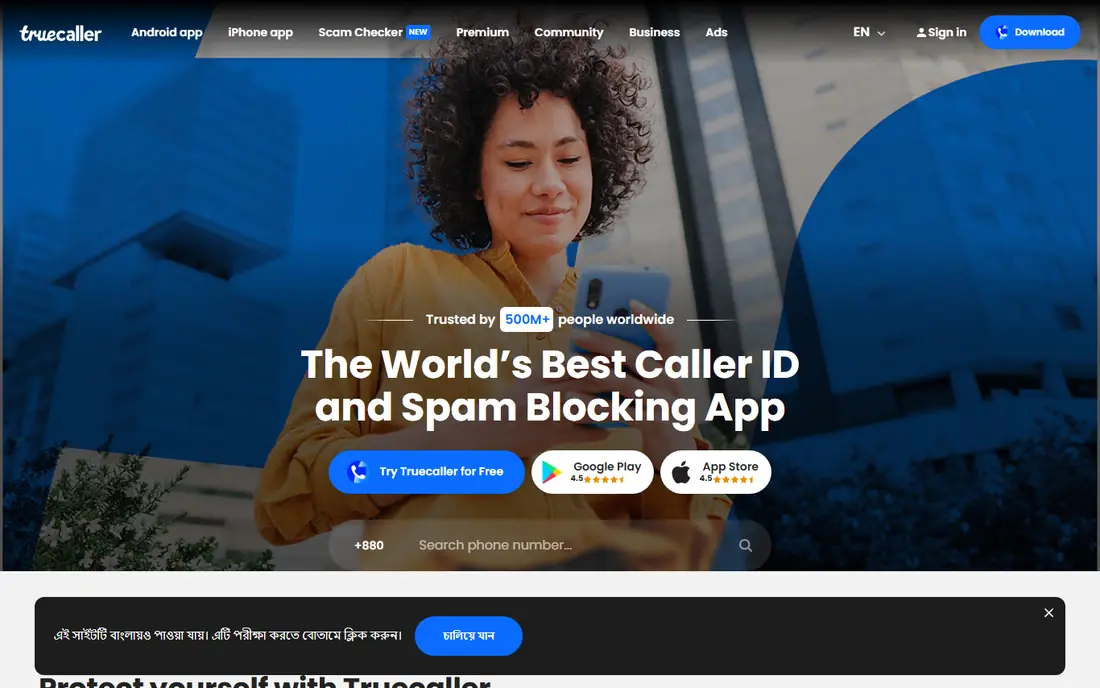
Truecaller is the best caller ID app for most people who want the highest chance of naming an unknown caller. Its database is reported at more than 5 billion numbers, and its free tier on Android covers real-time identification, spam flagging, and manual blocking. Reverse lookup lets you search a number after a missed call, which is useful for checking whether a caller was legitimate.
The privacy trade-off is real. Truecaller builds its directory partly from users contact books, which is how a number can appear searchable even if its owner never installed the app. Premium, listed around $2.99 per month or $29.99 per year in recent comparisons with regional variation, removes ads and adds features such as an AI Assistant that screens calls in supported regions. If that trade-off bothers you, Hiya below is the better pick.
- Largest crowdsourced number database
- Real-time ID and spam flagging on Android
- Reverse number lookup
- Builds its database partly from user contacts
- Free version includes ads
- IPhone experience is thinner
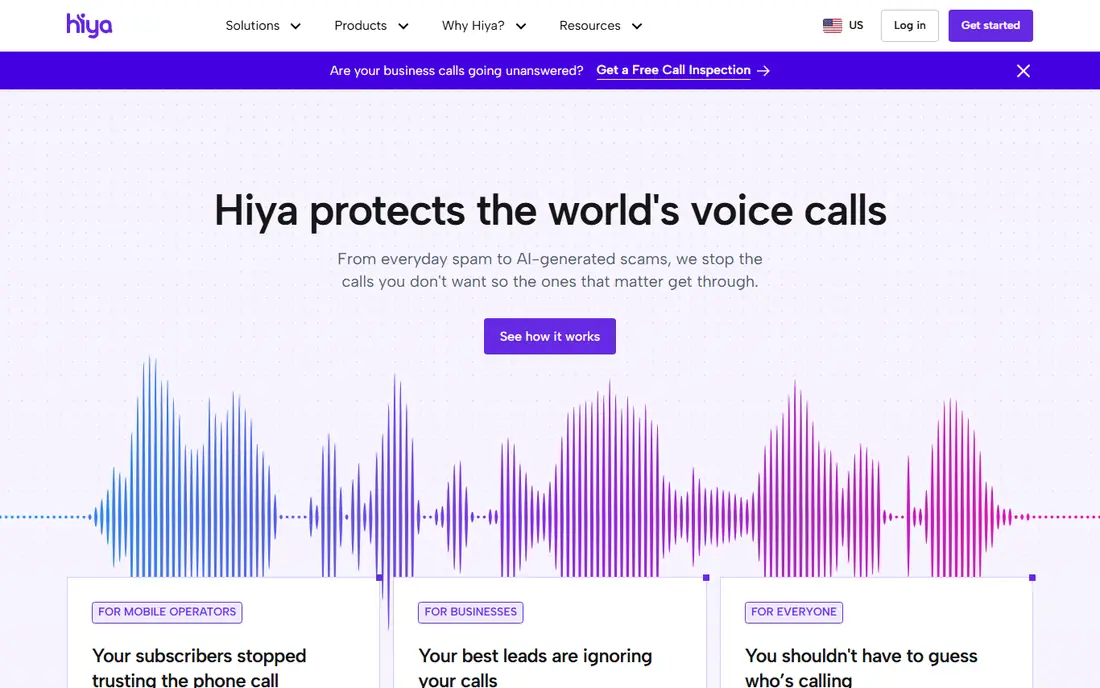
Hiya is the quieter alternative to Truecaller. It focuses on number reputation, warning you about suspected fraud and blocking spam, without building a public directory from your contacts. Basic protection, including caller ID, basic blocking, and spam reporting, is free, while Premium adds Call Screener, voice detection, fraud-call detection, and advanced blocking.
Hiya suits users who want fewer spam calls to get through, rather than a social lookup directory. On Android, it works best when set as the default phone app, so it can act at the moment a call arrives. Check the current Premium price and feature list in your app store, since features vary by platform and region, and Hiya notes that some features are not available in Europe for regulatory reasons.
- Spam blocking without accessing your contacts
- Clean interface
- Basic protection free
- Call screening sits on Premium
- Feature set varies by platform and region
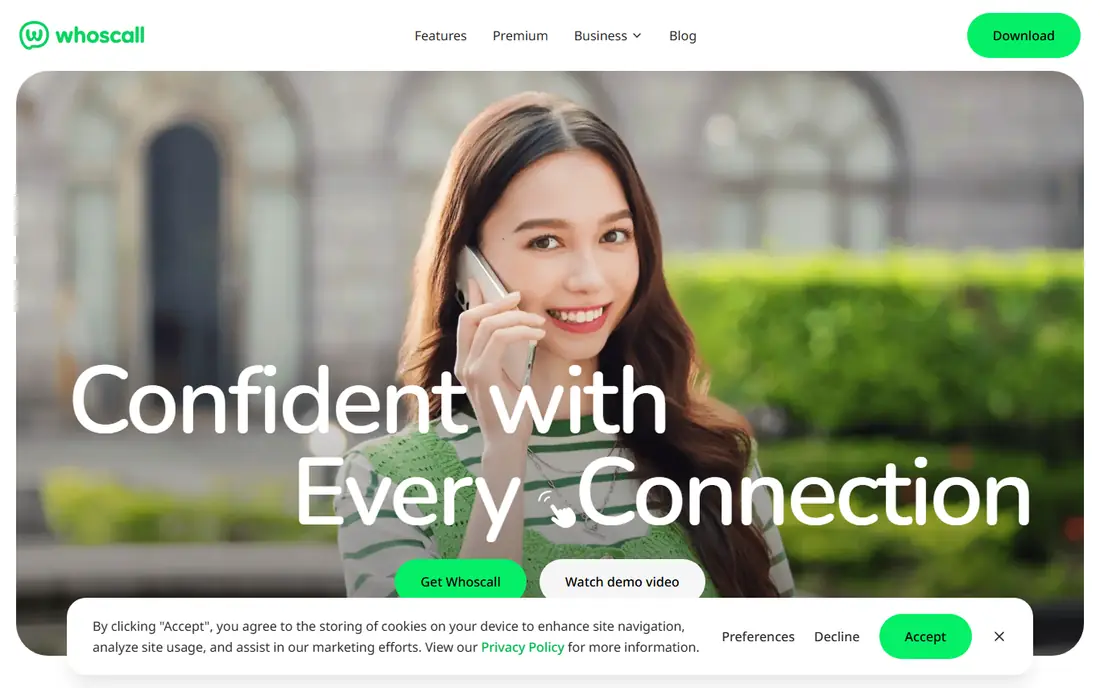
Whoscall is the pick when you need caller ID without a reliable internet connection. Its offline database, reported at over 1 billion numbers, lets the app identify calls even with limited connectivity, which suits travelers and users in areas with patchy coverage. It also offers spam blocking and SMS filtering, which helps with the text spam that often follows call spam.
The database is smaller than Truecaller's, so it may miss some numbers that Truecaller names. Free use covers core identification, while premium plans add extra features that vary by region. If offline use is not a priority, Truecaller or Hiya will usually identify more callers.
- Offline database with over 1 billion numbers
- Spam blocking
- SMS filtering
- Smaller database than Truecaller
- Premium features vary by region
CallApp combines caller ID with broader call management, including call recording where allowed, ringtone customization, and contact tools. It suits users who want more than identification, such as a record of business calls or a more personalized calling experience. SMS spam filtering adds value for users who get both call and text spam.
Call recording is the feature to check first. Recording laws vary by state and country, and some locations require consent from all parties, so check your local rules before enabling it. If you only need identification and blocking, a simpler app such as Hiya may suit you better.
- Caller ID plus call recording and customization
- SMS spam filtering
- Contact management features
- Recording laws vary by location
- Database smaller than Truecaller
RoboKiller takes an aggressive approach to spam: its Answer Bots answer suspected spam calls and keep callers occupied, so fewer spam calls reach you and spammers waste time. It also filters spam texts and offers block lists, which suits users who receive several spam calls a day and want them stopped rather than just labeled.
Full blocking is a paid service, with a free trial to test it, so check current pricing in the app store before subscribing. RoboKiller is best for heavy spam sufferers, not for users who only get an occasional unknown call. For light spam, a free tier from Truecaller or Hiya is usually enough.
- Answer Bots that waste spammers time
- Strong spam blocking
- Spam text filtering
- Paid service for full blocking
- Screening features need a subscription
Nomorobo focuses on blocking robocalls rather than naming every caller. It uses a database of known robocallers to stop calls before they ring, and it offers plans for mobile and landline phones in supported regions. That simplicity suits users who want blocking without a complex app or a social directory.
It is a paid service after a trial, so check current pricing on the site. Nomorobo is not the best pick for reverse lookup, since its strength is blocking, not identification. Pair it with your phone built-in caller ID if you also want names on unknown numbers.
- Blocks robocalls at carrier and device level
- Works on mobile and landline in supported plans
- Simple setup
- Paid after trial
- Less of a lookup directory than Truecaller
Phone by Google is the built-in dialer on many Android phones, and it is a strong free option in its own right. It includes spam protection that flags suspected spam calls, and Pixel phones add Call Screen features that ask unknown callers to identify themselves. For users who already have it, there is no need to install another app for basic protection.
It is not a lookup directory like Truecaller, so it will not name as many unknown numbers. Pixel-specific screening also means other Android users get a thinner feature set. Still, for privacy-conscious users who want no extra app and no ads, Phone by Google is an excellent starting point before trying a third-party app.
- Built-in spam protection with no extra app
- Clean, ad-free experience
- Call screening on Pixel phones
- Best features are Pixel-focused
- Not a full lookup directory
Showcaller suits users who want a light app that does not drain battery or clutter the phone. It offers caller ID and spam identification with a small footprint, and some versions support offline lookup. That makes it a good choice for older phones or for users who dislike the feature bloat of larger apps.
The trade-off is coverage and features. Its database is smaller than Truecaller's or Hiya's, and it lacks the screening tools found on paid plans elsewhere. If your phone is modern and spam is heavy, a larger app may identify more callers. If you want a simple, light filter, Showcaller is worth trying first.
- Lightweight with low battery impact
- Offline caller ID in some versions
- Free core features
- Smaller database than leaders
- Fewer advanced screening features
Call Control uses community block lists to stop spam and robocalls, with SMS filtering alongside call blocking. It suits users who like community-driven blocking and who want control over their own block lists, rather than relying only on a vendor database. The free tier covers core blocking, with premium features adding extra tools.
It feels less polished than Truecaller or Hiya, and its database coverage varies. For users who already use a carrier blocking tool, Call Control may duplicate what they have. For users who want a free, community-based blocker with SMS filtering, it is a solid choice to test alongside your built-in protection.
- Community block lists
- Spam and robocall blocking
- SMS filtering
- Interface is less polished than leaders
- Premium features vary
How we picked these
We compared official product pages, app store listings, and 2026 caller ID comparisons covering database size, spam blocking, offline support, pricing, and privacy practices. We favored apps that are live in October 2026, state their free and paid features openly, and offer a clear privacy model. We excluded apps that could not be verified as current or that relied on unlicensed number data.
How to choose a caller ID app without giving away too much
Read the permissions before you install. An app that asks for your contacts is building a directory from them, while an app that does not is using reputation data instead. That single choice often matters more than the price, since contact access affects not only you but the people in your address book.
Test free first, then pay only for a real gap
Try the free version for a week or two on calls you know are safe, and see whether it flags spam correctly and whether it mislabels legitimate callers. Only pay for premium if you need screening, ad-free use, or frequent reverse lookups, and check the price in the app store before you commit, since prices vary by region.
Keep your built-in protection on
Do not turn off your phone or carrier spam protection when you install a third-party app. Carrier tools such as T-Mobile Scam Shield are free for that carrier customers, and built-in phone protection adds a second layer. The combination of built-in protection plus one good app usually beats any single app alone.
Frequently asked questions
What is the best free caller id app?
Truecaller offers the strongest free caller ID on Android, with real-time identification and spam flagging. Hiya is the best free alternative for privacy, since it does not access your contacts, and Phone by Google is the best free built-in option on Android.
What are the best caller id apps for iPhone?
Truecaller, Hiya, Whoscall, and RoboKiller all offer iPhone apps, but iPhone caller ID is thinner than Android because Apple limits how these apps work. Hiya and Truecaller are the most reliable iPhone picks, with spam flagging and blocking that work within Apple limits.
Does Truecaller share my contacts?
Truecaller builds its database partly from users contact books, which is how numbers can appear searchable even without installing the app. You can check Truecaller unlisting controls on its site if you want your number removed, and Hiya is the alternative if you prefer an app that does not access contacts.
Can a caller ID app block all spam calls?
No, no app blocks every spam call, since spammers change numbers constantly. A good app reduces spam substantially, especially when combined with carrier and built-in phone protection, but some spam calls will still get through.
Which caller ID app works offline?
Whoscall offers offline caller ID with a local database, and Showcaller offers offline lookup in some versions. Offline databases are smaller than online ones, so they may miss newer spam numbers, but they work without internet access.
Is RoboKiller worth paying for?
RoboKiller is worth paying for if you receive several spam calls a day and want aggressive blocking with Answer Bots. If you only get occasional spam, a free tier from Truecaller or Hiya, plus built-in protection, is usually enough.
Sources
See where you really rank - block by block
ProMapRanker scans Google Maps across a grid of your service area. Simple monthly plans from $19, white-label on every plan.
Start freeKeep reading
 who has best internet service
Who Has the Best Internet Service in 2026
Who has best internet service for US homes? We compare fiber, cable, fixed wireless and satellite providers on speed, price, availability and terms today.
Read → which survey tool has the best analytics
Which Survey Tool Has the Best Analytics in 2026
Find which survey tool has the best analytics in 2026, comparing Qualtrics, SurveyMonkey, Typeform, Alchemer, and more on reports, text, and stats today.
Read → which streaming service has the best movies
Which Streaming Service Has the Best Movies in 2026
Answering which streaming service has the best movies, with Netflix, Max, Criterion and more compared on libraries, prices and free options in this guide.
Read →