 ProMapRanker
Best Call Tracking Software for Pest Control Companies in 2026

Everyday call tracking for local pest firms · Pricing starts at: See website
Direct answer
CallRail is my top pick for pest control companies because it ties inbound calls to the marketing source, records them, and supports dynamic number insertion on the pages where people look up termites, rodents and bed bugs. It offers a free trial. CallTrackingMetrics suits companies that want deeper routing and agent tools, and WhatConverts fits owners who want calls scored next to form leads in one report.
I compared these tools from vendor documentation and public sources, not from hands-on tests. I looked at how each one handles inbound calls, number swapping, routing and reporting, then judged which parts matter to a pest control business that lives on phone leads.
Key takeaways
- Pest control leads arrive by phone at odd hours, so call tracking has to show which ad, page or Google Business Profile listing started the call.
- Dynamic number insertion keeps your real number in your Google Business Profile while swapping tracking numbers on your website.
- Call recording and lead scoring matter more here than in many trades because a single termite or bed bug job can be worth a lot.
- Route calls by pest type, service area or technician so after-hours calls reach an answering service instead of voicemail.
- Check how each vendor bills for extra numbers and minutes before you commit, since pest seasons swing call volume.
Quick comparison
| Pick | Great for | Pricing starts at | Free tier | |
|---|---|---|---|---|
| CallRail | Everyday call tracking for local pest firms | See website | Free trial | Visit |
 CallTrackingMetrics | Routing control for multi-technician operations | See website | Free trial | Visit |
 WhatConverts | Scoring calls and forms together | See website | Free trial | Visit |
 Invoca | Larger pest operators with call centres | See website | Not stated | Visit |
 Marchex | Brand and reputation monitoring on calls | See website | Not stated | Visit |
 Ringba | Pay-per-call buyers and lead sellers | See website | Not stated | Visit |
 CallRail and Google Ads together | Connecting ad clicks to booked calls | See website | Free trial | Visit |
The best call tracking software for pest control companies compared
CallRail is the tool I would point most pest control owners to first. It covers the basics well: a tracking number for each marketing channel, call recording, and reports that show which campaign or page produced the call. For a company running Google Ads for "termite inspection" and a Google Business Profile for general pest work, that split is the useful part.
In a pest control workflow, you can set a tracking number for your website, another for your Google Ads landing pages, and keep your main line in your Google Business Profile. When someone calls about a wasp nest and the call is recorded, you can check whether the receptionist booked an inspection or just gave advice. Keyword spotting flags words like "roach" or "rodent" so you can sort calls by pest type.
The limits show up as you grow. If you run many numbers across several service areas, the per-number cost grows, and you should read the pricing page before adding a number for every suburb. Small firms with one office and one main line will get the most from it.
- Dynamic number insertion for website pages
- call recording with keyword spotting
- simple source reporting
- Extra numbers and minutes can add up
- advanced features sit on higher tiers
CallTrackingMetrics
Great for: Routing control for multi-technician operations
CallTrackingMetrics is built for companies that want to control where each call lands. You can route by time of day, by the number dialled, or by the answers a caller gives in an automated menu. A pest control firm with several branches can send calls about bed bugs to the branch that handles them and send after-hours calls to an answering service.
The routing depth is the reason to choose it. If you run a queue for technicians, track call outcomes, or want calls and web forms in one place, this tool gives you the switches. It also handles multiple locations well, which suits a company that has grown by adding service areas.
The trade-off is setup time. Someone has to plan the menus, queues and rules before go-live, and a one-van operator will find it heavier than needed. Read the documentation first and decide whether the routing is worth the effort.
- Detailed call routing rules
- agent and queue management
- form and chat tracking alongside calls
- More setup work than simpler tools
- interface takes time to learn
WhatConverts treats every enquiry as a lead, whether it came by phone, form or chat. For pest control, that means a call about a rodent problem and a web form about a flea treatment land in the same report, tagged with the source. You can mark each lead as qualified or not, which helps you see which campaigns bring real jobs rather than price shoppers.
The lead view is useful when you want to know if your Google Ads spend is producing booked inspections. You review calls and forms, mark the good ones, and the report shows which channels produced them. That is a practical way to judge marketing without a spreadsheet.
One limitation: scoring depends on someone reviewing leads and marking them. If nobody does that, the reports are only as good as the raw data. Companies that will not review leads regularly should look at a simpler tool.
- Lead reports that combine calls, forms and chats
- call recording with lead qualification
- simple attribution view
- Lead scoring needs manual tuning
- not as deep on routing as others
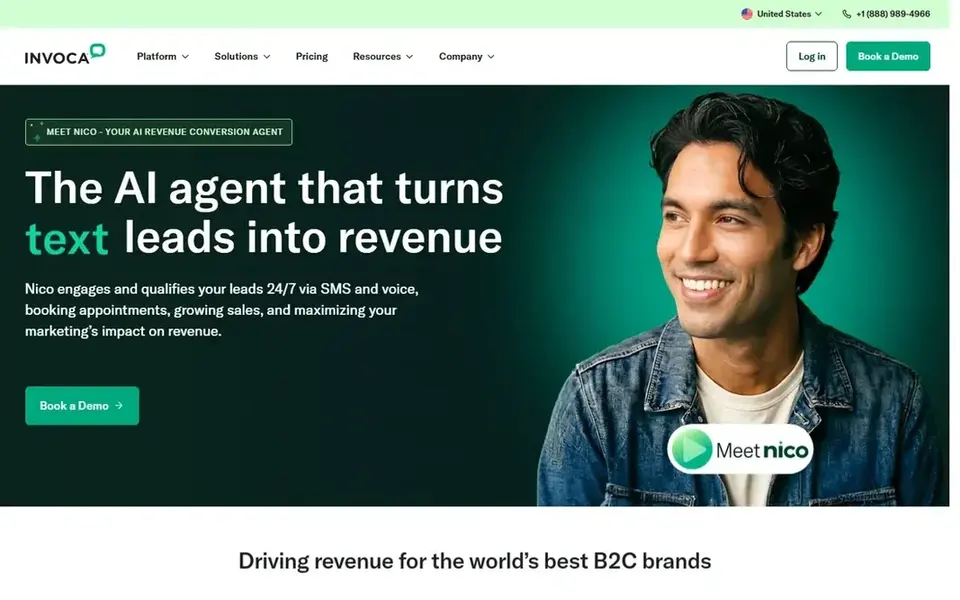
Invoca is aimed at companies with real call volume and a team to manage it. It analyses conversations, pulls out intent signals, and can feed those signals back to ad platforms so bidding favours callers who book. A regional pest control company with a call centre and several branches is the kind of buyer it fits.
For pest control, the conversation data can show how often callers ask about price, how often they book, and which campaigns bring the better calls. That is useful when you spend heavily on seasonal campaigns for termites or mosquitoes and want to shift budget toward the calls that convert.
It is not a fit for a small owner-operator. The setup and cost are built around bigger operations, and a single-location firm will pay for features it will not use. Check the vendor's own materials to see if your call volume justifies it.
- Conversation analytics at scale
- integration with major ad platforms
- signal data for bidding
- Priced and built for bigger teams
- overkill for a single-location firm
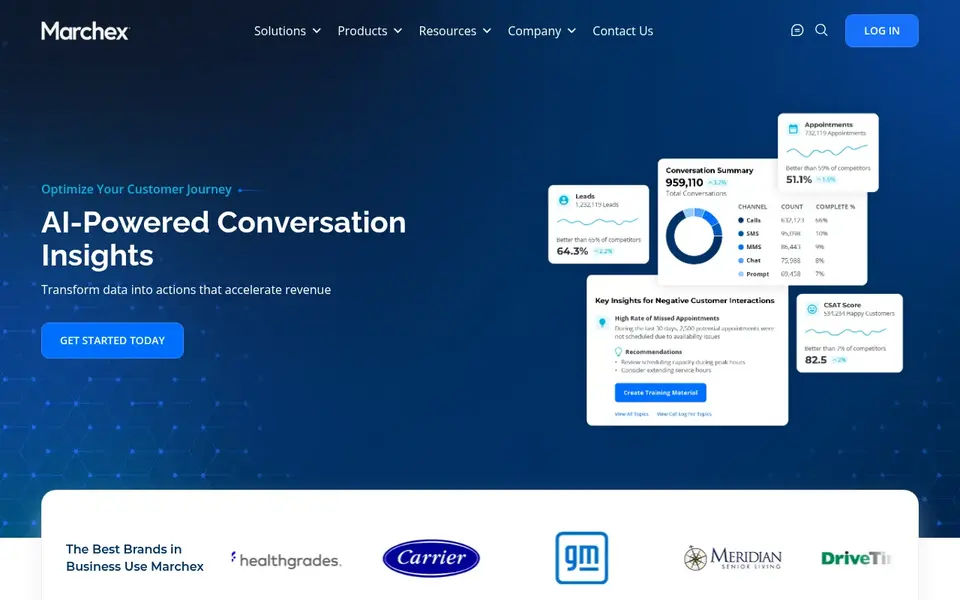
Marchex focuses on what is said on calls and what that means for a brand. It can flag calls where a competitor is mentioned, where a caller is upset, or where a booking was missed. A pest control company with several franchises or a strong local brand may want that view of how its name is handled on the phone.
The reporting suits marketing teams that need to show how calls are handled across locations. If you run a network of branches and want to compare how each one answers pest enquiries, this kind of tool gives you that comparison.
Small firms should skip it. The product is built for larger advertisers and brands, and the value depends on volume and a team to act on the findings. A one-office pest control business will not get much from it.
- Conversation analysis for brand and compliance
- reporting for multi-location brands
- works with large ad spends
- Enterprise focus
- not a small-business tool
Ringba is a pay-per-call platform. It is used by companies that buy or sell calls, route them in real time, and track what each call is worth. A pest control firm that buys leads from a network, or a marketer selling pest leads, might use it to manage that flow.
If your business model includes buying calls from third parties and routing them to the right branch, Ringba gives you the controls for that. It shows call outcomes and lets you set rules for where each call goes.
Most pest control companies run their own marketing and answer their own phones, so Ringba is not the right fit. It assumes a lead-buying or lead-selling operation. Service firms that just want to track their own inbound calls should look at the tools above.
- Built for buying and selling calls
- real-time routing and bidding
- detailed call analytics
- Not designed for in-house service firms
- needs a lead-buying model
This entry is about the setup rather than a separate product: using CallRail alongside Google Ads to see which keywords produce calls. For pest control, that means knowing whether "termite treatment cost" brings calls that book or calls that ask for a free quote and vanish.
The workflow is to put a tracking number on your ad landing pages and let dynamic number insertion swap it for visitors. Then you review call recordings and mark which ones became jobs. Over a season you can see which keywords and pages deserve more budget.
The limit is that this is still call tracking, not ad management. You will not replace Google Ads reporting with it, and the numbers need planning so you do not confuse callers or search engines. Treat it as a measurement layer, not a campaign tool.
- Ties Google Ads clicks to calls
- shows which keywords produce calls
- works with Google Business Profile numbers
- Requires careful number setup
- reporting is not a full ad platform replacement
How I chose
I picked these tools by reading vendor documentation and public sources, then judging each one against how pest control companies actually get work. The questions I asked were practical: does it show which ad or page started the call, can it route by pest type or service area, does it record calls so an owner can check how enquiries are handled, and does it fit a business with one office or several.
I did not run hands-on tests, so I have not scored call quality, uptime or support response. What I can compare is the documented feature set and the fit for this trade. I left out tools that are built mainly for other industries or that would be overkill for a local pest firm, and I noted the limits of each one so you can judge whether it matches your size.
What to check before you buy
- Confirm dynamic number insertion works with your website platform, since your Google Business Profile number should stay your real line.
- Ask how many tracking numbers are included and what extra numbers cost, because pest seasons push call volume up and down.
- Check whether call recording is included and how long recordings are kept, since you may want to review how bookings were handled.
- Confirm routing options for after-hours calls, because pest emergencies do not keep office hours.
- Ask how the tool reports calls by source, so you can compare Google Ads, Google Business Profile and organic search.
- Read the vendor's terms on number portability and cancellation before you commit, so you are not stuck if you change tools.
Frequently asked questions
Do I need call tracking if I already use a call answering service?
Yes, they do different jobs. An answering service picks up the phone; call tracking shows which ad, page or listing produced the call and records what happened. Many pest control firms use both, with tracking numbers feeding the answering service and reports showing which campaigns bring booked jobs.
Will call tracking numbers hurt my Google Business Profile ranking?
Not if you set it up correctly. Keep your real business number in your Google Business Profile and use tracking numbers on your website and ad landing pages with dynamic number insertion. That way visitors see a tracking number while your listing shows the number customers expect.
Can call tracking show which pest services bring the most calls?
It can if you tag calls by campaign or landing page. Set up separate numbers or pages for termite, rodent and bed bug work, then review the reports. Keyword spotting in call recordings can also flag the pest mentioned, which helps you see demand by service.
Is a free trial enough to judge a call tracking tool?
A trial lets you test number setup, recording and reports, but a short trial may not cover a full pest season. Use the trial to check the basics and read the vendor's documentation on routing and billing before you commit to a plan.
How many tracking numbers does a small pest control company need?
Start with a small set: one for your website, one for Google Ads, and one for each major service area if you run several. You can add numbers as you learn which channels bring calls. Check the per-number cost before you expand to every suburb.
Sources
See where you really rank - block by block
ProMapRanker scans Google Maps across a grid of your service area. Simple monthly plans from $19, white-label on every plan.
Start freeBrowse all guides
← Best Call Tracking Software for Med Spas in 2026Best Call Tracking Software for Pool Service Companies in 2026 →
 best call tracking software for home services
Best Call Tracking Software for Home Services in 2026
A practical guide to the best call tracking software for home services in 2026, compared from vendor documentation and public sources.
Read → best review request software for window cleaning companies
Best Review Request Software for Window Cleaning Companies in 2026
A practical guide to the best review request software for window cleaning companies in 2026, compared from vendor documentation and public sources.
Read → best review request software for tree service companies
Best Review Request Software for Tree Services in 2026
A first-person guide to review request software for tree service companies, compared from vendor docs and public sources, with pricing and fit notes.
Read → local seo for financial advisors
Local SEO for Financial Advisors
A local SEO guide for financial advisors: Google Business Profile setup, reviews, and compliance-safe local SEO for advisors.
Read → local falcon vs yext
Local Falcon vs Yext: Which Is Right for Local SEO
Local Falcon and Yext solve different local SEO problems. Here is how they compare and which one you need.
Read → how to get local seo clients
How To Get Local SEO Clients?
Everything you need to know about how to get local seo clients: what it is, why it matters for local SEO, and exactly how to act on it.
Read →More in Local SEO & Google Maps · All guides A to Z by date · Latest guides