 ProMapRanker
Best Call Tracking Software for Interior Designers in 2026

Design studios tracking ads and map listings · Pricing starts at: See website
Direct answer
CallRail is my first pick for most interior design studios because it ties phone calls to the marketing source that produced them and works well for a small team that runs ads, a Google Business Profile and a website at the same time. It offers a free trial, so you can check the current terms on its pricing page. If you want a low-cost, simple setup, WhatConverts is worth a look, and if you mainly need call tracking inside a broader marketing platform, HubSpot is the other option to review.
I compared these tools from vendor documentation and public sources rather than running hands-on tests. I looked at how each one handles the way an interior design studio actually receives enquiries: a homeowner calls after seeing a project photo, a Google Maps listing, an ad or a referral, and the studio needs to know which one produced the call.
Key takeaways
- Interior designers get most enquiries by phone after a homeowner sees a project photo, an ad or a map listing, so source-level call tracking matters more than raw call volume.
- Dynamic number insertion on the website plus a tracked number on the Google Business Profile is the usual setup for a design studio.
- Call recording and transcription help you capture room sizes, budget ranges and timelines that clients mention on the first call.
- Look for call routing to a mobile phone, because many studios are run from a phone rather than a reception desk.
- Check how each vendor handles Google Ads integration and consent for call recording before you commit.
Quick comparison
| Pick | Great for | Pricing starts at | Free tier | |
|---|---|---|---|---|
| CallRail | Design studios tracking ads and map listings | See website | Free trial | Visit |
 WhatConverts | Lead reporting across calls and forms | See website | Free trial | Visit |
 HubSpot | Studios already using HubSpot CRM | See website | Free plan | Visit |
 RingCentral | Studios wanting calls and a phone system | See website | Free trial | Visit |
 Twilio | Studios with a developer building custom flows | See website | Free trial | Visit |
 CallTrackingMetrics | Agencies managing several designer accounts | See website | Free trial | Visit |
 Invoca | Larger studios with sales teams | See website | Not stated | Visit |
The best call tracking software for interior designers compared
CallRail is a call tracking platform built around marketing attribution. For an interior designer, that means a tracked number on the website, on the Google Business Profile and in Google Ads, with each call tagged to the source that produced it. It suits a studio that spends on local ads and wants to know whether a kitchen renovation enquiry came from a map search or a paid click.
In daily use, you can route calls to a mobile phone so the designer or an assistant answers wherever they are. Recording and transcription help you note the client's budget range, property type and timeline without scribbling during the call. You can also mark whether a call was a genuine project enquiry or a supplier call, which keeps your reporting honest.
The limits show up as you grow. Each additional tracking number and user adds cost, and the deeper attribution reports sit on higher plans. A solo designer who only wants a second number for the website may find it is more than needed.
- Clear source attribution for calls
- call recording and transcription
- works with Google Ads and Google Business Profile
- Price grows with extra numbers
- some features sit on higher tiers
WhatConverts focuses on leads rather than calls alone. For an interior design business, that is useful because enquiries arrive by phone, through a contact form and sometimes by chat, and you want one place that shows all of them with the source attached. It fits a studio that wants to compare a phone enquiry from a map listing with a form fill from a portfolio page.
You can tag each lead as a real project, a quote request or spam, then report on the qualified ones. That matters for designers because a call about a single cushion is not the same as a full home project. The lead view gives a clearer picture of which marketing channel brings serious clients.
The trade-off is time. Setting up tracking, tags and reports takes more effort than a basic number swap, and the interface has a lot of options. A designer who wants something switched on in an afternoon may prefer a simpler tool.
- Combines calls, forms and chats in one lead view
- lead qualification tags
- good for small teams
- Setup takes some learning
- interface can feel busy

HubSpot is a customer platform with CRM, email, forms and call tracking. It makes sense for an interior designer who already keeps client contacts, project stages and email in HubSpot and would rather not add a separate call tool. A call from a new enquiry can land against a contact record alongside the emails and form submissions from the same person.
For a studio, that means the first call about a living room project sits next to the follow-up emails and the quote you sent. You can see the full history before you call back. The call tracking features are part of the wider marketing tools, so the value depends on using the rest of the platform.
The main limit is that call tracking is not the core product. Some call features need higher tiers, and the suite is bigger than a two-person studio needs. If you only want call attribution, a dedicated tool is a lighter choice.
- Call tracking sits beside CRM contacts
- email and forms in one place
- free tier to start
- Call tracking tied to higher tiers
- larger suite than a small studio needs
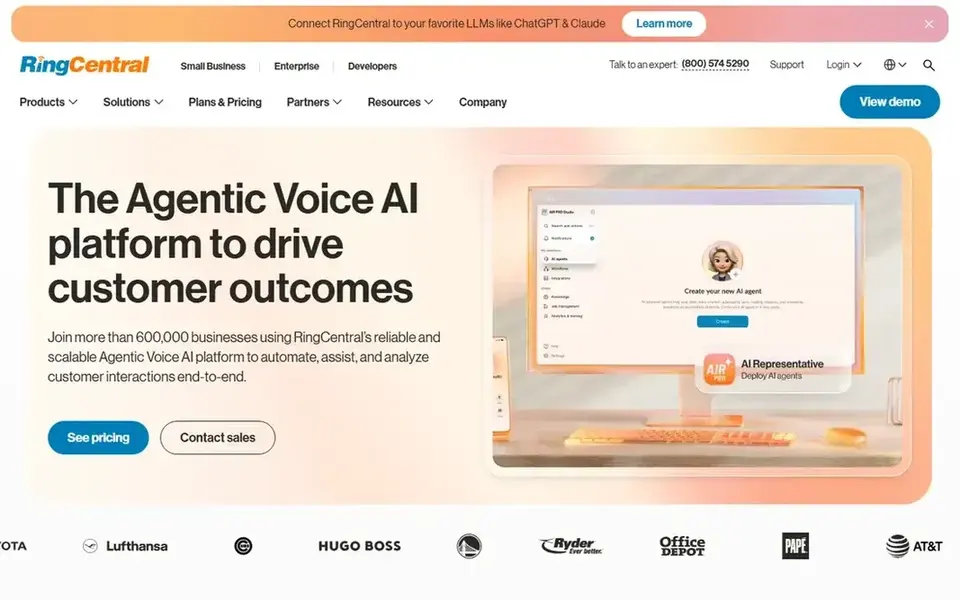
RingCentral is a cloud phone system that also offers call tracking and analytics. It fits an interior design studio that wants a proper business number, a mobile app for answering calls while on a site visit, and some visibility into where calls come from, all in one service. It is a phone system first and a marketing attribution tool second.
For designers, the appeal is practical: one number for the studio, routing to the right person, and voicemail that does not get lost. The analytics help you see call volume and patterns, which is useful when you are deciding whether to add a second line or change your opening hours.
The limit is depth. If your main goal is to tie every call to a specific Google Ads keyword or map listing, a dedicated call tracking tool gives more marketing detail. RingCentral suits studios that mainly need reliable business telephony.
- Business phone system with call tracking features
- mobile app for answering on site
- call routing
- Tracking is bundled with telephony
- not a pure marketing tool
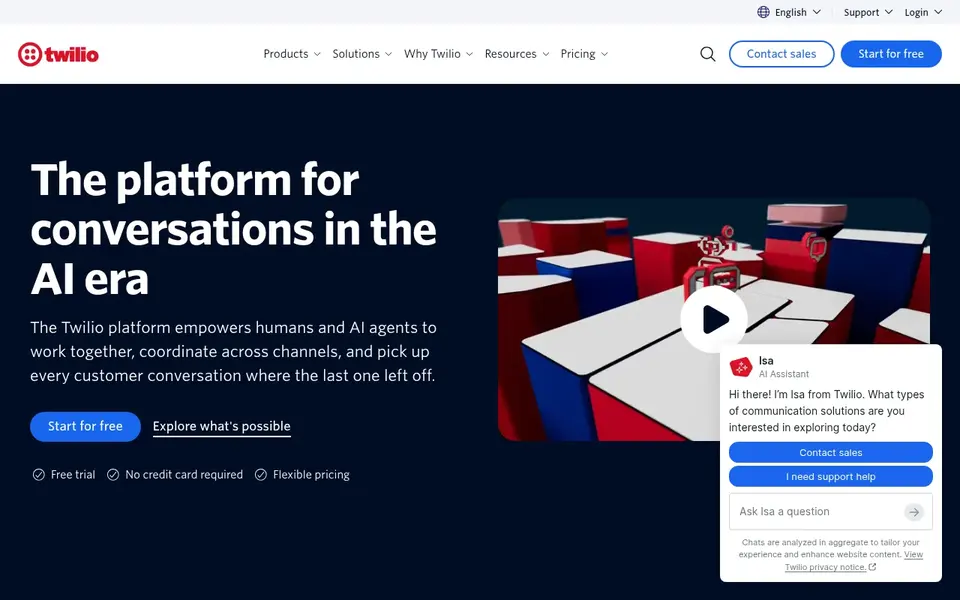
Twilio is a communications platform that developers use to build phone features, including call tracking. It is not a plug-and-play tool for a designer. It fits a studio working with a developer or agency that can build a custom call flow, for example a number per portfolio page or a routing rule that sends project enquiries to a senior designer.
The strength is flexibility. You can design exactly how calls are tracked, recorded and routed, and connect the data to your own reporting. For a design business with unusual needs, such as separate numbers for trade enquiries and homeowner enquiries, that control can be useful.
The limit is clear: you need technical help. There is no marketing dashboard ready to use, and setup takes planning. A solo designer without a developer should choose a packaged tool instead.
- Flexible call routing and tracking via APIs
- pay for what you use
- scales with custom needs
- Needs developer work
- no ready-made marketing dashboard
CallTrackingMetrics
Great for: Agencies managing several designer accounts
CallTrackingMetrics is a call tracking and contact centre platform. It suits a marketing agency or a multi-location design firm that manages several accounts and needs routing, recording and reporting in one place. For a single studio it is more tool than most designers need, but for an agency serving designers it covers the reporting side well.
For interior design clients, an agency can set up numbers per channel, route calls to the right designer and report on which campaigns produce project enquiries. The routing rules and reporting are the main draw, and the platform handles higher call volumes than a basic tool.
The limits are complexity and cost. There are many settings to configure, and the pricing reflects the depth. A one-person studio should start with something simpler and move here only if call volume and reporting needs grow.
- Strong attribution and routing
- supports multiple accounts
- call recording and reporting
- Feature-heavy for a solo studio
- setup takes time
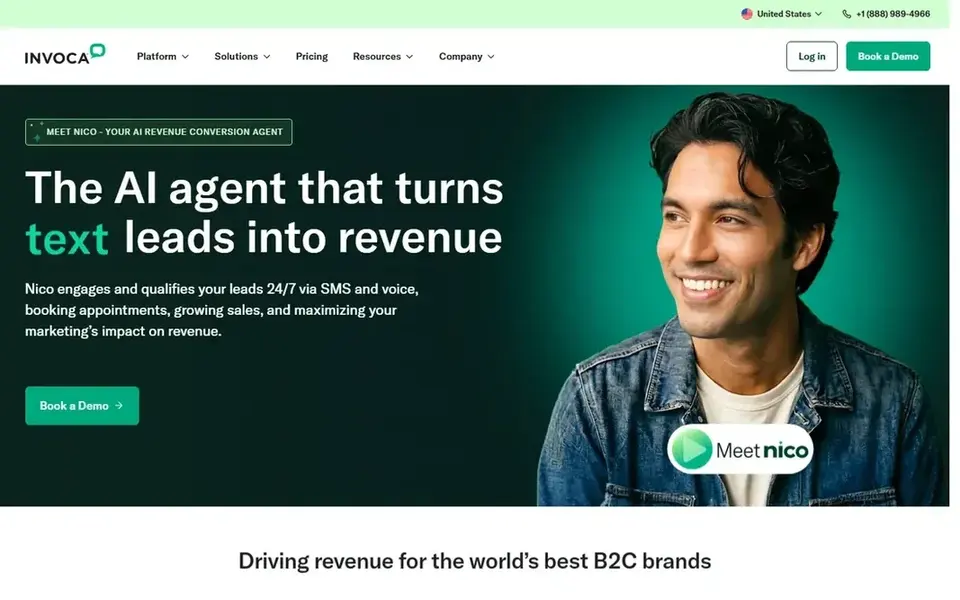
Invoca is a conversation intelligence and call tracking platform aimed at larger organisations with sales and marketing teams. For an interior design firm with a showroom, a sales team and a marketing budget, it can analyse calls and connect them to campaigns. It is not built for a solo designer working from a phone.
The value for a bigger studio is in understanding what happens on calls: which project types come up, which campaigns bring serious enquiries, and how the team handles them. That fits a firm where several people answer calls and the marketing spend is significant.
The limits are size and pricing. It is quote-based, and the feature set is aimed at larger operations. A small studio should look at CallRail or WhatConverts first and only consider Invoca if the business grows into a team.
- Conversation intelligence on calls
- attribution for larger operations
- reporting for teams
- Aimed at bigger businesses
- pricing is quote-based
How I chose
I chose these tools by reading vendor documentation and public sources, not by running hands-on tests. I looked at what each product actually does, how it handles the way an interior design studio receives calls, and where the limits are. I also checked whether each vendor is currently operating and has an official site.
I weighed fit over feature count. A solo designer answering calls on a mobile has different needs from an agency managing several design accounts, so I included tools for both. I noted where call tracking is the core product and where it is one part of a larger suite, because that changes the value for a small studio. Where I was unsure about a free plan, I said so rather than guess.
What to check before you buy
- Confirm dynamic number insertion works on your portfolio site, so visitors see your main number while the tool tracks the source.
- Check that you can add a tracked number to your Google Business Profile without breaking your main listing.
- Ask how call recording consent is handled in your region, since you will record client conversations.
- Make sure calls can route to a mobile phone, because many designers answer on site.
- Check the Google Ads integration if you run paid search for project enquiries.
- Confirm how additional numbers and users are billed, since a studio may need several numbers for different channels.
Frequently asked questions
Do interior designers really need call tracking?
Yes, if you spend on ads or rely on your Google Business Profile. Most project enquiries start with a phone call after a homeowner sees your work. Call tracking shows whether that call came from a map listing, an ad or your website, so you can put budget where it works.
Will call tracking change my main business number?
No. With dynamic number insertion, visitors on your website see a tracked number while your main number stays on your van, invoices and Google Business Profile. You can also use a tracked number on the profile if you want to measure map calls.
Can I record client calls for project details?
Many tools offer recording and transcription, but you must follow the consent rules in your area. Check with the vendor how consent is handled and make sure your own process tells clients when a call is recorded.
Is a phone system enough, or do I need a marketing tool?
A phone system such as RingCentral keeps your business calls organised. A marketing tool such as CallRail or WhatConverts tells you which channel produced the call. If you run ads, you want the marketing view; if you mainly need reliable telephony, a phone system may be enough.
How do I choose between these tools as a solo designer?
Start with what you need to measure. If you run Google Ads and want source-level attribution, look at CallRail or WhatConverts. If you already use HubSpot, keep it there. If you need a business phone system, look at RingCentral. Check the current pricing page for each before deciding.
Sources
See where you really rank - block by block
ProMapRanker scans Google Maps across a grid of your service area. Simple monthly plans from $19, white-label on every plan.
Start freeBrowse all guides
← Best Call Tracking Software for Driving Schools in 2026Best Call Tracking Software for Junk Removal Companies in 2026 →
 best call tracking software for daycares
Best Call Tracking Software for Daycares in 2026
A guide to the best call tracking software for daycares in 2026, compared from vendor documentation, with tools for tours, waitlists and enrollment calls.
Read → best call tracking software for computer repair shops
Best Call Tracking Software for Computer Repair Shops in 2026
A practical guide to call tracking software for computer repair shops in 2026, comparing tools for call attribution, recordings, and follow-up.
Read → best review request software for plumbers
Best Review Request Software for Plumbers in 2026
A plumber's guide to review request software in 2026: how each tool sends asks after a job, handles Google reviews, and fits a small service business.
Read → when to hire local seo agency
When to Hire a Local SEO Agency (and What to Ask)
When to hire a local SEO agency, the signals you're ready, and the questions to ask first.
Read → analyze local seo competition
Analyze Local SEO Competition: A Complete Guide
Everything you need to know about analyze local seo competition: what it is, why it matters for local SEO, and exactly how to act on it.
Read → local search visibility score
Local Search Visibility Score: How to Measure Total Local Visibility
What a local search visibility score is, how it is calculated, and how to track it over time.
Read →More in Local SEO & Google Maps · All guides A to Z by date · Latest guides