 ProMapRanker
Best Call Tracking Software for Hobby Shops (2026)
Direct answer
CallRail is my top pick for hobby shops because it ties each incoming call to the ad, listing or page that produced it and routes the call to the right counter or workshop phone. Pricing is quote-based, so check its pricing page. If you mainly want to see which calls turn into booked repairs or classes, look at Invoca. If your shop also needs a simple phone system with call routing, Weave is worth a look.
I compared these tools from vendor documentation and public sources. I did not run hands-on tests, so treat this as a starting point for your own trial and questions to each vendor.
Key takeaways
- Hobby shops get most high-intent enquiries by phone, so tracking which calls become bookings matters more than counting raw call volume.
- Call tracking numbers should be placed on ads, Google Business Profile and landing pages, not swapped across your main shop number without a plan.
- Route calls by topic, such as repairs, classes, parts or stock checks, so the right staff member picks up.
- Call recordings and transcripts help you train staff on the questions hobby customers ask most.
- Keep your Google Business Profile number consistent and follow Google's guidelines when you add tracking numbers.
Quick comparison
| Pick | Great for | Pricing starts at | Free tier | |
|---|---|---|---|---|
 CallRail | Tying calls to ads and pages | See website | Free trial | Visit |
 Invoca | Understanding calls that become sales | See website | Not stated | Visit |
 Weave | Phone system with call tracking | See website | Not stated | Visit |
 CallTrackingMetrics | Flexible routing and reporting | See website | Free trial | Visit |
 WhatConverts | Tracking calls and forms together | See website | Free trial | Visit |
 Ringba | Pay-per-call and inbound campaigns | See website | Not stated | Visit |
 Retreaver | Routing calls by campaign | See website | Not stated | Visit |
The best call tracking software for hobby shops compared
CallRail is a call tracking platform that gives you separate tracking numbers for ads, landing pages and listings, then shows which source produced each call. For a hobby shop, that means you can tell whether the phone rang because of a Google Business Profile listing, a local services ad or a page about model kits, RC cars or train sets. It fits shops that want to know where phone enquiries come from without guessing.
In daily use, you set up a tracking number for each channel, route calls to the counter, workshop or owner's mobile, and review recordings or transcripts later. A shop that runs weekend repair clinics can route those calls to the staff member running the clinic, while stock-check calls go to the front desk. You can also tag calls as booked, quote sent or lost, which gives you a simple picture of how many calls turn into work.
The limits are practical. You need to plan number placement so your main shop number stays consistent on Google Business Profile and other listings, and you should brief staff on which number rings where. Small shops with one phone and no ad spend may find it more than they need.
- Clear call attribution
- Call routing and forwarding
- Recordings and transcripts
- Needs careful number setup
- Advanced features cost more
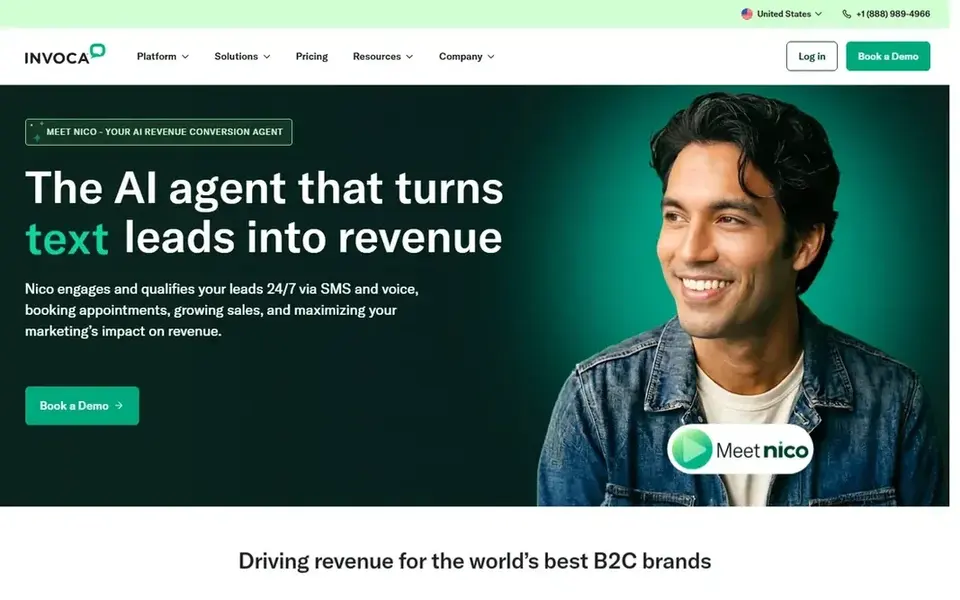
Invoca focuses on call intelligence, using conversation data to show what callers ask about and how staff handle those calls. A hobby shop with a busy repair bench or a steady stream of class bookings can use that to see which questions come up most, such as turnaround times, part availability or beginner class schedules.
The workflow suits shops that treat the phone as a sales channel. You can review call outcomes, spot where callers drop off, and coach staff on the answers that move a caller toward a booking. It is less about simple number swapping and more about understanding the conversation itself.
The main limit is scale. Invoca is built for teams with real call volume and marketing budgets, so a single-location shop with a handful of calls a day may not get enough from it. Check the pricing page and ask about setup effort before committing.
- Conversation analytics
- Good for sales-focused teams
- Integrates with marketing data
- Aimed at larger operations
- Pricing needs a quote

Weave is a communications platform that combines a business phone system with call tracking, texting and scheduling features. For a hobby shop, the appeal is having one place for incoming calls, missed-call follow-up and reminders about repair pickups or class dates, rather than stitching several tools together.
The call tracking side shows where calls come from and records activity so you can see missed calls and call back. If your shop takes bookings for repairs or workshops, routing those calls to the right person and following up by text is a realistic daily workflow. It fits shops that want the phone system and the tracking in one subscription.
The limits come from its background. Weave is built around appointment-driven local businesses, so some features may not map neatly onto a retail counter that handles walk-ins and stock questions. Ask for a demo using your own call scenarios before you decide.
- Combines phone service and tracking
- Call routing and voicemail
- Built for local service businesses
- Workflows lean toward appointment businesses
- Quote-based pricing
CallTrackingMetrics is a call tracking and contact centre platform with routing rules, reporting and integrations. A hobby shop that runs ads, a Google Business Profile and a website contact form can use it to see which channel produced each call and route calls by topic or location.
The routing rules are the useful part for shops. You can send repair enquiries to the workshop, class bookings to the person who runs them, and general stock questions to the counter. Reports then show call volume by source, which helps you decide where to spend marketing effort. It also handles multiple locations if you ever open a second shop.
The trade-off is complexity. There are many settings, and getting them right takes time. A shop with one phone line and no dedicated marketing person may prefer something simpler, while a shop running several campaigns will get more from it.
- Detailed routing rules
- Reports across channels
- Supports multiple locations
- Setup can take time
- Interface has a learning curve
WhatConverts tracks leads from calls, forms and chats in one place and shows the source behind each one. For a hobby shop, that means a phone enquiry about a repair and a web form about a backorder land in the same view, so you can see which marketing produced actual leads rather than just visits.
The workflow is straightforward. You add tracking numbers to your ads and pages, connect your forms, and review leads by source. A shop that gets a mix of calls and online enquiries can use it to compare channels and follow up on leads that did not book. It suits owners who want one lead list rather than separate call and form reports.
The limits are depth. If you need advanced call routing, IVR trees or detailed conversation analytics, a dedicated call platform will go further. WhatConverts is best when calls are one part of a broader lead picture.
- Combines call and form leads
- Lead source reporting
- Simple lead view
- Call features less deep than dedicated tools
- Pricing scales with lead volume
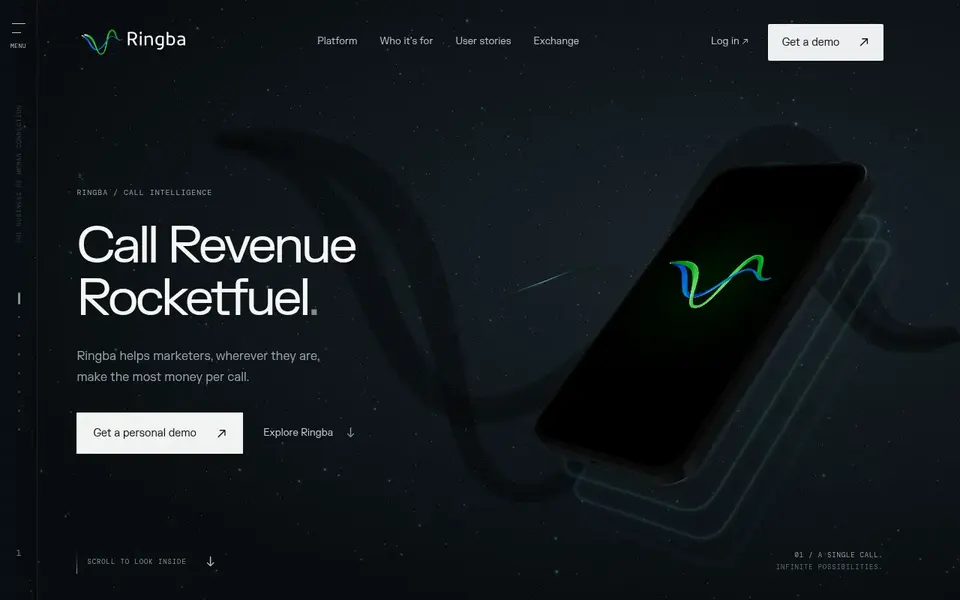
Ringba is an inbound call platform built for pay-per-call and performance marketing operations. A hobby shop that buys calls or runs a lead-generation campaign around a specific service, such as RC repairs or beginner drone classes, can use it to route calls and track outcomes.
The platform gives you control over where calls go and how they are handled, with reporting on call quality and outcomes. That fits a shop testing paid channels where the value of a call needs to be measured against the cost of generating it. Routing rules can send calls to the right staff member or queue during busy periods.
The limits are fit. Ringba is designed for call campaigns, not for running a shop's everyday phone line. A hobby shop that just wants to know which listing produced a call will find it heavier than needed.
- Built for inbound call campaigns
- Real-time routing controls
- Detailed call reporting
- Aimed at performance marketers
- Not a simple shop phone tool
Retreaver is a call routing and tracking platform built around campaigns, with tagging and reporting on where calls go. A hobby shop running separate campaigns for repairs, classes and parts can use it to send each call to the right destination and see which campaign produced it.
The workflow is campaign-first. You set up a campaign, assign tracking numbers and define where calls should land, then review tagged call data. That suits shops testing several offers at once, such as a winter repair special and a weekend modelling class, where you want to compare results by campaign.
The limits are the same as other performance tools. Retreaver is built for call buyers and sellers, so a single shop with a simple phone setup will find it more machinery than it needs. It is worth a look only if campaign routing is central to your marketing.
- Campaign-based call routing
- Tagging and reporting
- Works with multiple destinations
- Built for call buyers and sellers
- Less suited to retail counters
How I chose
I built this list from vendor documentation and public sources, including each vendor's own product pages and published feature descriptions. I did not run hands-on tests, so I focused on what each tool says it does and how that maps onto the way hobby shops actually handle calls: repair enquiries, class bookings, stock checks and parts questions.
I weighed fit over feature count. A shop with one phone line and a Google Business Profile needs clear call attribution and simple routing, not a contact centre. A shop running paid campaigns needs campaign-level reporting and routing rules. I also looked at limits, such as setup effort, pricing transparency and whether the tool is built for retail counters or for performance marketers, so you can skip tools that do not match your setup.
What to check before you buy
- Confirm how tracking numbers work with your Google Business Profile, and keep your main shop number consistent where Google expects it.
- Check whether calls can be routed by topic, such as repairs, classes, parts or stock, so the right person answers.
- Ask whether call recordings and transcripts are included, and set a clear internal policy for how you store and use them.
- Confirm the tool can tag or mark calls as booked, quoted or lost, so you can see which calls become work.
- Check how missed calls are handled, including alerts and call-back reminders for the counter team.
- Ask about setup help and contract terms, and test the tool with your own call scenarios before you commit.
Frequently asked questions
Do hobby shops really need call tracking software?
Yes, if a meaningful share of your enquiries arrive by phone. Hobby shops get calls about repairs, part availability, class bookings and stock, and tracking shows which ads, listings or pages produced those calls. That helps you spend marketing effort where it works and spot missed calls that could have become bookings.
Will a tracking number hurt my Google Business Profile ranking?
Google's guidelines focus on accurate business information, so keep your core shop number consistent where Google expects it and use tracking numbers on ads and landing pages. Follow Google's guidance on how tracking numbers are used and avoid swapping numbers in ways that mislead customers. If unsure, ask the vendor how their setup handles this.
Can call tracking help with repair and class bookings?
It can. Routing rules send repair calls to the workshop and class calls to the person who runs them, and call tagging lets staff mark whether a call became a booking. Reviewing recordings or transcripts also shows the questions callers ask most, which you can answer on your site and in staff training.
What is the difference between call tracking and a phone system?
Call tracking focuses on attributing calls to their source and reporting on outcomes. A phone system handles how calls are answered, routed and followed up. Some tools, such as Weave, combine both. Decide whether you need attribution only or a full phone setup before you compare prices.
How do I choose between these tools?
Start with your call volume and how you handle calls. A single-location shop with simple needs can start with CallRail or WhatConverts. A shop running paid campaigns should look at CallTrackingMetrics or Ringba. A shop that wants phone service and tracking together should look at Weave. Trial the shortlist with your own call scenarios.
Sources
See where you really rank - block by block
ProMapRanker scans Google Maps across a grid of your service area. Simple monthly plans from $19, white-label on every plan.
Start freeBrowse all guides
← Best Call Tracking Software for Elevator Companies in 2026Best Call Tracking Software for Music Stores in 2026 →
 best call tracking software for comic book shops
Best Call Tracking Software for Comic Book Shops in 2026
A guide to the best call tracking software for comic book shops in 2026, covering call attribution, staff training and local SEO for storefront retailers.
Read → best call tracking software for aquarium stores
Best Call Tracking Software for Aquarium Stores in 2026
A practical guide to call tracking software for aquarium stores, covering call attribution, recordings, routing and local SEO reporting.
Read → best review request software for well drilling companies
Best Review Request Software for Well Drilling Companies in 2026
A practical guide to the best review request software for well drilling companies in 2026, compared from vendor documentation and public sources.
Read → local seo for gutter cleaning companies
Local SEO for Gutter Cleaning Companies
A local SEO guide for gutter cleaning companies: Google Business Profile setup, reviews, and recurring-service local SEO for gutter cleaners.
Read → local seo for tow truck companies
Local SEO for Tow Truck Companies
A local SEO guide for towing companies: 24/7 GBP setup, service-area targeting, and emergency-search visibility.
Read → spot spam competitors geo grid
How to Spot Spammy Competitors in Your Geo-Grid Data
How to spot spammy competitors in your geo-grid data and report listings that violate policy.
Read →More in Local SEO & Google Maps · All guides A to Z by date · Latest guides