 ProMapRanker
Best Call Tracking Software for Bathtub Refinishers in 2026

Full call attribution and routing · Pricing starts at: See website
Direct answer
CallTrackingMetrics is my first pick for bathtub refinishers because it ties each incoming call to the ad, map listing or page that produced it, which matters when most of your jobs start as phone calls. It has a free trial, so you can test the call flow before committing. WhatConverts is a strong second for lead-level reporting, and Localo fits refinishers who mainly need Google Business Profile call tracking without a heavy setup.
I compared these tools from vendor documentation and public sources. I did not run hands-on tests, so treat this as a fit-and-features comparison rather than a lab review. For a refinishing business, the questions are simple: where did the call come from, who answered it, and did it turn into an estimate?
Key takeaways
- Bathtub refinishing leads usually arrive by phone, so the tool must record which channel drove the call, not just count calls.
- Dynamic number insertion on your website and separate tracking numbers on Google Business Profile help you separate map calls from ad clicks.
- Call recording and lead tagging let you mark a call as a booked estimate, a price shopper or a wrong number.
- Routing rules matter if you dispatch crews across several cities and want calls to reach the right technician.
- Check whether the vendor supports local and toll-free numbers in your area before you sign up.
Quick comparison
| Pick | Great for | Pricing starts at | Free tier | |
|---|---|---|---|---|
| CallTrackingMetrics | Full call attribution and routing | See website | Free trial | Visit |
 WhatConverts | Lead-level reporting with call and form data | See website | Free trial | Visit |
 Localo | Google Business Profile call tracking | See website | Free trial | Visit |
 CallRail | Simple call tracking for small crews | See website | Free trial | Visit |
 Invoca | Larger refinishing companies with sales teams | See website | Not stated | Visit |
 Synup | Listings plus call tracking in one place | See website | Free trial | Visit |
 SE Ranking | Local rank tracking next to call data | See website | Free trial | Visit |
The best call tracking software for bathtub refinishers compared
CallTrackingMetrics is a call tracking platform that assigns different phone numbers to different marketing sources and records what happens on each call. For a bathtub refinisher, that means the number on your Google Business Profile, the number in a Google Ads campaign and the number on your service pages can all be separate. When a call comes in, you can see whether it started from a map search, a paid click or an organic page visit.
The workflow fits refinishing well because most jobs begin with a question about price, timing or whether a chipped tub can be repaired instead of replaced. Call recording and scoring let you review how those conversations were handled and tag the ones that turned into booked estimates. Routing rules send calls to the right crew or office based on the service area. If you run several landing pages for tub, tile and countertop refinishing, dynamic number insertion keeps each source separate without you changing the pages by hand.
The limits show up on setup. You need to plan your number pool, decide which sources get which numbers, and train whoever answers the phone to log outcomes. A solo refinisher who only wants a call count may find it heavier than needed.
- Dynamic number insertion for website visitors
- call recording and scoring
- routing rules by location or team
- Setup takes planning
- more features than a one-van operation needs
WhatConverts treats every inquiry as a lead, whether it arrived as a phone call, a web form or a chat. For bathtub refinishers, that is useful because a homeowner may call first, then submit a form with photos of the tub, then call again to book. The tool keeps those touchpoints together so you can see the full path to the estimate.
In practice, you can mark a call as a qualified lead, a price shopper or a spam call, and the reporting shows which sources produce the qualified ones. That helps you decide whether to put more budget behind a Google Ads campaign for tub refinishing or a local service page. Call recording gives you a record of what the homeowner asked about, which is handy when you prepare an estimate.
The main limit is scale. Pricing follows lead volume, so a very small shop with a handful of calls a month may not get enough value. It also asks you to keep tagging leads consistently, or the reports lose meaning.
- Combines calls, forms and chats in one lead view
- call recording with lead tagging
- clear source-to-lead reporting
- Pricing scales with lead volume
- overkill for very low call counts
Localo is a local marketing tool centered on Google Business Profile, with call tracking attached to the listings it manages. For a bathtub refinisher, the profile is often the first thing a homeowner sees, so knowing how many calls come from the map listing versus the website is a practical starting point.
You can use it to watch calls that arrive from your profile, keep listing details consistent across locations, and connect call activity to the local pages you maintain. If you serve several towns with separate profiles, that structure helps you see which area produces more calls. It suits a small team that wants listing management and basic call insight in one place.
Skip it if you need detailed call routing, IVR menus or deep conversation analytics. Those jobs belong with a dedicated call platform.
- Built around Google Business Profile management
- call tracking tied to local listings
- simple interface for small teams
- Less deep on call routing
- not a full contact-center tool
CallRail is one of the most common entry points for small local businesses that want to know which ads and pages generate calls. A refinisher can put a tracking number on the website, keep the main business number on the Google Business Profile, and compare the two.
The setup is quick, and call recording plus transcripts help you review how estimates were discussed. Form tracking shows when a homeowner sent photos of a damaged tub through your site. For a crew that mostly needs source attribution and recordings, it covers the basics without a long implementation.
The limits are in routing and reporting depth. Multi-location routing, whisper messages and more detailed analytics sit in higher tiers, so a growing company with several offices should check what each plan includes.
- Easy number setup
- call recording and transcripts
- form tracking alongside calls
- Advanced routing costs more
- reporting is basic on entry tiers
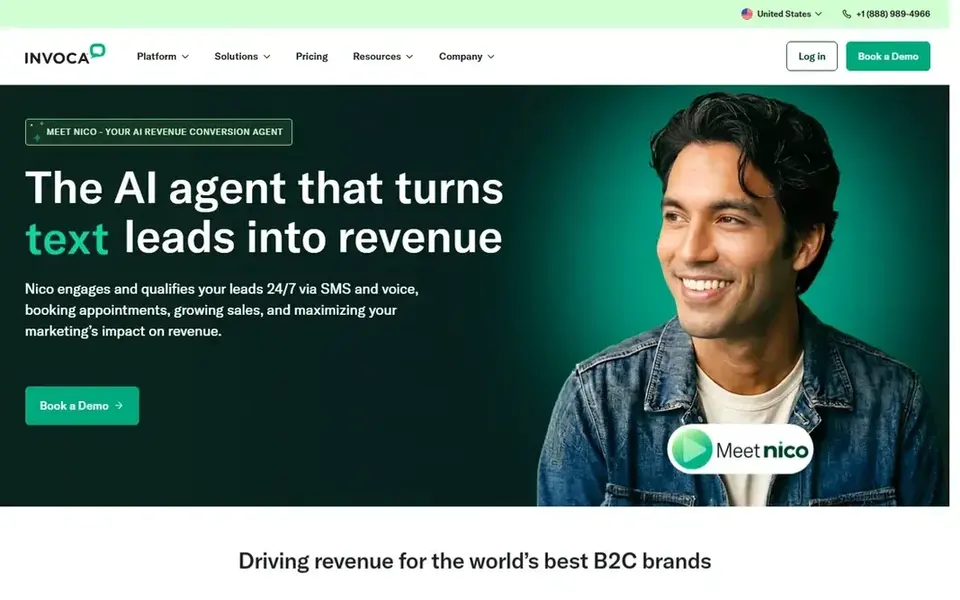
Invoca is a call intelligence platform aimed at companies with real sales operations. A bathtub refinishing business with an inbound call center, multiple crews and a CRM can use it to score calls, route them to the right agent and push outcomes back into the systems where estimates are tracked.
The value for this audience is in analyzing many conversations at once: which campaigns produce callers ready to book, which scripts lead to estimates, and where calls drop off. That is more than a small shop needs, but a regional refinisher with paid search spend and a sales team may find it fits.
If you answer your own phone and book jobs from a notebook, skip it. The setup and cost only make sense once call volume and team size justify it.
- Conversation analytics at scale
- integration with CRM and ad platforms
- routing for bigger teams
- Built for larger operations
- likely too heavy for a small shop
Synup is a local presence management tool that handles listings, reviews and location data, with call tracking as one part of the package. For a bathtub refinisher with more than one service area, keeping name, address and phone consistent across directories matters, and the same platform can show calls generated from those listings.
It fits a business that wants one dashboard for local visibility and call activity rather than stitching together separate tools. You can see which locations get calls and keep listing details accurate, which supports map rankings over time.
The trade-off is depth. If call routing, IVR and conversation analytics are central to how you operate, a dedicated call platform will go further. Synup makes more sense when listings and reviews are the main job.
- Manages local listings and reviews
- call tracking attached to listings
- reporting across locations
- Call features are part of a broader suite
- not a specialist call platform
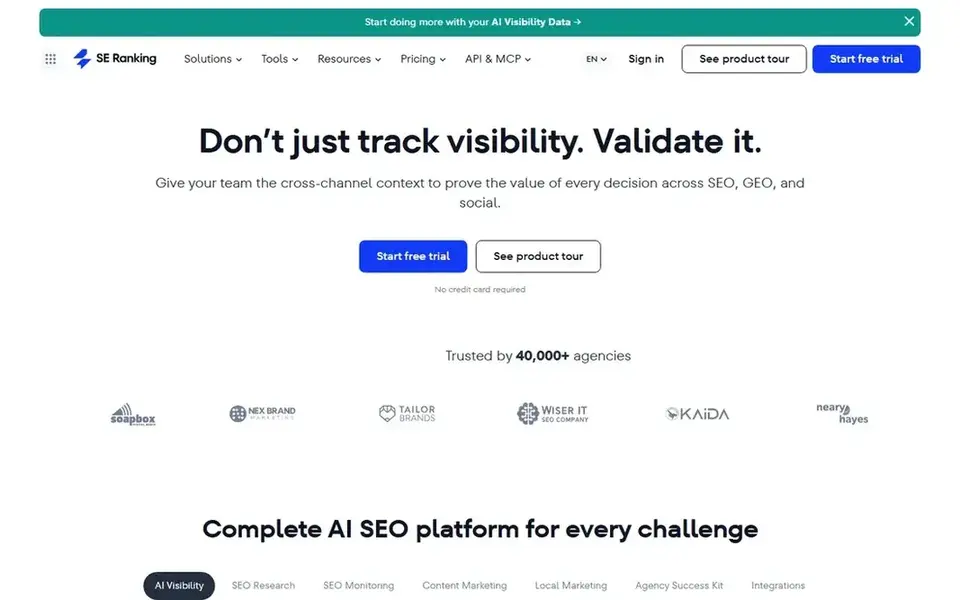
SE Ranking is a search marketing platform with strong local rank tracking. For a refinisher, it answers a different but related question: where do you appear in the map pack for terms like tub refinishing in each town you serve, and how does that change over time?
Pair it with a call tracking tool and you can connect ranking movement to call volume. If map visibility rises in one suburb and calls from that area follow, you have a reason to keep investing there. The reporting is clear enough to share with a partner or an agency.
The limit is that it does not track calls itself. It is a companion to a call platform, not a replacement, so budget for both if you want the full picture.
- Local rank tracking by town
- competitor visibility
- reporting you can share
- Not a dedicated call tracking tool
- call data comes from integrations
How I chose
I started from the job a bathtub refinisher actually does: answer calls, quote work, book estimates and dispatch crews. Then I read vendor documentation and public sources to see which tools support that flow, focusing on call attribution, number management, recording, routing and reporting. I did not run hands-on tests, so I relied on what each vendor publishes about features and how its platform is structured.
I weighed fit over feature count. A tool with dozens of features that a two-person shop will never configure is not a better pick than one that cleanly shows which calls came from the map listing. I also noted limits honestly: where a platform is built for larger teams, where call tracking is a side feature of a broader suite, and where you need a second tool to complete the picture. Pricing changes, so I point you to each vendor's site rather than quoting figures.
What to check before you buy
- Confirm the vendor offers local numbers in each town you serve, plus a toll-free option if you advertise outside your area.
- Ask how dynamic number insertion works on your site and whether it plays well with your current page builder.
- Check whether you can keep your main business number on Google Business Profile while tracking website calls separately.
- Make sure call recording is allowed in your state and that you can add a disclosure message if needed.
- Test the routing rules for after-hours calls, since many homeowners call in the evening about a chipped or stained tub.
- Look at how leads are tagged and exported, so booked estimates can be matched to the source that produced them.
Frequently asked questions
Do bathtub refinishers really need call tracking software?
If most of your inquiries arrive by phone, yes. Call tracking shows whether a call came from your Google Business Profile, a paid ad or an organic page, so you can put effort where it produces estimates. A refinisher who only gets form submissions can start with simpler analytics, but phone-led businesses benefit from separating sources.
Can I track calls from my Google Business Profile separately from my website?
Most dedicated call platforms let you use one number on your profile and a different tracking number on your site, then report on each. That split tells you whether map visibility or website content is driving calls. Check that the vendor supports this setup before you buy.
Will call tracking hurt my local rankings?
Using tracking numbers is common practice, but keep your main business name, address and phone consistent in the places Google uses to verify your business. Many tools offer a number swap that shows your primary number to search engines. Follow Google's guidelines and avoid changing your core listing details carelessly.
How do I handle calls that come in after hours?
Set routing rules so after-hours calls go to voicemail, a answering service or an on-call technician. Recording those calls helps you follow up the next morning. If evening calls are common in your area, make sure the tool logs them as leads rather than missing them.
Can call tracking show which ads produce booked estimates?
Yes, if you tag call outcomes. Mark each call as a booked estimate, a price shopper or spam, and the reporting links those outcomes back to the source. That requires whoever answers the phone to log results consistently, so keep the tagging options short and clear.
Sources
See where you really rank - block by block
ProMapRanker scans Google Maps across a grid of your service area. Simple monthly plans from $19, white-label on every plan.
Start freeBrowse all guides
← Best Call Tracking Software for After School Programs in 2026Best Call Tracking Software for Golf Cart Dealers in 2026 →
 best review request software for test prep centers
Best Review Request Software for Test Prep Centers in 2026
A practical guide to review request software for test prep centers in 2026, covering automated asks, timing, SMS and email workflows, and Google policy.
Read → best review request software for pet bakeries
Best Review Request Software for Pet Bakeries in 2026
A practical guide to the best review request software for pet bakeries in 2026, with tools compared on workflow, reminders and Google review compliance.
Read → best review request software for home theater installers
Best Review Request Software for Home Theater Installers in 2026
A practical guide to review request software for home theater installers, compared from vendor docs, with tools for SMS asks, review invites and follow-ups.
Read → transfer google business profile ownership
How to Transfer Ownership of a Google Business Profile
Step-by-step instructions for safely transferring ownership of a Google Business Profile.
Read → google business profile description
Google Business Profile Description: How to Write One That Converts
Write a Google Business Profile description that informs customers and supports SEO, with templates and examples.
Read → canada citation sites
Canada Citation Sites: A Complete Guide
Everything you need to know about canada citation sites: what it is, why it matters for local SEO, and exactly how to act on it.
Read →More in Local SEO & Google Maps · All guides A to Z by date · Latest guides