 ProMapRanker
Best Calculator App in 2026: 9 Apps Compared

Key takeaways
- Desmos and GeoGebra are the strongest free choices for graphing and classroom math.
- PCalc and Soulver suit power users who want custom layouts or math written in plain sentences.
- WolframAlpha goes furthest for advanced computation, while Photomath and Microsoft Math Solver explain steps for homework.
- Apple Calculator and Calcbot cover fast daily math without a learning curve.
- The best free calculator app depends on the job: basic math, science, graphing, or finance need different tools.
Quick comparison
| Pick | Great for | Pricing starts at | Free tier | |
|---|---|---|---|---|
 PCalc | Engineers and programmers | See website | Yes | Visit |
 Desmos Scientific Calculator | Free science math | Free | Yes | Visit |
 GeoGebra Calculator | Graphing and classroom use | Free | Yes | Visit |
 Soulver | Math in written notes | See website | No | Visit |
 Calcbot | Daily math with history | Free | Yes | Visit |
 WolframAlpha | Advanced computation | Free | Yes | Visit |
 Photomath | Step by step homework help | Free | Yes | Visit |
 Microsoft Math Solver | Free problem solving | Free | Yes | Visit |
 Apple Calculator | Built in daily math | Free | Yes | Visit |
The best calculator app
We compared basic, scientific, graphing, and solver apps on current availability, core functions, and price. A good calculator app should give a correct answer fast, keep a clear history, and match the kind of math you actually do.
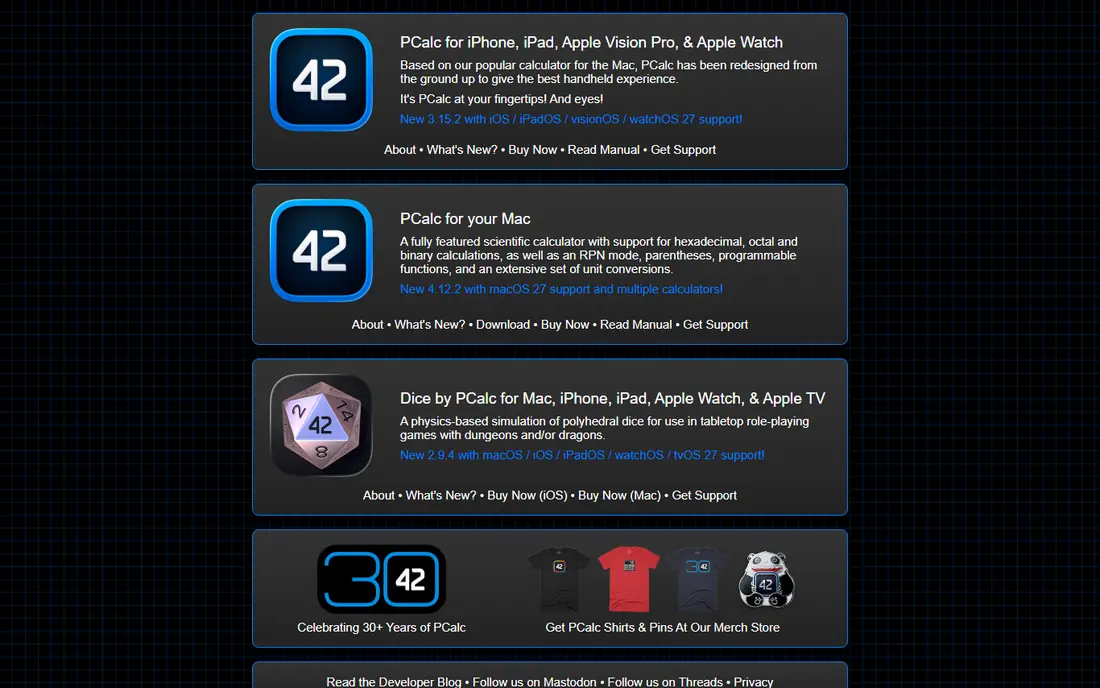
PCalc fits people who calculate all day and want the keys arranged their way. Engineers, programmers, and science students can build layouts, add custom buttons, and switch between standard and RPN entry. That flexibility is why it keeps appearing in power user lists year after year.
The catch is price and complexity. A free version lets you try it, but the full edition is a paid purchase, and the settings take time to learn. Casual users who only add, subtract, and work out tips will find it heavier than needed. For serious daily calculation, though, few apps match its control.
- Custom layouts and themes
- RPN mode for stack based math
- Strong unit and constant support
- Full edition is paid
- Depth can overwhelm casual users
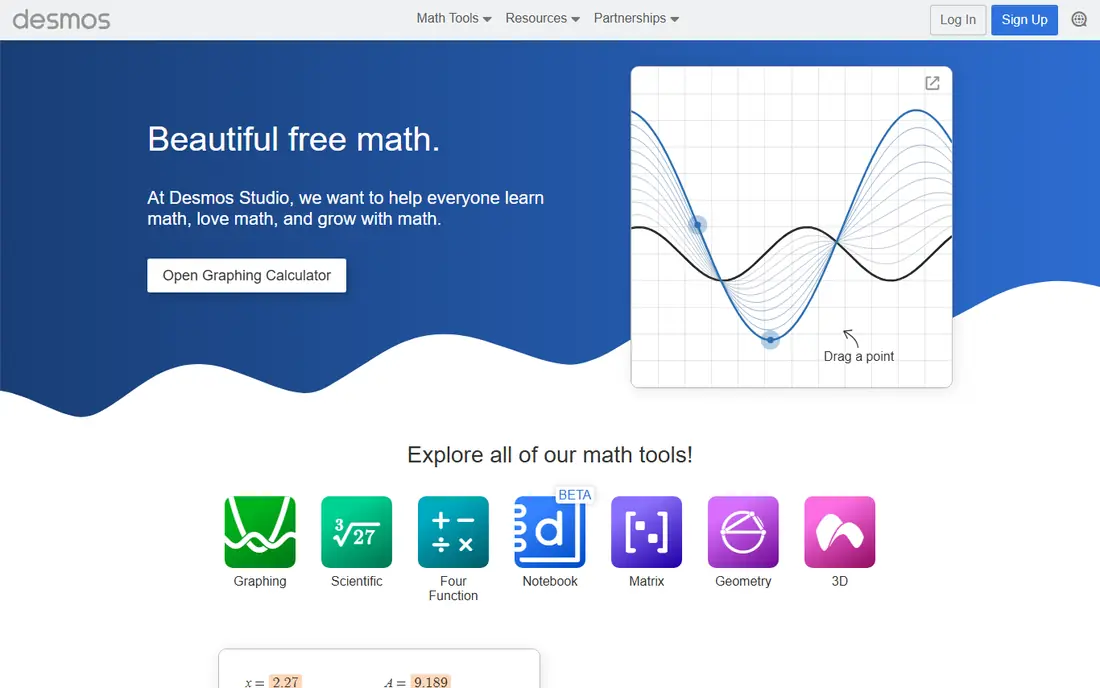
Desmos Scientific Calculator suits students and anyone who needs trig, logs, and fractions without paying. The layout is clean, the keys are easy to read, and the same tool works on a phone or in a browser. Teachers often recommend it because students can use the same calculator at school and at home.
Its limit is scope. This is a scientific calculator, not the full Desmos graphing tool, so you will not plot functions here. For graphing, use the separate Desmos Graphing Calculator from the same maker. For exam style science math, this version is hard to beat for the price, which is free.
- Free scientific calculator
- Clean key layout
- Runs in a browser and as an app
- No graphing in the scientific version
- No step by step solver
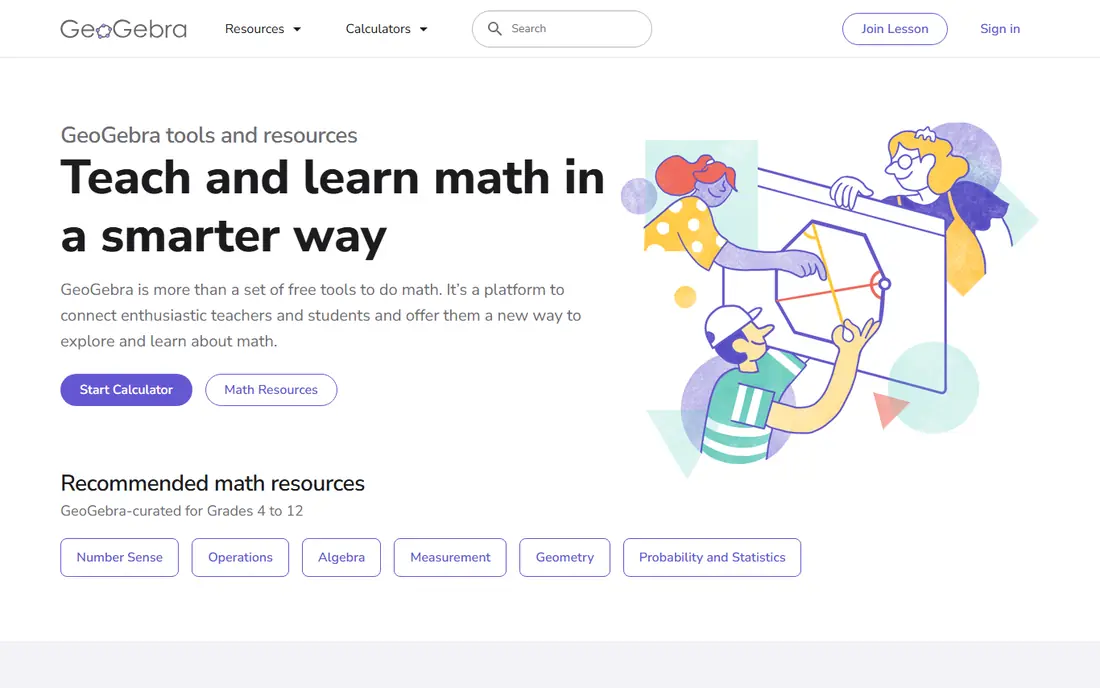
GeoGebra Calculator fits students who move between algebra, graphs, and geometry in the same lesson. You can plot a function, inspect its shape, and test values without switching apps. The suite also covers 3D and spreadsheet style views for users who want them.
For basic daily math, GeoGebra is more than needed, and its menus can slow a quick sum. That is a fair trade for classroom use, where one free suite covers several subjects. If you only need a pocket calculator, Calcbot or Apple Calculator will feel faster.
- Graphing, geometry, and algebra in one suite
- Free across devices
- Classroom friendly
- Interface can feel busy for simple sums
- Some tools need a short learning period
Soulver suits people who think in sentences, not just key presses. You can write a line like rent plus bills divided by two, and the answer appears beside it. That style works well for budgets, quotes, trip costs, and planning notes where the working matters as much as the result.
The drawback is that Soulver is a paid app, and it does not replace a graphing or scientific calculator for coursework. Buy it for written calculations and everyday planning, not for plotting functions. Writers, freelancers, and small business owners tend to get the most from it.
- Natural language math in notes
- Live answers beside written lines
- Useful for budgets and planning
- Paid product with no free plan
- Not a graphing calculator
Calcbot fits people who want a better everyday calculator, not a science lab. The history tape lets you review past sums, copy a result, and correct a step without starting over. Conversions for units and currency also help when shopping, cooking, or traveling.
It will not match Desmos for graphing or WolframAlpha for advanced math, and that is not its job. If your daily math is bills, tips, discounts, and measurements, Calcbot gives a clean upgrade over a basic stock calculator. Power users should look at PCalc instead.
- Clear calculation history tape
- Unit conversions
- Simple design for everyday use
- Advanced graphing is limited
- Some features require a paid upgrade
WolframAlpha suits college students, engineers, and curious users who need more than a keypad. It can handle integrals, equations, statistics, and unit data, and it often shows plots and related values beside the answer. That depth makes it a reference tool as well as a calculator.
The free version gives answers but keeps step by step solutions behind Pro, so homework users should check that limit before relying on it. It also feels heavy for a quick tip calculation. Use WolframAlpha when the problem is hard, and a simpler app when the problem is short.
- Symbolic math and data computation
- Plots and statistics
- Very broad subject coverage
- Step by step solutions require Pro
- Free version can feel dense for simple sums
Photomath fits students who get stuck on a problem and want to see the steps, not just the answer. Point the camera at a printed equation, and the app reads it and works through the solution. That visual approach helps when a textbook step is unclear.
Camera reading is not perfect, especially with messy handwriting or long word problems, so users should check that the scanned problem matches the original. Some deeper explanations sit behind a paid plan. Used as a study aid beside class notes, it is a strong helper. Used to copy answers without study, it will not build lasting skill.
- Camera scanning for printed problems
- Step explanations
- Covers arithmetic through calculus topics
- Handwriting and complex word problems vary
- Some detailed steps require a paid plan
Microsoft Math Solver suits students and parents who want a free solver without a subscription trap. You can type a problem or scan it, see steps, and view a graph where that helps. The price, which is free, makes it easy to keep beside a main calculator app.
Its coverage is broad but not as deep as WolframAlpha for advanced university math. For school level algebra, geometry, and calculus topics, it covers the common ground well. Keep Desmos or GeoGebra nearby for dedicated graphing work.
- Free solving with steps
- Camera and typed input
- Graphs for many problems
- Advanced topics are thinner than WolframAlpha
- App availability varies by platform
Apple Calculator fits Apple users who want no setup at all. It handles basic and scientific math, and on supported systems Math Notes lets you write math in notes and see results. For most daily sums, it is already good enough, which is a real advantage.
The limit is the platform. Android and Windows users need another pick, and power users who want custom keys will still prefer PCalc. If you already use an iPhone, iPad, or Mac, start here and add a specialist app only when a specific job calls for it.
- Already installed on Apple devices
- Scientific mode and Math Notes on supported systems
- Fast for daily sums
- Only for Apple devices
- Less custom layout control than PCalc
How we picked these
We compared official product pages, app store listings, and current feature descriptions for each calculator. We favored apps that still work in October 2026, cover a distinct job, and state their price clearly. Where a paid price varied by platform or bundle, we used See website rather than publishing a figure that might not match your store.
How to choose the right calculator app
Start with the hardest math you do each week. Basic daily math needs only a clean keypad and history, while science classes need trig and fractions, and graphing classes need plots. Finance users should check for loan, interest, and currency tools, since a science calculator may not cover them well.
Then test input style. Some people prefer tapping keys, others prefer typing a sentence in Soulver, and students may prefer scanning a problem in Photomath. Try two apps for a few days each, and keep the one that gives correct answers with the fewest corrections. A calculator should reduce friction, not add a new subject to learn.
Frequently asked questions
What is the best free calculator app?
Desmos Scientific Calculator is the best free pick for science math, and GeoGebra is the best free pick for graphing. For daily math, Apple Calculator on Apple devices and Calcbot on mobile both cover the basics without payment.
What is the best calculator app for students?
GeoGebra and Desmos suit classroom graphing and science work, while Photomath and Microsoft Math Solver help with steps for homework. Check your school or exam rules first, since some tests restrict app use.
What is the best app calculator for engineers?
PCalc is the strongest pick for engineers and programmers because of custom layouts, RPN mode, and unit support. WolframAlpha is a good companion for advanced computation that goes beyond a keypad.
Can a calculator app replace a physical graphing calculator?
For study at home, Desmos and GeoGebra often can, and they are free. For exams, check the rules for your test, since many exams require an approved handheld device and do not allow phones.
Is Photomath free?
Photomath has a free tier that covers basic scanning and solving, with some detailed explanations in a paid plan. Microsoft Math Solver is a free alternative if you want steps without a subscription.
Sources
See where you really rank - block by block
ProMapRanker scans Google Maps across a grid of your service area. Simple monthly plans from $19, white-label on every plan.
Start freeKeep reading
 vimeo alternatives
Best Vimeo Alternatives in 2026
Looking for Vimeo alternatives? We compare 9 video hosting platforms for reach, branded embeds, marketing, sales, live events, and pricing for your team.
Read → sendgrid alternatives
SendGrid Alternatives in 2026
Compare SendGrid alternatives for transactional email, from Resend and Postmark to Mailgun, Amazon SES, Brevo, Mailjet and other email APIs for developers.
Read → midjourney alternatives
Best Midjourney Alternatives in 2026
Looking for Midjourney alternatives? We compare 9 AI image tools for art, photos, text in images, game assets, and commercial use for projects in 2026.
Read →