 ProMapRanker
Best Midjourney Alternatives in 2026

Key takeaways
- Leonardo AI and Ideogram are the closest all-round substitutes, with Leonardo for game and character work and Ideogram for text in images.
- Adobe Firefly is the safest pick for client and commercial work, because of its licensed training data and Adobe integration.
- DALL-E 3 through ChatGPT suits beginners and precise prompts, while Stable Diffusion suits users who want local control.
- Free tiers differ a lot, so check daily credits, commercial terms, and whether your images stay private on the plan you choose.
Quick comparison
| Pick | Great for | Pricing starts at | Free tier | |
|---|---|---|---|---|
 DALL-E 3 | Easy prompts and text accuracy | $20 per month | Yes | Visit |
 Leonardo AI | Game assets and character art | $10 per month | Yes | Visit |
 Ideogram | Text in images and design | $8 per month | Yes | Visit |
 Adobe Firefly | Commercial-safe client work | See website | Yes | Visit |
 Flux | Photorealistic images | See website | Yes | Visit |
 Stable Diffusion | Local control and customization | Free | Yes | Visit |
 Recraft | Vector and brand design | See website | Yes | Visit |
 Canva Magic Studio | Quick marketing design | See website | Yes | Visit |
 Playground | Beginner-friendly image creation | See website | Yes | Visit |
The best Midjourney alternatives
We compared tools by image quality, prompt handling, text rendering, commercial terms, free access, and workflow fit. Midjourney itself is not listed, because this article covers alternatives to it. All tools below are live in October 2026.
DALL-E 3, accessed through ChatGPT, is the easiest alternative for most people. You describe an image in plain language, refine it by chatting, and get a usable result without learning parameters or Discord commands. Text in posters and ads also renders more reliably than in many art-focused tools.
The trade is artistic character. DALL-E 3 images can look clean and generic compared with more stylized generators, and heavy users will need a paid ChatGPT plan. If you want fast, understandable images and you already use ChatGPT, DALL-E 3 is a natural first alternative.
- Strong prompt understanding
- Good text in images
- Conversational refinement in ChatGPT
- Stylized art is less distinctive than some rivals
- Free access is limited
- Editing controls are simpler
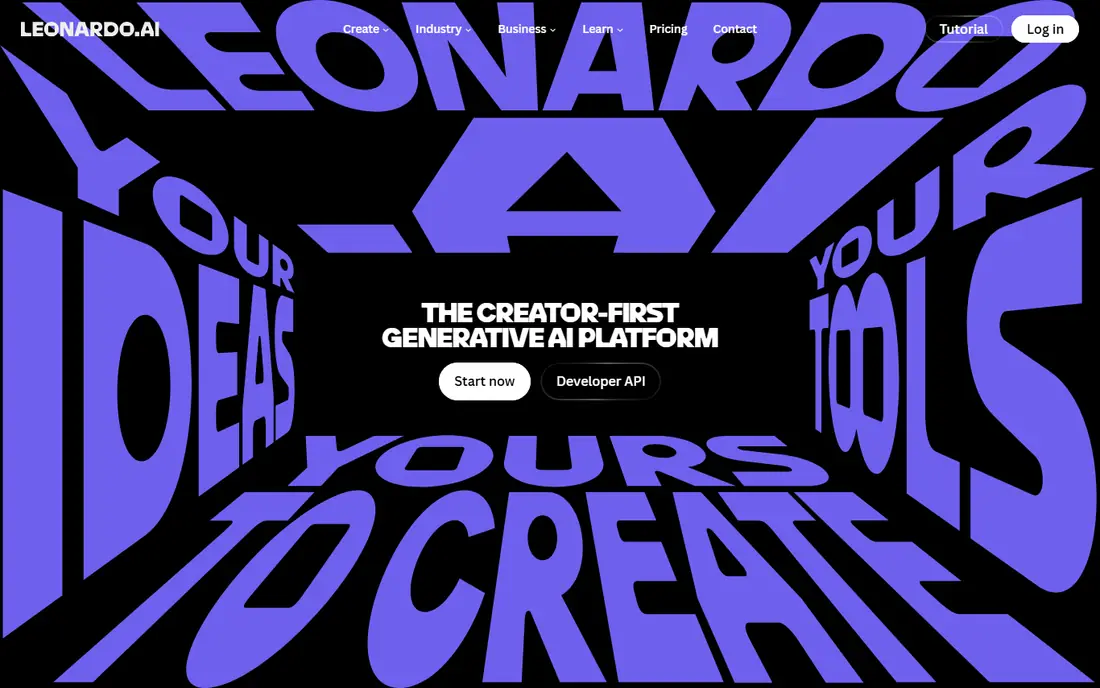
Leonardo AI is the strongest pick for game developers and character artists. It offers models tuned for concept art, assets, and characters, plus a canvas editor for refining parts of an image. Custom model training lets teams keep a consistent style across a project.
Free daily tokens give a useful trial, but they run out quickly for heavy use. Beginners may also find the many models and settings confusing at first. For game art, character consistency, and rapid prototyping, Leonardo is one of the best substitutes available.
- Daily free tokens
- Game and concept art strengths
- Custom model training and canvas editing
- Free tokens limit daily use
- Interface has many options for beginners
- Commercial terms depend on plan
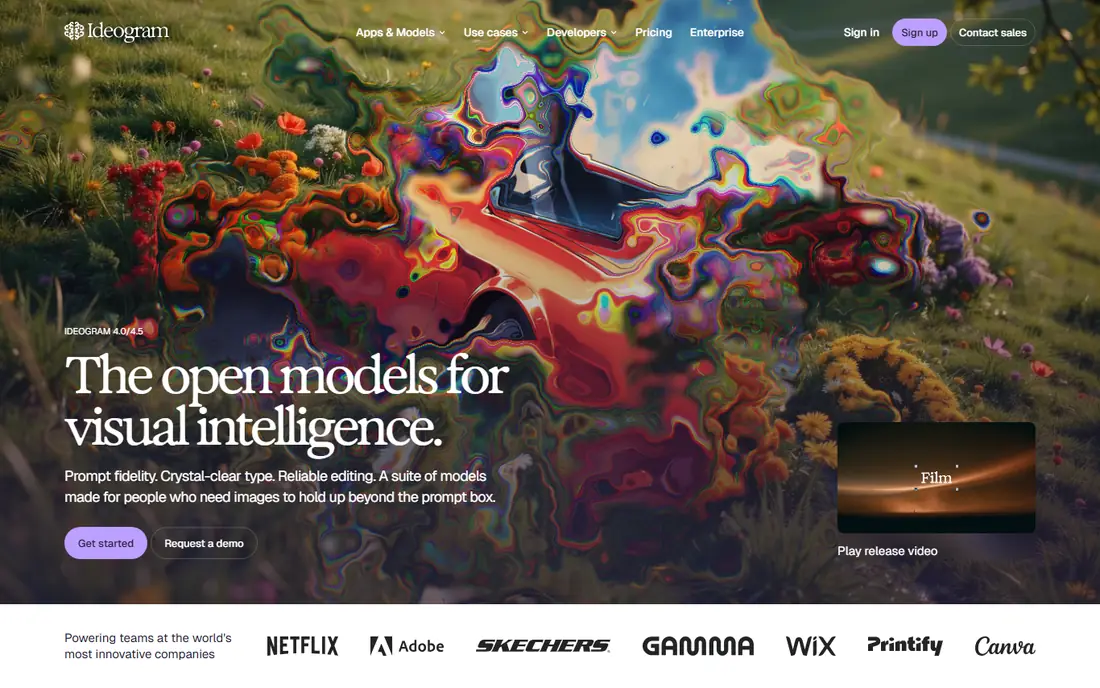
Ideogram stands out where other generators struggle: readable text inside an image. Posters, book covers, ads, and social graphics with slogans or titles come out far more reliably than with art-first tools. The web interface is also simple, which helps non-designers get good results fast.
For pure fine art or fantasy illustration, Ideogram is less distinctive than Leonardo or Flux. Free generations are limited, and paid plans raise the volume. If text accuracy is your main need, Ideogram should be near the top of your list.
- Best-in-class text rendering
- Clean web interface
- Good for posters, ads, and social design
- Artistic styles can feel formulaic
- Free tier is limited
- Character consistency is weaker
Adobe Firefly is the safest choice for client work, marketing, and publishing. It is trained on licensed Adobe Stock content, openly licensed material, and public domain assets, which reduces copyright risk compared with models trained on broad web data. Adobe also offers indemnification on suitable commercial plans.
Image quality for product photos and clean marketing compositions is strong, while stylized fantasy art lags some rivals. Credits limit how much you can generate on lower plans, and pricing depends on whether you buy Firefly alone or as part of Creative Cloud. For commercial safety, Firefly is hard to beat.
- Trained on licensed content
- Adobe app integration
- Commercial indemnification on suitable plans
- Weaker on stylized fantasy art
- Credit limits on lower plans
- Pricing varies by Adobe plan
Flux, from Black Forest Labs, is known for photorealistic images and strong prompt adherence. It suits product shots, realistic scenes, and stock photo replacement where a believable photo matters more than a painterly style. Developers can also use open Flux models in their own pipelines.
Access is less simple than a single consumer app, because pricing and free access often run through API providers or partner tools. Licensing also varies by model version, so check terms for commercial use. For photorealism and developer flexibility, Flux is a top alternative.
- Strong photorealism
- Fast rendering
- Open models available for developers
- Best access often needs API or partner apps
- Licensing varies by model
- Setup can be technical
Stable Diffusion is the pick for users who want full control. You can run models locally, keep images private, fine-tune models, and choose from a large community library. That freedom suits developers, researchers, and artists who want a custom workflow without a subscription.
The cost is your time and hardware. Local generation needs a capable GPU for reasonable speed, and setup is more technical than a web app. Hosted versions remove that burden but add cost. If privacy and customization matter most, Stable Diffusion is unmatched.
- Free and open models
- Runs locally for privacy
- Huge community model library
- Needs a good GPU for fast local use
- Setup takes technical work
- Out-of-box quality varies by model
Recraft suits designers who need scalable graphics, not just raster images. Native vector output means logos, icons, and illustrations stay sharp at any size, which matters for brand work. Style and color controls help keep a set of assets consistent.
It is not the best choice for photorealistic photos or complex scenes. Pricing and free limits have also changed over time, so confirm current terms on the official site. For brand design and vector work, Recraft fills a gap other alternatives miss.
- Native vector output
- Brand styles and color control
- Good for logos and illustrations
- Less suited to photorealism
- Pricing varies
- Smaller community than major rivals
Canva Magic Studio fits teams that need a finished design, not just an image file. You can generate an image, place it in a template, add text, and export a social post or ad in one place. That workflow saves time for small businesses and social teams.
Raw image quality does not match the best dedicated generators, and free credits run out quickly. Advanced artists will want more control over models and parameters. For fast marketing design by non-designers, Canva is a practical alternative.
- Image generation inside a full design tool
- Templates for social and marketing
- Easy for non-designers
- Image quality is good, not best-in-class
- Free credits are limited
- Advanced control is limited
Playground is a friendly starting point for beginners and hobbyists. You pick a style, write a prompt, and get images without learning complex settings. The free tier supports casual experimentation, which is enough to learn what AI image tools can do.
Heavy users will hit free limits, and professional features such as brand controls and advanced editing are thinner than in Adobe or Leonardo. Playground is best for learning, social content, and quick ideas, rather than high-volume client production.
- Simple interface
- Many styles
- Free tier for casual use
- Free daily limits apply
- Quality varies by style
- Fewer professional workflow features
How we picked these
We compared official product pages, pricing summaries, and public feature descriptions for tools live in October 2026. We favored tools with distinct strengths, a real free tier or low-cost entry, and clear commercial terms. We did not claim hands-on testing, and where pricing varied across sources we wrote See website.
How to choose the right style
Start from the end use. For client ads and published work, prioritize licensed training data and commercial terms. For posters and social graphics, prioritize text rendering. For game art, prioritize character and style consistency.
Check commercial terms before publishing
Free tiers often restrict commercial use or keep images public. Read the terms for your plan, upgrade if you need private or commercial rights, and keep a record of the license for client work.
Test with your own prompts
Run the same three prompts, one photo, one poster with text, and one character, through two or three tools. That quick test tells you more than a feature list, because each model has a different strength.
Frequently asked questions
What is the best alternative to Midjourney?
Leonardo AI is the best all-round alternative for art and game work, Ideogram is best for text in images, and Adobe Firefly is best for commercial client work. The right pick depends on whether you need art, text, photos, or safe commercial use.
Is there a free Midjourney alternative?
Yes. Leonardo, Ideogram, Adobe Firefly, Flux through partner tools, and Playground offer free tiers, and Stable Diffusion can run free locally. Free tiers limit credits, daily use, or commercial rights.
Which AI image generator is best for text in images?
Ideogram is the strongest pick for readable text in posters, ads, and covers. DALL-E 3 is also reliable for text, while art-focused tools are more likely to garble words.
Can I use AI images commercially?
Often yes on paid plans, but terms vary by tool and tier. Adobe Firefly is the safest commercial choice because of licensed training data, while free tiers may restrict commercial use or keep images public.
Do I need a Discord account for these alternatives?
No. All tools in this list offer a web interface or app, unlike Midjourney early Discord-only workflow. That makes them easier for teams and beginners to adopt.
Sources
See where you really rank - block by block
ProMapRanker scans Google Maps across a grid of your service area. Simple monthly plans from $19, white-label on every plan.
Start freeKeep reading
 vimeo alternatives
Best Vimeo Alternatives in 2026
Looking for Vimeo alternatives? We compare 9 video hosting platforms for reach, branded embeds, marketing, sales, live events, and pricing for your team.
Read → sendgrid alternatives
SendGrid Alternatives in 2026
Compare SendGrid alternatives for transactional email, from Resend and Postmark to Mailgun, Amazon SES, Brevo, Mailjet and other email APIs for developers.
Read → instagram alternatives
Instagram Alternatives in 2026
Explore the best instagram alternatives in 2026, from photo-first Pixelfed and VSCO to Bluesky, Threads, Pinterest, and more for discovery and sharing
Read →