 ProMapRanker
Best Vimeo Alternatives in 2026

Key takeaways
- YouTube is the pick for public reach and search discovery, while Wistia and Vidyard suit marketing and sales teams that need lead capture.
- Dacast and Brightcove fit live events and larger media operations, and Bunny Stream fits cost-conscious course and app hosting.
- Free plans vary a lot, so check storage, video limits, branding, and whether viewer-level analytics are included before you commit.
- The cheapest host is not always the best value once you add privacy controls, player branding, and support for your team.
Quick comparison
| Pick | Great for | Pricing starts at | Free tier | |
|---|---|---|---|---|
 YouTube | Public reach and search discovery | Free | Yes | Visit |
 Wistia | Marketing video and lead capture | $79 per month | Yes | Visit |
 Dailymotion | Free secondary distribution | Free | Yes | Visit |
 Vidyard | Sales video outreach | Free | Yes | Visit |
 Loom | Short internal video messages | Free | Yes | Visit |
 Dacast | Live streaming and video on demand | $39 per month | No | Visit |
 Brightcove | Enterprise video at scale | See website | No | Visit |
 Bunny Stream | Low-cost usage-based hosting | See website | Free trial | Visit |
 SproutVideo | Private and branded video hosting | $24.99 per month | Free trial | Visit |
The best Vimeo alternatives
We compared hosts by audience reach, player control, privacy options, analytics, live support, and price. Each one below replaces a different part of what Vimeo does, so start from the job you need done.
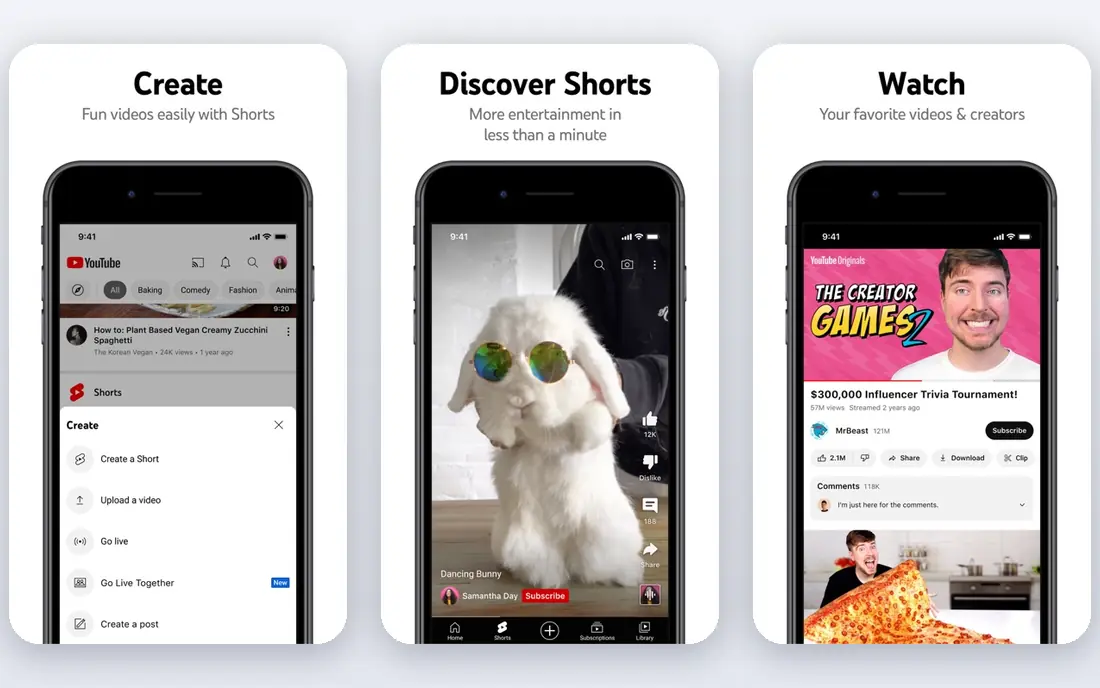
YouTube makes sense when discovery matters more than a clean, brand-only player. People already search there, and a public video can keep bringing in viewers long after you publish it. It also works well for tutorials, product demos, and top-of-funnel content that you want anyone to find.
The trade is control. The player carries YouTube branding, and viewers may be shown other creators after your video ends. You also cannot add a lead form inside the player in the way a marketing host can. Use YouTube for reach, and keep gated or client-facing videos on a host you control.
- Largest video audience
- Strong search discovery
- No hosting fee for public videos
- YouTube branding and suggested videos
- Ads for viewers without Premium
- Limited lead capture
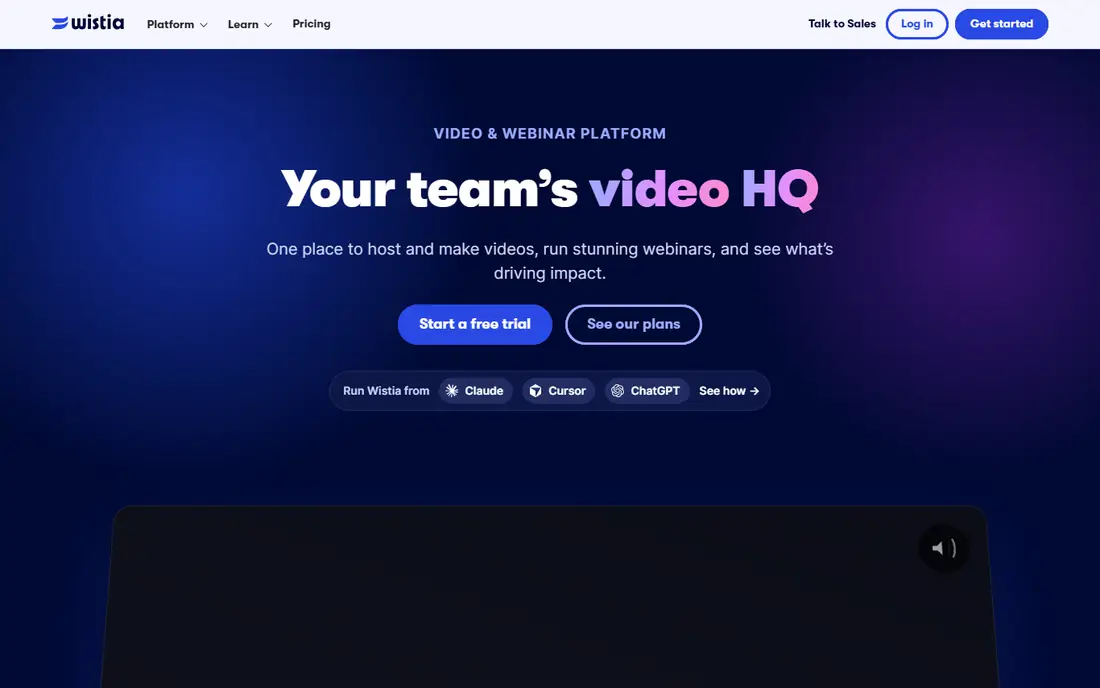
Wistia is built for marketing teams that want to know who watched, how far they got, and what they did next. Its player looks clean on a landing page, and turnstile forms can collect an email before or during playback. That makes it a natural fit for demos, webinars on demand, and product pages.
The free plan gives a useful way to test the player and basic hosting, with storage limits that suit a small library. The catch is price once you move to a paid plan, and teams that mainly need live events should look elsewhere. If your goal is measurable marketing video, Wistia earns its place near the top.
- Clean branded player
- Lead capture forms
- Detailed viewer analytics and heatmaps
- Paid plans start higher than basic hosts
- No live streaming focus
- Costs rise with added features
Dailymotion works as a second public channel rather than a replacement for a private business host. You can publish the same public video there and reach viewers who do not use YouTube as often, including a strong audience in parts of Europe. Setup is simple, and there is no hosting bill for basic public use.
It is not the right pick for a polished, ad-free embed on your own site. Viewers will see ads, and branding and privacy controls are limited compared with paid hosts. Treat it as distribution, not as your main home for gated courses or client work.
- Free public hosting
- Extra distribution beyond YouTube
- Simple publishing
- Ad-supported viewing
- Less control over branding
- Weaker business analytics
Vidyard suits a salesperson who wants to send a short personal video and know when it was watched. Recording from a browser extension keeps the workflow fast, and viewer alerts help a rep follow up at the right moment. It also fits onboarding videos and short explainers sent one to one.
For a large public video library, Vidyard is less convincing than a dedicated hosting platform. Its strength is the personal, trackable message, not bulk publishing or complex site embeds. Small sales teams can start free and upgrade only when seat-based pricing makes sense.
- Easy personal video recording
- Viewer tracking for sales teams
- Common CRM connections
- Paid seats add up for larger teams
- Less suited to large public libraries
- Advanced features sit on paid plans
Loom is the fastest way to replace a meeting with a short recording. You can show your screen, talk through a document, and send a link instead of booking a call. Teams use it for handoffs, feedback, bug reports, and quick training clips that do not need a polished production.
It is not a direct match for a marketing video library or a course platform. The free plan caps the number of videos and the length of each recording, so heavy users will need a paid plan. Pick Loom when the job is internal communication, and pick a hosting platform when the job is public or customer-facing video.
- Fast screen recording
- Simple sharing links
- Good for async team updates
- Free plan limits video count and length
- Not built for public marketing libraries
- Limited lead tools
Dacast fits events, classes, and publishers that need both live streams and a recorded library. You can run a live event, sell access through a paywall, and keep the recording available afterward. That combination is useful for conferences, fitness classes, worship services, and paid workshops.
Pricing starts at a level that suits regular use rather than a one-off test. There is no free tier, so check the trial terms and confirm bandwidth and storage limits for your event size. If live is central to your plan, Dacast is a stronger match than a marketing-only host.
- Live and on-demand in one platform
- Paywall and monetization options
- Real-time analytics
- No free plan
- Interface takes time to learn
- Smaller teams may pay for features they rarely use
Brightcove is aimed at publishers and large companies with high volumes, advertising needs, or streaming apps. It handles scale, live events, and monetization in a way that small hosts are not built to match. Support and service levels also matter more when video is core to revenue.
That scale comes with custom pricing and a heavier setup, which makes it a poor fit for a small business with a handful of videos. If you are comparing Brightcove, ask for a quote tied to your expected views, storage, and live hours. For most small teams, a simpler paid host will be faster and cheaper.
- Built for large media operations
- Strong live and advertising options
- Enterprise support and reliability
- Custom pricing only
- Overkill for small libraries
- Setup can be complex
Bunny Stream appeals to course creators and developers who want to pay for what they actually deliver. Storage and delivery are billed by usage, so a small library with modest views can stay cheap. It also offers signed URLs and DRM add-ons for content that should not be shared freely.
The catch is that you do more of the work yourself. There is no built-in lead capture or deep marketing analytics, and the player and site integration need some technical care. If you are comfortable with that setup, Bunny Stream can cut hosting costs a lot compared with a flat-rate marketing platform.
- Usage-based pricing with no large monthly floor
- Global delivery
- Signed links and DRM options
- Needs more technical setup
- No built-in marketing tools
- Support and analytics are basic
SproutVideo is a good middle ground for businesses that need private, branded video without enterprise pricing. You can restrict who can watch, brand the player, and track viewing on suitable plans. That fits training libraries, client deliverables, and internal content that should not be public.
It is less suited to large live events or public discovery, where YouTube or Dacast would serve better. Check storage and bandwidth allowances against your library size before choosing a tier. For secure, professional embeds at a moderate price, SproutVideo is a solid option.
- Privacy controls including login and IP options
- Branded player
- Per-viewer tracking on higher plans
- No free plan
- Live streaming is limited
- Costs rise with storage and bandwidth needs
How we picked these
We compared official pricing pages, feature pages, and public product descriptions for video hosting, marketing, sales, live, and enterprise use. We favored platforms that are live in October 2026, offer a clear hosting or recording product, and fit a distinct job that Vimeo users commonly need. We did not claim hands-on testing, and where pricing was custom or unclear we wrote See website rather than guessing.
What to check before you switch
Start by listing where your videos live now and who watches them. Public videos need reach, marketing videos need tracking, and private videos need access controls. A host that excels at one of those jobs may be weak at another, so match the platform to the main use first.
Player and privacy
Check whether the player can be branded, whether suggested videos appear at the end, and whether you can restrict playback by domain, password, login, or signed link. For training or client work, privacy controls matter more than extra marketing features.
Analytics and integrations
Decide if you need per-viewer data, heatmaps, or CRM connections. Marketing and sales teams should confirm those features are on the plan they will actually buy, not just on the top tier.
Cost at your volume
Compare storage, bandwidth, video count, and seat limits, not just the headline monthly price. Usage-based hosts can be cheap at low volume and costly at high volume, while flat-rate hosts can be the reverse.
Frequently asked questions
What is the best alternative to Vimeo for marketing videos?
Wistia is our pick for marketing use because of its branded player, lead forms, and viewer analytics. Vidyard is a close second when the main use is one-to-one sales video rather than landing page video.
Is there a free alternative to Vimeo?
Yes. YouTube and Dailymotion offer free public hosting, and Wistia, Vidyard, and Loom offer free plans with limits. Free plans usually cap storage, video count, or features, so read the limits before you move a full library.
Which Vimeo alternative is best for live streaming?
Dacast is the strongest pick in this list for live events combined with on-demand playback and paywall options. Brightcove also fits larger live operations, but its custom pricing suits bigger budgets.
Can I host private videos without Vimeo?
Yes. SproutVideo and Bunny Stream both offer privacy controls, and Bunny Stream adds signed links and DRM options. Confirm the exact control you need, such as login gating or domain restriction, on the plan you choose.
Should I use YouTube instead of Vimeo?
Use YouTube when public discovery is the goal and you accept YouTube branding, suggested videos, and ads for some viewers. Keep branded, gated, or client-facing video on a paid host when control and a clean player matter more than reach.
Sources
See where you really rank - block by block
ProMapRanker scans Google Maps across a grid of your service area. Simple monthly plans from $19, white-label on every plan.
Start freeKeep reading
 sendgrid alternatives
SendGrid Alternatives in 2026
Compare SendGrid alternatives for transactional email, from Resend and Postmark to Mailgun, Amazon SES, Brevo, Mailjet and other email APIs for developers.
Read → midjourney alternatives
Best Midjourney Alternatives in 2026
Looking for Midjourney alternatives? We compare 9 AI image tools for art, photos, text in images, game assets, and commercial use for projects in 2026.
Read → instagram alternatives
Instagram Alternatives in 2026
Explore the best instagram alternatives in 2026, from photo-first Pixelfed and VSCO to Bluesky, Threads, Pinterest, and more for discovery and sharing
Read →