 ProMapRanker
Best Business Process Automation Software in 2026


Non-technical teams that want fast setup · Pricing starts at: $19.99 per month
Key takeaways
- Zapier and Make cover most small business automation needs, with Zapier easier to start and Make cheaper for multi-step workflows.
- Microsoft Power Automate is the natural pick for teams already paying for Microsoft 365, while UiPath and Automation Anywhere suit larger, IT-led programs.
- n8n and Pipedream give technical teams more control, but they ask for more setup skill than the no-code tools on this list.
- Pricing is usually charged by tasks, operations, users, or bots, so count your monthly runs before you compare headline prices.
Quick comparison
| Pick | Great for | Pricing starts at | Free tier | |
|---|---|---|---|---|
| Zapier | Non-technical teams that want fast setup | $19.99 per month | Yes | Visit |
 Make | Visual workflows with branching and data handling | $9 per month | Yes | Visit |
 n8n | Technical teams that want control and self-hosting | See website | Yes | Visit |
 Microsoft Power Automate | Teams already using Microsoft 365 | $15 per user per month | Yes | Visit |
 UiPath | Large automation programs run by IT | See website | Yes | Visit |
 Automation Anywhere | Enterprises that need governed automation | See website | Yes | Visit |
 Workato | IT teams integrating many business systems | See website | No | Visit |
 Pipedream | Developers building event-driven workflows | See website | Yes | Visit |
 Activepieces | Small teams that want open source automation | See website | Yes | Visit |
The best business process automation software
We compared tools that connect apps, move data, and run repeatable steps without manual work. Our pick for most small teams is Zapier for ease, or Make for value on longer workflows.
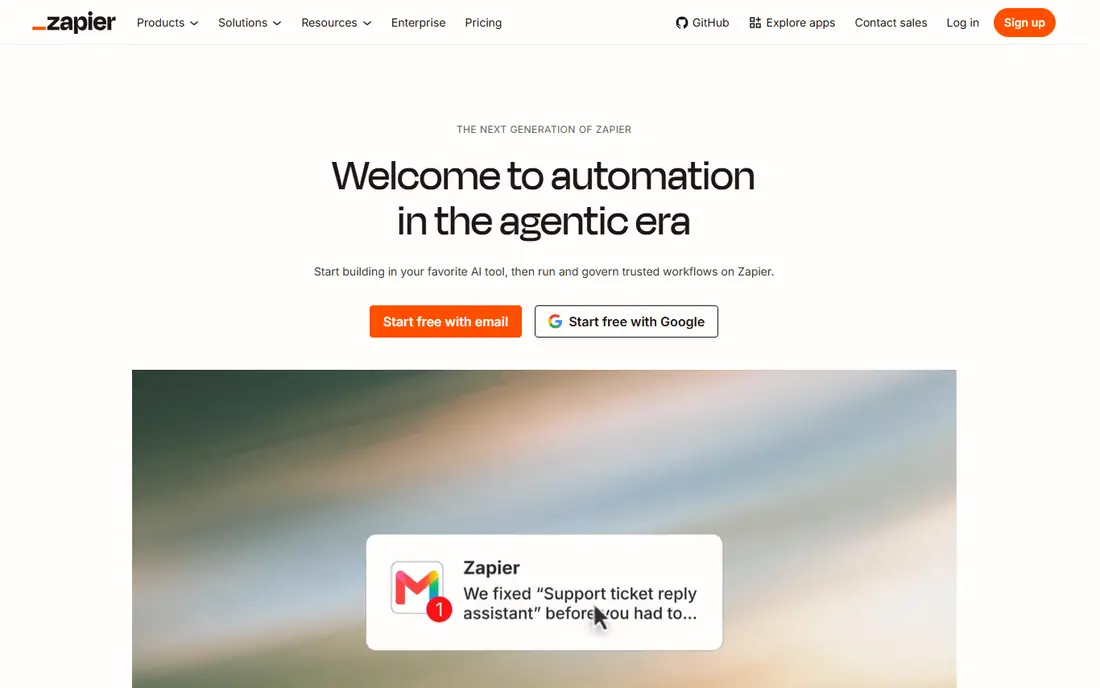
Zapier connects thousands of apps with trigger-and-action flows called Zaps, so a new form entry can create a CRM contact, send a message, and update a spreadsheet in one pass. The builder is plain and guided, which helps a small team ship its first automation in an afternoon rather than after a training course. Templates cover common jobs such as lead routing, invoice chasing, and appointment follow-up, and they are a good starting point even if you change half the steps.
The honest catch is the billing unit. Every successful action counts as a task, so a five-step flow run 500 times costs far more than the same flow run 50 times. Zapier still makes sense when reliability and app coverage matter more than squeezing the lowest price per run. Watch the task meter during the first month, and split or simplify flows that run far more often than expected.
- Very large app catalog
- Simple step-by-step builder
- Strong templates and AI-assisted setup
- Costs rise quickly with task volume
- Complex logic is harder to read than on a visual canvas
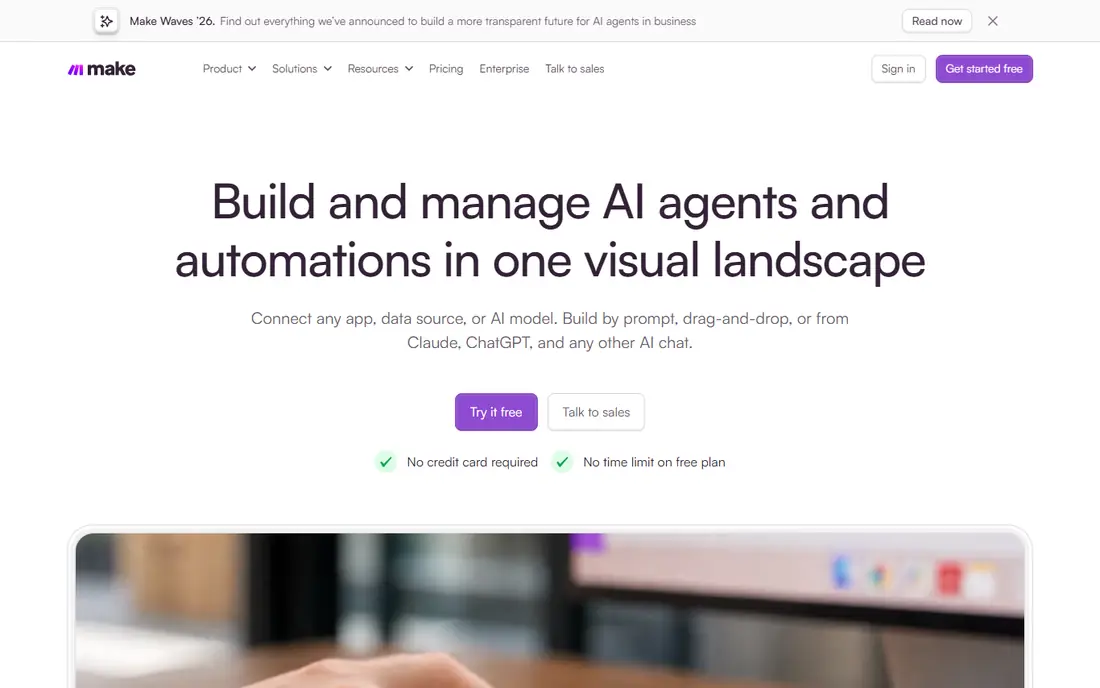
Make builds workflows as scenarios on a canvas, where each module is a step and lines show how data moves between them. That layout makes branching, filters, routers, and error handling much easier to follow than a long vertical list. For teams that outgrow simple two-step automations, Make often replaces several separate flows with one scenario that is easier to maintain.
The trade-off is that the extra power takes time to learn, and new users sometimes build scenarios that are clever but fragile. Start with one core process, such as lead capture or order handling, and test it with real data before adding branches. The free plan covers 1,000 credits a month, which is enough to learn the tool and run a small live workflow.
- Visual canvas shows the whole workflow
- Generous operation allowance on paid plans
- Strong data tools
- Learning curve is steeper than Zapier
- Credit use for AI modules can be hard to predict
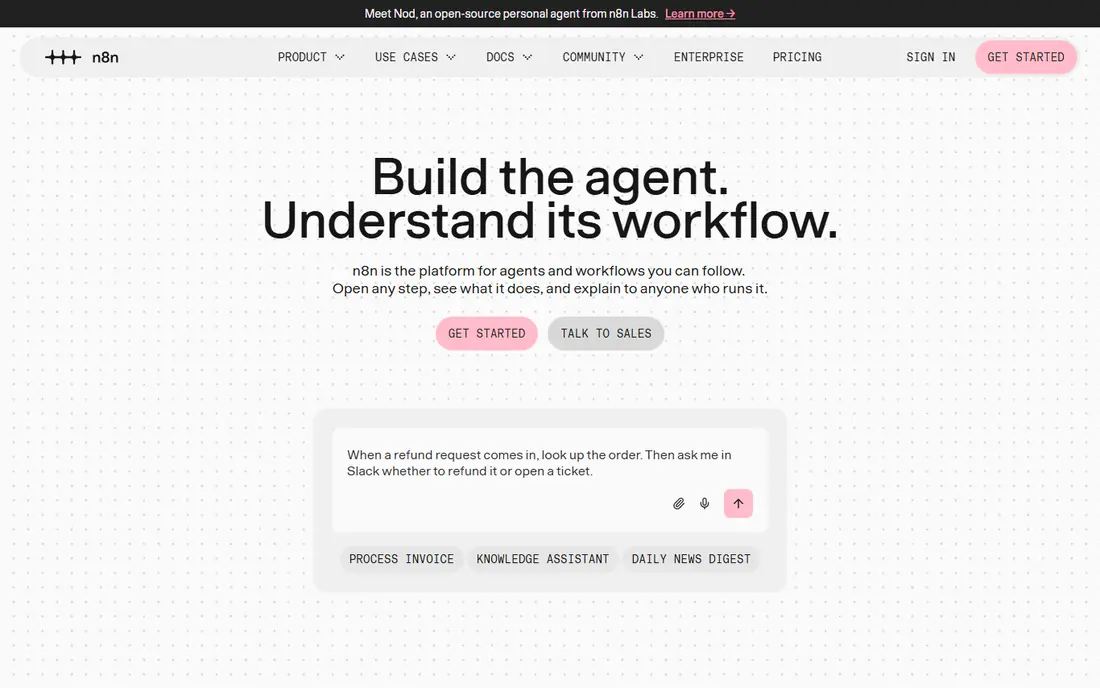
n8n is an open workflow tool with a visual canvas plus JavaScript and Python steps where code is the right answer. Teams can run it on their own servers, which suits companies with strict data rules or a desire to avoid per-task billing. It also has native nodes for language models and AI agents, so technical teams can build assistants that call tools rather than only moving rows between apps.
The catch is ownership. Self-hosting means updates, backups, and uptime become your job, and the cloud plan still needs careful reading of execution limits. n8n is our pick for developers and technically confident operations staff, not for a team that wants a fully managed tool with no server duties. If that description fits, the control is worth the extra work.
- Self-hosted option with no per-task cap
- Code steps alongside no-code nodes
- Strong AI workflow support
- Self-hosting needs maintenance
- Cloud pricing is in euros for many buyers
Power Automate covers both cloud flows between online apps and desktop flows that click through Windows programs that lack an API. For a business already living in Outlook and Teams, approvals, notifications, and document handling slot into tools staff already open each day. The Premium plan at $15 per user per month covers cloud flows, premium connectors, and attended desktop flows, while unattended bots are priced separately per bot.
That Microsoft fit is also the limit. Teams on Google Workspace or a mixed stack may find Zapier or Make simpler to adopt, and the licensing tiers take a careful read before purchase. Still, if your files, mail, and chat already sit in Microsoft 365, Power Automate usually gives the shortest path from idea to a working process.
- Deep links to Outlook, Teams, SharePoint, and Excel
- Desktop flows for older Windows apps
- Per-user pricing is clear
- Best value depends on existing Microsoft licensing
- Advanced RPA costs extra per bot
UiPath is built for robotic process automation at scale: software robots that work through desktop and web apps, read documents, and hand exceptions to people through queues. Its orchestrator schedules robots, manages credentials, and logs activity, which matters when auditors or managers ask what ran and why. A free community edition lets individuals learn the studio before a company commits.
The honest catch is scope. UiPath is not a casual tool for connecting two apps, and a serious program needs developers, process owners, and change control. Small teams will get faster results from Zapier or Make. For a company automating dozens of back-office processes across departments, UiPath gives the control and audit trail that lighter tools cannot match.
- Mature robot management and governance
- Strong document understanding
- Large partner and training ecosystem
- Enterprise pricing is quote-based
- Real programs need dedicated staff
Automation Anywhere
Great for: Enterprises that need governed automation
Automation Anywhere offers attended and unattended bots, document processing, and process discovery in a cloud platform managed through a control room. IT teams can set roles, monitor bot health, and track return on automation from one place. The community edition gives individuals a free way to build and test basic bots before any commercial conversation.
Like UiPath, this is a platform for programs rather than single flows, so expect sales-led pricing and an implementation plan. The payoff comes when the same platform handles invoice processing, reconciliations, and reporting across teams with consistent controls. A five-person business with three simple flows should look elsewhere first.
- Cloud-native control room
- Document automation included in the story
- Community edition for learning
- Entry packs are quote-led for many buyers
- Smaller teams may find it heavy
Workato is an integration platform that lets IT and operations teams build reusable recipes between systems such as Salesforce, NetSuite, Workday, and Slack. Recipes can include error handling, approval steps, and data transformation, and they are managed with the kind of version control that larger companies expect. It is a strong fit when automation is really systems integration with security review attached.
The catch is cost and complexity. Pricing is custom and typically enterprise-level, and business users will still need IT help for anything beyond simple recipes. If your problem is connecting two marketing apps, this is too much tool. If your problem is keeping a dozen core systems in sync with audit controls, Workato belongs on the shortlist.
- Deep connectors for CRM, ERP, and HR systems
- Strong governance and version control
- Recipes are reusable
- Quote-only pricing puts it out of small business reach
- Needs IT involvement
Pipedream sits between a no-code tool and a coding platform: you can wire app triggers together visually, then drop into code whenever a step needs custom logic. That makes it a good home for webhook handling, API polling, and data cleanup jobs that pure no-code tools handle awkwardly. Developers can also build AI agent workflows that call tools and APIs in sequence.
The trade-off is audience. Non-technical staff will find Zapier far easier, and Pipedream rewards teams that are comfortable reading logs and writing small functions. For a product or engineering team that already thinks in APIs, it is fast and flexible. For a sales team that just wants a form to reach the CRM, pick a simpler tool.
- Code steps in Node.js and Python
- Huge app component library
- Good for APIs and webhooks
- Less friendly for non-developers
- Workflow pricing needs care at scale
Activepieces is an open source automation platform with a visual builder for connecting apps and running flows. Teams can use the hosted service or run the open source version themselves, which appeals to budget-conscious businesses and to teams that want to inspect the code they rely on. The builder covers common steps such as triggers, branches, loops, and data mapping without demanding code.
The honest catch is maturity. Its catalog is smaller than the leaders, so check that your key apps are covered before you commit a core process to it. For standard tools such as Google Sheets, Slack, and popular CRMs, it works well. For a niche industry app, Zapier or Make is the safer bet today.
- Open source core you can self-host
- Visual flow builder
- Growing piece library
- Smaller app catalog than Zapier
- Newer ecosystem means fewer templates
How we picked these
We compared official feature pages, pricing pages, and app listings, and we kept only tools that are live in October 2026 and genuinely automate business processes rather than only scheduling tasks. We favored a mix of no-code tools for small teams and governed platforms for larger programs, and we checked that each vendor publishes current pricing or a clear quote path. We did not claim hands-on testing; our comparison rests on vendor documentation, public reviews, and pricing pages.
What to check before you buy
Start by naming the one process that costs the most staff time each week, then count how often it runs and how many steps it has. That count decides the billing unit that matters: tasks, operations, users, or bots. A tool that looks cheap at ten runs a day can become the most expensive option at ten thousand runs a day, so model a realistic month before you sign.
Next, check app coverage and error handling. Confirm that each app in the process has a supported connector or API route, and ask what happens when a step fails at 2 a.m. Good tools log failures, retry sensibly, and alert a person; weak ones silently drop data. Finally, run a two-week trial on a real process with real data, and measure time saved and errors caught rather than how pleasant the builder looks.
Frequently asked questions
What is the best business process automation platform for a small business?
Zapier is the easiest starting point, and Make is often better value once workflows have several steps or branches. Pick the one whose app catalog covers your core tools, then trial it on one real process before adding more.
What is the difference between business process automation software and a task manager?
A task manager tracks work people must do, while automation software does the work itself by moving data and triggering steps between apps. Many teams use both: the automation tool updates the task manager so people only handle exceptions and decisions.
How much does business process automation software cost?
Entry prices on this list run from free plans to about $20 per user or per month, while enterprise platforms are quote-based and far higher. The total depends on run volume, user count, and bot count, so ask for a quote based on your actual monthly runs.
Do I need coding skills to automate business processes?
No for Zapier, Make, and Power Automate cloud flows, which are built for business users. Coding helps with n8n and Pipedream, and it is usually required for a serious UiPath or Automation Anywhere program.
Which business process automation tools work with Microsoft 365?
Power Automate is the closest fit, and Zapier, Make, n8n, and Workato all connect to Outlook, Teams, and SharePoint as well. Choose Power Automate if approvals and document flows already live in Microsoft apps.
Sources
See where you really rank - block by block
ProMapRanker scans Google Maps across a grid of your service area. Simple monthly plans from $19, white-label on every plan.
Start freeKeep reading
 whats the best ai app to use
Whats the Best AI App to Use in 2026
Wondering whats the best ai app to use in 2026? We compare ChatGPT, Claude, Gemini, Copilot, and more on price, free plans, and best everyday uses today.
Read → life360 alternatives
Life360 Alternatives in 2026
Life360 alternatives compared: 9 family location apps with live maps, arrival alerts and privacy controls to help your family stay in touch every day.
Read → captcha alternatives
CAPTCHA Alternatives in 2026
CAPTCHA alternatives compared: 9 reCAPTCHA alternatives that block bots with less friction, from free Turnstile to privacy-first proof-of-work tools included.
Read →