 ProMapRanker
Best Business Phone Number Service in 2026

Key takeaways
- Google Voice is the cheapest simple start for a Google Workspace team, but it needs that Workspace plan underneath.
- Quo, formerly OpenPhone, is our pick for text heavy small teams because shared numbers and a shared inbox sit at its core.
- Per user pricing means a three person team pays three times the headline rate, so multiply before you compare.
- Texting to US customers now needs business registration in most cases, so check that step before you promise text replies.
- A toll-free or 800 number still signals a larger business, but a local number often gets more callbacks from nearby customers.
Quick comparison
| Pick | Great for | Pricing starts at | Free tier | |
|---|---|---|---|---|
 Quo | Text heavy small teams | $15 per user per month | Free trial (7 days) | Visit |
 Google Voice | Google Workspace teams and solo users | $10 per user per month | No | Visit |
 Grasshopper | Solo operators wanting flat rate pricing | $14 per month | Free trial (7 days) | Visit |
 RingCentral | Growing teams wanting one phone system | $20 per user per month | Free trial (14 days) | Visit |
 Dialpad | Teams wanting AI summaries on every call | $15 per user per month | Free trial (14 days) | Visit |
 Zoom Phone | Remote teams already using Zoom | $10 per user per month | No | Visit |
 Nextiva | Sales teams and high call volume shops | See website | No | Visit |
 Ooma | Very small teams wanting simple pricing | $19.95 per user per month | Free trial (30 days) | Visit |
 Phone.com | Micro businesses wanting flexibility | $13.99 per user per month | No | Visit |
The best business phone number services
A business phone number keeps your personal number private, gives customers one number to remember, and lets a team share calls and texts. We compared nine services that US small businesses actually use in 2026, from free style solo lines to full phone systems. Our pick for most small teams is Quo, with Google Voice as the best simple start for Workspace users and Grasshopper as the best flat rate solo line.
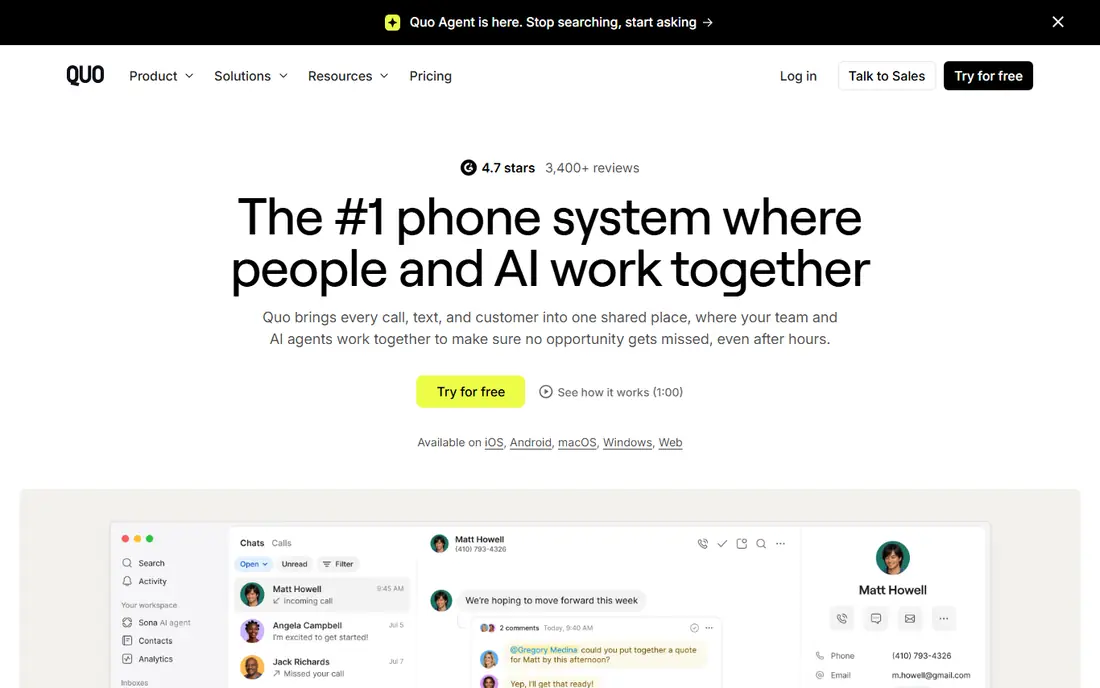
Quo, formerly OpenPhone, is built around a simple idea: one business number that the whole team can see. Calls and texts land in a shared inbox, team members can comment internally on a conversation, and no customer message sits unseen on one person's phone. That design suits service businesses where texting is as common as calling.
The limits are worth noting. Quo does not include video meetings, so you will need a separate tool for those, and the entry plan lacks call transfer and a full phone menu. If your team mostly calls and rarely texts, a full phone system may fit better. If text is half your customer contact, Quo is the most natural fit here.
- Shared numbers and inbox
- Unlimited US and Canada calls and texts
- Voicemail transcription
- No video meetings
- Entry plan lacks call transfer and phone menus
- Per user pricing
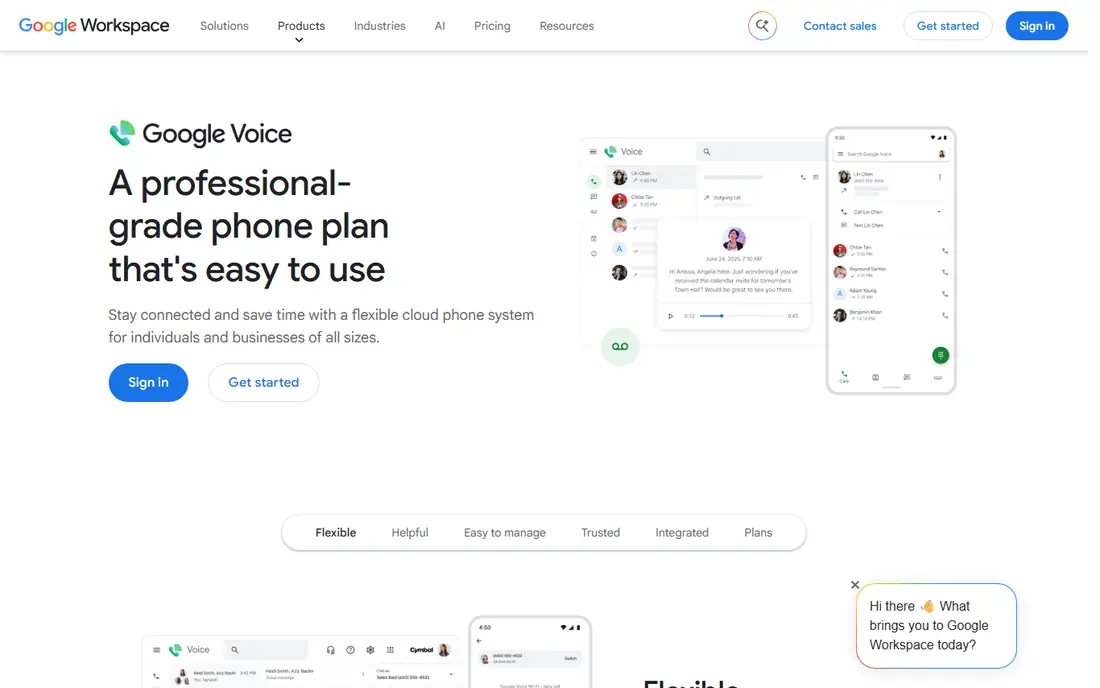
Google Voice is the simplest business number for a team that already lives in Gmail and Google Calendar. It gives each user a business number that rings on their existing phone and computer, with voicemail transcription and call screening built in. Setup takes minutes, and there is little to learn.
The catch is what sits underneath. Business Voice is billed on top of a Google Workspace plan, and the starter tier caps at 10 users with no auto attendant. It is also thinner on team inbox and call centre features than rivals. For a small Workspace team that wants a clean, low cost number, it is still an excellent start.
- Simple setup
- Google Workspace integration
- Voicemail transcription
- Low entry price
- Needs a Workspace plan
- Entry tier caps at 10 users
- No auto attendant on starter tier
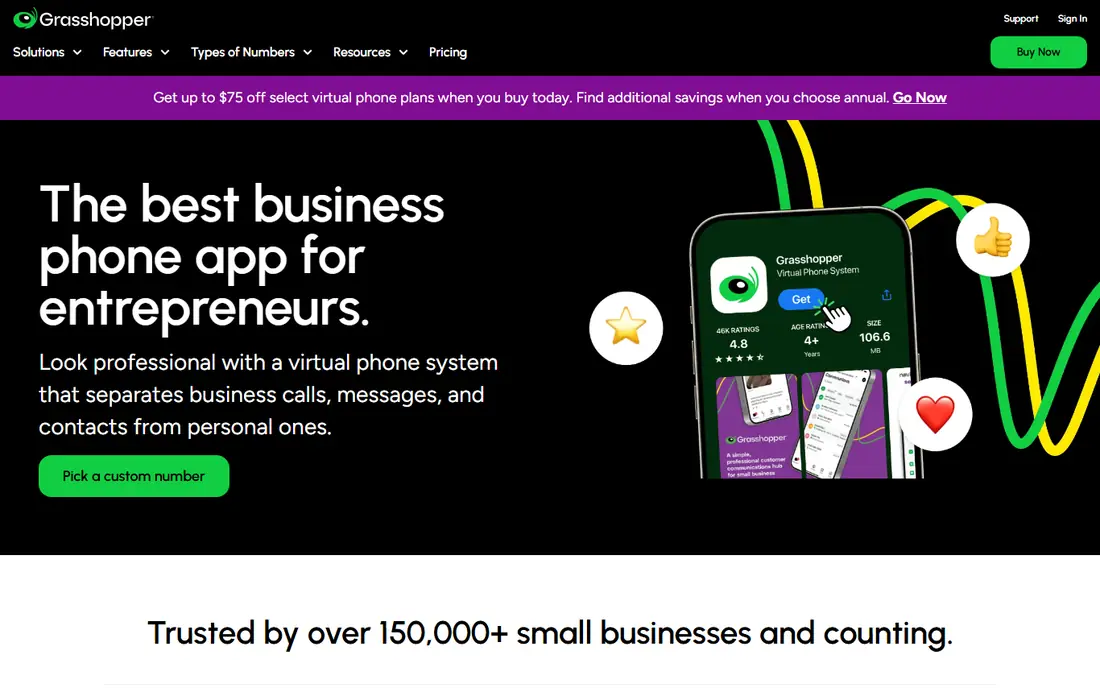
Grasshopper is the classic virtual phone line for a solo business owner. You keep your own mobile, add a business number with a professional greeting and extensions, and answer calls wherever you are. The flat monthly rate, rather than per user pricing, makes budgeting simple for a one person business.
It is less of a team system than Quo or RingCentral, so growing teams may outgrow its collaboration tools. Texting to US customers also needs the usual business registration step. For a solo consultant, tradesperson, or coach who wants to sound professional without a phone system, Grasshopper remains a solid choice.
- Flat monthly rate
- Simple setup
- No new hardware needed
- Extensions and greetings
- Per account rather than per user in some plans
- Texting registration rules apply
- Fewer team features
RingCentral is the full phone system on this list. It combines calling, video meetings, team messaging, and fax in one platform, with a large integration catalogue for CRMs and other business tools. AI call transcription is included on the entry plan, which helps teams that need records of customer calls.
The headline price needs reading carefully. Monthly billing costs more than annual billing, SMS is capped on the entry plan, and advanced AI features are paid add ons. For a growing team that wants one system for calls, meetings, and messages, RingCentral is the most complete option here.
- Calls, video, and team messaging in one system
- Broad integrations
- AI transcription
- Monthly billing raises the price
- SMS caps on entry plan
- Add ons for advanced AI features
Dialpad puts AI on every plan, with call transcription and summaries that help a team follow up without replaying a whole call. It covers voice, messaging, and meetings in one app, and its admin controls are straightforward for a small business owner who does not want an IT project.
Some deeper AI and coaching features sit on higher tiers, and business texting registration still takes time to approve. Dialpad is best for sales and service teams that live on calls and want a written record of each one. If you rarely need call summaries, a cheaper line may do the same job.
- AI transcription and summaries
- Calls, messaging, and meetings
- Simple admin
- Per user pricing
- Some AI features need higher tiers
- Setup of texting registration takes time
Zoom Phone makes sense if your team already meets on Zoom every day. Calls sit inside the same app as meetings, contacts, and chat, so staff do not need to learn a second phone system. The entry price is competitive, and call quality benefits from Zoom's established voice network.
As a standalone phone system, it is thinner than RingCentral on some advanced call centre features, and the exact price depends on your Zoom plan. If Zoom is already your office, adding Zoom Phone is the path of least resistance. If you never use Zoom, choose a phone first system instead.
- Native Zoom Meetings integration
- Simple calling
- Familiar app for Zoom users
- Needs a Zoom plan context
- Fewer standalone phone features than RingCentral
- Pricing varies by plan
Nextiva is built for businesses that handle a high volume of calls and want call centre tools without building a system from scratch. It offers queues, routing, and reporting alongside voice and messaging, with a reputation for reliable service. Sales driven teams will like its CRM options and coaching features.
Pricing is less transparent than the flat rate options here, and small teams may find the setup heavier than they need. It is also more system than a solo line requires. For a team where the phone drives revenue and missed calls cost sales, Nextiva is worth a quote.
- Call centre features
- Reliable voice service
- CRM options
- Team messaging
- Pricing varies by plan and quote
- Setup can feel enterprise heavy for tiny teams
Ooma is a straightforward business phone service that suits very small teams who want a number, a virtual receptionist, and texting without a complex setup. Its office plans include call handling features that make a two or three person business sound larger than it is, and the trial period is generous.
Check the plan carefully, since texting sits on the plan that includes it rather than every tier. Its integration catalogue is also smaller than RingCentral or Dialpad. For a tiny team that wants a simple, dependable business line, Ooma is an easy recommendation.
- Simple setup
- Business number and texting on the right plan
- Virtual receptionist
- Texting needs the right plan tier
- Per user pricing
- Smaller integration catalogue
Phone.com suits micro businesses that want a real business phone system at a low entry price. It offers a virtual receptionist, call routing, voicemail, and extensions, with plans that can flex as a business adds staff. For a new business that needs to look established on a tight budget, it covers the basics well.
It lacks the scale and integration depth of RingCentral, and some features sit on higher tiers. Support and setup are also more self serve than a premium provider. If price and flexibility matter more than a large ecosystem, Phone.com gives a small business a professional number without a large monthly bill.
- Flexible plans
- Virtual receptionist
- Call routing
- Low entry price
- Per user pricing
- Smaller brand than leaders
- Some features need higher tiers
How we picked these
We compared official pricing pages and feature lists for business phone services live in the US in October 2026. We favoured services that provide a real business number, call handling, and texting or team inbox features, and we noted where pricing is per user rather than flat. Where a vendor does not publish a clear starting price, we used See website instead of repeating a third party estimate.
Choosing a business phone number without paying for the wrong system
Start with how customers actually reach you. If they text, prioritise a shared inbox and check texting registration early, since approval can take weeks. If they call, prioritise an auto attendant, routing, and voicemail transcription. Count users honestly, because per user pricing triples quickly for a team. Decide between a local number and a toll-free number: local numbers often suit local services, while toll-free numbers suit national businesses. Finally, test porting before you cancel an old number, and confirm that your existing number can move, since losing a known number costs more than any monthly saving.
Frequently asked questions
What is the best business phone number app?
Quo is our pick for text heavy small teams, thanks to shared numbers and a shared inbox. Google Voice suits Google Workspace teams, while Grasshopper suits solo owners who want flat rate pricing.
What is the best business phone app for a small team?
For a team of two to ten people, Quo and RingCentral lead. Quo is simpler and stronger on text, while RingCentral is stronger when you also need video meetings and team messaging in one system.
What is the best service for business phone numbers with an 800 number?
Most services here, including Grasshopper, Quo, RingCentral, and Phone.com, can provide a toll-free number. Ask about toll-free texting separately, since voice and text rules differ.
What is the best 800 number service for small business?
For a solo business, Grasshopper offers a simple toll-free option at a flat rate. For a team, Quo or RingCentral give you a toll-free number with a shared inbox and better call handling.
How much does a business phone number cost?
Entry prices here range from $10 to $20 per user per month on most plans, with Grasshopper at a flat $14 per month. Multiply per user prices by your team size, and add texting registration fees where they apply.
Sources
See where you really rank - block by block
ProMapRanker scans Google Maps across a grid of your service area. Simple monthly plans from $19, white-label on every plan.
Start freeKeep reading
 best tour operator software
Best Tour Operator Software in 2026
Compare the best tour operator software for bookings, channel management, waivers and payments, with pricing models for day tours and multi-day trips.
Read → best time clock app for small business
Best Time Clock App for Small Business in 2026
We compare the best time clock app for small business options, with free plans, GPS clock ins, scheduling and payroll links for hourly teams and payroll help.
Read → best test automation tools
Best Test Automation Tools in 2026
Compare the best test automation tools, from Playwright and Selenium to Cypress, Katalon and BrowserStack, with prices, languages and best uses explained.
Read →