 ProMapRanker
Best Business Expense Tracker App in 2026

Key takeaways
- Card-first tools such as Ramp, Brex and BILL give away much of the software and earn from card use, so they suit teams willing to switch cards.
- Classic tools such as Expensify and Zoho Expense work with cards you already carry, which matters when a bank card program cannot change.
- Free plans are real in this category, but check user limits, receipt rules and accounting connections before you commit.
- The cheapest headline price is rarely the full cost, since platform fees, card eligibility and approval features vary by plan.
Quick comparison
| Pick | Great for | Pricing starts at | Free tier | |
|---|---|---|---|---|
 Ramp | Card-first spend control | Free | Yes | Visit |
 Brex | Funded startups and growing teams | Free | Yes | Visit |
 Expensify | Keeping existing cards | $5 per user per month | Free trial | Visit |
 Zoho Expense | Low-cost tracking | Free | Yes | Visit |
 BILL Spend and Expense | Free employee cards and budgets | Free | Yes | Visit |
 Navan | Travel and expenses in one place | See website | Free trial | Visit |
 Everlance | Mileage and solo expense tracking | Free | Yes | Visit |
 Sage Expense Management | Sage accounting users | See website | Free trial | Visit |
 Airbase | Procure-to-pay control | See website | No | Visit |
The best business expense tracker apps
We compared official pricing pages, feature pages and app store listings for tools that handle receipts, approvals and accounting exports. Here are the nine that fit small and midsize business use best.
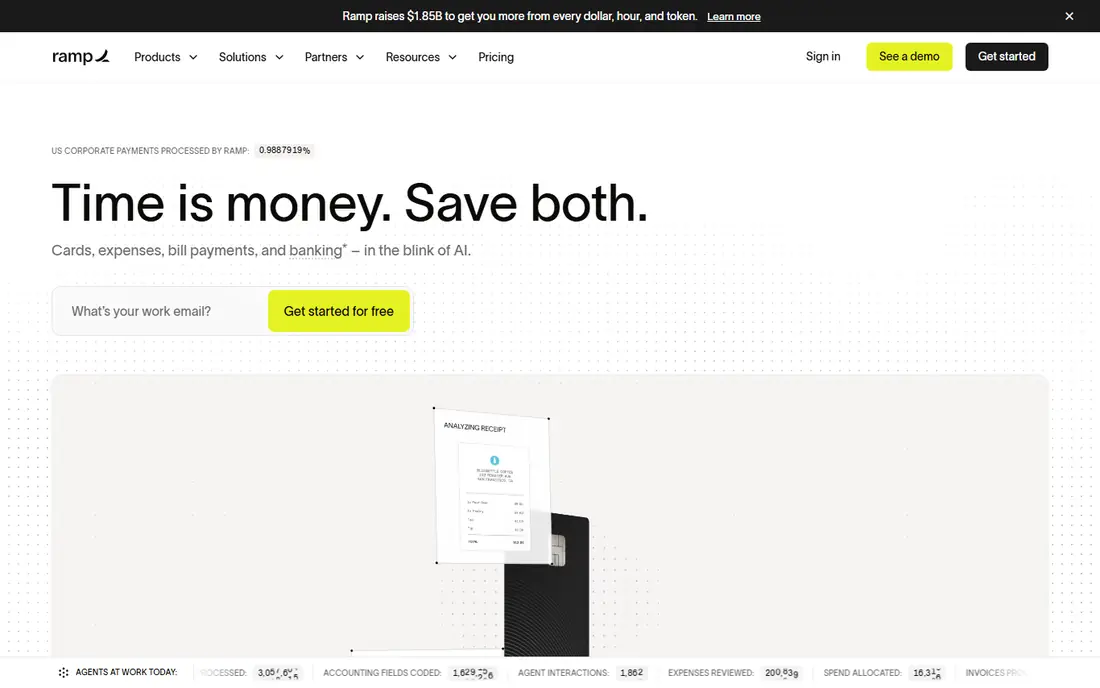
Ramp pairs corporate cards with expense tracking, so most spending is captured at the point of payment instead of in a later report. Admins can set limits by employee, vendor or category, and receipts can be matched to card transactions in the app. That design cuts a lot of chasing for missing receipts, which is often the slowest part of month end.
The trade-off is commitment to the Ramp card program. If your team already uses bank cards and cannot switch, Ramp is a poor fit. Paid Ramp Plus adds deeper controls and support, so check what the free tier covers before you assume a feature is included.
- Free core platform
- Virtual and physical cards with limits
- Receipt matching and accounting connections
- Requires Ramp cards
- Advanced controls sit on paid tiers
- Eligibility rules apply
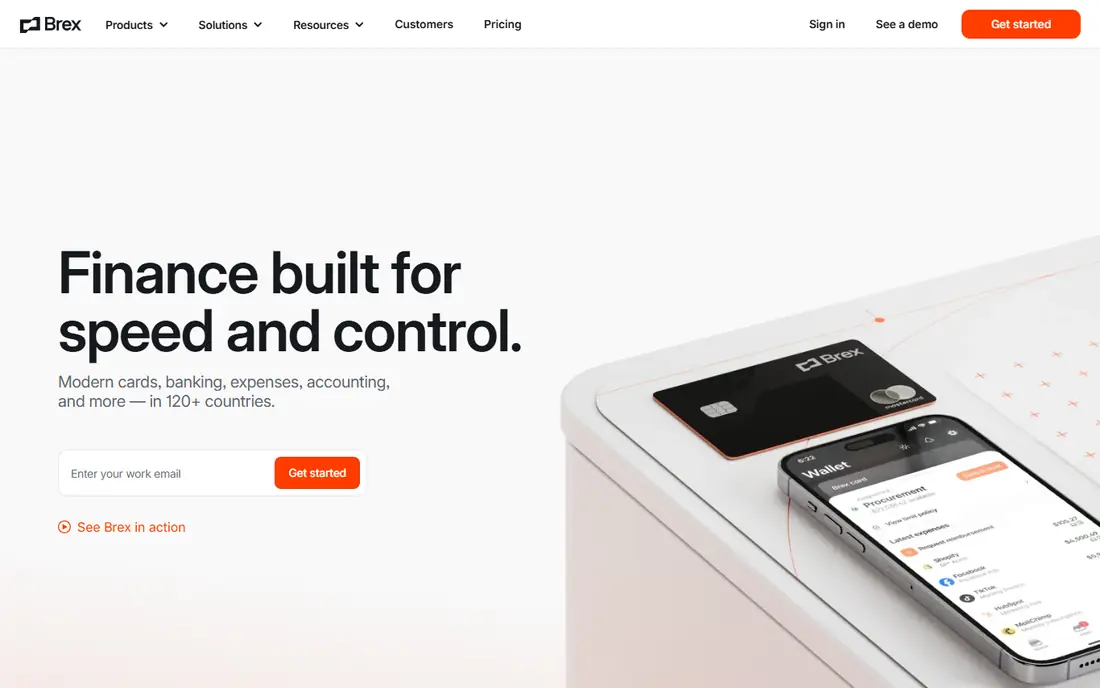
Brex suits teams that want cards, expenses and bill pay in one finance hub. Spending policies can be set in advance, and managers can approve or flag items from a central dashboard. Receipt capture and categorisation help finance teams close the books with less manual sorting.
Brex is not a simple report-only app. It works best when the team adopts Brex cards and accounts. Companies that need a standalone expense tool for existing cards should look at Expensify or Zoho Expense instead.
- Free Essentials tier
- Cards with spend policies
- Bill pay and accounting connections
- Card-based model
- Premium features cost extra
- Approval and banking features vary by eligibility
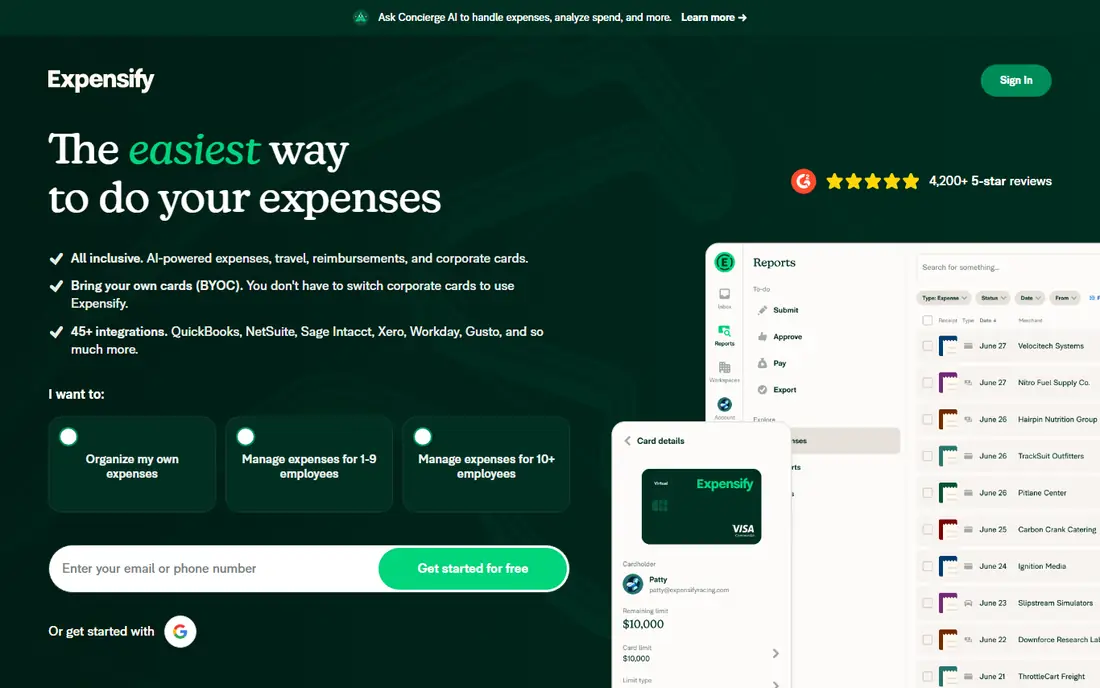
Expensify remains the most familiar name for classic expense reports. Employees photograph receipts, the app reads the details, and expenses flow into reports for approval and reimbursement. It does not force a card switch, which is a genuine advantage for teams with an established bank program.
Our pick for most small teams that already carry cards is Expensify, because it changes the least about how money is spent while still automating the paperwork. Check the current Collect and Control plan details, since features and card-linked pricing have changed over time.
- SmartScan receipt capture
- Works with many cards
- Chat-based expense handling
- Paid plans needed for team controls
- Pricing depends on card use
- Setup takes care for larger teams
Zoho Expense is the budget pick in this list. The free plan covers very small teams, and paid plans start low compared with enterprise tools. Receipts can be scanned from the mobile app, trips and mileage can be recorded, and expenses sync to Zoho Books for accounting.
It will not match Ramp or Brex for card controls, because it is mainly a reporting tool rather than a card program. For a small business that already uses Zoho products, though, the connection alone can justify the choice.
- Free plan for small teams
- Receipt scanning
- Strong Zoho Books connection
- Free plan has user limits
- Advanced approvals need paid plans
- Interface feels plain next to card-first rivals
Formerly known as Divvy, BILL Spend and Expense gives teams cards tied to budgets, so spending stops at the limit rather than being caught after the fact. Managers can approve requests in the app, and finance staff can see spending by team or budget in real time.
Small teams on a tight budget should shortlist this one first. The main question is if you are happy to run spending through BILL cards, since the free software model depends on that card program.
- Free plan
- Employee and vendor cards with budgets
- Approval workflows
- Requires BILL cards for the full benefit
- Bill pay depth varies by plan
- Support tiers differ
Navan, formerly TripActions, combines travel booking with expense capture. When an employee books a trip in Navan, related receipts and card charges can be matched to that trip, which makes audits and reporting much simpler. Policy rules can steer bookings toward approved options.
If your team rarely travels, much of Navan's value goes unused, and a simpler expense tool will cost less. For companies where travel is a regular cost, the combined view is hard to beat.
- Travel booking plus expenses
- Receipt matching to trips
- Policy controls
- Pricing is not fully published
- Best value needs travel adoption
- Setup suits larger teams
Everlance is built around people who drive for work. The app can track trips automatically, separate business and personal mileage, and pair mileage with other expenses for tax and reimbursement records. That focus makes it a strong pick for consultants, sales staff and field workers.
It is not a replacement for a full finance platform with cards and approvals. Use it when mileage is the main pain point, and pair it with your accounting tool for the rest.
- Automatic mileage tracking
- Simple expense capture
- Useful for solo operators and small teams
- Not a full corporate card platform
- Team controls are lighter
- Paid plans needed for full reports
Sage Expense Management, formerly Fyle, lets employees submit expenses from cards they already use, with receipt capture and approval workflows on top. That card-agnostic approach suits companies that cannot or will not change card providers.
The natural home for this tool is a business already running Sage accounting software, where the sync saves real time. Smaller firms should compare it with Zoho Expense first, since the price gap can be wide.
- Card feeds without switching cards
- Receipt capture
- Sage accounting connections
- Pricing is quote or plan based
- Smaller teams may find it costly
- Setup needs care
Airbase covers the full path from a purchase request to payment, not just the expense report at the end. Employees request spending, managers approve it, cards are issued with limits, and bills flow through the same approval chain. That control helps finance teams prevent overspending rather than reporting it later.
Small teams with simple needs will find Airbase heavy. Mid-market companies with procurement, bill pay and expense needs in one place are the right audience.
- Cards, bill pay and approvals in one system
- Purchase request workflows
- Accounting connections
- Quote-based pricing
- Heavier setup than simple trackers
- Better suited to mid-market teams
How we picked these
We compared official pricing pages, feature pages and app store listings for tools that are live in October 2026 and truly handle business expenses. We kept tools that offer receipt capture, approvals or card controls, and we left out personal budgeting apps that lack team features. Prices shown are starting prices from vendor pages, and we wrote See website where pricing is quote based or could not be verified on the vendor site.
What to check before you choose
Start with how your team spends. If most spending already runs through one card program, a card-first tool will capture the most data with the least effort. If spending is mixed across bank cards, personal cards and cash, a report-first tool such as Expensify or Zoho Expense will fit better.
Cards, approvals and accounting
Check who can approve, whether limits can be set before spending, and whether the tool posts cleanly to your accounting system. A tool that exports messy categories will create work at month end, even if receipt scanning feels fast. Ask for a trial with your real chart of accounts, not just a demo with sample data.
Cost beyond the headline price
Free tiers often limit users, receipt volume or approval rules. Card-first tools may add platform fees on paid tiers, and report-first tools may charge per active user. Add up the cost for your actual headcount, then check card eligibility, since some free plans depend on approval for a card account.
Frequently asked questions
What is the best app for business expense tracking?
There is no single winner for every team. Ramp and BILL suit teams happy to use a new card program, while Expensify suits teams keeping existing cards. Zoho Expense is the lowest cost starting point for very small teams.
Are there free business expense tracker tools?
Yes. Ramp, Brex, Zoho Expense and BILL offer free tiers, though limits and card requirements differ. Everlance also offers a free plan for basic tracking. Read the limits on users and features before relying on a free tier.
What are the best business expense tracker tools for small business?
Small businesses should shortlist Zoho Expense for cost, Expensify for flexibility with existing cards, and Ramp or BILL for card-based control. The right pick depends on team size, travel volume and accounting software.
Do expense apps work with QuickBooks or Xero?
Most tools on this list connect to major accounting systems, including QuickBooks and Xero, or export data for import. Check the exact connection for your plan, since some integrations sit on higher tiers.
Is receipt scanning reliable enough to drop paper receipts?
Receipt scanning is strong for standard printed receipts, but faded, crumpled or handwritten receipts can still need manual checks. Keep a clear photo policy and a fallback for unreadable receipts, and check your tax record rules before discarding originals.
Sources
See where you really rank - block by block
ProMapRanker scans Google Maps across a grid of your service area. Simple monthly plans from $19, white-label on every plan.
Start freeKeep reading
 whats the best ai app to use
Whats the Best AI App to Use in 2026
Wondering whats the best ai app to use in 2026? We compare ChatGPT, Claude, Gemini, Copilot, and more on price, free plans, and best everyday uses today.
Read → life360 alternatives
Life360 Alternatives in 2026
Life360 alternatives compared: 9 family location apps with live maps, arrival alerts and privacy controls to help your family stay in touch every day.
Read → captcha alternatives
CAPTCHA Alternatives in 2026
CAPTCHA alternatives compared: 9 reCAPTCHA alternatives that block bots with less friction, from free Turnstile to privacy-first proof-of-work tools included.
Read →