 ProMapRanker
Best Budget AI Culling Software in 2026


High-volume weddings and portraits · Pricing starts at: $10 per month
Key takeaways
- AI culling here means photo culling for photographers: sorting thousands of frames into keepers and rejects, not removing people or objects.
- Aftershoot Select and Narrative Select are the budget leaders for high-volume work, starting around $10 per month on annual billing.
- Optyx is the cheapest paid entry in this list, while FilterPixel offers a free tier that lets you test the category at no cost.
- Local processing matters if you cull at venues with poor internet, while cloud tools suit photographers who want no local install burden.
Quick comparison
| Pick | Great for | Pricing starts at | Free tier | |
|---|---|---|---|---|
| Aftershoot | High-volume weddings and portraits | $10 per month | Free trial | Visit |
 Narrative Select | Photographers who make every final pick | $10 per month | Free trial | Visit |
 Imagen | AI culling that learns personal taste | $12 per month | Free trial | Visit |
 FilterPixel | Genre-aware culling with a free tier | $14.99 per month | Yes | Visit |
 Optyx | Cheapest simple AI culling | $6.99 per month | Yes | Visit |
 Excire Foto | Local AI sorting with no subscription | $249 one-time | Free trial | Visit |
 Photo Mechanic | Fast manual culling for deadlines | See website | Free trial | Visit |
 Lightroom Classic | Adobe users with lighter volume | See website | Free trial | Visit |
The best budget AI culling software
We compared official pricing pages, feature pages and public documentation for photo culling tools that are live in October 2026, with a focus on low entry cost and a clear export path to an editor.
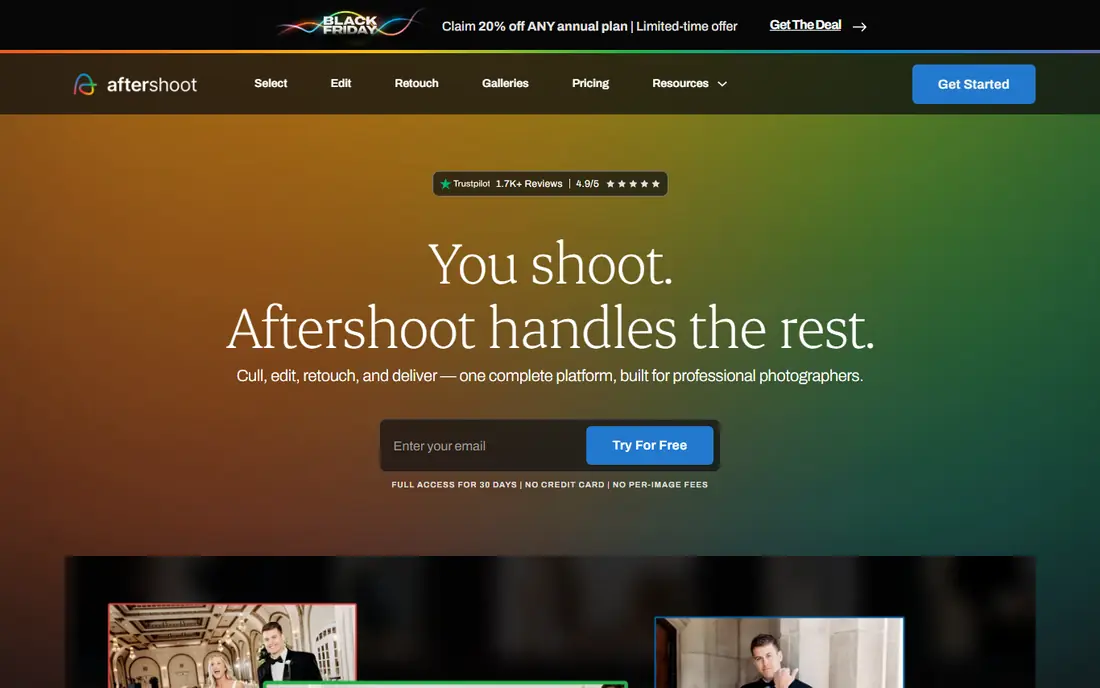
Aftershoot Select is our pick for most budget-conscious wedding and portrait photographers. It groups duplicates, flags blur and closed eyes, and can cull to a target count, which helps when a client expects a set number of images. Local processing means you can cull on a laptop at a venue without waiting for uploads. The limit is scope. Select is a culling tool, not a full editor, so photographers who want AI editing as well will pay for a higher bundle. For culling alone, though, the flat price and unlimited images make it easy to budget for a busy season.
- Unlimited culling on a flat subscription
- Local processing that works offline
- Exports to Lightroom Classic and Capture One
- Full editing and retouching cost more
- AI picks still need a final human review for creative selects
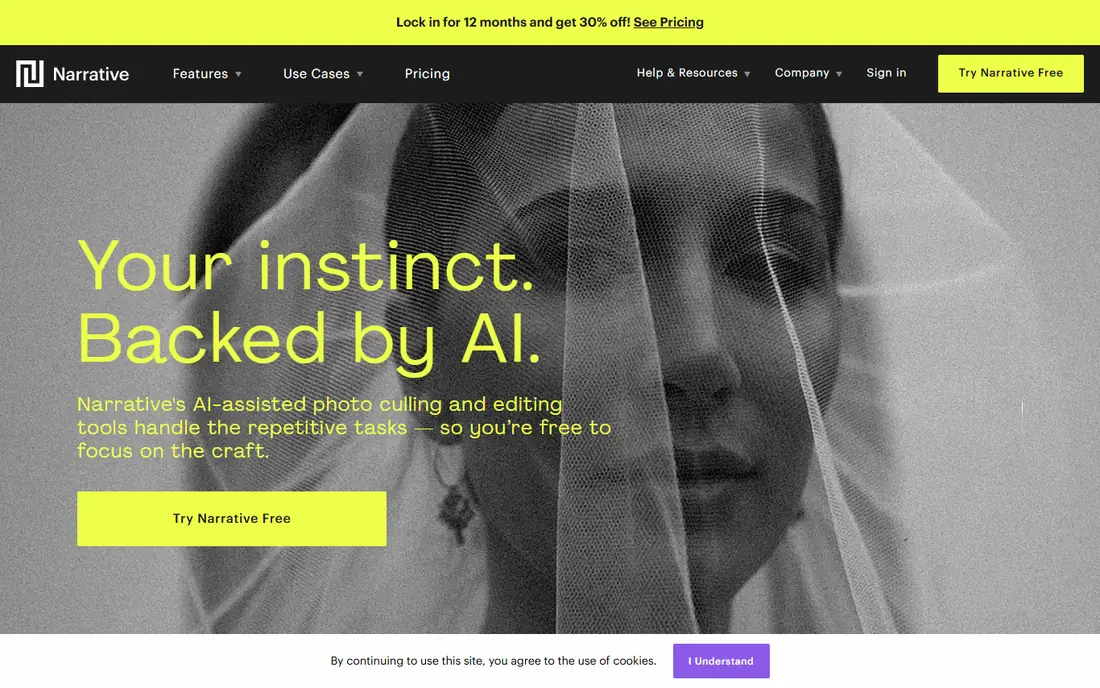
Narrative Select suits photographers who want AI help without handing over the final decision. It scores, groups and surfaces likely keepers, but you make every pick, which fits portrait and editorial work where taste matters more than speed alone. The review flow is calm and visual, which helps during a long cull. The trade-off is that it is less automated than Aftershoot. If you want the tool to produce a finished shortlist with minimal review, you may prefer a more automated option. For photographers who distrust full automation, that control is the point.
- AI-assisted scoring and grouping, with the photographer in control
- Clean review interface
- Exports to Lightroom and Capture One
- Higher tiers needed for scenes and close-up views
- No permanent free tier
- Works best for photographers who like a slower, careful review
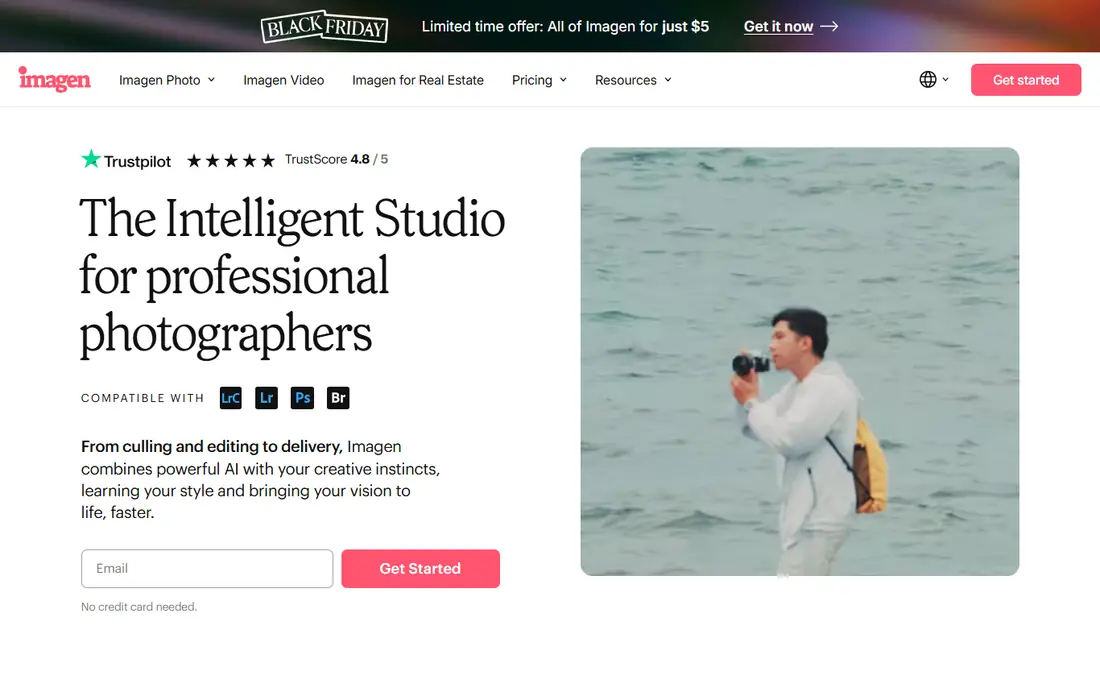
Imagen is a strong choice for photographers who already edit with Imagen or who want culling that adapts to their taste over time. Its culling add-on can reduce a large shoot to a target count, and the learning improves as it sees more of your past picks. That personal fit is hard to match with a fixed rule set. The catch is cost structure. Culling and editing are priced separately on some plans, so a photographer who wants both should add up the total, not just the culling price. Cloud uploads also need a good connection, which matters for large raw shoots.
- Culling can learn from past selections
- Can cull to an exact number
- Links to Imagen editing for a full workflow
- Cloud processing needs uploads
- Editing is billed separately
- Per-image costs can add up on some plans
FilterPixel is worth testing first because its free tier lets you try real shoots at no cost. Its genre-specific DeepCull scores frames and gives a reason for each score, which helps you trust or overrule the AI. Sports, event and conference photographers get particular value from that genre tuning. The downside is price and cloud dependence. At $14.99 per month on annual billing, it costs more than the budget leaders, and large uploads need a stable connection. If you cull mostly weddings on a laptop at venues, a local tool may suit you better.
- Free tier for testing
- Genre-specific DeepCull with scores and reasons
- Exports to Lightroom Classic and Capture One
- Higher entry price than Aftershoot or Narrative
- Cloud processing needs uploads
- Free tier limits apply
Optyx is the cheapest way into AI culling, and that matters for hobbyists and part-time photographers who cannot justify $10 to $15 per month. It groups similar faces, checks expressions, blinks and focus, and lets you review previews quickly, even with large raw files. Local processing is a bonus for photographers with poor venue internet. The honest limit is depth. It does not match Aftershoot or Imagen for high-volume workflow, genre tuning or editor integration depth. For a part-time shooter with modest volume, that trade may be fine. For a full-time wedding photographer, test it on a full shoot before relying on it.
- Lowest paid entry price in this list
- Simple interface
- Local processing on your machine
- Smaller feature set than leading rivals
- Less proven at very high volume
- Support and update history should be checked
Excire Foto suits photographers who dislike subscriptions and want local control. It uses AI to group, search and sort images by content, faces and technical quality, and it keeps your files on your own machine. Over two or three years, a one-time $249 purchase can cost less than a monthly subscription, even though the upfront price feels high. The trade-off is that it is a sorting and search tool first, not a fully automated culling pipeline. You still make more decisions yourself than with Aftershoot or Imagen. Photographers who value ownership and local files over automation will like it most.
- One-time purchase with no monthly fee
- Local AI search, grouping and sorting
- Works with Lightroom Classic and Capture One via metadata
- High upfront cost
- Less automated than dedicated culling tools
- New versions may cost extra
Photo Mechanic earns a place because many professionals still cull manually, and speed matters more than AI for deadline work. Ingest, preview, tagging and rating are fast, even with thousands of files, and the metadata flow into Lightroom or Capture One is well tested. Sports and news photographers often prefer this control. The limit is clear: it is not an AI culling tool. If your goal is to cut a 4,000 frame wedding to a shortlist with minimal review, Photo Mechanic will not do that work for you. It is the budget choice only if you already cull manually and want the fastest manual tool.
- Very fast ingest, preview and tagging
- Proven for sports and news deadlines
- Exports via metadata to most editors
- No AI culling in the core product
- Price varies by subscription or perpetual license
- Manual work remains
Lightroom Classic is the zero-extra-tool option for photographers already inside Adobe. Its AI-assisted culling flags help with a first pass, and the catalog, editing and export tools are already familiar. For lighter volume, such as portrait sessions or small events, that may be enough without another subscription. The catch is volume. A wedding photographer with several thousand frames per shoot will usually finish faster with Aftershoot, Narrative or Imagen, then return to Lightroom for editing. Check the current Adobe plan price, since Lightroom Classic is sold as part of a plan, not as a standalone culling app.
- Already in many photographers workflows
- AI-assisted culling flags plus manual tools
- Catalog, editing and export in one place
- Not a dedicated high-volume culling tool
- Subscription cost covers the whole Adobe plan
- Slower than dedicated tools on very large shoots
How we picked these
We compared official pricing and feature pages and public documentation for tools live in October 2026 that cull photos, with a focus on entry price, free tiers or trials, and export to Lightroom Classic or Capture One. We left out general editors with no culling function, and tools that had no clear price or trial path. Where a vendor does not publish a simple starting price, we wrote See website.
What to check before you buy culling software
Start with a real shoot, not a demo set. Cull a full wedding, event or sports set with the tool, then check the rejects for missed keepers and the keepers for soft focus, closed eyes or poor expressions. A tool that looks fast on 100 images can still miss the nuance that matters in a client gallery. Next, check the export path. Confirm that ratings, labels or picks transfer to your editor exactly as you expect, and that rejected files are not deleted or altered. A clean export saves more time than a slightly faster cull that needs manual cleanup.
Local or cloud
Local tools work offline and keep files on your machine, which suits venue work and privacy-sensitive clients. Cloud tools need uploads but free you from local install and hardware limits. Match the choice to your internet access and file sizes.
Billing model
Flat subscriptions suit high volume, per-image pricing suits low volume, and one-time purchases suit photographers who dislike monthly fees. Add up a busy month, not a quiet one, and check what happens when you pause or cancel.
Frequently asked questions
What is the best budget AI culling software?
For most photographers, Aftershoot Select at $10 per month on annual billing is the best budget pick for high volume, with Narrative Select close behind for photographers who want more control. Optyx is cheapest, and FilterPixel is best for a free test.
Is there free AI culling software?
FilterPixel and Optyx offer free tiers or trials, and Lightroom Classic offers a trial as part of an Adobe plan. Free tiers usually limit projects or features, so they suit testing or low volume rather than a full wedding season.
Does AI culling work with Lightroom?
Yes. Aftershoot, Narrative Select, FilterPixel, Imagen and Excire Foto all export picks to Lightroom Classic or Capture One, though the method differs by tool. Check whether picks transfer as ratings, labels or a catalog sync before you buy.
Do I need internet for AI culling?
Not always. Aftershoot, Optyx and Excire Foto process locally, while FilterPixel and Imagen need uploads for cloud processing. If you cull at venues with poor internet, local processing is the safer choice.
Will AI culling replace my judgment?
No. It replaces the mechanical sorting, not the editorial choice. Most professionals use AI for a first pass, then review keepers and rejects themselves, especially for creative selects where expression and story matter.
How much should I pay for culling software?
Budget options in this list start at $6.99 to $14.99 per month, with Excire Foto at $249 one-time. Match the billing model to your volume: flat plans suit high volume, while per-image plans can punish a busy wedding season.
Sources
See where you really rank - block by block
ProMapRanker scans Google Maps across a grid of your service area. Simple monthly plans from $19, white-label on every plan.
Start freeKeep reading
 who has best internet service
Who Has the Best Internet Service in 2026
Who has best internet service for US homes? We compare fiber, cable, fixed wireless and satellite providers on speed, price, availability and terms today.
Read → which survey tool has the best analytics
Which Survey Tool Has the Best Analytics in 2026
Find which survey tool has the best analytics in 2026, comparing Qualtrics, SurveyMonkey, Typeform, Alchemer, and more on reports, text, and stats today.
Read → which streaming service has the best movies
Which Streaming Service Has the Best Movies in 2026
Answering which streaming service has the best movies, with Netflix, Max, Criterion and more compared on libraries, prices and free options in this guide.
Read →