 ProMapRanker
Best BPM Software in 2026

Key takeaways
- Camunda suits developer teams that want standards-based BPMN and DMN orchestration.
- Bizagi, Appian, and Pega suit larger organizations that need low-code modeling plus governed automation.
- Kissflow and ProcessMaker suit mid-size teams that want faster workflow setup without heavy code.
- Nintex, Bonita, and Flowable cover document automation, open source flexibility, and embedded engines.
- Most enterprise BPM pricing is quote-based, so compare total cost, including implementation and support.
Quick comparison
| Pick | Great for | Pricing starts at | Free tier | |
|---|---|---|---|---|
 Camunda | Developer-led orchestration | See website | Yes | Visit |
 Bizagi | Low-code modeling and automation | See website | Yes | Visit |
 Kissflow | Simple cloud workflows | $1,500 per month | No | Visit |
 ProcessMaker | Forms, approvals, and workflows | $1,500 per month | No | Visit |
 Appian | Low-code apps and data | See website | Yes | Visit |
 Pega Platform | Enterprise case management | See website | No | Visit |
 Nintex | Process mapping and documents | See website | No | Visit |
 Bonita | Open source process apps | See website | Yes | Visit |
 Flowable | Embeddable process engine | See website | Yes | Visit |
The best BPM software
Business process management software, often called BPM software, helps teams model a process, run it the same way each time, and improve it with data. Some tools are built for developers, others for business analysts, and the best choice depends on who will build and maintain the processes. We compared official product pages, documentation, and pricing pages for tools live in October 2026.
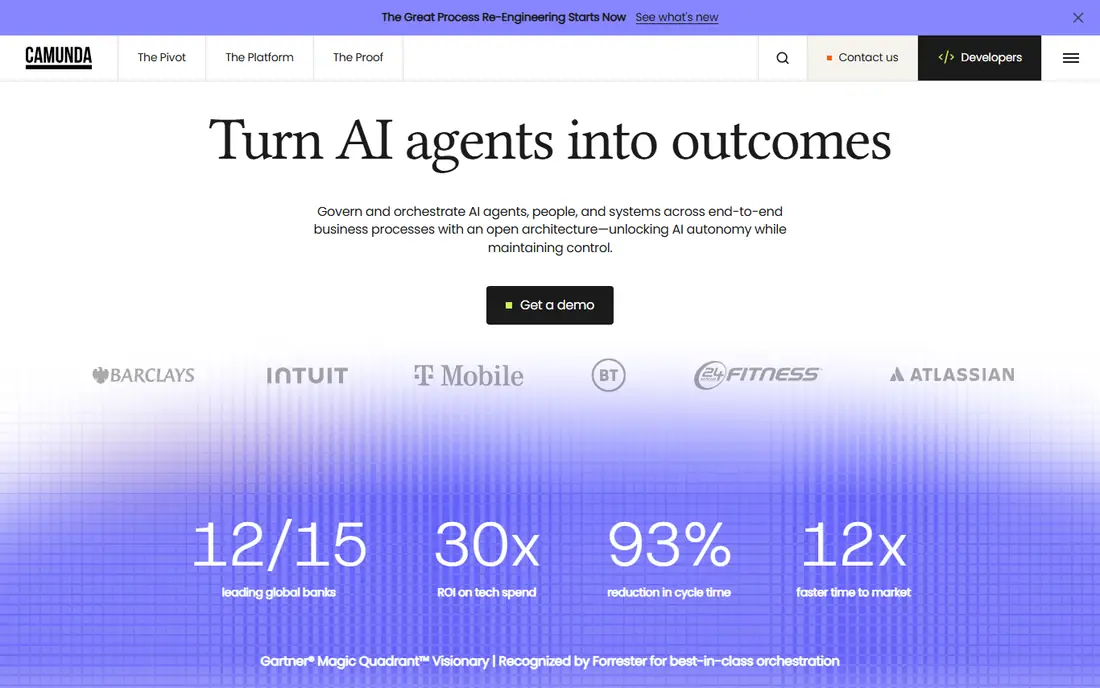
Camunda is the developer-first pick in this list. It runs BPMN process models and DMN decision tables as executable code, which suits teams orchestrating services, human tasks, and automated steps across systems. The engine can run in the cloud or self-managed, and it fits organizations that already build software in-house and want precise control over process execution.
A free tier and open source roots lower the barrier to trying Camunda, while enterprise pricing is quote-based and varies with scale. The honest catch is skill: business users without developer support will find modeling and deployment harder than in a low-code tool. If your team writes code and needs reliable orchestration, Camunda is a strong foundation.
- BPMN 2.0 and DMN standards
- Strong orchestration for microservices
- Cloud and self-managed options
- Steep learning curve for non-developers
- Enterprise pricing needs a quote
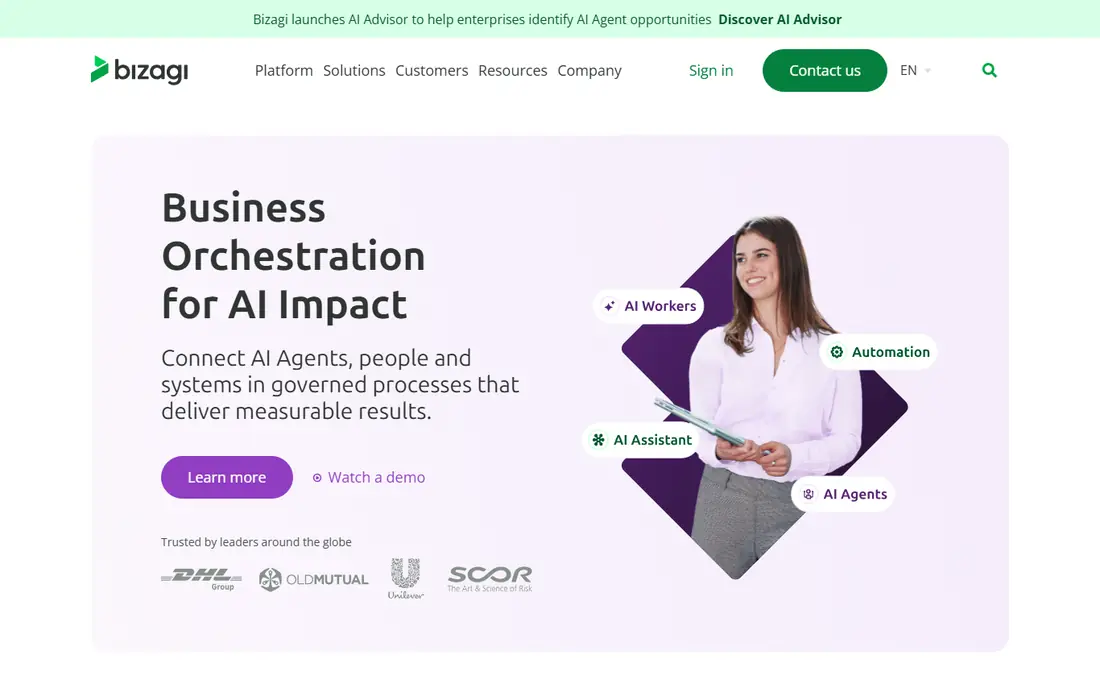
Bizagi pairs a free process Modeler with a low-code Studio and Engine for building and running automated processes. Business analysts can draw BPMN models, add forms and business rules, and publish processes without writing large amounts of code. That balance suits manufacturing, financial services, government, healthcare, and education teams that want analysts driving automation.
The Modeler is free, while the full platform is priced per user or by enterprise agreement, with quotes required for most deployments. Reviewers note a learning curve on complex projects, so plan for training even though the tools are visual. If you want one platform for modeling and automation with analyst-friendly tools, Bizagi is a leading option.
- Free Modeler for process design
- Low-code Studio
- Strong collaboration features
- Enterprise pricing is quote-based
- Complex projects need training
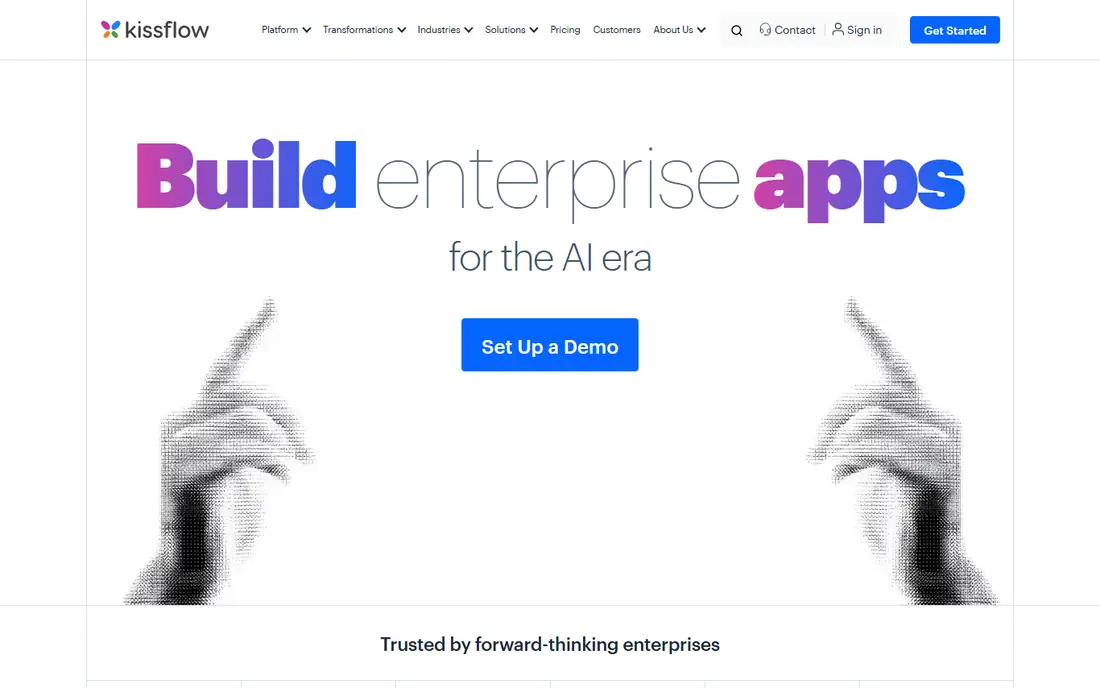
Kissflow is a low-code platform for internal business processes, built around forms, approval workflows, and custom apps. Process owners can build a request or approval flow in days rather than months, with rules, dashboards, and governance controls to keep citizen development in bounds. That speed suits mid-size companies drowning in spreadsheet-based requests.
Pricing starts at $1,500 per month for the entry plan based on vendor and marketplace listings, with additional users priced separately, so small teams should confirm the total before committing. Kissflow is less focused on deep BPMN modeling than Camunda or Bizagi, which matters if your processes need strict standards-based execution. For practical workflow automation, it is fast and approachable.
- No-code forms and approvals
- Fast setup
- Governance controls
- Entry price is high for small teams
- Less depth for complex BPMN modeling
ProcessMaker combines a BPMN designer with forms, approvals, and document processing for workflows in education, finance, healthcare, banking, manufacturing, and government. Teams can design a process visually, add intake forms and output documents, and track cases through each step. Document parsing features help where workflows start with forms, invoices, or applications.
Pricing starts at $1,500 per month based on vendor and marketplace listings, with a free trial available, so confirm what the entry tier includes before signing. Smaller teams may find the entry price steep compared with simpler workflow tools. For organizations that need structured approvals plus document handling, ProcessMaker is a capable mid-market choice.
- BPMN designer
- Document processing
- Workflow automation for many industries
- Entry price is high for small teams
- Implementation help may be needed
Appian is a low-code platform that combines process management with app building and a data fabric layer that unifies data from multiple systems. Teams can build case management apps, automate approvals, and analyze processes with mining tools, all with drag-and-drop design and declarative rules. That breadth suits regulated industries and large enterprises with complex, data-heavy processes.
A free tier is available for learning and small use, while enterprise pricing is quote-based and varies widely with scale. Implementation complexity is the main drawback: large Appian projects benefit from experienced builders and clear governance. If you need apps, data, and processes in one platform, Appian is one of the strongest enterprise options.
- Low-code app building
- Data fabric for unified data
- Process mining and AI features
- Enterprise pricing is quote-based
- Implementation can be complex
Pega Platform, often called Pega BPM, is built for large, regulated enterprises with complex case work. Dynamic case management handles cases that do not follow a fixed path, while decisioning tools apply business rules and AI to route work and personalize next steps. That combination suits banking, insurance, telecom, and government processes where rules, compliance, and scale matter most.
Pricing is enterprise quote-based, and published estimates place large deployments well above mid-market tools, so budget for licensing plus implementation. Pega is not a quick setup for a small team: it needs dedicated process architects and developers to get full value. For large enterprises with long-term transformation plans, it remains a top-tier choice.
- Dynamic case management
- Decisioning and AI
- Strong for regulated enterprises
- High enterprise cost
- Needs dedicated process teams
Nintex covers the full loop from mapping a process to automating it. Promapp helps teams document and share current processes, while workflow, forms, and document generation tools automate the steps that follow. That mapping-first approach helps organizations that need to agree on how a process works before they automate it, especially in regulated or multi-team settings.
Pricing is quote-based, and the product range is broad, so first-time buyers should ask for a scoped quote tied to the modules they will actually use. Nintex also integrates closely with Microsoft 365 and SharePoint environments, which is a plus for teams already on that stack. If process clarity and document automation matter as much as workflow, Nintex is a strong fit.
- Process mapping with Promapp
- Document generation
- Forms and workflows
- Pricing is quote-based
- Product breadth can confuse first-time buyers
Bonita, from Bonitasoft, is an open source BPM platform for building process-based applications. Teams can model processes visually, add forms and connectors, and extend behavior with code where needed. That mix suits organizations that want open source flexibility without giving up a visual designer for business users.
The community edition is free, while enterprise editions with support and extra features are subscription-based and quote-priced. The community is smaller than those around Camunda or Appian, so support and ready-made content can be thinner. If open source licensing and a balance of visual design and code matter, Bonita deserves a place on the shortlist.
- Open source core
- Visual process design
- Extensible with code
- Enterprise support needs a subscription
- Smaller community than larger rivals
Flowable is a lightweight, embeddable process engine with open source roots, supporting BPMN, CMMN case management, and DMN decisions. Developers can embed it inside Java applications or run it as a service, which suits teams that want process execution close to their own code rather than a separate low-code platform. Its small footprint also helps in microservice designs.
The open source core is free, while commercial editions add support, tooling, and enterprise features on a quote basis. Flowable is developer-focused, so business users will need technical help to model and deploy processes. For engineering teams that want an embeddable engine with standards support, Flowable is a practical alternative to Camunda.
- Lightweight embeddable engine
- BPMN, CMMN, and DMN support
- Open source core
- Developer-focused
- Enterprise features need a commercial license
How we picked these
We compared official product pages, documentation, and pricing pages for BPM tools live in October 2026. We kept tools that model and execute business processes, not just task lists or simple form builders, and we covered developer-led, low-code, and open source approaches. We used See website where vendor pricing is quote-based or inconsistent across marketplaces, and we did not list Flowise, which reached end of life on 31 August 2026.
How to choose the right BPM tool
Start with who will build the processes. If developers will own them, a standards-based engine such as Camunda or Flowable gives the most control. If business analysts will build them, a low-code platform such as Bizagi, Appian, or Kissflow will move faster. If the team is mixed, look for a tool with visual modeling for analysts and code extension points for developers, such as Bonita.
Next, test with one real process, not a demo script. Pick a process with approvals, a decision point, and a system integration, such as an expense approval or a supplier onboarding flow. Build it in two finalists and compare how long setup takes, how easy changes are, and how clearly the running cases can be tracked. That test reveals gaps that feature lists hide.
Finally, price the whole project, not just the license. Ask vendors for implementation estimates, training costs, support tiers, and renewal terms, and check how data can be exported if you leave. Enterprise BPM projects often cost more in services than in software, so a cheaper license with heavy implementation help can end up costing more than a pricier platform your team can run alone.
Frequently asked questions
What is the best BPM software?
The best BPM software depends on your team. Camunda suits developer teams, Bizagi and Appian suit low-code enterprise teams, and Kissflow suits mid-size teams that want fast workflows. Define who builds processes and test one real process before choosing.
Which BPM tool is the best?
There is no single best BPM tool for every organization. Pega suits large regulated enterprises, Nintex suits teams that need process mapping plus documents, and Bonita and Flowable suit open source and developer-led projects. Match the tool to team skills, process complexity, and budget.
What is the best software for BPM?
Software for BPM ranges from modeling tools to full automation platforms. Bizagi offers a free Modeler for design, while Camunda, Appian, and Pega execute processes at scale. If you only need to map processes, a mapping tool may be enough; if you need to run them, choose an execution platform.
What are the best business process modeling tools?
Bizagi Modeler is a strong free modeling option, and Camunda, Appian, and Nintex all include modeling inside broader platforms. For standards-based modeling, look for BPMN 2.0 support and the ability to turn a model into a running process without redrawing it.
Is BPM software worth it for small businesses?
It can be, if a process repeats often and involves approvals, handoffs, or compliance steps. Small teams should start with a simpler workflow tool or a low-cost tier, and move to full BPM software only when volume or complexity justifies the cost and setup effort.
Sources
See where you really rank - block by block
ProMapRanker scans Google Maps across a grid of your service area. Simple monthly plans from $19, white-label on every plan.
Start freeKeep reading
 best tour operator software
Best Tour Operator Software in 2026
Compare the best tour operator software for bookings, channel management, waivers and payments, with pricing models for day tours and multi-day trips.
Read → best time clock app for small business
Best Time Clock App for Small Business in 2026
We compare the best time clock app for small business options, with free plans, GPS clock ins, scheduling and payroll links for hourly teams and payroll help.
Read → best test automation tools
Best Test Automation Tools in 2026
Compare the best test automation tools, from Playwright and Selenium to Cypress, Katalon and BrowserStack, with prices, languages and best uses explained.
Read →