 ProMapRanker
Best Board Management Software for Nonprofits in 2026


Nonprofit governance specialists · Pricing starts at: See website
Key takeaways
- Boardable is the most transparent nonprofit option, with a free Core tier and paid plans from $20.99 per user per month.
- BoardEffect remains the nonprofit specialist, with board books, meeting tools, and governance workflows built for mission-led boards.
- BoardPro suits nonprofits that dislike per-user pricing, since it charges $165 per month per board with unlimited users.
- Most enterprise portals use quote-only pricing, so a small nonprofit should budget time for demos and written quotes.
- Director adoption matters most, so trial mobile access, offline reading, and voting with real board members before you buy.
Quick comparison
| Pick | Great for | Pricing starts at | Free tier | |
|---|---|---|---|---|
| BoardEffect | Nonprofit governance specialists | See website | No | Visit |
 Boardable | Small nonprofits on a budget | Free | Yes | Visit |
 OnBoard | Mid-size boards wanting easy adoption | See website | No | Visit |
 Diligent Boards | Large and regulated boards | See website | No | Visit |
 BoardPro | Flat per-board pricing | $165 per month | Free trial | Visit |
 Convene | International and regulated boards | See website | No | Visit |
 Aprio | Simple volunteer-friendly boards | See website | No | Visit |
 Govenda | Governance workflow automation | See website | No | Visit |
 BoardPaq | Small boards wanting simple pricing | $99 per month | Free trial | Visit |
The best board management software for nonprofits
We compared official product pages, pricing pages, and governance features for portals that serve nonprofit boards, including meeting packs, minutes, voting, document control, and mobile access. The list below balances nonprofit focus with board size, since a volunteer board of twelve has different needs from a large foundation board.
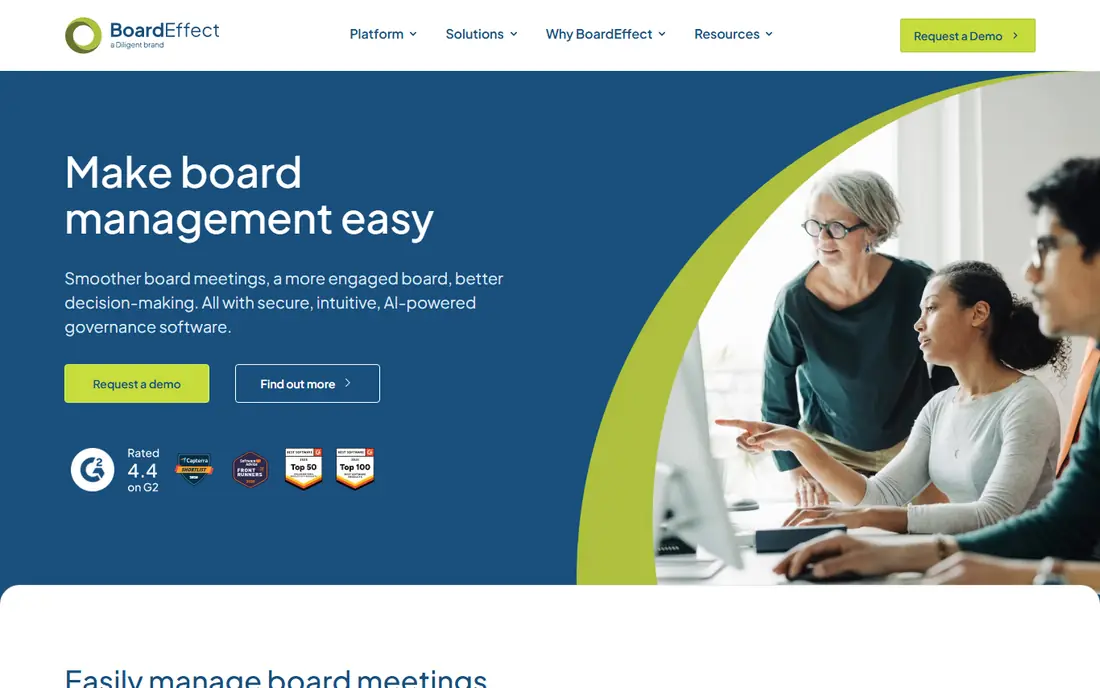
BoardEffect, part of Diligent, is designed for nonprofit, community healthcare, and higher education boards. It covers board books, agendas, minutes, approvals, tasks, surveys, and a document library that board members can access at any time on any device. That nonprofit focus shows in workflows for committees, board cycles, and governance reporting.
Pricing is quote-based, so small nonprofits should request a written quote early and ask about nonprofit terms. BoardEffect can feel larger than a tiny board needs, but for a nonprofit with committees, regular meetings, and audit needs, it offers a complete governance system. Trial it with a real board pack, including annotations and approvals, to judge adoption.
- Built for nonprofits, education, and healthcare
- Strong board book tools
- 24/7 document library access
- Quote-only pricing
- Enterprise features may exceed small-board needs
- Onboarding time varies
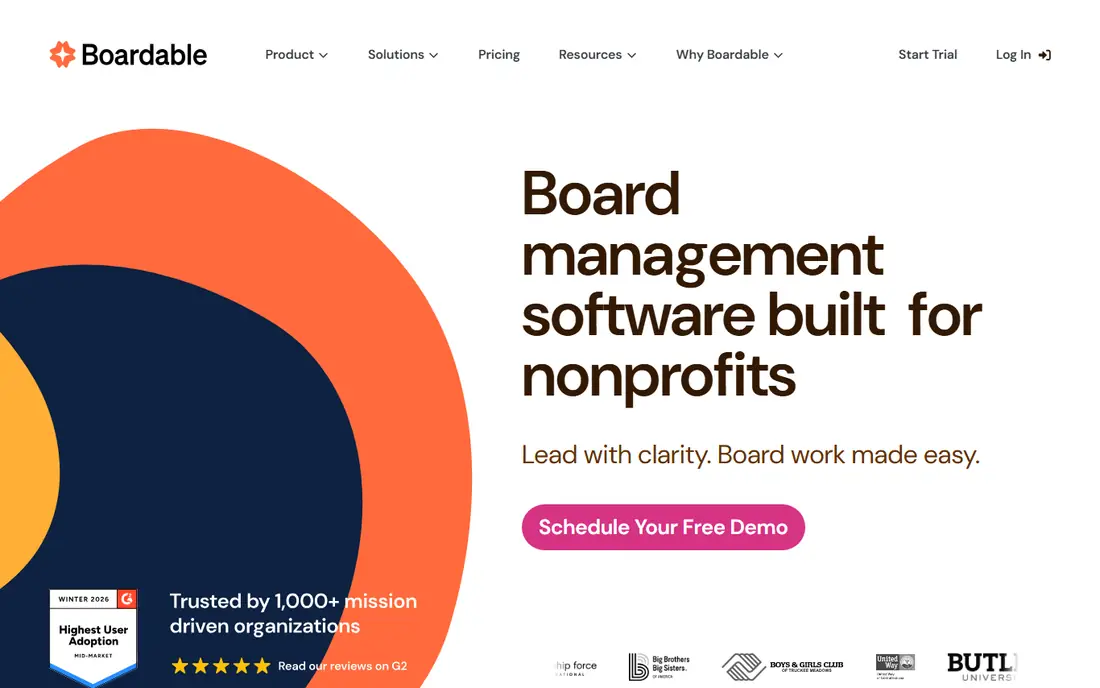
Boardable is built exclusively for nonprofits, with meeting scheduling, agendas, board packets, minutes, tasks, document storage, and e-signatures in one place. The Core tier starts at $0 per user per month with limits on documents and groups, while Essentials starts at $20.99 per user per month billed annually. That transparency helps small nonprofits budget without a sales call.
The per-user model means a large board pays more than a flat-rate portal, so count every director, committee member, and staff user. Boardable fits small and mid-size nonprofits that want a nonprofit-focused tool with clear pricing and a quick setup. Larger boards should compare BoardPro flat pricing before deciding on cost alone.
- Built for nonprofits
- Free Core tier
- Transparent paid pricing from $20.99 per user per month
- Core tier caps documents and groups
- Advanced features sit on higher tiers
- Per-user cost rises with board size
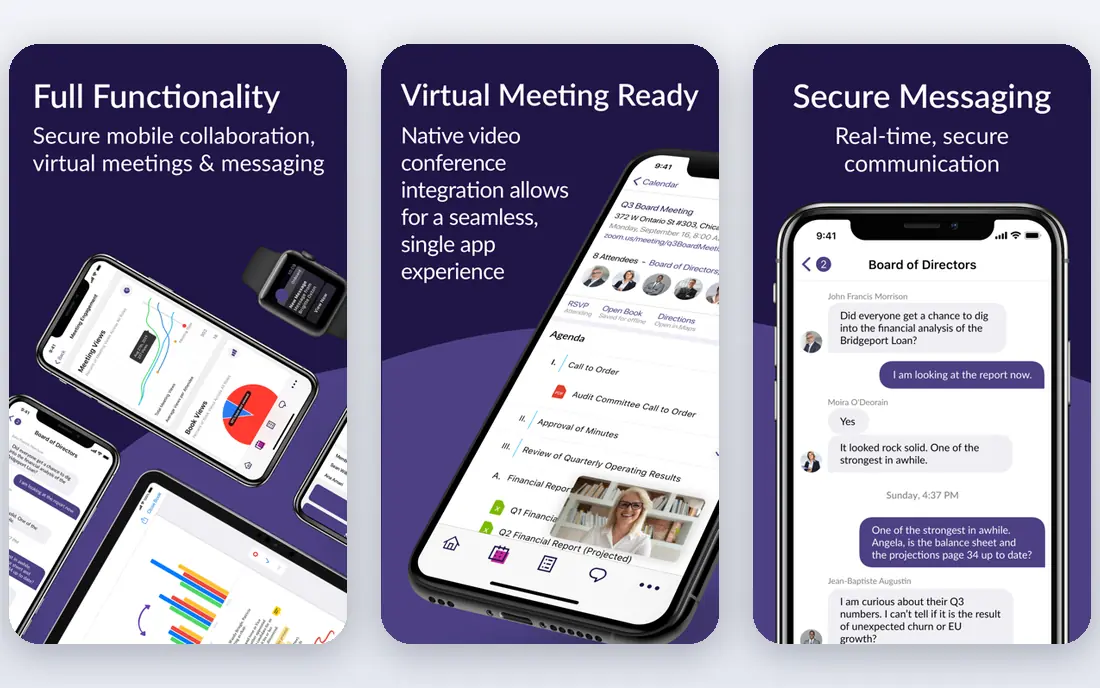
OnBoard is known for ease of use, which matters when board members range from tech-comfortable executives to volunteers who open a pack once a month. It centralises agendas, board books, documents, votes, and action items, with mobile access and collaboration tools. Recent plans add AI-assisted minutes, which can cut admin time after meetings.
Pricing is quote-based and scales with users, so nonprofits should get a written quote for their exact board and committee size. OnBoard suits mid-size nonprofits that want high adoption and modern design, and that can justify a mid-market price. Small boards on a tight budget will find Boardable or BoardPro cheaper to start.
- Easy-to-use interface
- Strong meeting and agenda tools
- AI-assisted minutes on newer plans
- Quote-only pricing
- Cost scales with users
- Advanced governance modules may exceed nonprofit needs
Diligent Boards is the enterprise standard for large and regulated organisations, with secure board books, real-time collaboration, voting, and audit trails. It also connects to wider Diligent governance tools, which suits foundations and large nonprofits with compliance, risk, and entity management needs. Security and permission controls are a clear strength.
For a small nonprofit, Diligent Boards is usually more than needed, and enterprise pricing reflects that scale. It fits large nonprofits, foundations, and healthcare systems that need strict control and reporting. Smaller boards should only shortlist it if they have complex governance, multiple entities, or regulatory duties that justify the cost.
- Enterprise security and governance depth
- Real-time collaboration
- Strong audit trails
- Enterprise pricing
- Complex for small volunteer boards
- Implementation takes time
BoardPro charges $165 per month per board, with unlimited users, which changes the maths for a nonprofit with a large board or several committees. It covers agendas, minutes, actions, documents, and board packs in a simple interface that volunteers can learn quickly. That simplicity is a strength for boards that meet monthly and need reliable packs, not complex governance modules.
Committees add cost, at about $82.50 per month extra on some listings, and nonprofit discounts of up to 40 percent have been reported on annual plans, so confirm current terms. BoardPro suits nonprofits that want predictable pricing and easy adoption, especially when per-user pricing would penalise a large volunteer board.
- Flat per-board pricing with unlimited users
- Simple interface
- Good for multiple boards and committees
- Governance depth is lighter than enterprise portals
- Committees cost extra
- Nonprofit discount terms need confirmation
Convene, from Azeus, serves boards in government, finance, and regulated sectors, with support for multiple languages and regions. It offers agenda building, board packs, live voting, annotations, and secure messaging, with offline access for directors who travel. That international reach helps nonprofits with boards across countries or languages.
Pricing is quote-based, and the enterprise focus means small nonprofits should check whether the feature set and price fit a volunteer board. Convene fits nonprofits with international directors, regulated duties, or complex meeting needs. A small local nonprofit will likely find Boardable simpler and cheaper.
- Strong multilingual support
- Real-time collaboration
- Secure voting and document tools
- Quote-only pricing
- Enterprise focus
- Smaller US nonprofit community than BoardEffect or Boardable
Aprio is a board portal designed for nonprofits, credit unions, and cooperatives, with board books, agendas, minutes, polls, signatures, and secure document sharing. Its simple design suits volunteer directors who need to find a pack, read it, and vote without training. Supported onboarding is also reported, which helps small staff teams.
The trade-off is depth. Aprio covers portal basics well but offers fewer advanced governance and analytics modules than Diligent or OnBoard. Pricing is quote-based, so request a written quote for your board size. Aprio fits small to mid-size nonprofits that want a simple, complete portal without enterprise complexity.
- Simple interface for volunteers
- Complete portal basics
- Supported onboarding reported
- Quote-only pricing
- Fewer advanced governance modules
- Smaller marketplace presence than larger rivals
Govenda focuses on governance workflows, with board books, agendas, surveys, evaluations, and action tracking in one portal. It suits boards that want to automate recurring governance tasks, such as annual evaluations, committee reporting, and follow-up actions. That workflow focus helps staff teams that run several boards or committees.
Pricing is quote-based, and Govenda is less nonprofit-specific in its positioning than BoardEffect or Boardable, so nonprofits should check nonprofit terms and references. It fits growing nonprofits that need workflow automation beyond basic packs and minutes. Small boards with simple meeting needs may find it more than required.
- Governance workflow automation
- Strong meeting and survey tools
- Good for growing boards
- Quote-only pricing
- Less nonprofit-specific marketing than BoardEffect
- Setup needs planning
BoardPaq offers a straightforward board portal with secure document sharing, board books, agendas, polls, and meeting tools. Starting at $99 per month on some listings, it gives small boards a published price point without a long sales process. That simplicity suits boards that want to move off email attachments quickly.
The interface is more traditional than OnBoard or Boardable, and collaboration features are less modern. Larger boards should confirm pricing and feature tiers for their size. BoardPaq fits small nonprofits and associations that want a simple, affordable portal and do not need advanced governance analytics.
- Simple pricing from $99 per month
- Secure board materials
- Easy document and meeting tools
- Interface is more traditional
- Fewer modern collaboration features
- Limited public pricing detail for larger boards
How we picked these
We compared official product pages, pricing pages, and nonprofit fit, and we favoured portals with clear board pack, voting, minutes, and document control features. We included nonprofit specialists, flat-rate options, and enterprise portals, so boards of different sizes can compare cost models. Where pricing was quote-only, we wrote See website and noted the cost risk, rather than presenting directory estimates as vendor prices.
What to check before you buy
Start with board size and meeting rhythm. Count directors, committee members, and staff who need access, then check whether pricing is per user, per board, or quote-based. A per-user tool can look cheap for a board of eight and expensive for a board of twenty-five, while a flat-rate tool reverses that maths. Meeting frequency also matters, since a board that meets monthly needs a different workflow from one that meets quarterly.
Next, test adoption with real directors. Ask two or three board members to open a pack on a phone, annotate a document, vote, and find a past minute, without staff help. If those steps feel hard in a trial, they will feel harder during a live meeting. Also check offline access, since directors travel and may need to read packs without a reliable connection.
Finally, check security and retention. Ask how permissions, download controls, audit logs, and data retention work, and how past packs and minutes are archived. Nonprofits handle sensitive strategy, personnel, and financial material, so a portal should offer clear controls and a clean export path. A written quote, a trial with real directors, and a security summary give you a fair basis to compare vendors.
Frequently asked questions
What is the best board management software for nonprofits?
For small nonprofits, Boardable offers the clearest pricing and nonprofit focus, while BoardEffect offers deeper nonprofit governance. BoardPro suits larger volunteer boards thanks to flat per-board pricing, and OnBoard suits mid-size boards that prioritise ease of use.
How much does board management software cost for a nonprofit?
Published nonprofit pricing ranges from free on Boardable Core to $20.99 per user per month on Boardable Essentials, $99 per month on BoardPaq, and $165 per month per board on BoardPro. Enterprise portals use quote-only pricing, often running into thousands of dollars per year.
Do board portals work for volunteer boards?
Yes, provided the interface is simple and mobile-friendly. Boardable, BoardPro, and Aprio are designed with volunteers in mind, but you should still test the portal with real directors before buying, since adoption matters more than feature depth.
Can a nonprofit start with a free board portal?
Yes, Boardable Core offers a free tier with limits on documents and groups, which suits a very small board getting started. Free tiers work for basic packs and agendas, but most boards move to a paid tier for e-signatures, advanced reporting, or larger document libraries.
What security features should a nonprofit board portal have?
Look for permission controls, download restrictions, audit logs, secure messaging, and mobile access with offline reading. Ask how data is stored, who can access it, and how records are retained and exported, since board material is sensitive.
How long does it take to set up a board portal?
Small-board tools such as Boardable and BoardPro can be running in one to two weeks with minimal onboarding. Enterprise portals take longer, with structured implementation and training, so factor that timeline into your meeting calendar.
Sources
See where you really rank - block by block
ProMapRanker scans Google Maps across a grid of your service area. Simple monthly plans from $19, white-label on every plan.
Start freeKeep reading
 who has best internet service
Who Has the Best Internet Service in 2026
Who has best internet service for US homes? We compare fiber, cable, fixed wireless and satellite providers on speed, price, availability and terms today.
Read → which survey tool has the best analytics
Which Survey Tool Has the Best Analytics in 2026
Find which survey tool has the best analytics in 2026, comparing Qualtrics, SurveyMonkey, Typeform, Alchemer, and more on reports, text, and stats today.
Read → which streaming service has the best movies
Which Streaming Service Has the Best Movies in 2026
Answering which streaming service has the best movies, with Netflix, Max, Criterion and more compared on libraries, prices and free options in this guide.
Read →