 ProMapRanker
Best Billing Software in 2026

Key takeaways
- FreshBooks, QuickBooks Online and Xero suit businesses that need invoicing plus real accounting, not just bills.
- Zoho Invoice, Wave and Square Invoices let small businesses invoice for free and pay only for payment processing or extras.
- Stripe Billing and Chargebee are the strongest subscription billing engines, with Stripe best for teams already on Stripe payments.
- Always compare processing fees with subscription cost, since card and ACH fees can matter more than the monthly plan price.
- Recurly fits growing subscription businesses that want strong dunning and churn recovery built into billing.
Quick comparison
| Pick | Great for | Pricing starts at | Free tier | |
|---|---|---|---|---|
 FreshBooks | Freelancers billing for time | $23 per month | Free trial | Visit |
 QuickBooks Online | Full accounting plus billing | $38 per month | Free trial | Visit |
 Xero | Growing multi-user accounting | $25 per month | Free trial | Visit |
 Zoho Invoice | Free invoicing for small businesses | Free | Yes | Visit |
 Wave | Free invoicing and accounting basics | Free | Yes | Visit |
 Square Invoices | In-person and online payments | Free | Yes | Visit |
 Stripe Billing | Subscription billing on Stripe | See website | No | Visit |
 Chargebee | Complex subscription billing | See website | No | Visit |
 Recurly | Subscription churn recovery | See website | No | Visit |
The best billing software
Billing software splits into two groups: invoicing tools for project and service work, and subscription engines for recurring revenue. We compared official pricing pages and current October 2026 summaries, and we kept only tools that operate now. Check both the monthly subscription and the payment processing fees before you choose, since the total cost depends on how your customers pay.
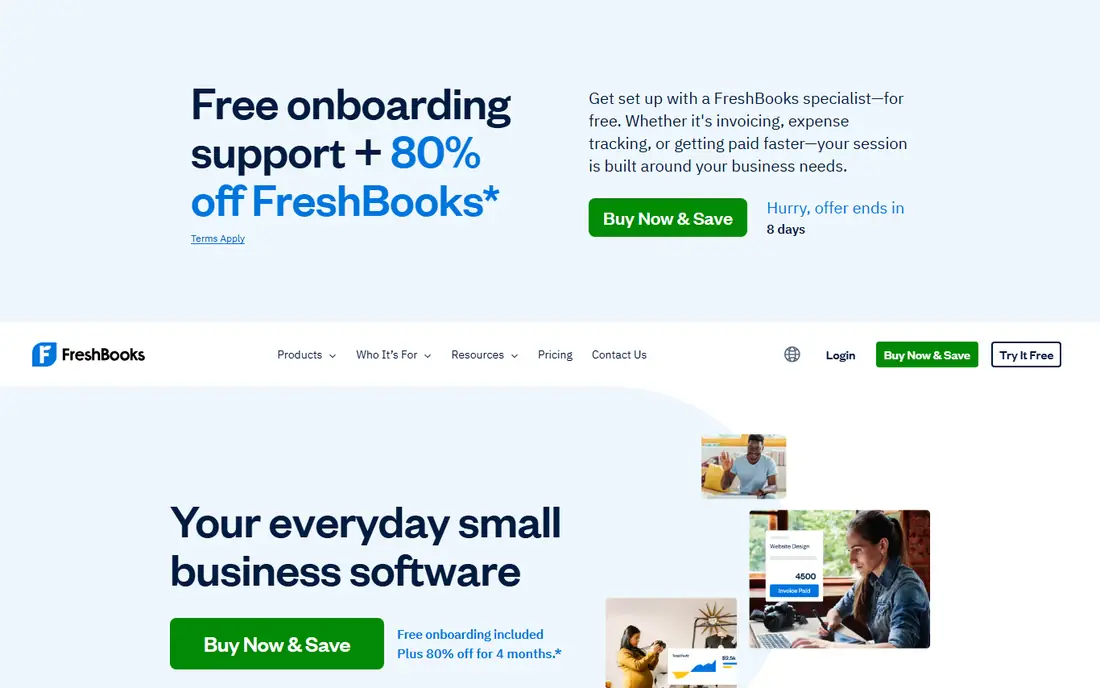
FreshBooks is our pick for freelancers and service businesses that bill for their time. Invoicing, estimates, expense capture, time tracking and payment reminders feel polished and easy to use daily, and clients can pay online by card, ACH or digital wallet. The Lite plan covers a small client list, while higher plans add more clients and fuller accounting reports.
The client cap is the trap to watch. Lite covers five billable clients, so a sixth client forces an upgrade, and team members add cost on top of the base plan. Budget from the list price, not an introductory discount, and count your active clients before you choose a tier. For solo service work, FreshBooks remains the most pleasant tool to use every day.
- Polished invoicing with time tracking
- Automated reminders and late fees
- Card, ACH and digital wallet payments
- Client caps on lower plans
- Higher plans needed for full accounting reports
- Extra team members add cost
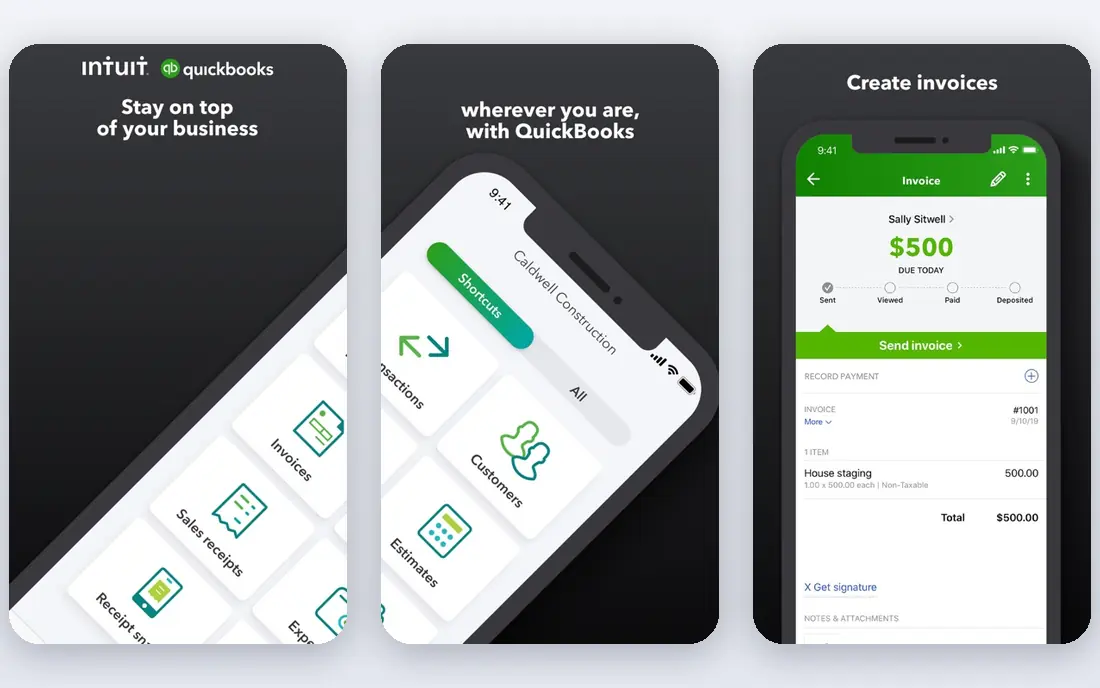
QuickBooks Online suits businesses that need billing as part of real accounting. Invoices, expenses, bank feeds, payroll and tax reports share one system, which makes year-end work far easier for your accountant. Its ecosystem of apps and accountants is also the largest in this list, so help is easy to find.
Simplicity is the trade-off. QuickBooks takes longer to learn than FreshBooks or Wave, and the monthly price rises with users and features. If you only send a few invoices and do not need full books, a free invoicing tool will save money. If clean books matter, QuickBooks Online is the safer long-term choice.
- Full accounting with bank reconciliation
- Wide accountant and app ecosystem
- Invoicing, payroll and reporting in one place
- Price rises as you add users
- Learning curve is steeper than simple invoicing tools
- Payment processing fees apply on top

Xero is a strong alternative to QuickBooks for growing companies that want many team members in the books without paying per user. Invoicing, bank reconciliation, expense claims and reporting are solid, and its integration library covers payments, payroll partners and industry tools. Multi-currency support also helps businesses that bill clients abroad.
Payment handling needs attention. Xero does not process payments itself, so card and ACH fees depend on the provider you connect, most often Stripe. Payroll depth also varies by country, so US buyers should check the payroll partner and price before assuming Xero covers everything QuickBooks does.
- Unlimited users on paid plans
- Strong bank reconciliation and integrations
- Good multi-currency support
- Payment processing depends on a connected provider
- Payroll features vary by region
- Approval workflows are basic in places
Zoho Invoice is the best free invoicing tool for small businesses that just need to bill and get paid. You can send professional invoices, set up recurring invoices, track payments and remind late payers without a monthly subscription. Zoho does not add its own processing fee, so you pay only your payment gateway fee when a customer pays online.
The limit is scope. Zoho Invoice is not full accounting software, so businesses that need bank reconciliation, payroll and tax reports should pair it with Zoho Books or choose QuickBooks or Xero instead. For a freelancer or small firm that already uses Zoho apps, though, the free invoicing is hard to beat.
- Free invoicing with no monthly fee
- Professional templates and recurring invoices
- Payment gateway fees only, no extra Zoho processing fee
- Full accounting needs Zoho Books, a separate product
- Support depth varies by plan
- Advanced automation needs paid Zoho tools
Wave suits very small businesses and solo operators who want free core invoicing and accounting without a monthly bill. You can send invoices, track income and expenses, capture receipts and run basic reports, then pay only when you accept card or bank payments or add payroll. Setup is quick, and the interface stays simple.
Growth is the limit. Payroll is a paid add-on, support options are thinner than paid rivals, and larger teams may miss the integrations and approval controls of QuickBooks or Xero. For a one-person business starting out, Wave gives you professional invoices at the lowest possible software cost.
- Free core accounting and invoicing
- Simple setup for very small businesses
- Receipt capture and basic reports included
- Payroll costs extra and varies by state
- Paid support for some help options
- Fewer integrations than QuickBooks or Xero
Square Invoices is the natural pick for retail and service businesses that already take payments in person with Square. Online invoices, payment links and in-person sales share the same Square account, so a customer can pay by card, bank or digital wallet without you juggling two systems. The free plan covers basic invoicing well.
Processing fees are the real cost. Square charges a percentage plus a fixed fee on card payments, and ACH fees apply too, so high invoice values can make Square more expensive than a flat monthly tool with cheaper processing. If most of your sales happen in person or through Square already, that convenience is worth it. If not, compare total fees first.
- Free invoicing plan
- Strong fit for businesses that also sell in person
- Card, ACH and digital payment options
- Processing fees apply on every paid invoice
- Paid plans needed for advanced features
- Less accounting depth than QuickBooks or Xero
Stripe Billing is the best subscription engine for companies already processing payments on Stripe. It handles subscriptions, trials, coupons, proration, usage-based billing and dunning, all through an API that developers can shape to a product. Stripe Invoicing can also cover one-off bills, which makes Stripe a full billing home for many software and service companies.
Cost and complexity are the cautions. Stripe Billing charges a percentage of billing volume on top of standard card processing fees, so model that total before you launch. Complex billing logic also needs developer time, and non-technical teams may prefer Chargebee or Recurly for a more guided setup.
- Deep API and automation for subscriptions
- Usage-based billing support
- Tight integration with Stripe payments and revenue tools
- Billing percentage sits on top of processing fees
- Needs developer help for complex setups
- No free plan for billing itself
Chargebee suits mid-market and enterprise software companies with complex subscription catalogs. It supports multiple payment gateways, usage-based pricing, tiered plans, coupons and quote-to-cash workflows, and it can grow with a business that sells in many countries and currencies. That flexibility is why many SaaS finance teams shortlist it.
The pricing model needs careful reading. Chargebee charges a percentage of billing volume on its pay-as-you-go plans, and revenue recognition is a separate add-on, so the total depends on your volume and modules. Map your catalog, gateways and tax needs before a demo, and compare the full quote with Stripe Billing.
- Handles complex subscription logic and multi-gateway billing
- Strong usage billing and quote-to-cash options
- Revenue recognition add-ons available
- Pricing is based on billing volume
- Add-ons such as revenue recognition cost extra
- Setup needs planning for complex catalogs
Recurly is the pick for growing subscription businesses where failed payments and churn eat revenue. Its dunning tools retry failed cards, update expired details and recover subscribers who would otherwise drop off, and its analytics show where churn happens. That recovery focus can pay for the platform quickly for a business with a large subscriber base.
Smaller businesses may find Recurly heavier than they need, and pricing is usually quote based, with revenue recognition as an add-on. If you have a few dozen subscribers, Stripe Billing or Chargebee may be simpler. If you have thousands and churn is a real cost, Recurly deserves a close look.
- Strong dunning and involuntary churn recovery
- Good subscription analytics
- Supports many gateways and currencies
- Pricing is quote based for most buyers
- Revenue recognition is a paid add-on
- Smaller businesses may find it more than they need
How we picked these
We compared official pricing pages and current October 2026 summaries for invoicing and subscription billing tools, and we kept only products that operate now and truly fit billing. We mixed free invoicing tools with full accounting suites and subscription engines, so different business models can shortlist realistically. Where pricing is volume based or quote based, we wrote See website rather than publishing a single figure that could mislead you.
What to check before you buy
Start with your billing model: one-off invoices, recurring subscriptions, usage-based charges or a mix. Then count invoice volume, average invoice value and how customers pay, since processing fees often outweigh the subscription price. Check whether you need full accounting, payroll and tax reports, or just invoices and payment links.
Also test the customer experience: invoice design, payment page, reminders, dunning emails and refund handling. Confirm tax handling for your states or countries, integration with your accounting system and customer relationship tool, and how support works when a payment fails. Run a trial with real invoices before you move your whole customer list.
Frequently asked questions
What is the best online billing software?
FreshBooks is best for freelancers, QuickBooks Online for full accounting, and Zoho Invoice or Wave for free invoicing. For subscriptions, Stripe Billing leads for Stripe users, while Chargebee and Recurly suit more complex or larger subscription businesses.
What software is best for billing a small business?
Zoho Invoice and Wave are the cheapest starting points, since core invoicing is free and you pay only for payment processing. FreshBooks is better if you bill for time and want polished reminders, while QuickBooks Online is better when you also need full books.
What is the best invoice software for small business free?
Zoho Invoice and Wave both offer free invoicing, and Square Invoices offers a free plan for businesses that also sell in person. Compare processing fees, not just the free label, since card and bank fees apply when customers pay online.
Which software is best for subscription billing?
Stripe Billing is the strongest choice for teams already on Stripe, thanks to its API and usage billing. Chargebee fits complex catalogs and multiple gateways, while Recurly stands out for dunning and churn recovery at scale.
How much does billing software cost in total?
Add the monthly subscription to processing fees for every payment method you accept. A free invoicing tool can still cost several percent on card payments, while a subscription engine adds a billing percentage on top of processing, so model your real volume before you choose.
Sources
See where you really rank - block by block
ProMapRanker scans Google Maps across a grid of your service area. Simple monthly plans from $19, white-label on every plan.
Start freeKeep reading
 top custom software development company
Top Custom Software Development Company in 2026
Looking for a top custom software development company? We compare 9 firms for web, mobile, and enterprise software, covering strengths and fit for 2026.
Read → tableau alternatives
Tableau Alternatives in 2026
Compare the best Tableau alternatives for 2026, from Power BI to Metabase, with prices, hosting options, and picks for small teams and enterprises today.
Read → microsoft teams alternatives
Best Microsoft Teams Alternatives in 2026
Looking for microsoft teams alternatives? We compare 9 chat and video tools for 2026, covering free plans, pricing, meetings, and integrations for teams.
Read →