 ProMapRanker
Best Beginner Video Editing Software in 2026

Key takeaways
- Start free: iMovie, Clipchamp, DaVinci Resolve, Shotcut and OpenShot cost nothing to learn on, and several export without watermarks.
- iMovie is the easiest first editor on Mac, while Clipchamp is the closest free equivalent for Windows and browser users.
- Filmora at $49.99 per year is the best paid starter for template-driven social content, and CapCut Pro suits short-form creators at $19.99 per month.
- DaVinci Resolve free is professional-grade, but it asks more from your hardware and patience than any other pick here.
- Check export limits before you commit: resolution caps, watermarks and premium stock rules differ sharply between free tiers.
Quick comparison
| Pick | Great for | Pricing starts at | Free tier | |
|---|---|---|---|---|
 CapCut | Short-form social video | $19.99 per month | Yes | Visit |
 iMovie | Mac owners making a first edit | Free | Yes | Visit |
 Clipchamp | Free editing on Windows | Free | Yes | Visit |
 Filmora | Template-driven creators | $49.99 per year | Yes | Visit |
 DaVinci Resolve | Ambitious beginners going pro | Free | Yes | Visit |
 Shotcut | Free open-source editing | Free | Yes | Visit |
 OpenShot | Simplest free timeline | Free | Yes | Visit |
 Movavi Video Editor | Friendly paid Windows editor | $69.95 per year | Free trial | Visit |
 PowerDirector | Guided learning modes | $74.99 per year | Free trial | Visit |
 Lightworks | Free taste of a pro editor | $9.99 per month | Yes | Visit |
The best beginner video editing software
Beginner editing is about finishing videos, not mastering a professional suite on day one. The best first editor is the one you will actually open, with a timeline you understand and exports that do not punish you with watermarks. The tools below are ordered from the easiest starts to the more ambitious free and paid options.
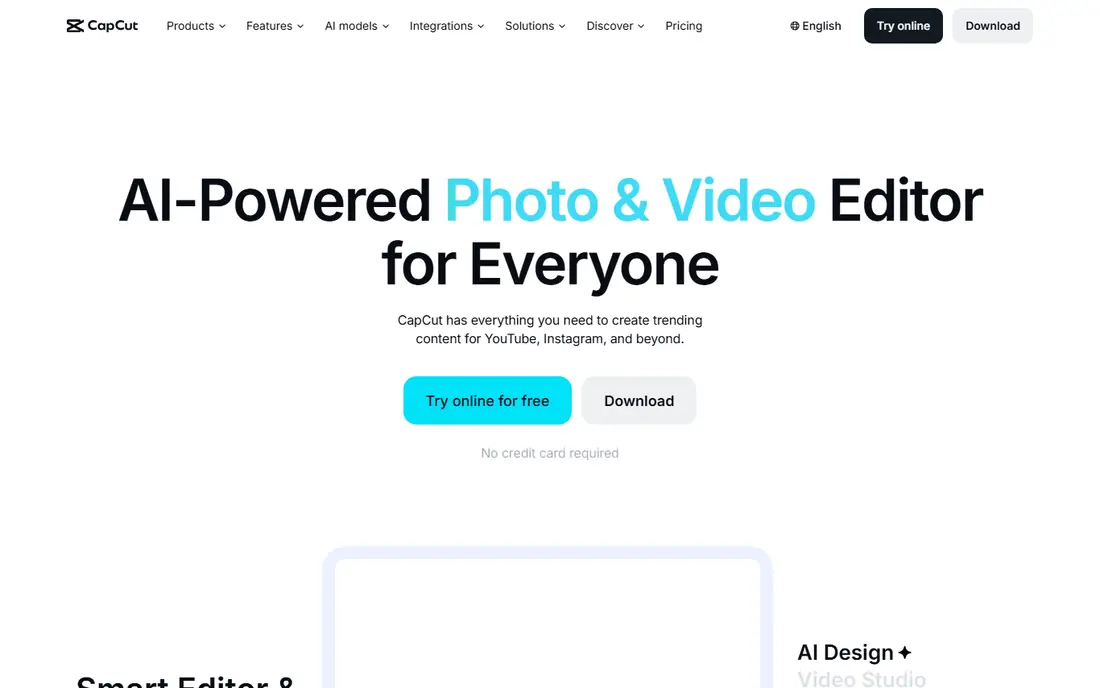
CapCut is the fastest route from a phone clip to a finished short. Its templates, auto-captions, effects and social formats are built for TikTok, Instagram Reels and YouTube Shorts, so a beginner can publish a polished vertical video without learning a traditional timeline first. Mobile, desktop and web versions cover most workflows.
The free tier is genuinely useful, but premium templates and assets need Pro at $19.99 per month, and some free exports carry watermarks on those assets. It also suits short-form work far better than long-form documentaries. For social creators, CapCut is the obvious first pick.
- Built for TikTok, Reels and Shorts
- Templates, auto-captions and effects included
- Mobile, desktop and web versions
- Pro at $19.99 per month is costly for casual use
- Some templates and premium assets need Pro
- Free exports can carry watermarks on premium assets
iMovie remains the easiest first editor, full stop, if you own Apple hardware. It is free and bundled with Mac, iPhone and iPad, the timeline is simple enough to learn in one sitting, and exports are clean without watermarks. Trailers, titles and basic transitions cover most first projects, from family videos to simple YouTube uploads.
The limit is scope. Effects, color controls and audio tools are basic compared with Filmora or DaVinci Resolve, and iMovie runs only on Apple devices. A beginner who outgrows it will move to Final Cut Pro or DaVinci Resolve rather than exporting a project directly. For a first edit on a Mac, nothing beats it for simplicity.
- Free and bundled with Mac, iPhone and iPad
- Simplest timeline here
- Clean exports without watermarks
- Apple devices only
- Fewer effects and controls than paid editors
- Projects do not transfer easily to pro tools
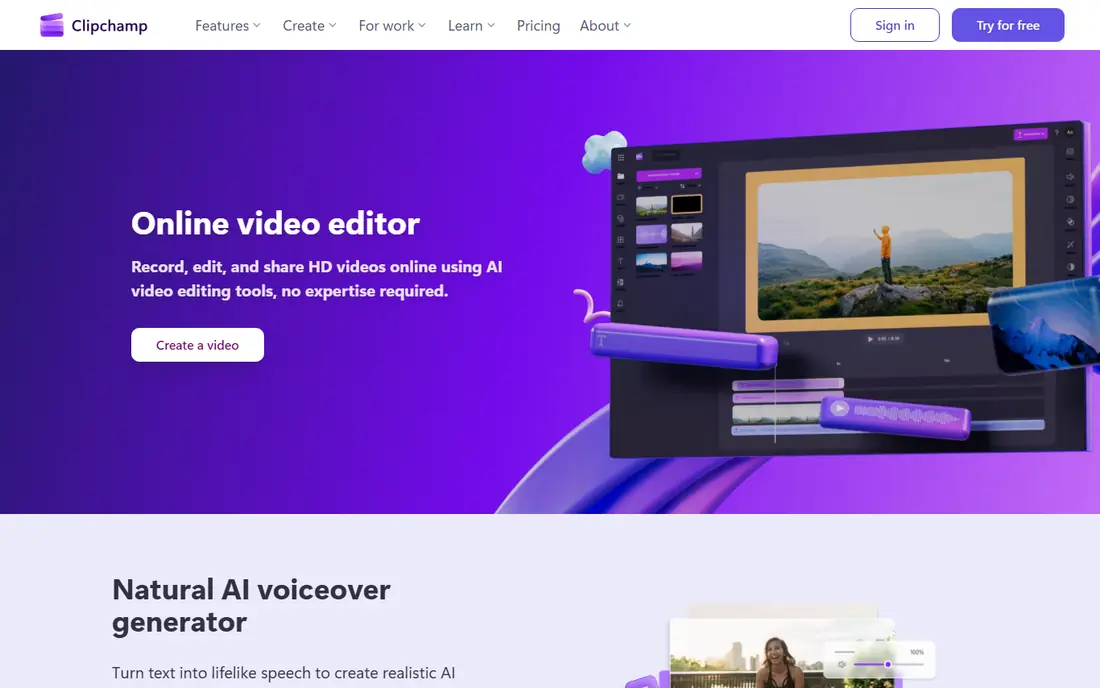
Clipchamp is the Windows answer to iMovie, with a useful twist: it runs in the browser as well as on Windows, so modest hardware is less of a barrier. The free plan exports at 1080p without a watermark, which is enough for most YouTube and social videos, and templates and stock assets help beginners finish a video quickly.
Premium stock, 4K exports and some brand tools need Microsoft 365, with Personal listed around $99.99 per year in comparisons. A Microsoft account and OneDrive sit behind the cloud workflow. For a Windows beginner who wants a free, watermark-free start, Clipchamp is the pick.
- Free plan with 1080p exports and no watermark
- Built into Windows
- Browser-based so it runs on modest hardware
- 4K exports and premium stock need Microsoft 365
- Cloud workflow needs a Microsoft account
- Fewer pro controls than Resolve
Filmora is the paid starter most beginners should consider first. Its timeline is intuitive, templates and effects cover social and YouTube styles, and AI tools for captions, scene cuts and audio help a new editor produce polished work faster. Basic costs $49.99 per year, with a free version for testing and a perpetual option at a higher one-time price.
Free exports carry a watermark, so the free tier is for learning, not publishing. The perpetual license also covers only the version you buy, not future major versions. For a creator who wants more than CapCut or iMovie without jumping to a pro suite, Filmora hits the sweet spot.
- Intuitive timeline with templates and AI tools
- $49.99 per year Basic plan is affordable
- Desktop, mobile and iPad apps
- Free version exports carry a watermark
- Perpetual license is separate and version-limited
- AI credits are limited on some plans
DaVinci Resolve free is the most capable free editor ever offered to beginners, and the most demanding. It combines editing, color grading, Fairlight audio and Fusion effects in one program, exports 4K without a watermark, and the Studio upgrade costs $295 as a one-time purchase when you need its AI tools and advanced effects. A beginner who learns Resolve never needs to switch programs to go pro.
That power comes with a learning curve and hardware demands: 16 GB of RAM and a capable GPU are the realistic minimum, and the interface has far more panels than iMovie or Filmora. Patient beginners with a decent computer will get the most long-term value here. Impatient beginners should start with iMovie, Clipchamp or Filmora instead.
- Free version is professional-grade with 4K exports and no watermark
- Color, audio and effects in one program
- Studio is $295 one-time
- Steepest learning curve here
- Needs strong hardware with 16 GB RAM and a capable GPU
- Interface can overwhelm a first-time editor
Shotcut is the free, open-source workhorse for beginners who want no subscriptions and no watermarks. It handles a wide range of formats through FFmpeg, runs on Windows, Mac and Linux, and covers the core timeline, filters and transitions a beginner needs. There is no paid tier waiting to open up basic exports.
The interface is utilitarian, and it lacks the templates and AI tools that make Filmora and CapCut feel fast. Heavy projects also run better with proxy workflows, which beginners must learn. For a no-cost editor on any platform, Shotcut is a solid, honest choice.
- Completely free and open source
- Wide format support
- Runs on Windows, Mac and Linux
- Interface looks dated and utilitarian
- No cloud AI tools
- Heavy projects benefit from proxy workflows
OpenShot suits the absolute beginner who found Shotcut intimidating. Its timeline is the simplest free option here, with drag-and-drop clips, unlimited tracks and 3D animated titles that make a first project feel finished. It is free and open source, with no watermark and no paid tier.
Exports can be slow on larger projects, and the effect library is smaller than paid editors offer. Stability also varies more by system than with commercial tools. For a first project on a tight budget, OpenShot is the gentlest free start after iMovie and Clipchamp.
- Simplest free timeline here
- Unlimited tracks
- 3D animated titles included
- Slower exports on larger projects
- Fewer effects than Filmora
- Interface and stability vary by system
Movavi Video Editor targets everyday creators who want a friendly paid editor without a pro learning curve. Templates, transitions and one-click AI tools cover family videos, YouTube uploads and social clips, and the interface stays approachable throughout. Pricing is $69.95 per year, with a lifetime license option for buyers who prefer a one-time payment.
That lifetime license covers the version purchased, not future updates, so read the terms before choosing it over the yearly plan. Pro controls also trail DaVinci Resolve. For a Windows or Mac user who wants a polished paid editor and dislikes Filmora's style, Movavi is a good alternative.
- Friendly interface with templates and one-click AI tools
- Good for everyday creators
- Lifetime license option available
- $69.95 per year is pricier than Filmora Basic
- Lifetime license covers the purchased version only
- Fewer pro controls than Resolve
PowerDirector, from CyberLink, helps beginners through guided learning modes that walk through a project step by step. That teaching approach suits users who want to learn editing properly rather than only use templates, and fast rendering plus an effects-heavy library reward enthusiasts who stick with it. PowerDirector 365 costs $74.99 per year.
The interface can feel busy once you leave guided mode, and there is a free trial rather than a free plan, so testing time is limited. For a beginner who wants to learn and grow into effects work on Windows or Mac, PowerDirector is a strong paid pick.
- Guided modes teach editing step by step
- Fast rendering
- Effects-heavy library for enthusiasts
- $74.99 per year for PowerDirector 365
- Interface can feel busy
- Free trial only, no free plan
Lightworks gives beginners a taste of a professional editor with real film heritage. Its free version teaches traditional timeline editing, trimming and project organization, and the Create plan at $9.99 per month adds higher export options and pro formats. It runs on Windows, Mac and Linux.
Free exports are limited to 720p, which is a real constraint for publishing, and the interface assumes more editing knowledge than iMovie or Clipchamp. Beginners curious about professional editing should try it alongside DaVinci Resolve free, and choose Resolve if 4K free exports matter more than Lightworks' traditional workflow.
- Pro editing heritage used on real films
- Free version for learning
- Create plan at $9.99 per month adds more exports
- Free version export limits include 720p
- Traditional interface takes learning
- Fewer templates than Filmora
How we picked these
We compared official pricing pages, app listings and 2026 beginner editor comparisons for tools actively available in October 2026. We required each editor to offer a free tier, trial or low entry price and a timeline a beginner can learn without professional training. Prices are starting figures as published, and where a vendor bundles a tool with another subscription, such as Clipchamp with Microsoft 365, we noted that separately.
What to check before you buy
Test exports before you invest hours in a project. Check resolution, watermark rules and export speed on your own computer, since free tiers differ on all three. Also check your hardware: DaVinci Resolve and PowerDirector reward a stronger machine, while Clipchamp and CapCut web run better on modest hardware.
Pick by video type, not by feature count. Social creators should start with CapCut or Filmora, Mac owners with iMovie, Windows users with Clipchamp, and ambitious learners with DaVinci Resolve free. A paid plan only makes sense once the free tier limits a video you actually want to publish.
Frequently asked questions
What is the best video editing software for beginners?
iMovie is easiest on Mac, Clipchamp is easiest free on Windows, and Filmora is the best paid starter at $49.99 per year. DaVinci Resolve free suits ambitious beginners with a capable computer, while CapCut suits short-form social creators.
What is the best video editing app for beginners on a phone?
CapCut is the strongest phone-first pick, with templates, auto-captions and social formats built in. iMovie on iPhone is the simplest free phone editor for Apple users, and Filmora mobile suits creators who also edit on desktop.
Is there a free video editing software for beginners without a watermark?
Yes. DaVinci Resolve free, iMovie, Clipchamp free at 1080p, Shotcut and OpenShot all export without watermarks. CapCut free and Filmora free can add watermarks to premium assets or exports, so check before publishing.
What is the best editing software for beginners on YouTube?
Filmora suits YouTube beginners who want templates and AI tools, while DaVinci Resolve free suits those who want pro color and audio without a subscription. Clipchamp and iMovie suit simple YouTube uploads with minimal learning time.
Is DaVinci Resolve good for beginners?
Yes, if you have patience and a capable computer. The free version is professional-grade, but the learning curve and hardware demands are the highest here. Beginners who want a faster start should begin with iMovie, Clipchamp or Filmora and move to Resolve later.
What are the best beginner video editing apps for Windows?
Clipchamp is the best free Windows start, Shotcut and OpenShot are free open-source options, and Filmora, Movavi and PowerDirector are the leading paid Windows editors for beginners.
Sources
- https://www.capcut.com
- https://www.apple.com
- https://www.clipchamp.com
- https://www.filmora.wondershare.com
- https://www.blackmagicdesign.com
- https://www.shotcut.org
- https://www.openshot.org
- https://www.movavi.com
- https://www.cyberlink.com
- https://www.lwks.com
- https://rankite.com/blog/best-beginner-video-editing-software
See where you really rank - block by block
ProMapRanker scans Google Maps across a grid of your service area. Simple monthly plans from $19, white-label on every plan.
Start freeKeep reading
 github alternatives
Best GitHub Alternatives in 2026
Explore the best GitHub alternatives in 2026, from GitLab and Bitbucket to self-hosted Gitea and Forgejo, with prices and trade-offs for developers for readers.
Read → cineby alternatives
Cineby Alternatives in 2026
We compared legal cineby alternatives for licensed streaming, including Netflix, Hulu, Disney Plus, and free options, so you can watch without piracy sites.
Read → best visibility analysis software
Best Visibility Analysis Software in 2026
Compare the best visibility analysis software for search and AI answers. We review 8 tools that track brand mentions, citations, and rankings Updated for 2026.
Read →