 ProMapRanker
Top 5 Barcode Generating Software, Compared on Price (2026)

Printing barcodes on office and roll printers · Pricing starts at: See website
Direct answer
Our first pick is Labeljoy, best for printing barcodes on office and roll printers. Listed starting prices: BarTender from $199 per year. For a different need, Barcode Producer covers Mac users needing vector barcode export and BarTender covers full label design and print management. The remaining 2 options are covered below with prices and limits.
ProMapRanker compared 5 tools for barcode generating software. The goal is a practical shortlist: published prices, free plan facts, best-fit use cases and honest limits for every entry.
Key takeaways
- The list opens with Labeljoy, aimed at printing barcodes on office and roll printers.
- No starting price is published for Labeljoy, Barcode Producer, Avery Design & Print and TEC-IT TBarCode; expect a quote.
- Labeljoy, TEC-IT TBarCode and the 3 others all need a premium plan or a trial, since no free plan is listed.
- What to know about BarTender first: broad feature set may overwhelm straightforward needs.
- TEC-IT TBarCode fits standards-compliant codes and print automation.
Quick comparison
| Pick | Great for | Pricing starts at | Free tier | |
|---|---|---|---|---|
| Labeljoy | Printing barcodes on office and roll printers | See website | Not stated | Visit |
 Barcode Producer | Mac users needing vector barcode export | See website | Not stated | Visit |
 BarTender | Full label design and print management | $199 per year | No | Visit |
 Avery Design & Print | Straightforward labels using Avery supplies | See website | Not stated | Visit |
 TEC-IT TBarCode | Standards-compliant codes and print automation | See website | Not stated | Visit |
5 options for barcode generating software in detail
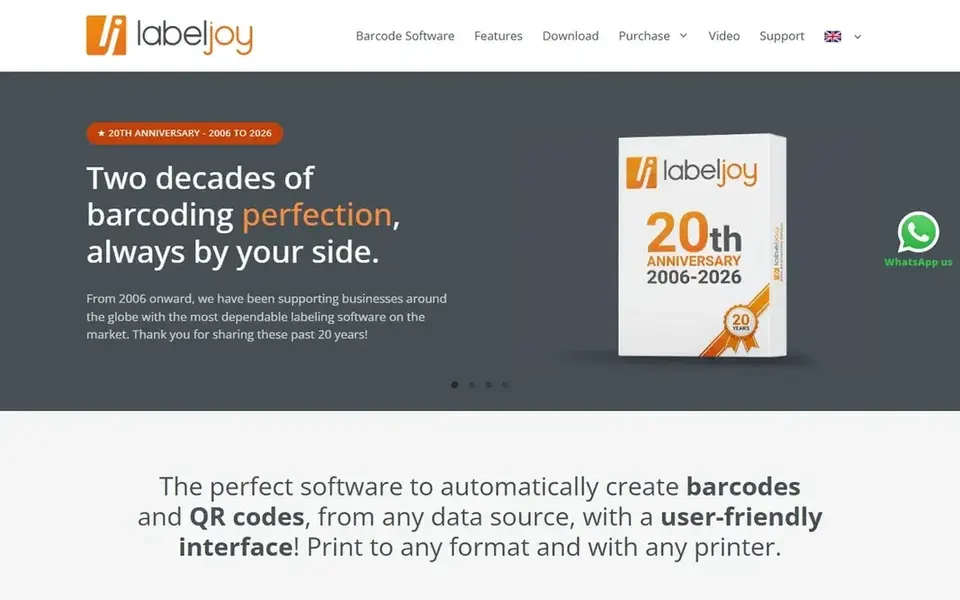
Think of Labeljoy for printing barcodes on office and roll printers. It supports standard laser and inkjet printers along with roll printers, which makes it a fit for small firms and departments that print labels in-house. Users who want to pull barcode data from existing records and lay it out on a label will find the workflow direct.
Where it falls short: Less centred on enterprise print automation.
In daily use, Labeljoy centers on barcode label printing instead of wide enterprise label management, so organizations needing centralized control across numerous sites may outgrow it. Choose it when straightforward barcode printing on the printers you already own is the priority. This comparison lists no price for Labeljoy; ask the vendor. On free options: Not stated.
- Inkjet and roll printers
- Works with laser
- Label design depth is narrower than suite tools
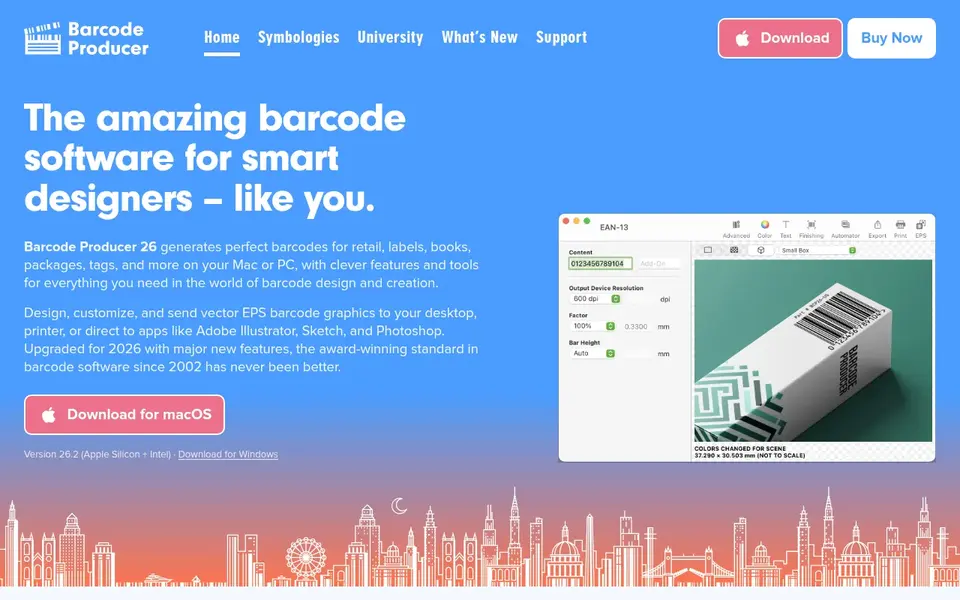
Where Barcode Producer fits: Mac users needing vector barcode export. Barcode Producer is an advanced barcode generation suite for Mac and PC. Anyone who needs a clean, editable barcode asset for print production will find the export choices handy.
It is a barcode generator instead of a label printing and management system. So it does not replace tools designed for continuing label operations. If your work is producing code artwork for design files, it suits well. Barcode Producer does not show a starting price in this comparison, so check the vendor site for current pricing. On free options: Not stated.
Where it is weaker: Best value for design and prepress work.
- Exports vector EPS or bitmap files
- Designs any symbology with customization
- Concentrated on code generation, not label printing
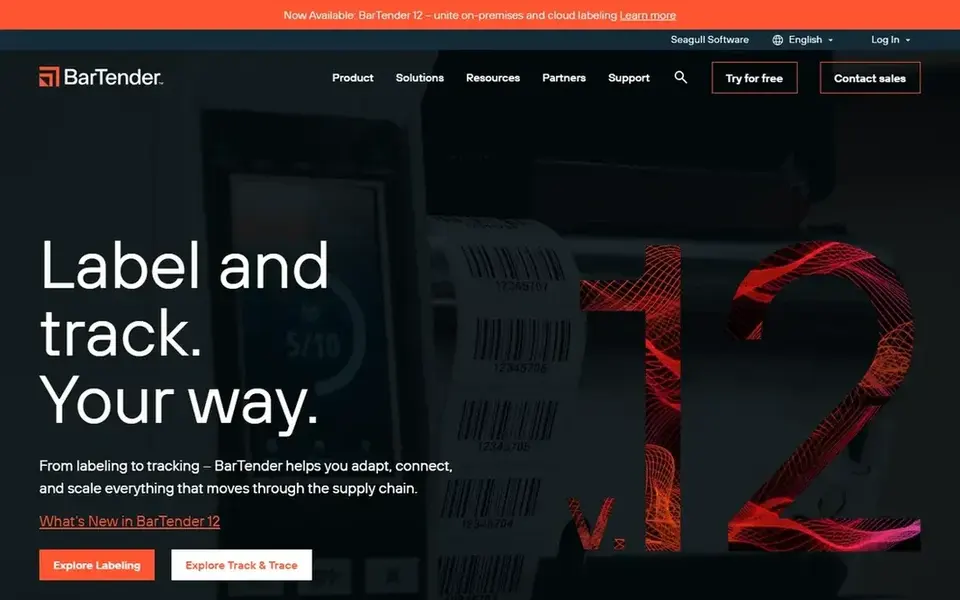
For full label design and print management, BarTender is a natural candidate. BarTender is barcode label design and printing software aimed at managing barcodes, labels, RFID tags and more.
Teams producing plenty of label variations or combining barcodes with RFID will find the scope handy, whereas those wanting only a fast code image may find it more than they need. For everyday use, pick BarTender when label design and print control are core to your workflow, and look at a more straightforward generator when you only need a code to drop into a document. BarTender cost at the entry level: $199 per year. BarTender has no permanent free option.
Downsides: Wide feature set may overwhelm straightforward needs.
- Manages barcodes
- Supports label design and printing in one tool
- Enterprise focus can feel heavy for small jobs
Where Avery Design & Print fits: straightforward labels using Avery supplies. The connection between templates and physical label products keeps the process straightforward.
Where it falls short: Restricted for complicated industrial labeling.
In daily use, the tool is oriented toward Avery label formats and everyday labeling instead of industrial barcode operations or print automation. This comparison lists no price for Avery Design & Print; ask the vendor. Trial and free access: Not stated.
- Straightforward for sheets
- Cards and tags
- Most useful for Avery label formats
In short, TEC-IT TBarCode is for standards-compliant codes and print automation. Since the vendor supplies a wide product range, buyers should confirm which component matches their task before committing.
Check the vendor site for TEC-IT TBarCode pricing; none is listed in this comparison. Trial and free access: Not stated.
Where it is weaker: Range of products needs choosing carefully.
- Supports label printing automation and data capture
- Builds standards-compliant barcodes
- Developer-oriented features need technical comfort
How we chose
The comparison looks at four things: starting price, free access, how well the feature set matches barcode generating software, and the main limit of each tool. Plan names, prices and limits change often. Treat the figures here as a starting point and verify them with the vendor. Order on the page follows fit for the typical buyer first, then price transparency and free access. Your own requirements should decide the final pick.
A buyer's checklist
- Get a written quote from Labeljoy, Barcode Producer, Avery Design & Print and TEC-IT TBarCode; the list shows no starting price for them.
- Before choosing Labeljoy, weigh its main limit: less centred on enterprise print automation.
- Work out what Barcode Producer costs with your real seat count, add-ons and usage, not just the entry price.
- Check how data leaves TEC-IT TBarCode: formats, limits and whether exports are available on every plan.
- Look at the help docs and support options for BarTender before you commit.
Frequently asked questions
Is Labeljoy the right pick for everyone comparing barcode generating software?
No single tool suits every team. Labeljoy comes first because it fits printing barcodes on office and roll printers, while Barcode Producer suits Mac users needing vector barcode export and BarTender suits full label design and print management. Match the tool to your own size, budget and workflow before deciding.
How are the tools for barcode generating software ordered?
Labeljoy sits first and TEC-IT TBarCode last because the order follows typical fit for barcode generating software, then price clarity and free access. It is a judgement call, so read each profile for fit and limits.
What is the difference between barcode generator and label software?
A barcode generator builds the code itself, commonly as an image or vector file for use in other documents. Label software layers on layout, data connection and printing so you can produce finished labels.
Does any tool for barcode generating software here have a free plan?
No tool in this list, Labeljoy and TEC-IT TBarCode included, has a permanent free plan. Trials and quotes are the usual route, so plan a short evaluation period.
Can I try these options before paying?
Not by default. None of the tools, from Labeljoy to TEC-IT TBarCode, lists a free plan or a free trial here, so ask each vendor for a demo before committing.
Sources
See where you really rank - block by block
ProMapRanker scans Google Maps across a grid of your service area. Simple monthly plans from $19, white-label on every plan.
Start freeBrowse all guides
← 6 AI Qa Platforms with Best Customer Reviews Ranked for 2026Top 6 Code Generating AI, Compared on Price (2026) →
 best bug tracking software for franchises
6 Best Bug Tracking Software for Franchises in 2026
Shortlisting the best bug tracking software for franchises? 6 products compared on cost, free access and ideal buyer. Each entry gets a plain verdict.
Read → best analytics software for franchises
2026 Guide to the Best Analytics Software for Franchises
Compare 6 best analytics software for franchises, with prices, free plans and who each fits. Includes honest limits for each tool. Built for quick decisions.
Read → anthropic api alternatives
Anthropic API Alternatives in 2026
Need Anthropic API alternatives? We compare 6 tools on cost, free access and who each suits. Every profile names its biggest catch. Jump to the table.
Read → google local finder
Google Local Finder: A Complete Guide
Everything you need to know about google local finder: what it is, why it matters for local SEO, and exactly how to act on it.
Read → best 1099 software for small business
Best 1099 Software for Small Business in 2026
Compare the best 1099 software for small business in 2026, with per-form pricing, state filing, TIN checks, and recipient delivery compared side by side.
Read → local dominator
Local Dominator: A Complete Guide
Everything you need to know about local dominator: what it is, why it matters for local SEO, and exactly how to act on it.
Read →More in Developer Tools · All guides A to Z by date · Latest guides