 ProMapRanker
Best Automation Tools for DevSecOps in 2026

Key takeaways
- Snyk, SonarQube and GitHub Advanced Security cover the core code and dependency checks most teams need first.
- GitLab suits teams that want security scanning inside one DevOps platform, rather than many separate tools.
- Semgrep and Trivy suit teams that want fast, customisable or open source scanning without heavy enterprise setup.
- HashiCorp Vault and Wiz cover different gaps, namely secrets management and cloud risk, that code scanners alone do not fix.
Quick comparison
| Pick | Great for | Pricing starts at | Free tier | |
|---|---|---|---|---|
 Snyk | Developer-first code and dependency security | Free | Yes | Visit |
 SonarQube | Code quality plus security gates | Free | Yes | Visit |
 GitHub Advanced Security | GitHub-native code and secret security | See website | No | Visit |
 GitLab | All-in-one DevSecOps platform | Free | Yes | Visit |
 Semgrep | Fast, customisable code scanning | Free | Yes | Visit |
 Checkmarx | Enterprise application security platform | See website | No | Visit |
 HashiCorp Vault | Secrets management for pipelines | Free | Yes | Visit |
 Trivy | Open source container and infrastructure scanning | Free | Yes | Visit |
 Wiz | Cloud security and risk correlation | See website | No | Visit |
The best automation tools for DevSecOps
DevSecOps automation means security checks run in the pipeline, not as a manual review at the end. We compared tools that scan code, dependencies, containers, secrets and cloud setup, and that block or flag risky changes before they reach production.
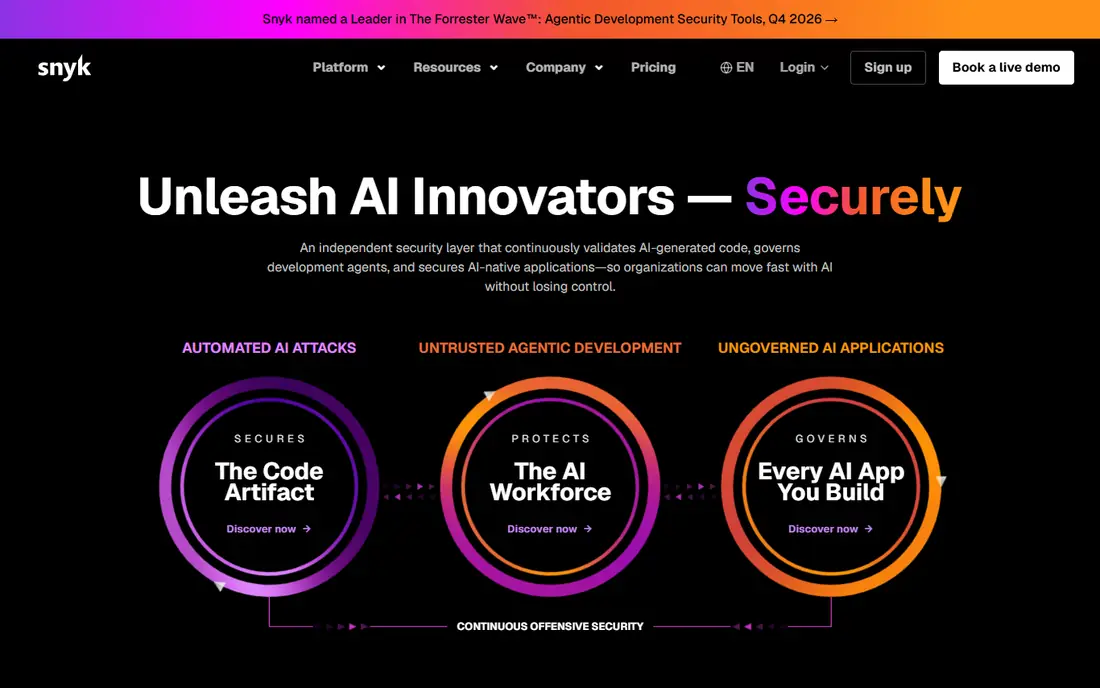
For many readers, Snyk is the first name to check. It fits developer teams that want security in their normal workflow. Developer-first scanning with fix help in pull requests, and that is why it earns a place here. We compared it on official feature pages, pricing pages and public comparisons, not on a claim of hands-on use, so check the current plan details before you commit.
The honest catch is that alert volume and pricing need active management. That does not rule it out, but it does change who should pick it first. If that catch touches your main need, compare the next option before you decide. Ask for a trial or a demo where one is offered, and test it with a real example from your own work before you move a whole team or library to it.
- Covers code, open source, containers and infrastructure as code
- IDE and pull request integration
- Automated fix pull requests
- Alert volume needs triage
- Per-developer pricing can grow fast
- Enterprise features are tiered
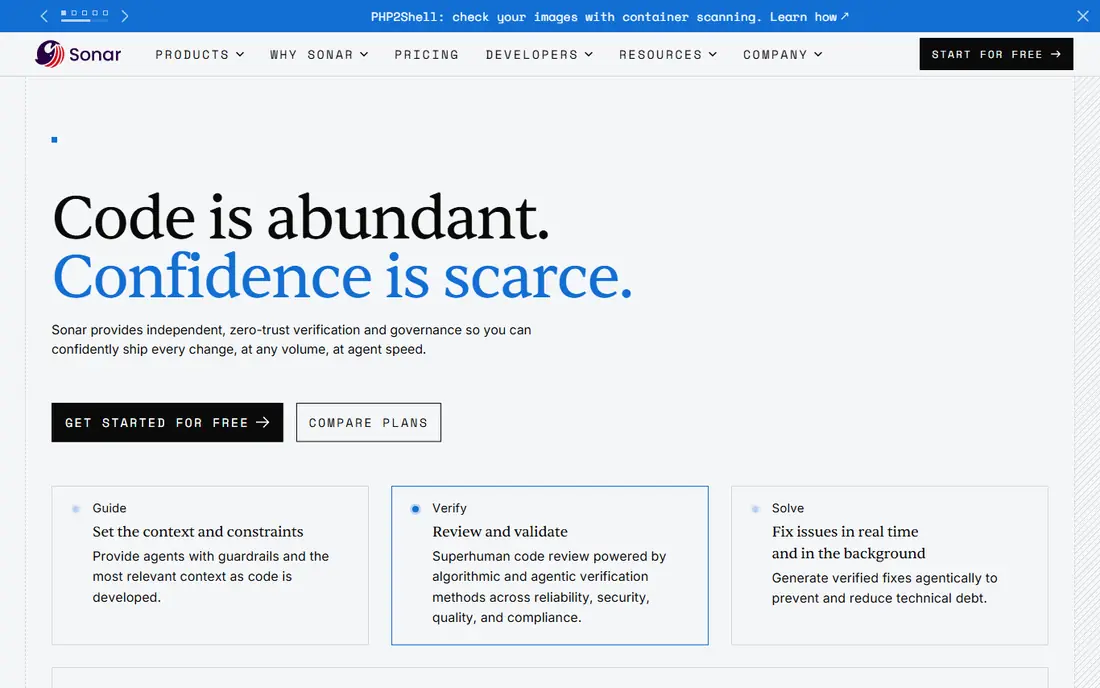
SonarQube takes a different route. It fits teams that want quality and security gates together. Quality gates that block risky code in the pipeline. We compared it on official feature pages, pricing pages and public comparisons, not on a claim of hands-on use, so check the current plan details before you commit.
The catch to weigh is that it is not a full replacement for every enterprise security scanner. For readers where that matters less, the strengths above may still win. For readers where it matters more, a different pick in this list will fit better. Ask for a trial or a demo where one is offered, and test it with a real example from your own work before you move a whole team or library to it.
- Combines code quality and security analysis
- Quality gates in CI pipelines
- Self-hosted option
- Security depth differs from dedicated enterprise scanners
- Setup and tuning take time
If teams already standardised on GitHub is your priority, GitHub Advanced Security deserves a close look. Native GitHub security that needs no separate pipeline tool. We compared it on official feature pages, pricing pages and public comparisons, not on a claim of hands-on use, so check the current plan details before you commit.
Watch out, though, because value drops sharply outside GitHub, and paid pricing adds up. Put that against your own priorities, and the choice becomes clearer. A tool can be excellent overall and still be wrong for one specific setup. Ask for a trial or a demo where one is offered, and test it with a real example from your own work before you move a whole team or library to it.
- CodeQL code scanning, secret scanning and dependency review inside GitHub
- Copilot Autofix on supported plans
- Native pull request flow
- Best for GitHub teams
- Pricing is per active committer on paid plans in comparisons
- Multi-platform teams get less value
GitLab is a practical pick. It fits teams that want one platform instead of many tools, and One platform for code, CI and security scanning. We compared it on official feature pages, pricing pages and public comparisons, not on a claim of hands-on use, so check the current plan details before you commit.
The honest catch is that higher tiers hold the deepest security features. That does not rule it out, but it does change who should pick it first. If that catch touches your main need, compare the next option before you decide. Ask for a trial or a demo where one is offered, and test it with a real example from your own work before you move a whole team or library to it.
- Security scanning inside one DevOps platform, including SAST, dependency and container checks
- Single pipeline and reporting flow
- Full security depth sits on higher tiers
- Migrating to GitLab is a bigger change than adding one scanner
Consider Semgrep when you want developer teams that want fast, tailored scanning. Speed and custom rules that fit a team's own code patterns. We compared it on official feature pages, pricing pages and public comparisons, not on a claim of hands-on use, so check the current plan details before you commit.
The catch to weigh is that custom rules need someone to own and maintain them. For readers where that matters less, the strengths above may still win. For readers where it matters more, a different pick in this list will fit better. Ask for a trial or a demo where one is offered, and test it with a real example from your own work before you move a whole team or library to it.
- Fast scans
- Custom rules developers can write
- Open source option
- AI-assisted analysis on paid plans
- Enterprise governance and reporting are thinner than large rivals
- Custom rules need ownership
Checkmarx stands out for a clear reason. It fits enterprises with compliance and governance needs. Enterprise breadth and compliance reporting. We compared it on official feature pages, pricing pages and public comparisons, not on a claim of hands-on use, so check the current plan details before you commit.
Watch out, though, because cost and setup make it heavy for small teams. Put that against your own priorities, and the choice becomes clearer. A tool can be excellent overall and still be wrong for one specific setup. Ask for a trial or a demo where one is offered, and test it with a real example from your own work before you move a whole team or library to it.
- Broad SAST, SCA, DAST and API scanning
- Central policy and compliance reporting
- Broad language support
- Enterprise pricing and setup
- Scans can be slower than lightweight tools
- Learning curve for new teams
For teams that need safe secrets in automation, HashiCorp Vault is worth shortlisting. Secrets handling that keeps keys out of code and pipelines. We compared it on official feature pages, pricing pages and public comparisons, not on a claim of hands-on use, so check the current plan details before you commit.
The honest catch is that operations effort is real, and it does not scan code. That does not rule it out, but it does change who should pick it first. If that catch touches your main need, compare the next option before you decide. Ask for a trial or a demo where one is offered, and test it with a real example from your own work before you move a whole team or library to it.
- Central secrets storage
- Dynamic secrets and rotation
- Identity-based access for apps and pipelines
- Needs careful setup and operations
- Not a code scanner, so it solves a different gap
Trivy is not the flashiest pick, but it is a useful one. It fits teams that want fast, free container scanning. Fast, free scanning that fits any CI pipeline. We compared it on official feature pages, pricing pages and public comparisons, not on a claim of hands-on use, so check the current plan details before you commit.
The catch to weigh is that enterprise reporting and triage need extra tooling. For readers where that matters less, the strengths above may still win. For readers where it matters more, a different pick in this list will fit better. Ask for a trial or a demo where one is offered, and test it with a real example from your own work before you move a whole team or library to it.
- Free and open source
- Fast container, filesystem and infrastructure scanning
- Easy CI integration
- Reporting and policy features are thinner than enterprise platforms
- No managed fix workflow
Start with Wiz if cloud teams that need risk across multi-cloud estates matters most to you. Cloud risk views that connect code, containers and runtime. We compared it on official feature pages, pricing pages and public comparisons, not on a claim of hands-on use, so check the current plan details before you commit.
Watch out, though, because price and cloud focus limit it as a standalone pick for small code teams. Put that against your own priorities, and the choice becomes clearer. A tool can be excellent overall and still be wrong for one specific setup. Ask for a trial or a demo where one is offered, and test it with a real example from your own work before you move a whole team or library to it.
- Agentless cloud visibility
- Risk correlation across cloud, containers and code
- Strong enterprise reporting
- Enterprise pricing
- Cloud focus means it does not replace code scanners
How we picked these
We compared official feature pages, pricing pages, app store listings where relevant, and public comparisons from 2026. We only included products that exist and work now and that truly fit the topic, and we left prices as See website where we could not verify a current figure from the vendor. We did not claim hands-on testing, and we did not invent ratings, counts or awards. We also weighed fit for different readers, not just popularity. A well-known product can still be a poor pick for a small team, a single device, or a tight budget, so each write-up notes who it fits and where it falls short. That trade-off view is what turns a long list into a useful shortlist.
How to build a DevSecOps automation stack
Start with the code and dependencies. Static analysis and software composition checks catch the most common issues early, and they fit naturally into pull requests. Pick one strong tool for each, tune it, and fix the highest severity findings first before adding more scanners.
Next, add secrets and container checks. Secrets scanning stops keys reaching a repository, while container and infrastructure checks stop risky images and cloud settings reaching production. These checks are cheap to run and prevent expensive incidents.
Then, control the noise. Every scanner produces false positives at first, and a noisy pipeline teaches developers to ignore it. Tune rules, set quality gates for new code rather than all old code at once, and review alert volume weekly in the early months.
Finally, assign ownership. A finding with no owner will sit in a backlog. Give each category an owner, set a fix time by severity, and track the oldest open findings. Automation finds the issue, but people still decide the fix and the risk acceptance.
Frequently asked questions
What are the best DevSecOps automation tools?
Snyk, SonarQube, GitHub Advanced Security and GitLab are strong starting points, because they cover code, dependencies and pipeline integration. Add HashiCorp Vault for secrets and Wiz or Trivy for cloud and container risk as needs grow.
What are the top rated automation software tools in DevSecOps?
Top rated tools in comparisons include Snyk for developer-first scanning, SonarQube for code quality plus security, and GitHub Advanced Security for GitHub-native teams. Ratings vary by team size and stack, so test on your own code.
Is GitHub Advanced Security enough for DevSecOps?
For GitHub-native teams it covers a lot, including code scanning, secret scanning and dependency review. Teams with multi-cloud, container-heavy or compliance-heavy needs often add a cloud security or container tool alongside it.
What is the difference between SAST and SCA in DevSecOps?
SAST scans your own code for flaws such as injection or unsafe handling. SCA scans open source dependencies for known vulnerabilities and licence risk. Most teams need both, because they find different kinds of issues.
Do DevSecOps tools replace manual security review?
No. Automation catches known patterns and risky dependencies fast, but manual review still matters for design flaws, business logic and high-risk changes. Use automation to handle routine checks so reviewers can focus on harder risks.
Sources
See where you really rank - block by block
ProMapRanker scans Google Maps across a grid of your service area. Simple monthly plans from $19, white-label on every plan.
Start freeKeep reading
 best tour operator software
Best Tour Operator Software in 2026
Compare the best tour operator software for bookings, channel management, waivers and payments, with pricing models for day tours and multi-day trips.
Read → best time clock app for small business
Best Time Clock App for Small Business in 2026
We compare the best time clock app for small business options, with free plans, GPS clock ins, scheduling and payroll links for hourly teams and payroll help.
Read → best test automation tools
Best Test Automation Tools in 2026
Compare the best test automation tools, from Playwright and Selenium to Cypress, Katalon and BrowserStack, with prices, languages and best uses explained.
Read →