 ProMapRanker
Best Automated Trading Platform in 2026

futures automation and backtesting · Pricing starts at: See website
Key takeaways
- This is not financial advice, and trading carries risk of loss, including losses larger than expected when using borrowed funds or futures.
- NinjaTrader and TradeStation suit futures and stock traders who want to code and backtest, while Alpaca and QuantConnect suit developers building API strategies.
- TradingView is a charting and alert tool first, so it needs a connected broker or alert service to place live automated trades.
- Backtest results are not a promise of future returns, and a strategy should be paper traded and risk-checked before any real money is used.
Quick comparison
| Pick | Great for | Pricing starts at | Free tier | |
|---|---|---|---|---|
| NinjaTrader | futures automation and backtesting | See website | Yes | Visit |
 TradeStation | stock and futures automation | See website | No | Visit |
 Interactive Brokers | low-cost API trading | See website | No | Visit |
 MetaTrader 5 | forex and CFD automation | Free | Yes | Visit |
 TradingView | charting and alerts | $14.95 per month | Yes | Visit |
 TrendSpider | automated chart analysis | See website | Free trial | Visit |
 QuantConnect | cloud algorithm research | See website | Yes | Visit |
 Alpaca | API stock and options trading | Free | Yes | Visit |
 3Commas | crypto automation across exchanges | $16 per month | No | Visit |
The best automated trading platforms
Automated trading covers very different jobs, from a coded futures strategy to a no-code crypto bot. These nine platforms cover stocks, futures, forex, and crypto, with a mix of coding, no-code rules, and API access.
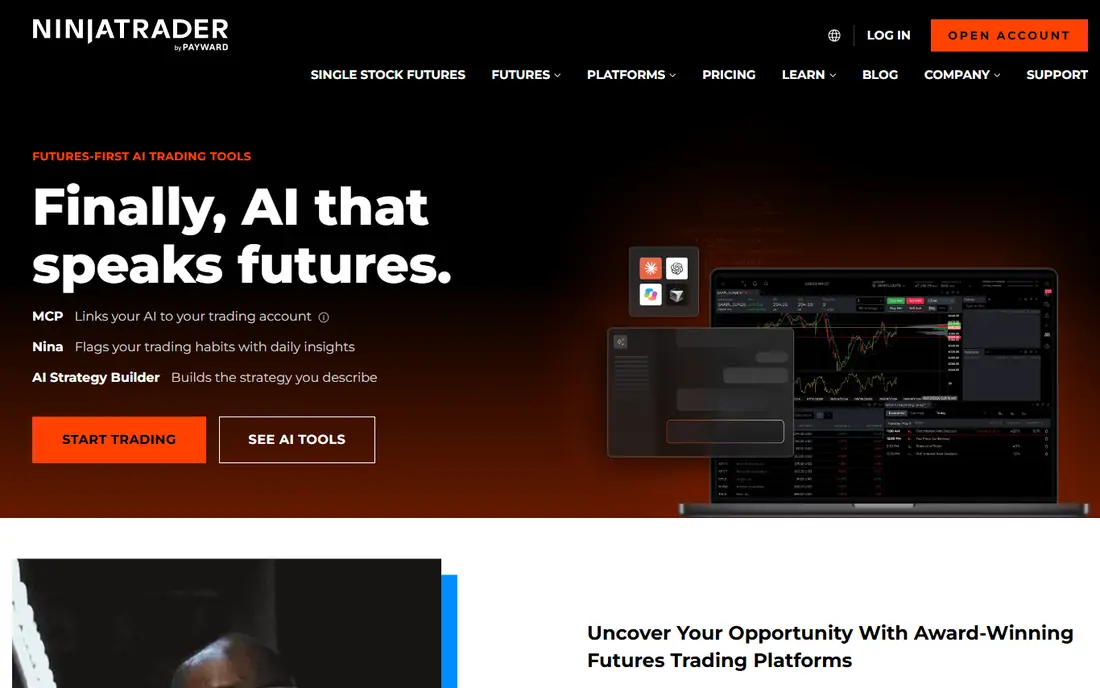
NinjaTrader is the futures-first pick in this list. Its Strategy Analyzer and Market Replay tools let traders backtest coded strategies on historical data and replay sessions, which is the core workflow for serious automation. Simulated trading is free, so a strategy can be tested without risking capital while the logic is still being fixed.
The catch is scope and cost. NinjaTrader is built around futures, so stock-only traders may find a broader broker more useful. Live trading also brings commissions, exchange fees, and data costs on top of any platform plan. For futures traders who code, it remains one of the most complete desktop automation platforms available.
- Strong backtesting and Market Replay
- NinjaScript for coded strategies
- Free simulated trading
- Futures focus limits stock appeal
- Learning curve for new coders
- Live data and commissions add cost
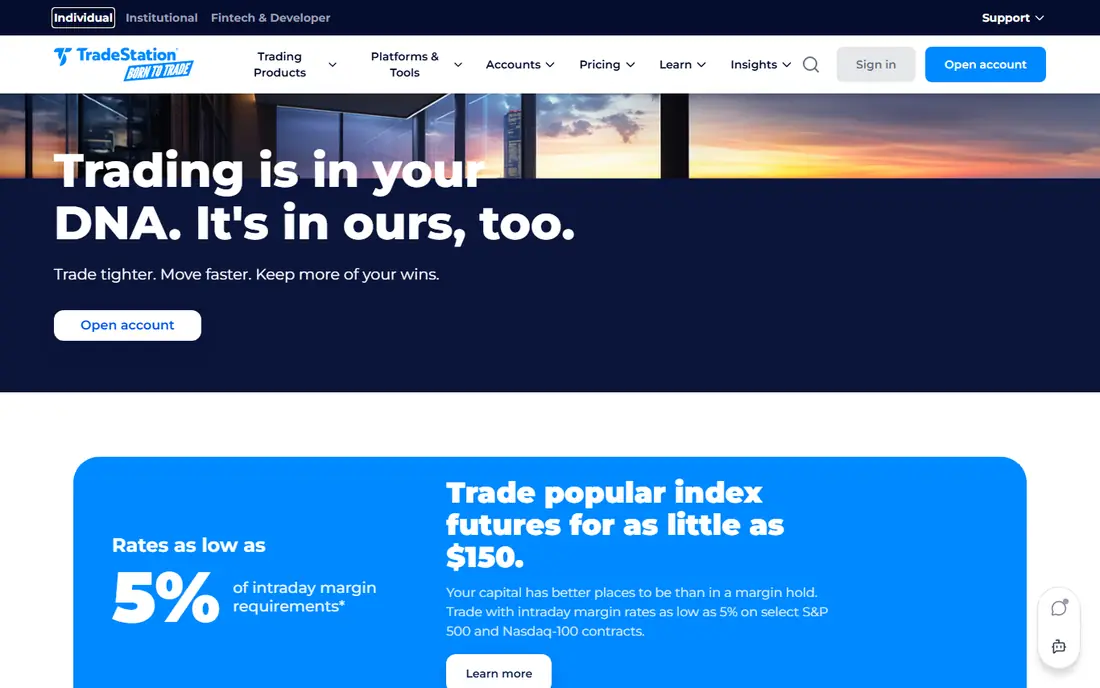
TradeStation combines a broker account with a platform that supports automated strategies in EasyLanguage, a language designed for traders rather than general programmers. That pairing removes the need to connect a separate charting tool to a broker, and strategies can run with real account data. Charting, scanning, and backtesting are built in.
Beginners should expect a learning curve, since TradeStation exposes a lot of depth at once. Fees also vary by asset, so the total cost depends on what you trade and how often. For stock and futures traders who want one account for research, automation, and execution, TradeStation is a strong, established option.
- EasyLanguage for strategy building
- Direct broker and platform in one account
- Strong charting
- Platform depth can overwhelm beginners
- Commissions and fees vary by product
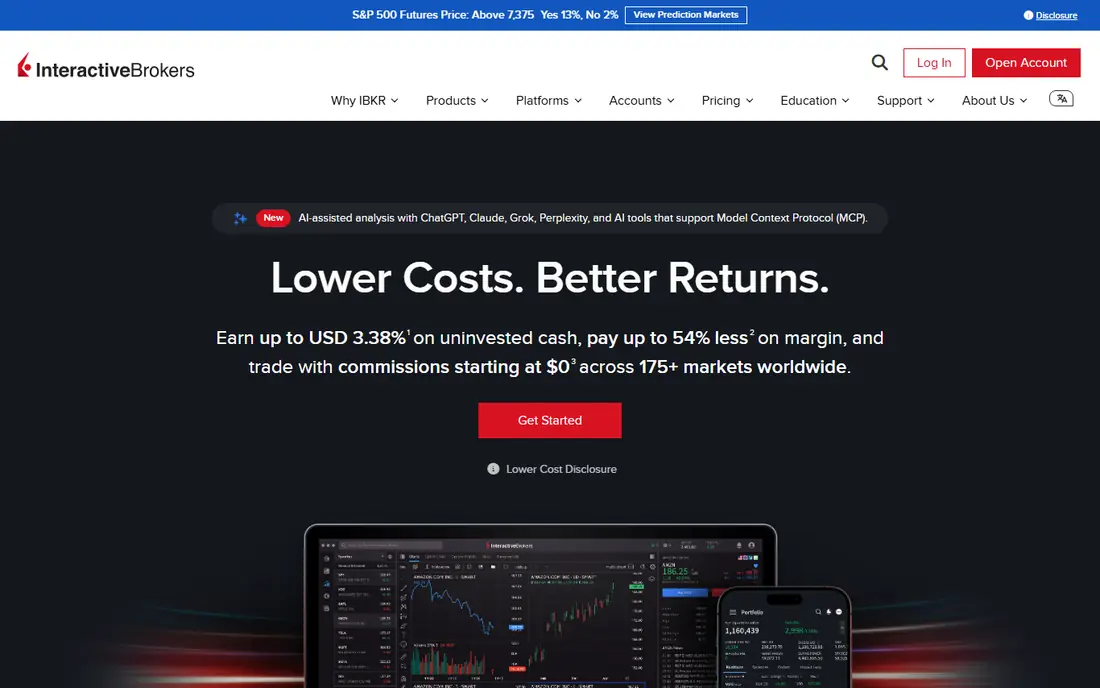
Interactive Brokers suits developers and active traders who want to automate through an API across many markets, including stocks, options, futures, and forex. The API supports order placement, market data, and account information, and the broker is known for broad access and competitive pricing for frequent traders. That combination makes it a common base for custom automation.
The downside is complexity. The desktop platform and the API both assume the user knows trading and programming basics, and support docs can feel dense. Interactive Brokers is not a no-code bot service, and it fits best when you or your team can build and maintain code. For that audience, it is a flexible and cost-effective automation base.
- Broad market access
- API for automated strategies
- Competitive commissions for active traders
- Platform interface is complex
- API setup needs programming skill
MetaTrader 5 is the standard platform for forex and CFD automation, and the software itself is free through participating brokers. Expert Advisors, written in MQL5, can run rules automatically, backtest on historical data, and trade around the clock when the platform stays connected. A large community also shares indicators and advisors, though quality varies a lot.
Broker choice matters more here than with a single-broker platform, since spreads, execution, and regulation differ by broker. Forex and CFD trading with borrowed funds carries high risk of loss, and an Expert Advisor does not remove that risk. MetaTrader 5 fits forex traders who want a widely supported, code-based automation platform and who will vet their broker carefully.
- Platform itself is free from many brokers
- Expert Advisors automate rules
- Large community of indicators and strategies
- Broker quality varies widely
- Automation quality depends on the strategy code
- Forex and CFD risk is high
TradingView is best understood as a charting and alert engine, not a standalone automated broker. Pine Script lets users build indicators and strategies, and alerts can be sent when a condition triggers. With a connected broker or an alert-to-order service, those alerts can become trades, but that extra step is part of the setup.
The free plan covers basic charting, while paid plans add more indicators, alerts, and layouts. Traders who expect TradingView alone to place and manage trades will be disappointed, since execution depends on the connection. For traders who start with charts and want to automate from a signal they can see, it is the most accessible entry point in this list.
- Excellent charts and Pine Script alerts
- Many brokers connect for trading
- Free plan for basic charting
- Alerts alone do not execute trades
- Full automation needs a broker or third-party service
TrendSpider automates the chart work many traders do by hand, including trendlines, support and resistance, and pattern detection across timeframes. Alerts can be built from those automated analyses, which helps traders who want a systematic view of charts without drawing every line manually. The platform also supports backtesting of its automated analysis.
TrendSpider is not a broker, so live automated execution still needs a connection or a third-party service. Its monthly price is also higher than a basic charting subscription, which makes it better suited to active traders who will use the automation daily. For chart-driven traders who want less manual drawing, it is a distinctive option.
- Automated trendlines and pattern detection
- Multi-timeframe analysis
- Alert automation
- Higher monthly price than basic charting tools
- Execution needs a connected service
QuantConnect is a cloud platform for researching and deploying algorithmic strategies in Python or C Sharp. It provides historical data, a backtesting engine, and a research environment in the browser, so traders do not need to maintain their own data servers. Strategies that pass research can be deployed live through supported brokers.
This is a developer tool, not a no-code bot. Traders without coding skill will find it hard to use, and live deployment brings broker, data, and hosting considerations. For quants and developers who want a serious research workflow with real datasets, QuantConnect is one of the most credible cloud options available.
- Cloud backtesting in Python and C Sharp
- Large historical datasets
- Live deployment options
- Coding required
- Live trading costs and broker setup add complexity
Alpaca is an API-first broker that lets developers place stock and ETF orders through code, with paper trading for testing strategies before live use. The API is documented for Python and other common languages, and commission-free trading for eligible US stocks and ETFs keeps testing costs low. That makes it popular for hobby algorithms, student projects, and small trading apps.
Alpaca does not offer the full charting and research workspace of TradeStation or TradingView, so most users pair it with another tool for analysis. Market coverage is also US focused, and product availability can change. For developers building their own automated stock strategy, Alpaca is a clean, low-cost starting point.
- Commission-free API trading for US stocks and ETFs
- Paper trading for testing
- Simple API docs
- US market focus
- API only, no full charting platform
- Options and crypto availability varies
3Commas automates crypto trading across connected exchanges with bots for grid trading, dollar-cost averaging, and signal-based strategies. Users connect an exchange via API keys, set bot rules, and let the bot place orders according to those rules. Paper trading lets new users test a bot setup without live funds.
Crypto risk remains high, and a bot does not protect against sharp price falls or exchange outages. API keys must be handled carefully, with trading-only permissions and no withdrawal rights where possible. For crypto traders who want multi-exchange automation without coding, 3Commas is a widely used option, provided risk limits are set first.
- Grid, DCA, and signal bots
- Connects to many exchanges
- Paper trading for testing bots
- Crypto volatility raises risk
- Exchange API security needs care
- Subscription plus trading fees
How we picked these
We compared official pricing pages, documentation, and broker disclosures for platforms that support automated or semi-automated trading in October 2026. We kept platforms that are currently operating, that clearly support automation through code, rules, alerts, or APIs, and that cover a distinct market or skill level. Where pricing varied by plan or asset, we wrote See website rather than publishing a single misleading figure.
How to automate without taking avoidable risk
Start with paper trading for at least a few weeks, and include losing periods in that test, not just a good week. Set a maximum loss per trade and per day in code, not just in your head, and add a kill switch that stops the strategy if it behaves unexpectedly. Check what happens when the internet drops, the platform restarts, or an order is only partly filled, since those edge cases cause real losses. Keep position sizes small at first, and review logs weekly rather than letting a bot run unchecked for months.
What to check before live trading
Confirm broker regulation, fees, and whether the platform supports your market and order types. Check backtest assumptions, including commissions, slippage, and data quality, since a backtest without costs will look better than live results. Never share exchange API keys with withdrawal rights, and never run a bot on borrowed money or money you cannot afford to lose.
Frequently asked questions
What is the best automated trading platform for beginners?
TradingView is the easiest start for chart-based automation, since it is visual and has a free plan, though it needs a broker connection for live trades. For crypto, 3Commas offers no-code bots, and for stocks, Alpaca offers a simple API with paper trading. Beginners should paper trade first and avoid borrowed funds until they understand the risks.
Is automated trading profitable?
It can be, and it can also lose money quickly. A backtest that looks profitable may fail live because of slippage, fees, changing markets, or coding errors. No platform in this list guarantees returns, and any service that promises them should be treated with caution. Risk controls and realistic testing matter more than the platform choice alone.
Do I need to know how to code to automate trading?
No, but coding opens more options. No-code and rule-based tools such as 3Commas and TrendSpider alerts cover many strategies, while NinjaTrader, QuantConnect, and Alpaca need code for full control. If you do not code, start with a rule-based tool and paper trade before paying for a higher tier.
What is the best platform for automated futures trading?
NinjaTrader is the strongest futures-focused pick here, with backtesting, Market Replay, and NinjaScript strategies. TradeStation also supports futures automation, and Interactive Brokers offers API access to futures alongside other markets. Futures use borrowed funds, so position size and risk limits deserve extra care.
Can I automate trading on TradingView alone?
TradingView can generate signals and alerts from Pine Script, but live execution needs a connected broker or a third-party alert service. Check which brokers your plan supports and whether order types you need are available through that connection before you rely on it for live trading.
Sources
See where you really rank - block by block
ProMapRanker scans Google Maps across a grid of your service area. Simple monthly plans from $19, white-label on every plan.
Start freeKeep reading
 top custom software development company
Top Custom Software Development Company in 2026
Looking for a top custom software development company? We compare 9 firms for web, mobile, and enterprise software, covering strengths and fit for 2026.
Read → tableau alternatives
Tableau Alternatives in 2026
Compare the best Tableau alternatives for 2026, from Power BI to Metabase, with prices, hosting options, and picks for small teams and enterprises today.
Read → microsoft teams alternatives
Best Microsoft Teams Alternatives in 2026
Looking for microsoft teams alternatives? We compare 9 chat and video tools for 2026, covering free plans, pricing, meetings, and integrations for teams.
Read →