 ProMapRanker
Best Automated SEO Tools in 2026


All-in-one automation for growing sites · Pricing starts at: $139 per month
Key takeaways
- Semrush and Ahrefs cover the widest range of automation, from scheduled audits to rank tracking and alerts, but they cost the most each month.
- Surfer SEO is the clearest pick for content teams that want automated briefs, scores, and refresh tasks tied to one page at a time.
- SE Ranking gives smaller agencies a strong middle ground, with automation, reporting, and workflow links at a lower entry price than the largest suites.
- Botify, Screaming Frog, and Sitebulb are better fits for technical work, where crawl automation and issue prioritization matter more than keyword ideas.
- Free and low-cost entry points exist, but limits on projects, crawls, and tracked keywords arrive fast on a growing site.
Quick comparison
| Pick | Great for | Pricing starts at | Free tier | |
|---|---|---|---|---|
| Semrush | All-in-one automation for growing sites | $139 per month | Yes | Visit |
 Ahrefs | Backlink and rank automation at scale | $129 per month | No | Visit |
 Surfer SEO | Automated content briefs and optimization | $49 per month | No | Visit |
 SE Ranking | Affordable agency automation and reporting | $103.20 per month | Free trial | Visit |
 Botify | Large-site technical automation | See website | No | Visit |
 Screaming Frog SEO Spider | Scheduled crawls for technical teams | See website | Yes | Visit |
 Moz Pro | Guided audits and rank tracking | See website | Free trial | Visit |
 Sitebulb | Visual crawl audits and prioritized fixes | See website | Free trial | Visit |
 Clearscope | Content grading for writers and editors | See website | No | Visit |
The best automated seo tools
We compared tools that reduce repeated SEO work, such as scheduled crawls, rank checks, alerts, brief creation, and client reporting, rather than tools that only show one keyword list.
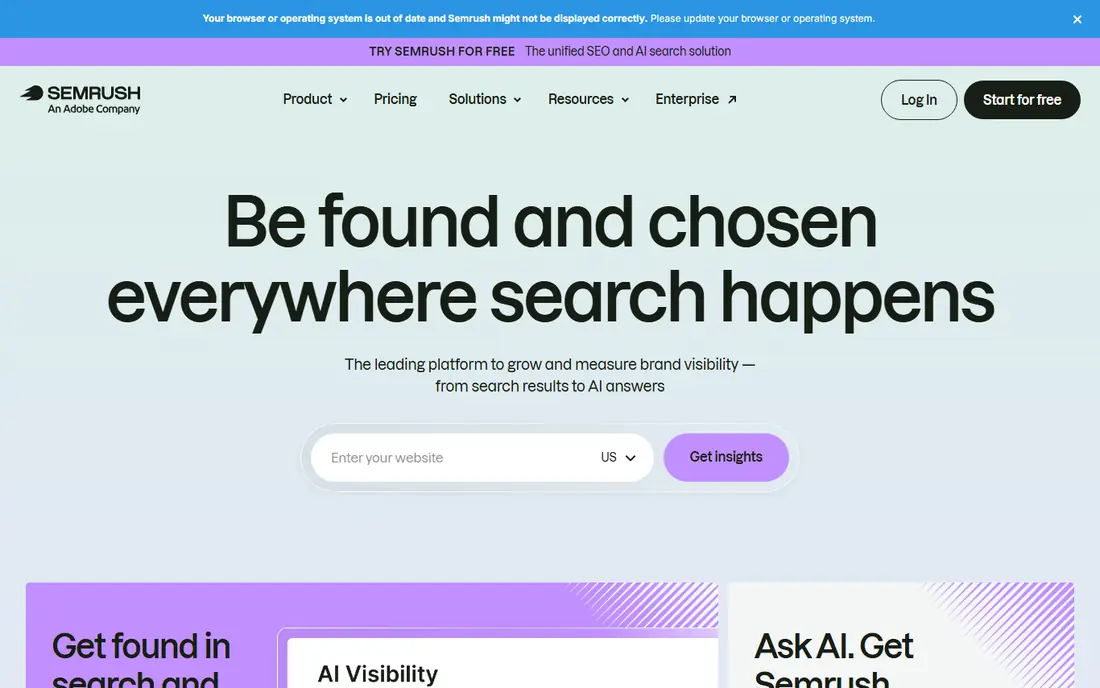
Semrush suits a team that wants one place for audits, keyword tracking, content ideas, and reports. Its scheduled site audits flag new technical problems without a manual crawl each week, and position tracking shows movement for chosen keywords over time. That combination saves time for small teams that cannot maintain several separate tools.
The catch is scope. A new user can spend a long time learning where each report lives, and the entry plan limits projects and tracked keywords. We suggest starting with a short list of pages and keywords, then adding projects only after the weekly routine feels stable.
- Wide toolset in one account
- Scheduled audits and position tracking
- Strong competitor and backlink data
- Price rises fast with extra seats and add-ons
- Interface can feel crowded for new users

Ahrefs stands out for automated monitoring of links and rankings. Alerts can surface new backlinks, lost links, and keyword movement, which helps a team react before a small drop becomes a trend. Its audit tool also runs on a schedule and groups issues so a developer can work through fixes in order.
The main trade-off is price and focus. It is less of a content writing tool than Surfer or Clearscope, so teams that need briefs and grading may pair it with a second product. For link-led and data-led SEO work, though, its automation is hard to beat.
- Large backlink and keyword database
- Useful alerts for new links and ranking changes
- Clear site audit reports
- No full free plan
- Higher tiers are needed for large teams and heavy API use
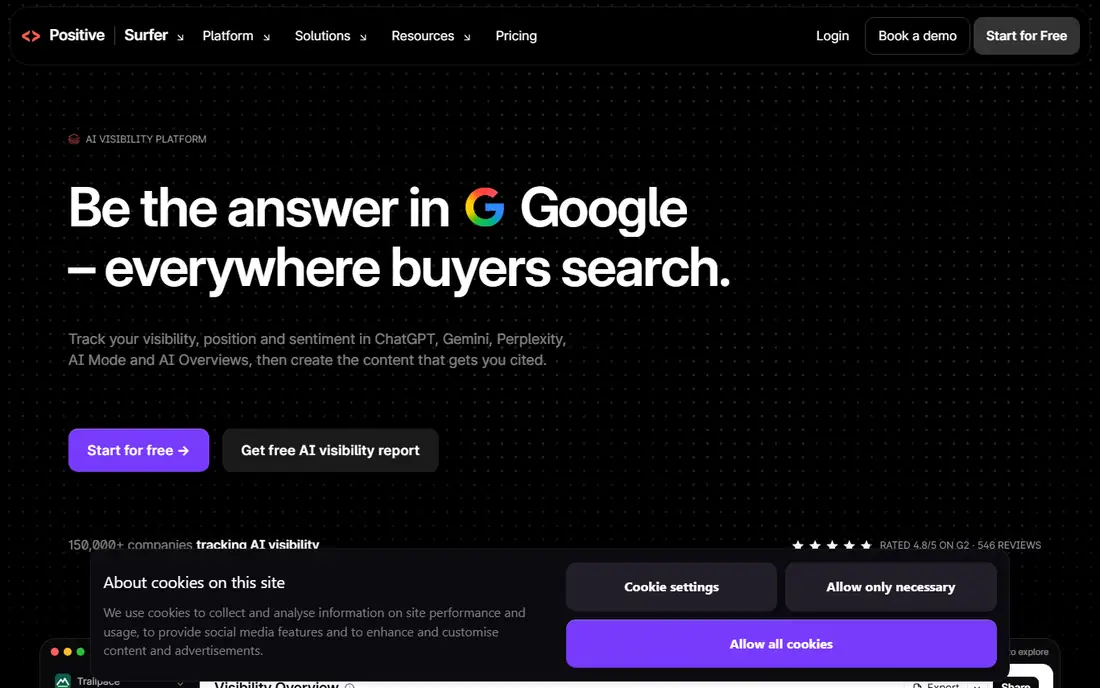
Surfer SEO turns a manual content brief into a structured task. A writer gets target terms, headings, length guidance, and a live score while drafting, which cuts the back-and-forth that often slows publishing. Its audit view also points to pages that need a refresh, rather than leaving a team to guess which posts to update first.
We see it as a content workflow tool first. Technical teams still need a crawler for site structure, redirects, and indexation problems. Used in that role, Surfer keeps content production steady and consistent across writers.
- Clear content scores and term guidance
- Audit and refresh suggestions for existing pages
- AI visibility tracking on higher plans
- Document limits apply on lower plans
- It does not replace a full technical audit suite
SE Ranking appeals to agencies and freelancers who need repeatable client work. Scheduled audits, rank tracking, and white-label style reporting can run on a regular cycle, and its links to tools such as Zapier, Make, and n8n help move data into other systems. That makes monthly reporting less of a manual chore.
Its limits deserve a check before buying. Add-ons for API access, AI search, and agency features change the total bill, and a team with many clients may outgrow the entry plan. Still, for the core automation loop, it offers strong value.
- Rank tracking, audits, and reporting in one plan
- Workflow links to automation tools
- Lower entry cost than the largest suites
- Some advanced features are add-ons
- Data depth varies by market and keyword set
Botify is aimed at sites where a normal crawl struggles, such as large ecommerce catalogs and publisher archives. It combines crawl data, log data, and search data to show which pages search engines actually visit and which pages need attention. That view helps large teams fix crawl waste and indexation problems in a planned order.
Small sites should skip it. The sales-led pricing and implementation effort only make sense when technical SEO is a full-time job and the site has thousands of pages. For those teams, its automation can replace several manual reports.
- Built for very large sites and log analysis
- Prioritized technical recommendations
- Strong support for AI search visibility work
- Enterprise pricing and setup
- More than most small sites need
Screaming Frog remains a favorite for hands-on technical audits. It crawls a site and reports on status codes, redirects, titles, meta data, internal links, and many other details that a cloud summary can hide. Scheduled crawls and saved configurations make repeat checks faster than starting from scratch each time.
The learning curve is real. Results arrive as detailed tables, and a beginner may not know which issues to fix first. In skilled hands, though, it is one of the most direct ways to automate a technical audit.
- Deep crawl data for technical checks
- Scheduling and custom extraction
- Free version for small crawls
- Desktop software, not a cloud dashboard
- Reports need interpretation by a skilled user
Moz Pro fits a team that wants guidance with its automation. Its campaigns walk through site crawls, rank tracking, and on-page checks in a steady order, which helps a small business owner who does not live in SEO tools every day. The learning resources also explain why a fix matters, not just what to change.
Teams that compete in very crowded markets may find its data thinner than Semrush or Ahrefs. For local businesses and small sites with a focused keyword set, that gap matters less than the clarity of the workflow.
- Clear crawl diagnostics and rank tracking
- Helpful learning material for beginners
- Campaign structure suits small teams
- Backlink and keyword depth trails the largest suites
- Pricing is not shown as a simple public entry point here
Sitebulb turns crawl results into visual reports that a non-technical stakeholder can follow. Charts and hints show how issues connect across a site, which helps when a fix needs approval from a developer or manager. Its prioritization also stops teams from fixing minor items while larger problems stay live.
It is not a full SEO suite. Keyword research, backlink tracking, and content scoring need other tools. As a technical audit companion, it earns its place by making complex crawl data easier to act on.
- Visual audit reports that are easy to share
- Prioritized hints for developers
- Cloud and desktop options for different teams
- Focused on technical audits, not keyword or content research
- Pricing needs a check on the vendor site
Clearscope keeps content automation simple. A draft receives a grade and a list of terms used by strong competing pages, so an editor can see what is missing without reading a long report. Reports can be shared with freelance writers, which keeps quality steady when several people write for one site.
The narrow focus is both a strength and a limit. It will not find broken links, track rankings, or audit a site structure. Teams that already have an audit tool and only need better briefs will get the most from it.
- Simple letter grades for content quality
- Term guidance based on top pages
- Easy brief sharing with writers
- No technical audit or rank tracking
- Cost is high for very small teams
How we picked these
We compared official feature pages, pricing pages, and public documentation for tools that automate a repeatable SEO task, such as scheduled crawls, rank tracking, alerts, content scoring, or reporting. We kept tools that are live and supported in October 2026, and we left out tools that only offer a one-time keyword list with no automation. Where a price was not shown clearly on the vendor site at the time of checking, we wrote See website rather than guessing a figure.
What to check before you pay
Start with the job you repeat most often. A content team should test briefs and scoring on two or three real drafts before judging a tool. A technical team should run a crawl on a staging copy or a small section first, then check how clearly issues are grouped and exported.
Match limits to your site
Count your projects, tracked keywords, crawled pages, and writers before choosing a tier. Entry plans look cheap until a second site or a larger keyword set pushes you into a higher plan. Check the cost of extra seats and add-ons too, since those items often decide the real monthly bill.
Test the report you will actually use
Ask for the weekly or monthly report during a trial and show it to the person who must act on it. If a developer cannot turn the report into tickets, or a writer cannot turn a brief into a draft, the automation has not saved time. A clean export, a clear priority order, and a simple alert are worth more than a long feature list.
Keep one source of truth
Two tools that track the same keywords can show different numbers, because their databases and update times differ. Pick one tool for rankings, one for technical audits if needed, and one for content, then compare trends inside each tool over time. That habit avoids arguments about small daily changes and keeps the focus on real movement.
Frequently asked questions
What is the best automated SEO tool for beginners?
Semrush or Moz Pro are good starting points, because they combine audits, rank tracking, and guidance in one account. Start with a small keyword set and one site, and add tools only when a clear gap appears in your routine.
What does the best SEO automation tool automate?
It can schedule site crawls, track keyword positions, alert you to new or lost links, create content briefs, and build regular reports. The best fit depends on which of those tasks you repeat most often each month.
Is there a free automated SEO tool?
Screaming Frog offers a free version for small crawls, and Semrush offers a limited free account. Both help with spot checks, but regular automation for a larger site usually needs a paid plan.
Do automated SEO tools replace an SEO specialist?
No. They speed up data collection and routine checks, but a person still needs to set priorities, judge content quality, and decide which fixes matter most. Automation works best as support for a clear strategy.
How much should a small business pay for SEO automation?
A small site can often start in the range of the entry plans listed here, then move up when projects or keywords grow. Check seat costs and add-ons before committing, and use a trial to test the report you will rely on each month.
Sources
See where you really rank - block by block
ProMapRanker scans Google Maps across a grid of your service area. Simple monthly plans from $19, white-label on every plan.
Start freeKeep reading
 twitch alternatives
Twitch Alternatives in 2026
Explore the best Twitch alternatives in 2026 for live streaming, with free platforms, monetisation options, audiences, chat tools, and tips for new streamers.
Read → firebase alternatives
Best Firebase Alternatives in 2026
Looking for Firebase alternatives? We compare 9 backend platforms for auth, databases, realtime, storage, functions, self-hosting, and pricing for your app.
Read → companies with best work life balance
Companies With Best Work Life Balance in 2026
See companies with best work life balance in 2026, ranked by employee ratings, with flexible work options, benefits, and what to check before applying.
Read →