 ProMapRanker
Best Attendance App in 2026: 9 Apps Compared

Key takeaways
- Jibble is the strongest free start for attendance, with unlimited users on its free tier and GPS and facial checks on paid plans.
- Deputy and Homebase suit scheduled hourly teams, with Deputy stronger on shift rules and Homebase stronger on location-based scheduling.
- Connecteam, Buddy Punch, and ClockShark suit field and deskless teams that need mobile clocks, GPS, and job tracking.
- When I Work, Clockify, and Hubstaff cover scheduling, simple time tracking, and remote attendance, but check payroll export before you commit.
Quick comparison
| Pick | Great for | Pricing starts at | Free tier | |
|---|---|---|---|---|
 Jibble | Free attendance for teams of any size | Free | Yes | Visit |
 Deputy | Scheduled hourly teams with shift rules | $5 per user per month | No | Visit |
 Homebase | Hourly teams organised by location | Free | Yes | Visit |
 Connecteam | Deskless and field teams in one app | $29 per month | Yes | Visit |
 Buddy Punch | Flexible clock-in methods for small teams | See website | No | Visit |
 When I Work | Shift scheduling linked to attendance | $2.50 per user per month | No | Visit |
 Clockify | Simple free time tracking for small teams | Free | Yes | Visit |
 Hubstaff | Remote team attendance and time tracking | See website | No | Visit |
 ClockShark | Construction and field crews with job costing | $40 per month plus $9 per user | No | Visit |
The best attendance apps
We compared attendance apps on mobile clock-in, GPS and verification, scheduling, timesheets, and payroll export, using official product pages, pricing pages, and app store listings.
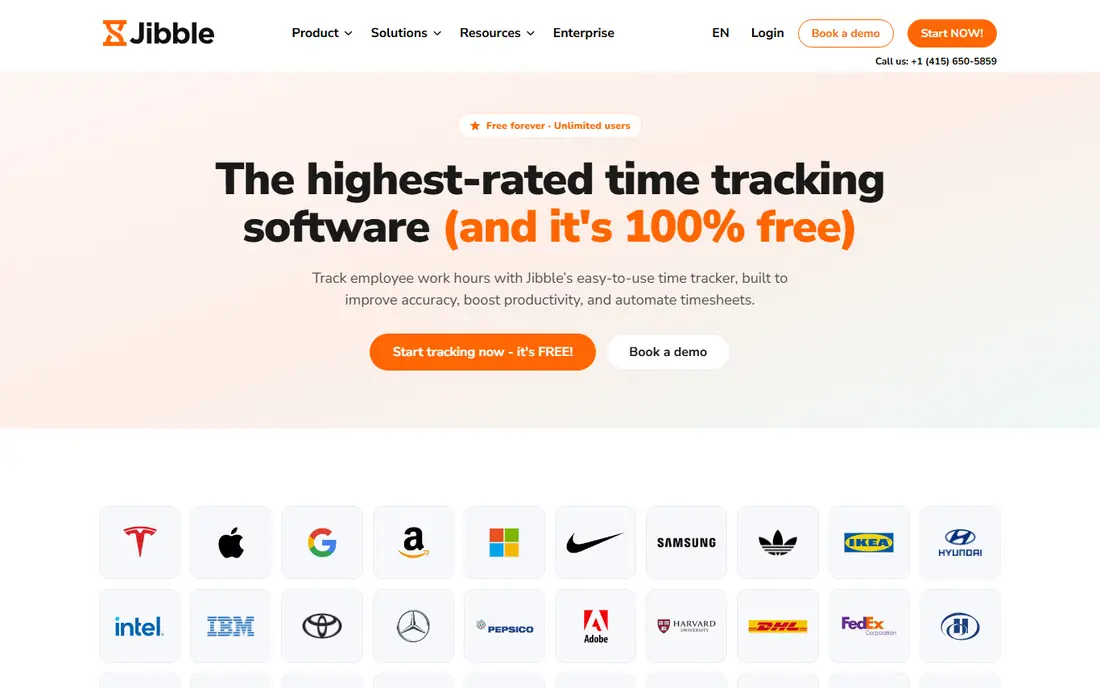
Jibble is the best free start for attendance because its free tier covers unlimited users with core time tracking. Employees can clock in from a phone, tablet, kiosk, or desktop, and managers can review timesheets without paying per head from day one. GPS and facial recognition options on paid plans add verification for field and shared-device teams.
The free tier is generous, but advanced reporting, approvals, and controls need a paid plan. Jibble suits small businesses that want to start free and grow, as well as larger teams that want a low-cost core clock before adding extras.
- Free tier for unlimited users
- Mobile, web, tablet, and kiosk clocks
- GPS and facial recognition options
- Advanced reports and controls sit on paid plans
- Setup needs care for large teams
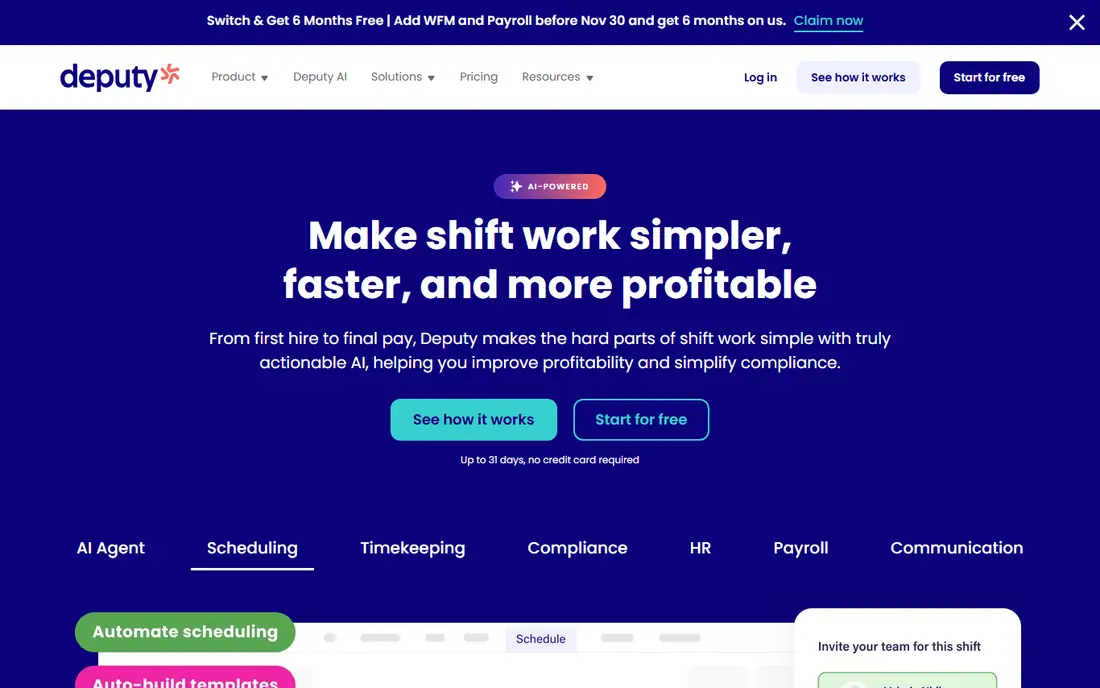
Deputy links scheduling and attendance, so a shift, a clock-in, and a timesheet stay connected. Managers can build schedules, set break rules, and review exceptions tied to shifts, while employees clock in from a phone or kiosk. That link reduces missed-punch chasing, because exceptions show against the scheduled shift.
Deputy pricing starts at a per-user rate with a monthly minimum, so very small teams should check the total. It suits retail, hospitality, and healthcare teams where schedules change often and attendance must match the roster.
- Scheduling linked to attendance
- Break and labour rule templates
- Facial recognition clock-in options
- Time clock app needs internet in most flows
- Pricing has a monthly minimum
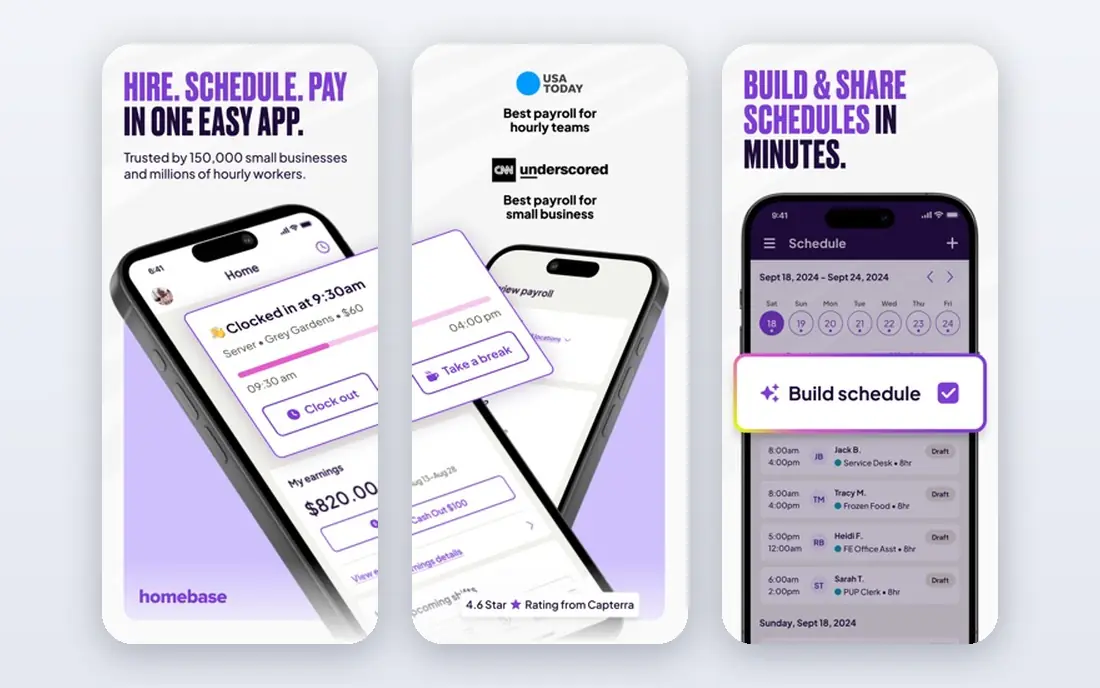
Homebase is built for hourly teams in shops, restaurants, and service businesses. Scheduling, time clocks, and team messaging sit by location, so a manager can see who is working, late, or absent at each site. A free plan for one location makes it easy to test with a single team before paying.
Pricing moves to per-location paid plans as you add sites and features, so multi-location chains should compare totals across sites. Homebase suits single-location and small-chain hourly teams more than field crews that need job costing.
- Free plan for one location
- Scheduling and time clocks by location
- Payroll integrations for hourly teams
- Paid plans are priced per location
- Advanced features need a higher tier
Connecteam is an all-in-one app for teams without desks, combining a time clock, scheduling, forms, checklists, and team chat. Field staff can clock in from a phone, managers can see live attendance, and timesheets feed into payroll review. The free plan up to 10 users suits very small teams.
Paid plans start as a flat monthly rate for up to 30 users, which is simple for small teams but needs comparison as headcount grows. Connecteam suits field, retail, and service teams that want attendance plus communication in one app.
- Time clock, scheduling, forms, and team communication in one app
- GPS tracking
- Free plan up to 10 users
- Flat pricing suits small teams first
- Some GPS features sit on higher tiers
Buddy Punch focuses on making clock-in easy and verifiable. Employees can clock in from a phone, web, or kiosk, with photo verification and location options that help managers confirm who clocked in and where. Timesheets are simple to review, and payroll exports reduce manual entry.
Pricing combines a base fee with a per-user rate, and geofencing sits on higher tiers, so check the total for your team size. Buddy Punch suits small teams that want flexible clock-in without a full workforce suite.
- Multiple clock-in options including photo verification
- GPS and geofencing on higher tiers
- Simple timesheets
- Base fee plus per-user pricing
- Some verification features need a higher tier
When I Work suits shift teams that need scheduling and attendance together without a heavy system. Managers can publish schedules, staff can swap shifts from a phone, and clock-ins link back to the schedule. Team messaging keeps shift changes visible without separate chat tools.
For complex pay rules, overtime logic, or job costing, a deeper attendance tool may fit better. When I Work is best for straightforward shift teams that value speed and simplicity.
- Easy shift scheduling and swapping
- Mobile clock-in
- Team messaging for shift teams
- Attendance depth is lighter than Deputy for complex rules
- Pricing is per user per schedule
Clockify is a simple time tracker that works well for attendance when you need hours, not complex shift rules. Employees start a timer or enter time manually, managers review timesheets, and reports show hours by person, project, or client. The free tier covers core tracking, which suits freelancers and small teams.
It lacks the GPS, kiosk, and shift-rule depth of Deputy or Jibble, so field teams that need verification should look elsewhere. Clockify suits office, remote, and project teams that need clean timesheets without a full attendance suite.
- Free core time tracking
- Simple timers and timesheets
- Works on web and mobile
- Attendance features are lighter than dedicated clocks
- GPS and verification are limited
Hubstaff tracks time for remote and hybrid teams, with timers, timesheets, and payroll integrations that turn tracked hours into pay data. Managers can see who is working, review timesheets, and export hours, while remote staff can track time from desktop or mobile. That makes it a practical attendance tool for distributed teams.
Activity features need care: tell your team what is tracked, why, and how data is used, and check local privacy rules before you enable screenshots or activity levels. Hubstaff suits remote teams that already agree on transparent time tracking.
- Time tracking with activity insights
- Timesheets and payroll integrations
- Desktop and mobile apps
- Activity monitoring needs clear team policies
- Pricing varies by plan
ClockShark is built for construction and field service crews that need to tie hours to jobs. Crews clock in from a phone with GPS verification, managers see who is on which job in real time, and timesheets feed job costing and payroll. That job link is the main reason to choose ClockShark over a general clock.
Office teams will find it more specialised than they need, and the base fee plus per-user rate needs comparison for small crews. For field teams, the job costing and GPS checks justify the cost.
- GPS-verified mobile clock-in
- Job and task tracking
- Payroll and accounting integrations
- Base fee plus per-user pricing
- Built for field work, not office attendance
How we picked these
We compared official product pages, pricing pages, and app store listings for attendance apps with a live mobile clock, and kept only products with clear timesheet and payroll export paths. We favoured a mix of free clocks, scheduled hourly tools, field tools, and remote tracking, so different team types are covered. We did not claim hands-on testing, and we used vendor pricing where published. Note plainly that software alone does not make an organisation compliant with employment or privacy rules, especially for GPS, photos, and biometric checks, which need clear policies and local legal review.
Choosing an attendance app for your team type
Start with where your team works. Office and remote teams need simple timers and timesheets, hourly shift teams need scheduling linked to clocks, and field teams need GPS and job tracking. Picking by work location avoids paying for features your team will never open.
Test the clock on a real phone in a real work setting. Check offline behaviour, GPS accuracy, photo checks, and how missed punches are corrected, because those details decide whether managers trust the timesheet. Also test payroll export with a small sample before you roll out to a full team.
Set policies before you turn on verification. Tell staff what location, photo, or facial data is collected, when it is collected, and how long it is kept. Clear policies reduce friction and help you stay within privacy rules, while a surprise check can damage trust even when the tool works well.
Frequently asked questions
What is the best attendance app for small businesses?
Jibble is the strongest free start, Homebase suits single-location hourly teams, and Connecteam suits small deskless teams that want communication plus attendance. Compare total cost at your headcount, not only a headline rate.
What are the best attendance apps for field teams?
ClockShark, Connecteam, Jibble, and Buddy Punch suit field teams, with ClockShark strongest on job costing and Jibble strongest on free core tracking. Check GPS accuracy and offline clocking on your phones before you commit.
Do attendance apps work with payroll?
Most do, through direct integrations or payroll-ready exports, but the exact payroll systems vary by app. Test an export with a small sample and confirm overtime, breaks, and job codes carry over correctly.
Can employees clock in from a phone?
Yes. All the apps here offer mobile clock-in, with GPS, photo, or facial checks on some plans. Check whether offline clocking works for your team, because some apps need internet for most clock flows.
Is GPS tracking in attendance apps legal?
Rules vary by location and by how data is collected and used, so software alone does not settle compliance. Tell staff what is tracked, limit tracking to work hours where required, and get local legal advice before you enable location or biometric checks.
Sources
See where you really rank - block by block
ProMapRanker scans Google Maps across a grid of your service area. Simple monthly plans from $19, white-label on every plan.
Start freeKeep reading
 who has best internet service
Who Has the Best Internet Service in 2026
Who has best internet service for US homes? We compare fiber, cable, fixed wireless and satellite providers on speed, price, availability and terms today.
Read → which survey tool has the best analytics
Which Survey Tool Has the Best Analytics in 2026
Find which survey tool has the best analytics in 2026, comparing Qualtrics, SurveyMonkey, Typeform, Alchemer, and more on reports, text, and stats today.
Read → which streaming service has the best movies
Which Streaming Service Has the Best Movies in 2026
Answering which streaming service has the best movies, with Netflix, Max, Criterion and more compared on libraries, prices and free options in this guide.
Read →