 ProMapRanker
Best Artificial Intelligence App in 2026

Key takeaways
- ChatGPT is the broadest all-rounder, Claude leads for long writing and code, and Gemini offers strong value inside Google apps.
- Every major app has a free tier, but paid plans raise usage limits and give access to stronger models.
- Research tools such as Perplexity are better when you need sources, while general assistants are better for drafting and brainstorming.
- Check privacy controls and data settings before pasting sensitive work, since defaults differ by app and plan.
Quick comparison
| Pick | Great for | Pricing starts at | Free tier | |
|---|---|---|---|---|
 ChatGPT | Everyday all-round assistant | $20 per month | Yes | Visit |
 Claude | Long writing, analysis, and code | $20 per month | Yes | Visit |
 Gemini | Google ecosystem and long documents | $19.99 per month | Yes | Visit |
 Microsoft Copilot | Microsoft 365 work | See website | Yes | Visit |
 Perplexity | Research with cited sources | $20 per month | Yes | Visit |
 DeepSeek | Low-cost reasoning and code | Free | Yes | Visit |
 Grok | Real-time answers and X integration | See website | Yes | Visit |
 Le Chat | European alternative with fast answers | See website | Yes | Visit |
The best artificial intelligence app
This list covers general AI apps you can open daily for writing, coding, research, and planning. We focused on apps that are available to US consumers in October 2026, with a free tier or a clear paid plan.
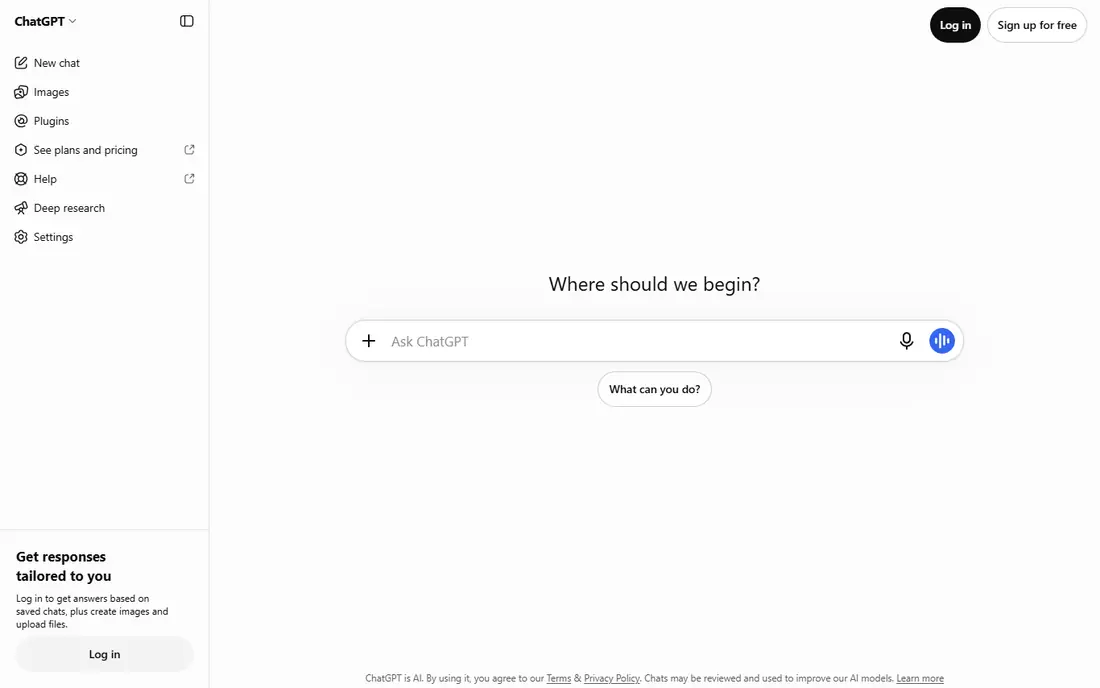
ChatGPT is the easiest default pick for most people. It drafts, edits, brainstorms, explains, codes, and generates images in one app, and its voice mode makes it useful away from a keyboard. Paid plans raise limits and give access to stronger models, agents, and coding tools, which matters if you use it for work every day.
The downside is that the free tier is limited, and the best models sit behind paid plans. ChatGPT also benefits from checking its answers on factual topics, since it can sound confident about a wrong detail. For one app that covers the widest range of daily tasks, it still leads this list.
- Broadest feature set, including voice and image generation
- Large app and GPT ecosystem
- Strong agent features
- Free tier limits are tighter than some rivals
- Model access varies by plan
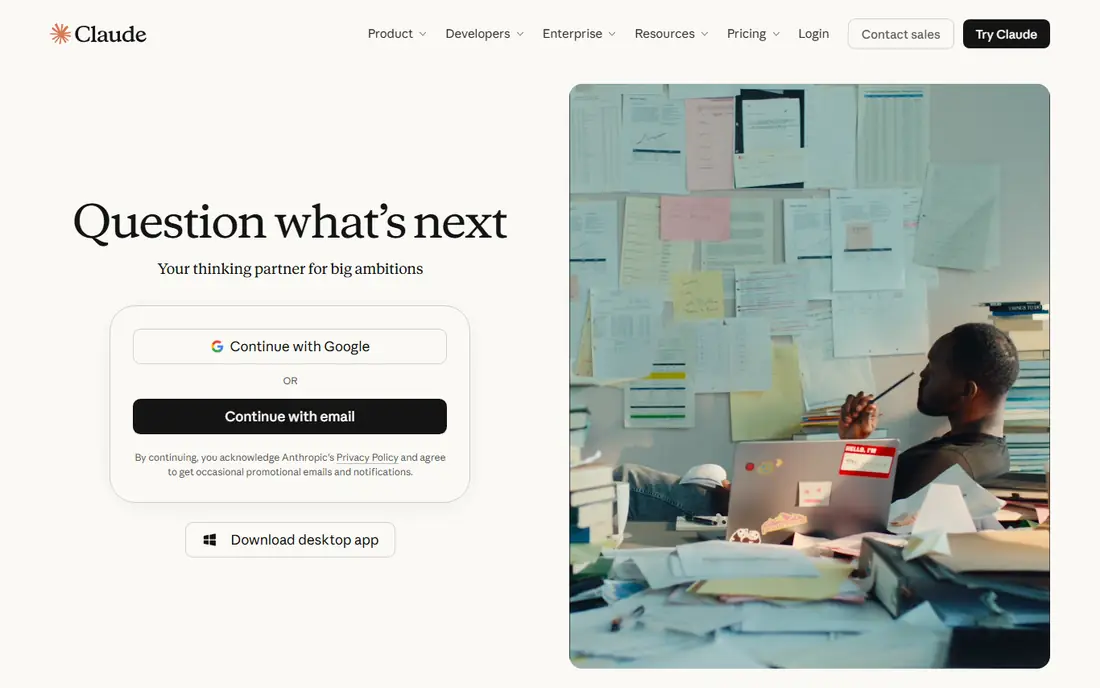
Claude is our pick for people who work with long documents, careful edits, and code. It handles large files and long conversations with steady context, and its writing tone tends to stay measured and clear. Developers also get Claude Code access on paid plans, which makes it a working tool rather than just a chat box.
Claude does not generate images or video, so creative teams will need another tool for that work. Heavy users can also hit usage limits on busy days. If your main work is writing, analysis, or coding, Claude is the strongest specialist here.
- Careful long-form writing and reasoning
- Strong coding help
- Large document handling
- No built-in image or video generation
- Usage limits apply on heavy days
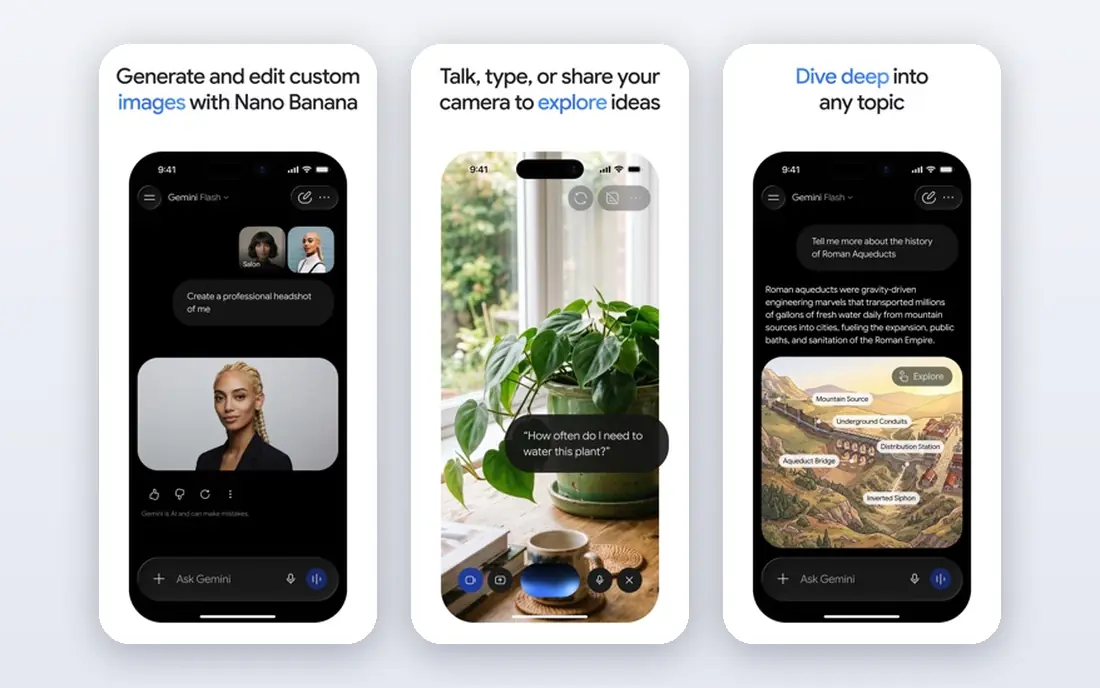
Gemini makes the most sense if you already live in Google apps. It can summarize Gmail threads, help draft Docs, work with Drive files, and run on Android phones without switching apps. Paid plans raise limits and add research and media features, and the free tier is generous enough for everyday questions.
Gemini is not always the best pick for hard coding or very careful reasoning, where Claude often feels steadier. But for value, long documents, and Google integration, it is the strongest all-round alternative to ChatGPT, and its paid price is close to its rivals.
- Deep Gmail, Docs, Drive, and Android integration
- Long context for large documents
- Image and video features
- Answer quality can vary by task
- Best features need a Google account and paid plan
Microsoft Copilot is the AI app for Office users. Inside Word it can draft and rewrite, inside Excel it can explain data in plain language, inside PowerPoint it can build a deck outline, and inside Teams it can summarize meetings and list action items. That integration saves switching between apps, which is the whole point for office teams.
Outside Microsoft 365, Copilot is a competent general assistant but not a standout. Pricing also depends on the Microsoft plan, so check the bundle before you compare it with a standalone app. If your workday runs on Office, Copilot is the natural pick.
- Works inside Word, Excel, PowerPoint, Teams, and Outlook
- Good for meeting summaries
- Enterprise controls
- Full value needs a Microsoft 365 plan
- Less useful outside Microsoft apps
Perplexity is built for questions where the source matters. Ask about a news event, a product spec, or a research topic, and it returns an answer with links you can open and check. That makes it far more useful than a general assistant for fact-checking, market research, and learning a new topic quickly.
It is less suited to long creative writing or coding sessions, where ChatGPT or Claude feel more flexible. Use Perplexity as your research app alongside a general assistant, and open the cited sources before you rely on any single claim.
- Answers include source links
- Strong for current events and fact-checking
- Clean research workflow
- Weaker for long creative writing
- Paid plan needed for unlimited advanced searches
DeepSeek stands out on price. Its chat app is free, and its models are known for strong reasoning, math, and coding performance relative to cost. For students, developers, and curious users who want a capable assistant without a monthly fee, it is the best budget option on this list.
The app itself is simpler than ChatGPT or Gemini, with fewer media, voice, and integration features. Some users also have questions about data handling and regional availability, so read the privacy policy before using it for sensitive work. On pure capability per dollar, DeepSeek is hard to beat.
- Free app access
- Strong reasoning and math performance for the price
- Open model weights
- Fewer built-in app features than major rivals
- Availability and support vary by region
Grok, from xAI, is best for fast, current answers with a conversational edge. Its connection to X gives it a useful view of breaking news and trending discussion, and it handles image generation and everyday chat in the same app. Users who already spend time on X will find the integration natural.
Grok is not the best pick for careful long-form work or strict research, and its free access has limits. Treat it as a fast news and brainstorming app, and verify important facts with a source-backed tool such as Perplexity before you act on them.
- Strong for current events and social trends
- Conversational tone
- Image features included
- Tied closely to the X ecosystem
- Factual answers still need checking
Le Chat, from Mistral AI, is a clean general assistant with fast answers, document help, and coding support. It appeals to users who want a capable alternative to the US giants, and Mistral publishes open-weight models that developers can run elsewhere. The app itself stays simple, which many users prefer for daily questions.
Its ecosystem is smaller, with fewer third-party apps and integrations than ChatGPT or Gemini. For US users, that may matter less than speed and simplicity. If you want a strong general assistant outside the big three, Le Chat is the most credible option here.
- Fast responses
- European company and hosting options
- Solid coding and document help
- Smaller ecosystem than ChatGPT or Gemini
- Fewer integrations for US users
How we picked these
We compared official pricing pages, app listings, and product documentation for current plans, free tiers, and core features in October 2026, and we favored apps that a US consumer can open and use today. We did not claim hands-on testing of every model. We weighed everyday usefulness, writing and coding quality signals from public comparisons, research features, and privacy controls, since those points decide which app earns daily use.
How to choose the right AI app
Start with the work you do most. Writers and developers should shortlist Claude first, Google users should shortlist Gemini, Office users should shortlist Copilot, and everyone else should start with ChatGPT. Run the same five real tasks through two apps, such as drafting an email, summarizing a document, explaining a concept, writing code, and planning a project, then keep the one whose answers need the least fixing.
Check limits and privacy before you pay. Free tiers differ in daily message counts, model access, and file upload limits, and paid plans differ in how much heavy use they allow. Read the data settings for each app, turn off chat history training where that option exists and you want it, and avoid pasting passwords, health details, or client confidential material into any AI app.
Use two apps, not one
No single app wins every task. A practical setup is one general assistant for drafting and coding, plus Perplexity for research with sources. That pairing covers most daily work for about the cost of one paid plan, with a free tier filling the second slot.
Verify important answers
AI apps can produce fluent but wrong answers, especially on dates, prices, laws, and technical specs. For anything that affects money, health, legal decisions, or published work, check the answer against an official source. The best habit is simple: use AI for a first draft, then verify the facts that matter.
Frequently asked questions
What is the best artificial intelligence app overall?
ChatGPT is the best all-rounder for most people, thanks to its breadth of features. Claude is better for long writing and code, Gemini is better for Google users, and Copilot is better for Microsoft 365 users.
Which AI app is free?
ChatGPT, Claude, Gemini, Copilot, Perplexity, DeepSeek, Grok, and Le Chat all offer free tiers, with limits on messages, models, or advanced features. DeepSeek offers the most capable free experience, while the others reserve stronger models for paid plans.
Which AI app is best for research?
Perplexity is the best research pick here, since its answers link to sources you can open and check. Gemini and ChatGPT also search the web, but Perplexity keeps the source trail clearer.
Is ChatGPT or Claude better for coding?
Both are strong, and the answer depends on the task. Claude is often preferred for long codebases and careful refactors, while ChatGPT is strong for quick scripts, debugging, and agent-based coding tasks. Try both on your own codebase before paying.
Can I use an AI app for work documents?
Yes, but check your employer rules and the app privacy settings first. Avoid pasting confidential client material, passwords, or unreleased data, and review AI drafts before sending them, since errors can slip into polished text.
Sources
See where you really rank - block by block
ProMapRanker scans Google Maps across a grid of your service area. Simple monthly plans from $19, white-label on every plan.
Start freeKeep reading
 twitch alternatives
Twitch Alternatives in 2026
Explore the best Twitch alternatives in 2026 for live streaming, with free platforms, monetisation options, audiences, chat tools, and tips for new streamers.
Read → firebase alternatives
Best Firebase Alternatives in 2026
Looking for Firebase alternatives? We compare 9 backend platforms for auth, databases, realtime, storage, functions, self-hosting, and pricing for your app.
Read → companies with best work life balance
Companies With Best Work Life Balance in 2026
See companies with best work life balance in 2026, ranked by employee ratings, with flexible work options, benefits, and what to check before applying.
Read →