 ProMapRanker
Best Apps to Save Money on Groceries in 2026

Key takeaways
- No single grocery app lowers the price at the register; most pay you back afterward in cash, points or gift cards.
- Ibotta suits shoppers who pick offers before shopping, while Fetch suits shoppers who want to scan any receipt.
- Flipp and AnyList help before you shop, by showing flyers and organising lists, rather than paying rebates.
- Running two or three apps that fit your routine beats installing ten apps you will not maintain.
Quick comparison
| Pick | Great for | Pricing starts at | Free tier | |
|---|---|---|---|---|
 Ibotta | Targeted grocery cash back | Free | Yes | Visit |
 Fetch Rewards | Any-receipt points | Free | Yes | Visit |
 Checkout 51 | Weekly grocery offers | Free | Yes | Visit |
 Flipp | Weekly flyers and coupons | Free | Yes | Visit |
 Upside | Grocery, gas and dining cash back | Free | Yes | Visit |
 AnyList | Shared lists and meal planning | Free | Yes | Visit |
 Shopkick | In-store kicks and rewards | Free | Yes | Visit |
 Rakuten | Online grocery cash back | Free | Yes | Visit |
 Instacart | Grocery delivery and deals | Free | Yes | Visit |
 Walmart App | Store deals and pickup | Free | Yes | Visit |
The best apps to save money on groceries
Grocery savings come from three routes: finding a lower price before you shop, using a store deal or coupon, and earning cash back afterward. These apps cover all three, and the best combination depends on where you shop and how much effort you will spend.
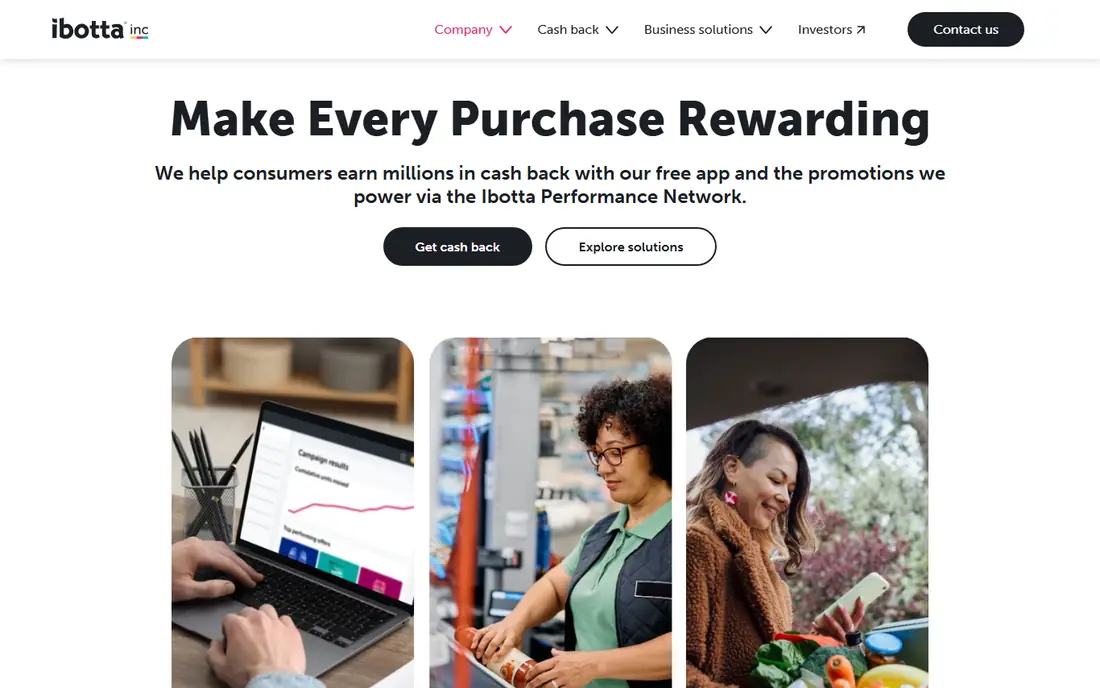
Ibotta is the strongest pick for shoppers willing to pick offers before a trip. You activate offers for items you plan to buy, shop as normal, then scan your receipt or link a loyalty account where supported, and cash back lands in your balance. That targeted approach can pay more per item than a generic receipt scan, especially on brands you already buy.
The effort is real, though, and it only pays if you check offers before you shop. Earnings also need a threshold before cash-out, so occasional shoppers may wait a while to reach it. If you shop weekly and buy similar items, Ibotta is worth the routine.
- Cash back on specific grocery items and brands
- Works at many major stores
- Cash and gift card payouts
- Offers must be activated before shopping
- Earnings need a cash-out threshold
- Offer availability varies by area
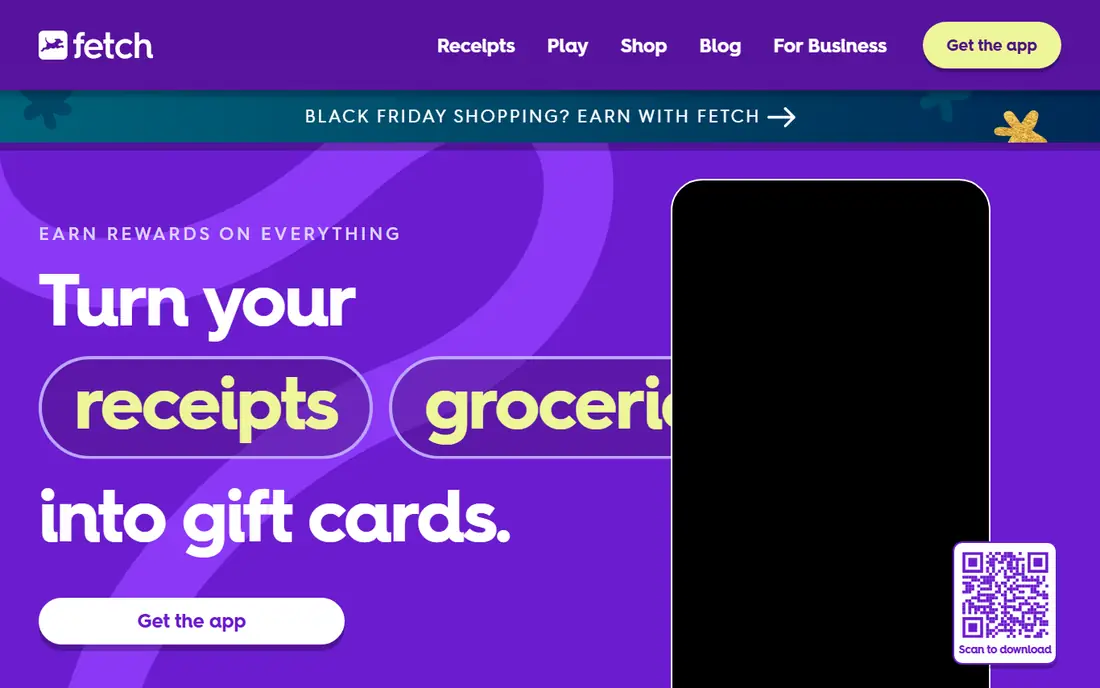
Fetch Rewards is the lowest-effort grocery app in this list, because you snap a photo of any receipt and earn points, with no need to pick items in advance. Bonus points on featured brands add more, and an online shopping section lets you earn on some orders too. That simplicity makes it easy to keep using week after week.
Per-receipt value is low, so Fetch will not transform a grocery bill on its own. Think of it as a slow gift card fund rather than a discount, and pair it with Ibotta or a flyer app for larger savings. For shoppers who will not pre-select offers, Fetch is the best fit.
- Scan receipts from any store
- Points for every receipt
- Large gift card catalogue
- Points value per receipt is low
- Bonus offers need activation
- Gift cards, not cash, for most redemptions
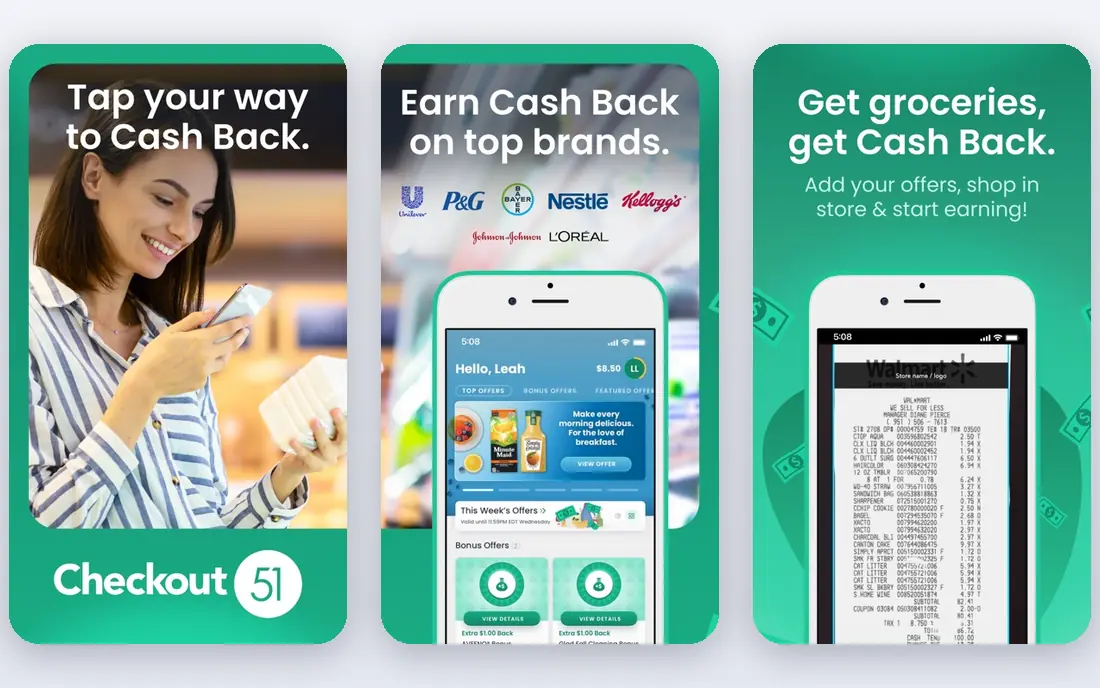
Checkout 51 offers a weekly set of grocery and household cash-back offers, refreshed on a regular cycle, which suits shoppers who plan a weekly shop around deals. You pick offers, buy the items, upload the receipt and earn cash back toward a threshold. The format is familiar to Ibotta users, but the offer set is smaller and more focused.
Timing matters, since an offer you miss this week may not return soon, and the cash-out threshold means small users wait for payout. Check the new offers before your main shop, and combine Checkout 51 with Fetch on the same receipt where the apps allow it, since they serve different purposes.
- Fresh weekly grocery offers
- Simple receipt upload
- Cash back on household items too
- Offer list refreshes weekly, so timing matters
- Cash-out threshold applies
- Coverage varies by region
Flipp helps before you shop, by gathering weekly store flyers, deals and digital coupons in one place. You can browse your local stores, search for an item, build a list from the best flyer prices and see which store is cheapest for that week. That planning step often saves more than a rebate app, because it changes where and what you buy.
Flipp does not pay cash back, so it is a complement to Ibotta or Fetch, not a replacement. Coverage varies by area, so check your local stores first. For shoppers who plan meals and lists, Flipp is a strong free starting point.
- Digital weekly flyers from many stores
- Coupon search
- List building from flyer items
- No cash back itself
- Flyer coverage varies by area
- Savings depend on store deals
Upside covers the whole shopping trip, with cash-back offers for grocery stores, gas stations and restaurants in supported areas. You claim an offer in the app before you buy, pay with a linked card or upload proof where required, and cash back goes to your balance. That breadth makes it useful for households that combine grocery and fuel stops.
Grocery availability is location-dependent, so open the map before counting on it for your weekly shop. Offers must be claimed in advance, and payout timing and thresholds need a quick read. Where grocery offers are available, Upside is a useful second cash-back layer.
- Cash back, not points, on grocery offers
- Gas and restaurant offers on the same trip
- Card-linked in many cases
- Grocery offers depend on location
- Offers must be claimed before purchase
- Cash-out rules apply
AnyList saves money indirectly, by stopping duplicate buys, forgotten items and extra trips. Households share a list in real time, import recipes, plan meals and organise items by store or aisle, so the weekly shop follows a plan rather than impulse. That discipline often matters more than a small rebate, especially for families.
It does not offer cash back or flyer prices, so pair it with Flipp for deals and a rebate app for payback. The free version covers lists and sharing well, while premium adds more recipe and planning features. If your grocery waste comes from poor planning, AnyList addresses the root cause.
- Shared grocery lists in real time
- Recipe import and meal planning
- List organisation by store
- No rebates or flyers itself
- Premium features need a subscription
- Savings come from planning, not payouts
Shopkick rewards in-store activity as well as purchases, with points called kicks for walk-ins, product scans and linked purchases at participating stores. That makes it a fun companion for shoppers who browse in person and like a small reward for checking items. Gift card redemptions cover many popular brands.
Earnings are small per action, so Shopkick alone will not cut a grocery bill much, and it needs more in-store interaction than Fetch. Use it as a light extra on trips you already make, not as a main savings tool, and do not buy items just to earn kicks.
- Earn for walk-ins, scans and purchases
- Gift card redemptions
- Works in stores and online
- Earnings per action are small
- Requires in-store activity
- Gift cards, not cash, for most rewards
Rakuten is best for online grocery orders and general online shopping, where you start through Rakuten, buy as normal and earn cash back at the retailer rate. That works well for grocery delivery or pickup orders placed online, and for household items bought from online retailers. Payouts by PayPal or check suit users who prefer cash over gift cards.
In-store grocery shopping is not its strength, so Rakuten should not be your only grocery app. Use it for online orders, and keep Ibotta or Fetch for in-store receipts. Check the retailer rate before ordering, since rates change and some categories are excluded.
- Cash back on online grocery and retail orders
- Browser and app access
- PayPal and check payouts
- Mainly online, not in-store groceries
- Rates vary by retailer
- Cash back timing can be slow
Instacart is a delivery and pickup platform rather than a rebate app, but it can save money when its store deals, coupons and pickup options replace a more expensive trip or an impulse-heavy shop. Browsing deals in the app, comparing stores and using pickup instead of delivery can keep costs closer to in-store prices. Coverage is broad in many US areas.
Fees, tips and possible item markups can erase deal savings, so compare the final total with your usual store before assuming a saving. The subscription option suits frequent delivery users, but occasional users should stick to pickup or pay-per-order delivery. Use Instacart for convenience and deals together, not as a rebate.
- Delivery and pickup from many stores
- In-app deals and coupons
- Wide store coverage
- Delivery fees and markups can offset deals
- Subscription for free delivery
- Savings depend on store pricing
The Walmart App is worth including for the many shoppers who buy most groceries at Walmart, since it combines store deals, pickup scheduling, delivery and savings features in one place. Pickup avoids delivery markups, and in-app deals and rollback items are easy to spot while building a list. For a Walmart-heavy household, it is the most direct savings tool.
It only helps at Walmart, so shoppers who split trips across stores still need Flipp or a rebate app for the rest. Delivery fees or a membership apply for delivery, while pickup is usually the cheaper route. Use the Walmart App as your store app, and a rebate app as your cross-store layer.
- Store prices, deals and pickup in one app
- Grocery pickup and delivery
- Loyalty and savings features
- Savings limited to Walmart
- Delivery needs a membership or fees
- Price comparison across stores is limited
How we picked these
We compared official feature pages, app store listings and public grocery guides, and we favoured apps that are free, still available in the US and genuinely tied to grocery savings, whether through rebates, flyers, lists or store deals. We kept a mix of cash-back, points and planning tools, since no single app covers every route to a lower bill. Where a payout rule or price could not be verified from the vendor, we described it in general terms rather than stating a figure we could not confirm.
How to stack savings without wasting time
Pick one planning app, one rebate app and, if you shop online, one cash-back portal, then stop. Before a shop, check flyers in Flipp, build the list in AnyList, activate Ibotta offers for items on that list, and scan the receipt in Fetch afterward. That routine takes a few minutes and covers price, planning and payback without turning every trip into admin.
Watch the traps. Do not buy an item just for a rebate, do not drive to a distant store for a small deal, and check the final total on delivery orders after fees. Track one month of savings honestly, including fees and extra trips, then keep only the apps that paid for the time they took. Two or three well-used apps will beat a phone full of unused ones.
Frequently asked questions
What is the best grocery app for saving money?
Ibotta is a strong pick for targeted cash back, Fetch is a strong pick for low-effort receipt points, and Flipp is a strong pick for flyer planning. The best grocery savings app for most shoppers is a small combination, not a single app.
Do grocery savings apps really save money?
Yes, but the amounts are modest and come after purchase as cash back, points or gift cards, not as a lower price at the register. Planning apps such as Flipp and AnyList can save more by reducing waste and extra trips.
Can I use Ibotta and Fetch on the same receipt?
In many cases yes, since Ibotta pays for specific offers and Fetch pays points for the receipt itself, but rules can change. Check each app's current terms, and do not submit the same receipt to two apps that both require exclusive proof for the same offer.
Which grocery app is easiest to use?
Fetch Rewards is the easiest, because you photograph any receipt and earn points without pre-selecting offers. Flipp is also simple for browsing flyers, while Ibotta needs a few minutes of offer selection before shopping.
Are grocery rebate apps free?
Yes, the apps in this list are free to download and use, with optional premium features in some cases. They earn money from retailers and brands, so read privacy terms to see how receipt and shopping data are used.
Sources
See where you really rank - block by block
ProMapRanker scans Google Maps across a grid of your service area. Simple monthly plans from $19, white-label on every plan.
Start freeKeep reading
 who has best internet service
Who Has the Best Internet Service in 2026
Who has best internet service for US homes? We compare fiber, cable, fixed wireless and satellite providers on speed, price, availability and terms today.
Read → which survey tool has the best analytics
Which Survey Tool Has the Best Analytics in 2026
Find which survey tool has the best analytics in 2026, comparing Qualtrics, SurveyMonkey, Typeform, Alchemer, and more on reports, text, and stats today.
Read → which streaming service has the best movies
Which Streaming Service Has the Best Movies in 2026
Answering which streaming service has the best movies, with Netflix, Max, Criterion and more compared on libraries, prices and free options in this guide.
Read →