 ProMapRanker
Best Apps for Truck Drivers in 2026

Key takeaways
- Trucker Path is the best all-round starting point for stops, parking, fuel and truck routing in one app.
- Hammer and TruckMap focus on truck-safe routing, which matters more than a generic map when bridge and weight limits apply.
- DAT One and Truckstop Go serve owner-operators looking for loads, while Mudflap and CAT Scale save money and time on fuel and weighing.
- No single app covers every job well, so most drivers pair a routing app with a load board and a fuel or scale app.
Quick comparison
| Pick | Great for | Pricing starts at | Free tier | |
|---|---|---|---|---|
 Trucker Path | All-round truck stops and routing | Free | Yes | Visit |
 Hammer | Truck-safe navigation | See website | Yes | Visit |
 TruckMap | Free truck routing | Free | Yes | Visit |
 DAT One | Finding loads | See website | Free trial | Visit |
 Truckstop Go | Load board on the road | See website | Free trial | Visit |
 Mudflap | Diesel discounts | Free | Yes | Visit |
 Weigh My Truck | CAT Scale weighing | Free | Yes | Visit |
 Drivewyze | Weigh station bypass | See website | Free trial | Visit |
 iExit Trucks | Highway exits and services | Free | Yes | Visit |
The best apps for truck drivers
We compared routing, parking, fuel, load boards, weigh stations and exit guides for apps that serve US truck drivers in October 2026. Safety note: set routes and check restrictions before you drive, and never adjust an app while the truck is moving. Truck routing apps help with planning, but the driver still must obey posted signs and local restrictions.
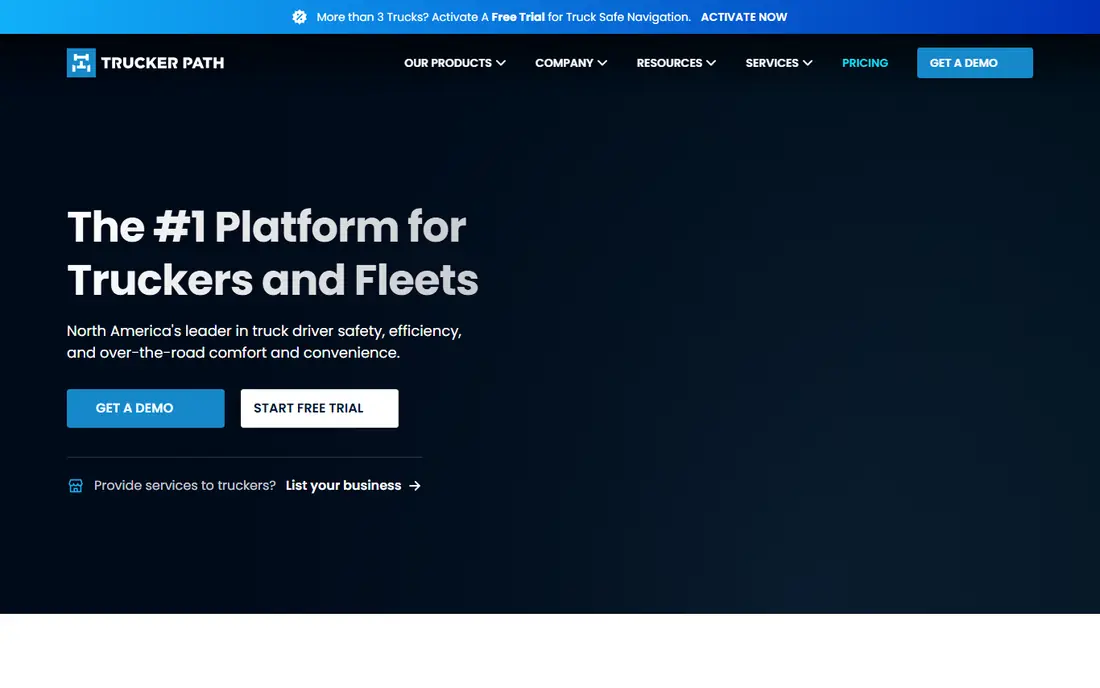
Trucker Path is the app most drivers open first, because it combines so many daily needs in one place. It lists truck stops, parking availability reported by drivers, fuel prices, weigh stations, rest areas and CAT Scale locations, plus truck navigation for planned routes. That breadth saves switching between five separate apps at a stop.
The free tier covers the core stop and fuel features, while paid plans add deeper navigation, parking predictions and trip tools. Community parking reports are useful, but they depend on other drivers updating them, so a lot marked as open can still be full at peak hours. For a new driver building a toolkit, Trucker Path is the safest first download.
- Huge database of stops, parking, fuel and scales
- Community parking updates
- Truck navigation included
- Some advanced navigation and prediction features are paid
- Community data can vary by location
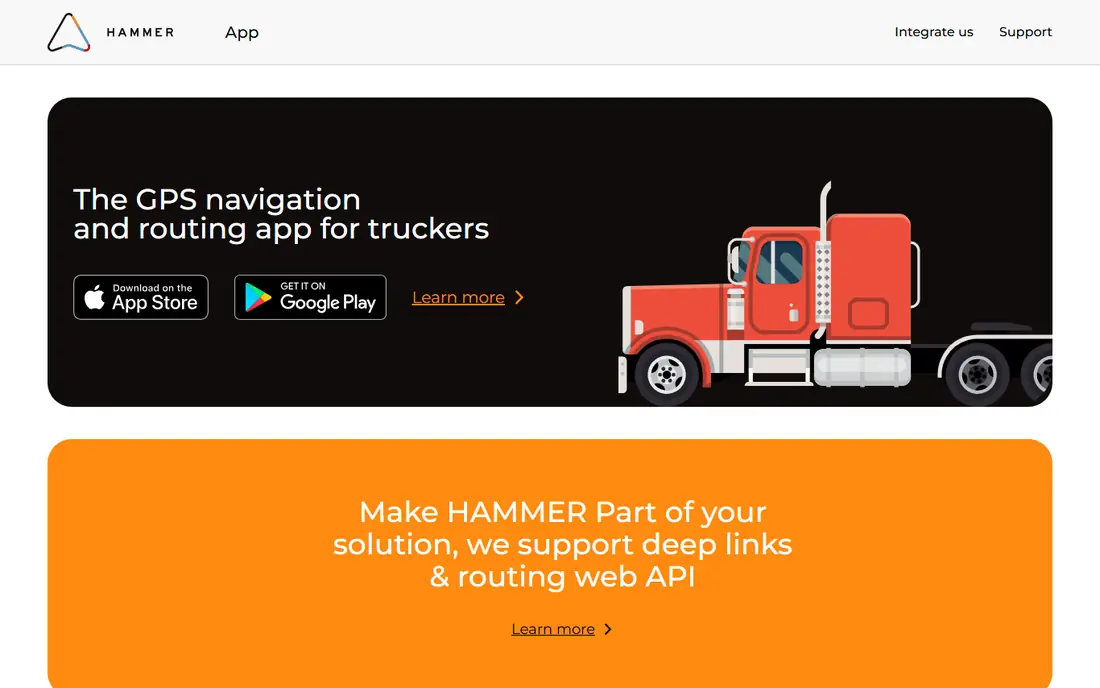
Hammer is built by the TruckersReport community for truck-specific navigation, and routing is its core strength. You enter your truck dimensions, weight, axle count and cargo type, and it plans routes that respect bridge clearances and weight limits rather than sending you down a car route. Offline maps help in areas with weak signal, and live rerouting adjusts for traffic and closures.
Hammer was long described as free, but it moved to a subscription model in June 2026 as routing costs rose, so check the current price before relying on it as a free tool. It also focuses on navigation more than stop discovery, so many drivers pair it with Trucker Path. For the actual driving leg, Hammer is one of the most trusted truck GPS options.
- Routing by height, weight, length and axle count
- Offline maps
- Live rerouting around closures
- Moved to a subscription model in 2026, so check current pricing
- Fewer stop features than Trucker Path
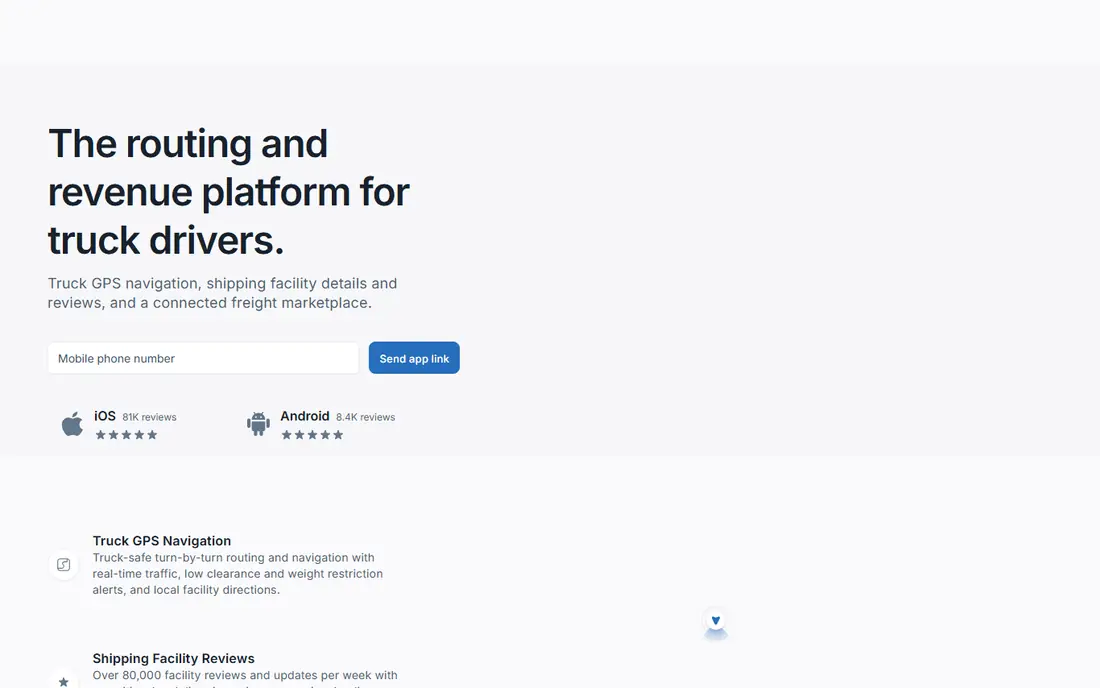
TruckMap offers truck-optimized routing at no cost, with restrictions for weight, low clearance and hazardous cargo built into the plan. It also lists hundreds of thousands of truck facilities and parking spots, plus weigh stations, diesel fuel, CAT Scales and driver feedback on shipping sites. That combination makes it a strong free alternative to paid navigation apps.
The app is less polished than some paid rivals, and feature depth can differ between iOS and Android. Routing still needs a pre-trip check against posted signs, since no app replaces the driver's duty to verify a route. For drivers who want free truck routing without a subscription, TruckMap deserves a place on the shortlist.
- Free truck routing with weight and clearance limits
- Large stop and parking database
- Fuel and scale listings
- Interface is simpler than paid rivals
- Some features vary by platform
DAT One is the mobile front end of the DAT load board, the marketplace many owner-operators use to find freight. It lets drivers search loads by lane, equipment and date, compare rates, book trips and track progress, with truck routing, fuel prices and stop locations in the same app. For an independent driver, that mix of freight and trip tools is hard to replace.
The catch is price. Full load board access needs a DAT subscription, so company drivers who do not book their own freight will get less value. A trial can show whether your lanes carry enough loads to justify the cost. If you choose your own freight, DAT One is usually the first load app to test.
- Large US load board
- Load search, bidding and trip tools
- Fuel and stop data in the same app
- Full access needs a paid DAT subscription
- Best value for owner-operators, less so for company drivers
Truckstop Go brings the Truckstop load board to a phone, so drivers can search, match and book loads without a desktop. It includes rate tools and lane data that help an owner-operator judge whether a load pays well enough for the miles and deadhead involved. Booking and document tools cut some of the phone and paperwork time between loads.
As with DAT One, full use needs a paid subscription, and the value depends on your lanes. Some lanes are thick with loads, others are thin, and seasonal swings change the picture. Try the trial on your actual lanes before paying, and compare it with DAT One on the same routes, since many independents use one board as a primary and the other as a check.
- Truckstop load board access on mobile
- Load matching and booking tools
- Rate and lane data
- Paid subscription needed for full use
- Load quality varies by lane and season
Mudflap saves money on diesel with instant discounts at thousands of truck stops, and the app itself is free to download. You find a participating stop, fuel there, and the discount applies without a loyalty card or rebate wait. The app also includes truck-safe GPS routing, which makes it useful beyond fuel alone.
Discount size varies by stop and by day, so savings on a cheap-fuel lane may be small, while savings on an expensive lane can be meaningful. Check the discount before you divert far out of your way, since extra miles can wipe out a fuel saving. For drivers who fuel at major stops often, Mudflap is a simple, no-cost addition.
- Instant diesel discounts at many truck stops
- Free to download and use
- Truck-safe GPS routes included
- Discounts vary by stop and day
- Savings depend on where you fuel
Weigh My Truck, from CAT Scale, lets drivers weigh and pay from the cab at participating CAT Scale locations. The app stores weight tickets and history, which helps with compliance checks and record keeping without paper tickets piling up in the cab. For drivers who weigh often, the time saved at each stop adds up.
Scale fees still apply for each weigh, and the app only works at CAT Scale sites, so it does not replace other scale options on routes without one. The app itself is free, and payment is handled inside it. If CAT Scales sit on your regular lanes, this is a practical, low-friction tool.
- Pay and get weights from the cab at CAT Scale locations
- Stored weight history
- No need to walk inside
- Scale fees still apply per weigh
- Only works at CAT Scale locations
Drivewyze lets enrolled drivers request bypasses at participating weigh stations and inspection sites, with in-cab alerts before each site. A bypass saves time and fuel, and the service also offers safety notifications and compliance tools for fleets. For drivers on bypass-heavy lanes, the time saving can be large over a month.
Bypass is never guaranteed. It depends on enrollment, the site, current enforcement activity and the carrier safety record, so drivers must still be ready to pull in. The service needs a subscription, with trial options for testing. Check coverage on your lanes first, since a bypass service only pays off where participating sites sit on your routes.
- Bypass requests at participating weigh stations and inspection sites
- In-cab alerts
- Safety and compliance tools
- Bypass is not guaranteed and depends on enrollment and safety record
- Subscription cost applies
iExit Trucks answers a simple question at highway speed: what truck services sit at the next exits. It lists fuel, parking, food, rest areas and repair options exit by exit, so a driver can plan a fuel or rest stop without guessing. The highway view is clear, and the app is free to use for basic exit data.
Coverage is strongest on major interstates, and rural or secondary routes may show thinner listings. It also does not replace a routing app, since it shows exits rather than planning a full truck-safe route. Pair it with Trucker Path or Hammer: use the routing app for the plan, and iExit Trucks for the next-stop decision on the highway.
- Shows truck services at upcoming exits
- Fuel, parking, food and repair listings
- Simple highway view
- Coverage is best on major interstates
- Less useful off the highway network
How we picked these
We compared official product pages, app store listings and driver guides for apps live in October 2026. We favored apps with a clear truck-specific job, current support and a usable free tier or trial, and we mixed routing, loads, fuel, scales and bypass tools rather than listing nine navigation clones. We left out apps that have closed or lost truck routing support, and we noted where a 2026 pricing change affects value.
How to build a driver toolkit
Start with routing and stops, since a wrong route costs more than any subscription saves. Pick one truck navigation app, check it against posted signs on your first runs, and keep Trucker Path for stops and parking. Add a load board only if you book your own freight, and test it on your real lanes during a trial before paying.
Then add one money-saving app and one time-saving app. Mudflap suits drivers who fuel at major stops, while Weigh My Truck and Drivewyze suit drivers who weigh often or run bypass-heavy lanes. Keep the phone mounted, set routes before moving, and delete apps you never open, since a cluttered home screen slows the stop decision that matters.
Frequently asked questions
What is the best app for truck drivers?
Trucker Path is the best all-round starting point for stops, parking, fuel and routing. Hammer and TruckMap are stronger for pure truck-safe navigation, while DAT One and Truckstop Go lead for finding loads. Most drivers use two or three apps together rather than one for everything.
Can I use Google Maps for truck driving?
Google Maps is not built for truck routing, since it does not account for vehicle height, weight and road restrictions in the same way. A truck-specific app such as Hammer or TruckMap plans routes around bridge and weight limits. Always check posted signs, since no app replaces the driver's responsibility.
Which truck driver app is free?
Trucker Path, TruckMap, Mudflap, Weigh My Truck and iExit Trucks all offer free tiers or free downloads, though scale fees and fuel costs still apply where relevant. Hammer moved to a subscription model in 2026, so check its current price. Paid load boards and bypass services need subscriptions for full use.
How do truck drivers find loads?
Owner-operators mainly use load boards such as DAT One and Truckstop Go, searching by lane, equipment and date, then comparing rates before booking. Company drivers usually receive loads from dispatch instead. Trial a board on your actual lanes before paying, since load density varies widely.
Do weigh station bypass apps always work?
No, bypasses depend on enrollment, the specific site, enforcement activity and the carrier safety record. Drivewyze and similar services request a bypass, but drivers must still be ready to pull in when asked. Coverage also varies by state and lane, so check your routes first.
Sources
See where you really rank - block by block
ProMapRanker scans Google Maps across a grid of your service area. Simple monthly plans from $19, white-label on every plan.
Start freeKeep reading
 who has best internet service
Who Has the Best Internet Service in 2026
Who has best internet service for US homes? We compare fiber, cable, fixed wireless and satellite providers on speed, price, availability and terms today.
Read → which survey tool has the best analytics
Which Survey Tool Has the Best Analytics in 2026
Find which survey tool has the best analytics in 2026, comparing Qualtrics, SurveyMonkey, Typeform, Alchemer, and more on reports, text, and stats today.
Read → which streaming service has the best movies
Which Streaming Service Has the Best Movies in 2026
Answering which streaming service has the best movies, with Netflix, Max, Criterion and more compared on libraries, prices and free options in this guide.
Read →