 ProMapRanker
Best Apps for Tracking Spending in 2026

Key takeaways
- Free apps such as Rocket Money and Empower cover basic spending tracking well, while paid apps add budgeting rules and household sharing.
- YNAB suits people who want to plan every dollar before spending it, and Monarch suits couples who want one shared view of accounts.
- Automatic bank sync saves time, but it also means checking the connection and categories each week so errors do not slip through.
- A tracker is only useful if you open it often, so pick the simplest app you will actually keep using.
- This is general information only, not financial advice, and prices change, so check the vendor pricing page before you pay.
Quick comparison
| Pick | Great for | Pricing starts at | Free tier | |
|---|---|---|---|---|
 Rocket Money | Finding subscriptions | Free | Yes | Visit |
 YNAB | Zero-based budgeting | $14.99 per month | Free trial | Visit |
 Monarch Money | Couples and shared budgets | $14.99 per month | Free trial | Visit |
 Empower | Free net worth view | Free | Yes | Visit |
 Quicken Simplifi | Simple spending plans | $5.99 per month | Free trial | Visit |
 Copilot Money | Apple users | $13 per month | Free trial | Visit |
 PocketGuard | A simple safe-to-spend figure | $12.99 per month | Free trial | Visit |
 Goodbudget | Envelope budgeting | Free | Yes | Visit |
 EveryDollar | Ramsey-style budgeting | Free | Yes | Visit |
The best apps for tracking spending
We compared official pricing pages, feature pages, and app store listings for apps that track spending in the United States. The list below covers free starters, strict planners, and family-friendly dashboards.
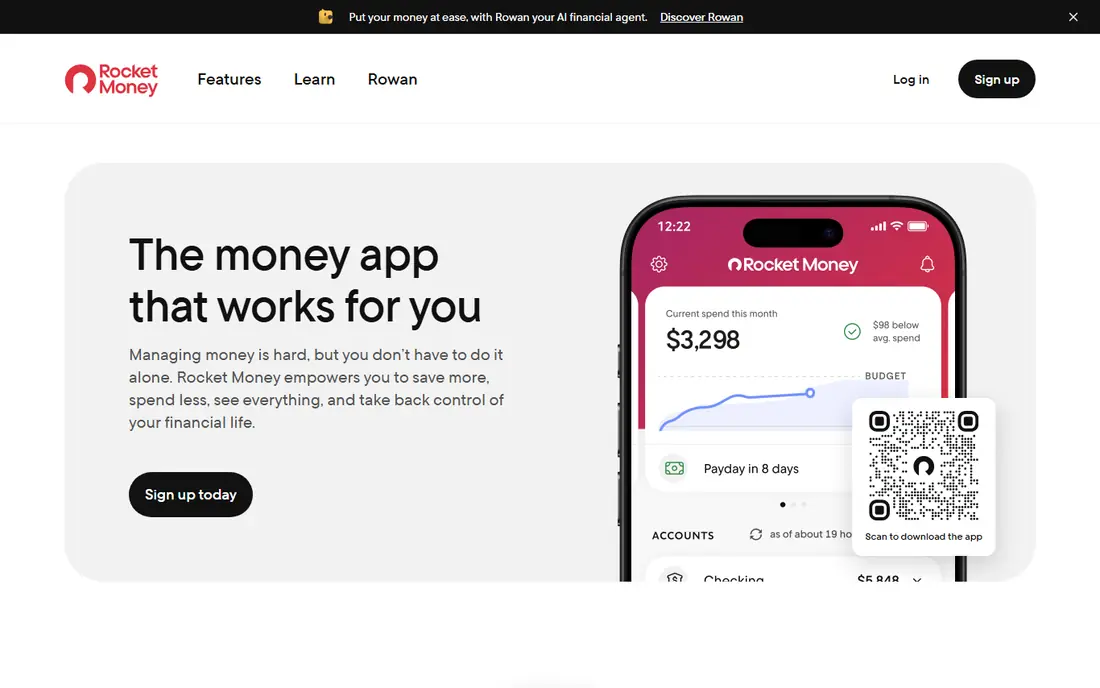
Rocket Money starts with the problem many people notice first, which is money leaving the account for services they forgot about. It pulls transactions together, groups them by category, and flags recurring charges so you can cancel what you no longer use. That focus makes it a good first step for someone who wants a clearer monthly picture without learning a strict budgeting method.
The free plan is the main reason to try it before paying. You can track spending and subscriptions without a subscription of your own, then decide later if the paid tools are worth it. The trade-off is that deeper budgeting help and some money tools sit behind the paid tier, so people who want a full plan may need to look at YNAB or Monarch instead.
- Clear subscription list
- Spending categories are easy to read
- Free plan covers core tracking
- Paid features cost extra
- Bill help varies by case
- Some users may not need the extras
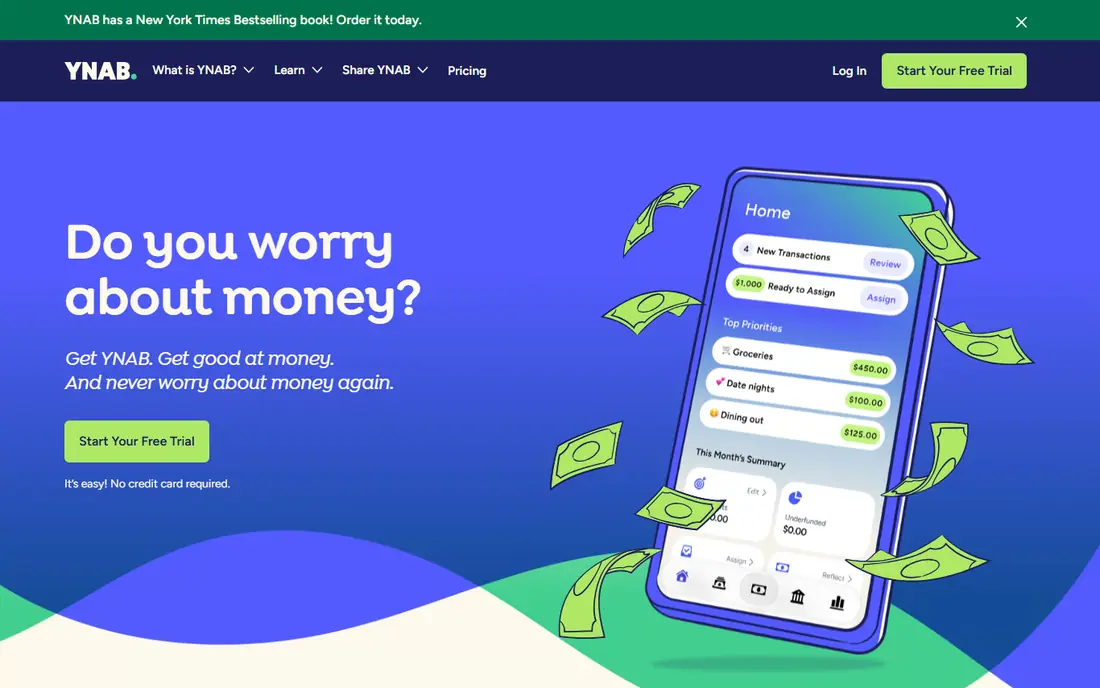
YNAB, short for You Need A Budget, asks you to give every dollar a job before you spend it. That sounds strict, and it is, but it also stops the common pattern of checking a tracker only after the money is gone. You set categories, fund them from money you already have, and move money between categories when plans change. Over time, that habit tends to matter more than any chart.
The price is the clear downside, and the method takes a week or two to feel natural. If you want a light tracker that runs in the background, this will feel like too much work. If you want to change spending habits, and you are willing to check the plan a few times a week, YNAB is our pick for most serious budgeters in this list.
- Strong method for planning ahead
- Clear rules for each dollar
- Useful learning material
- Higher price than many rivals
- Learning curve at first
- Manual review still helps
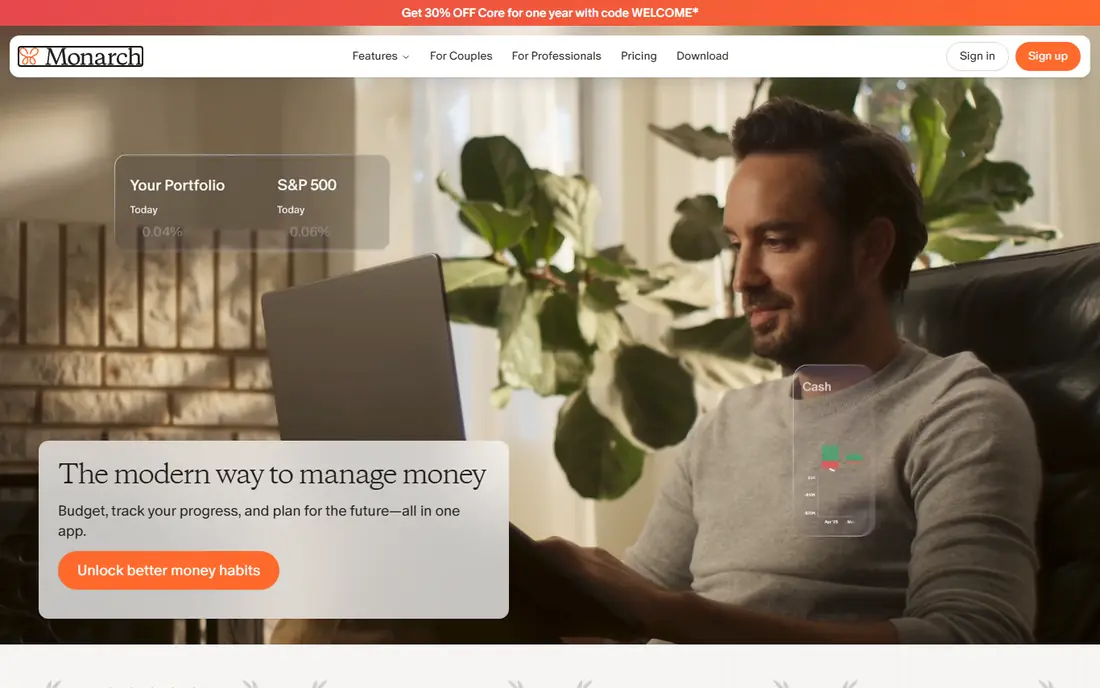
Monarch Money is built for people who want one place to see accounts, spending, budgets, and net worth together. It works well for couples because both partners can see the same plan and track progress toward shared goals, such as paying down debt or saving for a home. The dashboards are clean, and the reports make it easier to spot a category that keeps running over budget.
The catch is cost and commitment. There is no free tier to live in forever, so you need to be sure you will use it before the trial ends. It also rewards a bit of setup time at the start, linking accounts and fixing categories. For a single user who only wants basic tracking, a free app may be enough, but for a household, Monarch is a strong all-round choice.
- Shared access for a household
- Strong dashboards
- Net worth and cash flow views
- No permanent free plan
- Price adds up over a year
- Setup takes time
Empower, formerly known as Personal Capital, gives you a free dashboard that pulls accounts together and shows net worth, cash flow, and investments in one view. That broad view is helpful if your main question is not just what you spent this week, but how spending fits into savings and investments over time. For many people, that big picture is the missing piece in a simple tracker.
It is not the best choice if you want strict envelope rules or a detailed monthly budget with tight controls. The budgeting side is lighter than YNAB or Monarch, and you will see prompts about paid wealth services. Still, as a free starting point for tracking spending and wealth together, it is hard to beat on price.
- Free dashboard
- Investment and net worth views
- Cash flow tracking
- Budgeting tools are less detailed
- Prompts for wealth services
- Not a strict budget planner
Quicken Simplifi sits in a useful middle ground between a free tracker and a full budgeting system. It builds a spending plan from your income and recurring bills, then shows what is left to spend in each category. That simple structure suits people who want guidance without the strict rules of zero-based budgeting. Reports and projections help you see trends without digging through spreadsheets.
The design is practical rather than pretty, and power users may want more control over goals and custom rules. Pricing can also change after an introductory offer, so check the renewal terms before you commit for a year. For the price, though, Simplifi is our pick for readers who want a paid tracker that stays simple.
- Low price for a paid app
- Clear spending plan view
- Useful reports and bill tracking
- Fewer advanced planning tools
- First-year offers may renew higher
- Interface is plain
Copilot Money is made for people who live on Apple devices and want tracking to feel pleasant rather than like a chore. It connects accounts, sorts transactions, and presents spending in clear charts that are easy to read at a glance. If you check your finances on an iPhone or Mac each day, the design and speed make that habit easier to keep.
The limit is obvious, which is platform support. Android users and mixed-device households should pick a cross-platform app instead. There is also no free tier to stay on long term, so Copilot is best for Apple users who value design and are happy to pay for it. Within that group, it is one of the nicest trackers we found.
- Polished design
- Smart categorization
- Good Apple device support
- Apple only
- No permanent free plan
- Less useful for Android households
PocketGuard answers one question very well, which is how much you can safely spend right now after bills, goals, and savings are covered. That single figure is less intimidating than a full budget sheet, and it helps stop overspending in the moment. It also tracks bills and subscriptions, so recurring costs do not surprise you.
The simplicity that makes it friendly also limits it for detailed planners. If you want deep reports, custom rules, or complex goal tracking, you may outgrow it. But for a beginner who wants a clear daily number and a gentle nudge to stay within it, PocketGuard is a sensible choice.
- Simple safe-to-spend view
- Bill and subscription tracking
- Easy for beginners
- Less depth for detailed budgets
- Paid plan needed for full features
- Reports are basic
Goodbudget turns the old cash envelope method into a digital system. You divide money into envelopes for groceries, rent, transport, and other categories, then record spending from each envelope as you go. That visual limit makes overspending obvious, because an empty envelope is hard to ignore. It is a good fit for couples who want to share envelopes and for people who prefer not to link bank accounts.
Manual entry is the price of that privacy and control. You need to log spending regularly, or the envelopes will drift from reality. The free plan limits the number of envelopes, while the paid plan removes that cap. If you like hands-on budgeting and want a free start, Goodbudget deserves a trial.
- Clear envelope method
- Free plan is usable
- Works well without bank sync
- No automatic sync on the free plan
- Manual entry takes time
- Design is basic
EveryDollar follows the zero-based approach made popular by Dave Ramsey, where income minus planned spending equals zero each month. The free version uses manual entry, which keeps costs down and forces you to look at each transaction. The layout is simple, with income at the top and categories below, so a new budgeter can set up a first month without a long tutorial.
Bank sync and deeper features require the paid plan, which changes the value calculation. If you are happy entering transactions by hand, the free plan may be all you need. If you want automatic imports, compare the paid price with YNAB and Monarch before you commit. For Ramsey followers, though, the method and layout will feel familiar from day one.
- Simple zero-based layout
- Free manual plan
- Clear monthly budget view
- Bank sync needs the paid plan
- Fewer reports than rivals
- Best for Ramsey fans
How we picked these
We compared official feature pages, pricing pages, and app store listings for apps that track spending for US users in October 2026. We looked for apps that are still available, that truly track spending rather than only investing or credit scores, and that cover different styles, from free trackers to strict planners. We did not claim hands-on testing, and we did not invent prices, user counts, or ratings. Where a price was unclear, we used the starting price shown on the vendor site at the time of research, and readers should confirm it at checkout.
What to check before you choose a spending tracker
Start with how much work you will do each week. An app that needs daily manual entry will fail if you only open it once a month, while an automatic app will fail if you never fix wrong categories. Check bank support first, especially for smaller banks and credit unions, and try the free plan or trial with real transactions before paying for a year.
Privacy and security matter as much as charts. Look at how the app connects to your bank, what data it stores, and how to disconnect an account. A paid app is not automatically safer than a free one, and a free app is not automatically selling your data, so read the privacy page for the specific app you choose. Finally, set a review habit, such as ten minutes each Sunday, to check categories, subscriptions, and next month's plan. That habit does more for spending than any single feature.
Frequently asked questions
What is the best app for tracking spending?
The best spending tracking app depends on your style. Rocket Money and Empower are strong free starts, YNAB suits strict planners, and Monarch suits couples who want a shared view. Try a free plan or trial first and pick the app you open most often.
What are the best spending tracking apps that are free?
Rocket Money, Empower, Goodbudget, and EveryDollar all offer usable free plans for basic spending tracking. Free plans vary in limits, such as envelope counts or bank sync, so check what is included before you rely on one feature.
What is the best app for spending tracking on iPhone?
Copilot Money is a strong pick for iPhone users because it is designed for Apple devices and presents spending clearly. Rocket Money, Monarch, and YNAB also work well on iPhone, so platform alone should not decide the choice.
Is it safe to link my bank to a spending tracker?
Most major trackers connect through established bank connection services and use encryption, but no connection is risk free. Read the privacy policy, use strong passwords and two-factor authentication, and disconnect accounts you no longer use.
Do I need to pay for a spending tracker?
No, many people manage well with a free tracker, especially if they check it regularly and keep categories tidy. Paid apps add value mainly through automatic sync, deeper reports, household sharing, or a specific budgeting method.
How often should I check my spending tracker?
A short weekly check works for most people, with a longer monthly review to set the next month's plan. Daily checks help at first, but they can become a chore, so aim for a rhythm you can keep for months.
Sources
See where you really rank - block by block
ProMapRanker scans Google Maps across a grid of your service area. Simple monthly plans from $19, white-label on every plan.
Start freeKeep reading
 top custom software development company
Top Custom Software Development Company in 2026
Looking for a top custom software development company? We compare 9 firms for web, mobile, and enterprise software, covering strengths and fit for 2026.
Read → tableau alternatives
Tableau Alternatives in 2026
Compare the best Tableau alternatives for 2026, from Power BI to Metabase, with prices, hosting options, and picks for small teams and enterprises today.
Read → microsoft teams alternatives
Best Microsoft Teams Alternatives in 2026
Looking for microsoft teams alternatives? We compare 9 chat and video tools for 2026, covering free plans, pricing, meetings, and integrations for teams.
Read →