 ProMapRanker
Best Apps for Texting Conversations in 2026

Key takeaways
- Signal is our pick for privacy-first texting, with end-to-end encryption by default and minimal metadata collection.
- WhatsApp wins on reach, since it is the app most contacts already use around the world.
- Telegram suits large groups and channels, but its default chats are not end-to-end encrypted.
- iMessage and Google Messages suit people who mostly text within one phone ecosystem or on Android.
- Threema, Discord and Viber fill gaps for paid privacy, communities and international calls.
Quick comparison
| Pick | Great for | Pricing starts at | Free tier | |
|---|---|---|---|---|
 Signal | Private everyday texting | Free | Yes | Visit |
 WhatsApp | Global reach | Free | Yes | Visit |
 Telegram | Large groups and channels | Free | Yes | Visit |
 iMessage | Apple device owners | Free | Yes | Visit |
 Google Messages | Android texting and RCS | Free | Yes | Visit |
 Threema | Paid privacy without a phone number | See website | No | Visit |
 Discord | Communities and group chats | Free | Yes | Visit |
 Viber | International chats and calls | Free | Yes | Visit |
The best apps for texting conversations
These apps cover private chats, everyday texting, large communities and international conversations, with privacy notes for each one.
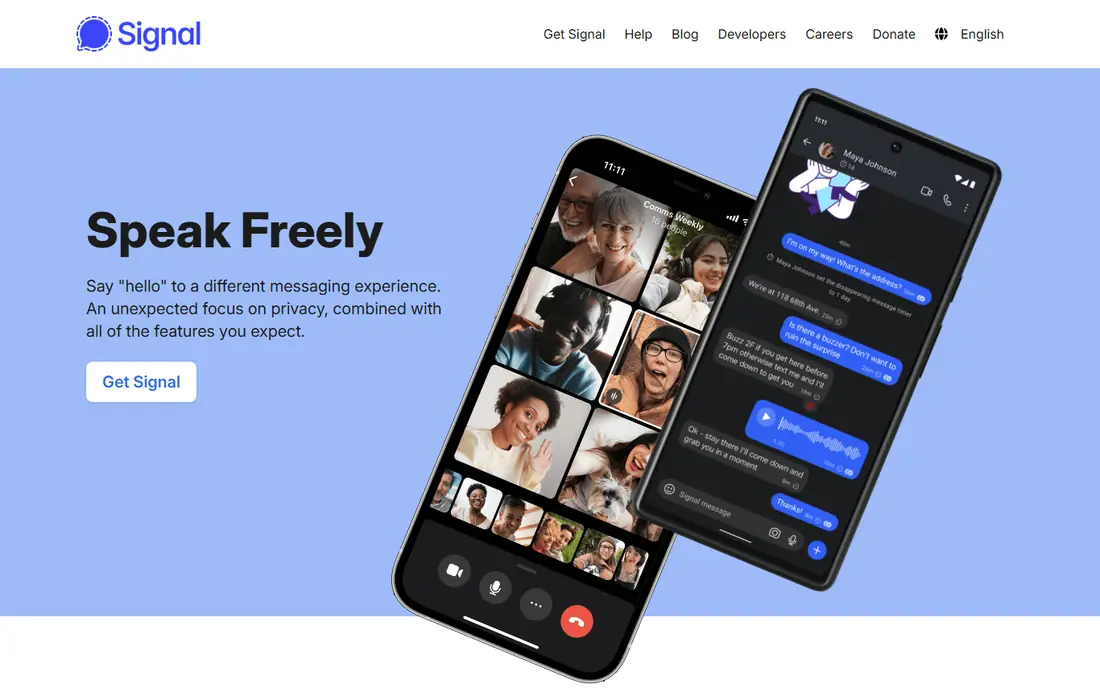
Signal is the app we recommend first when privacy is the main concern. Every message, call and group chat is end-to-end encrypted by default, and the nonprofit behind it collects very little metadata about who you contact and when. Its code is open source, which lets independent experts check its claims.
The drawback is social, not technical. Fewer contacts use Signal than WhatsApp, so moving a whole family or work group takes effort. Start with your closest contacts and sensitive conversations, and keep other apps for groups that will not move.
- End-to-end encryption by default
- Minimal metadata
- Open-source code
- Nonprofit operator
- Smaller contact base than WhatsApp
- No cloud chat import from other apps
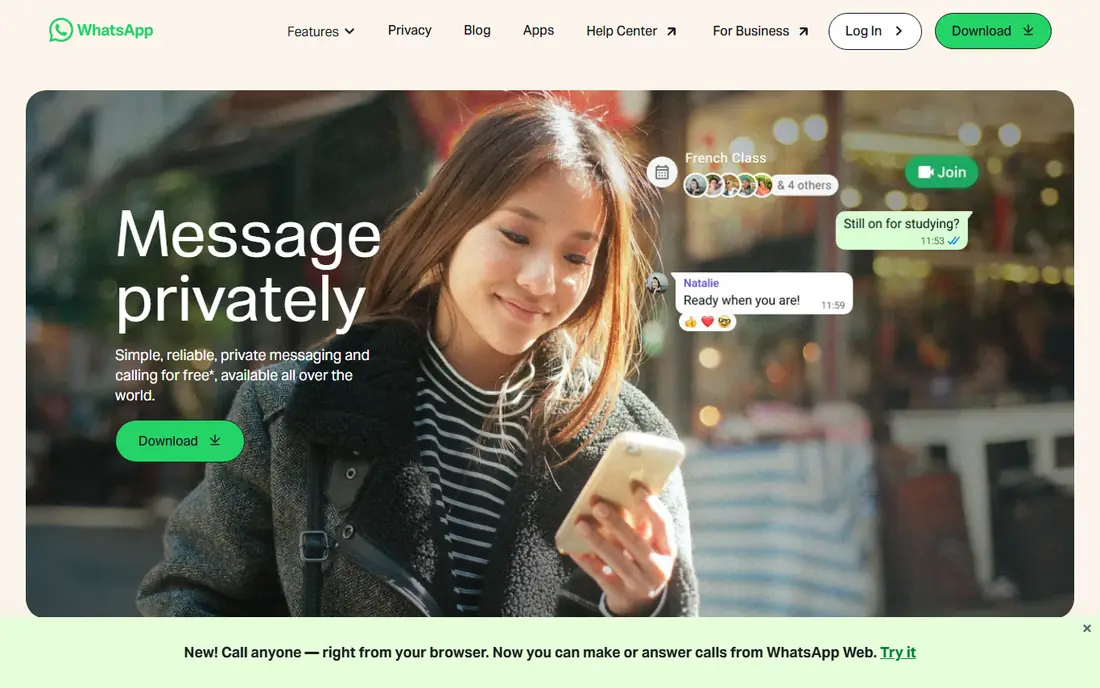
WhatsApp is the practical default for international texting, because the people you need to reach probably already have it. Messages and calls use end-to-end encryption based on the Signal Protocol, and features such as groups, communities, channels and disappearing messages cover most everyday needs.
Privacy is the honest catch. Meta cannot read encrypted message contents, but it collects metadata such as contact patterns, device details and usage, which is more than Signal collects. Check backup settings too, since unencrypted cloud backups can weaken the protection of an otherwise encrypted chat.
- Huge global user base
- End-to-end encrypted messages and calls
- Groups, channels and communities
- Owned by Meta
- Collects more metadata than Signal
- Backups need care to stay encrypted
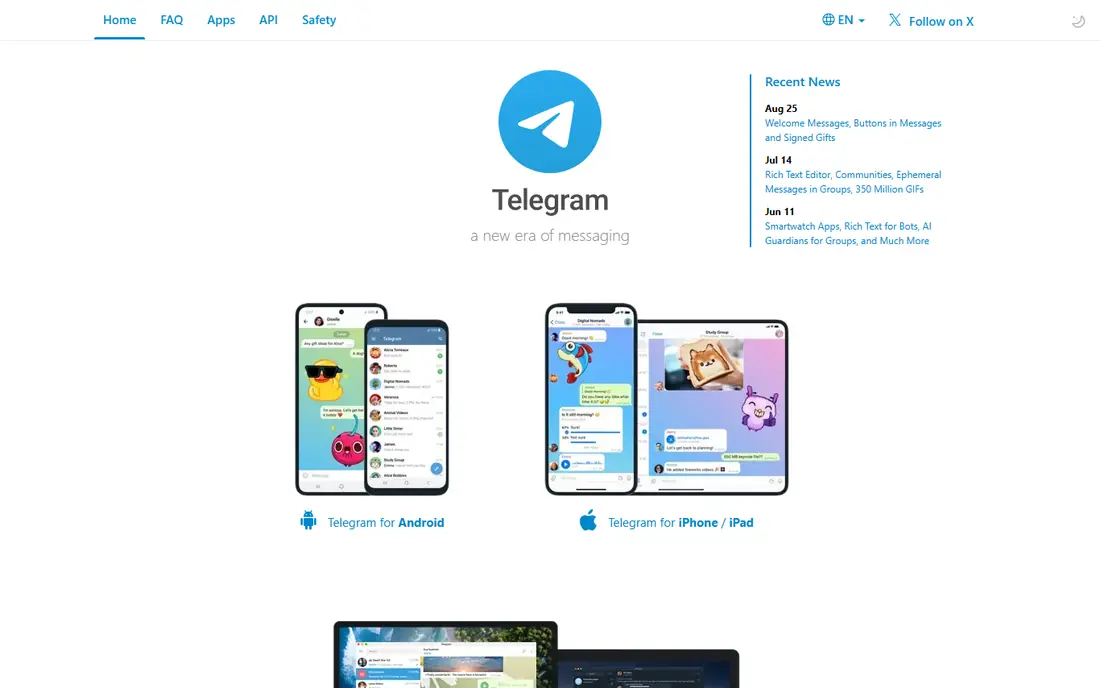
Telegram shines for communities, public channels and large groups that other apps cap at smaller sizes. Media sharing is fast, channels let creators reach large audiences, and bots add tools for polls, files and moderation. For public conversation and content distribution, it is hard to match.
For private conversation, read the fine print. Regular Telegram chats are stored in the cloud and are not end-to-end encrypted by default. Secret chats add that protection, but they are opt-in, tied to one device, and lack some cloud features. Use secret chats for sensitive topics, and do not treat a regular Telegram chat as private by default.
- Huge groups and channels
- Fast media sharing
- Bots and public communities
- Default chats are not end-to-end encrypted
- Secret chats are opt-in and device-specific
iMessage is the easiest choice for households and friend groups that all use Apple devices. Messages, photos, videos and group chats stay encrypted between Apple devices, and conversations move cleanly from iPhone to iPad to Mac. Features such as reactions, threads and shared media feel native because they are built into the system.
The limit is the wall around Apple. There is no Android iMessage app, so chats with Android contacts use SMS or RCS instead, with weaker or missing encryption depending on the setup. Cross-platform families often need a second app such as Signal or WhatsApp for the full group.
- End-to-end encryption between Apple devices
- Works across iPhone, iPad and Mac
- Rich media features
- Apple devices only
- Chats with Android phones fall back to SMS or RCS without the same encryption
Google Messages is the default texting app on many Android phones, and it brings modern RCS features such as typing indicators, read receipts and high-quality media to carrier texting. You can also text from a web browser, which helps during work hours. For Android users who want a better SMS experience without a new account, it is the natural pick.
Encryption is partial. Google Messages encrypts some RCS chats end to end, mainly between compatible Android devices, but chats with iPhones have not had the same protection in past rollouts. Treat Google Messages as a good everyday Android app, and move sensitive chats to Signal.
- Default Android messaging app
- RCS rich features
- Web texting from a browser
- End-to-end encryption only for some RCS chats
- Cross-platform encryption is still rolling out
Threema suits people who want strong privacy without tying an account to a phone number. It uses a random ID instead, encrypts messages by default, and collects minimal metadata. That combination appeals to journalists, activists and anyone who wants a low-profile account.
The cost is the barrier. Threema is a paid app, and every contact who joins must pay too, which slows adoption in a casual group. It is best for a small circle that agrees on privacy first, rather than a replacement for your main family chat.
- No phone number needed
- End-to-end encryption by default
- Minimal metadata
- Swiss-based
- Paid app
- Smaller user base
- Contacts must also pay to join
Discord started for gamers and now hosts communities of every kind, from study groups to hobby clubs to work teams. Servers organize conversations into channels, voice rooms add live discussion, and moderation tools help large groups stay usable. For a community that needs structure, Discord beats a flat group chat.
Privacy is the trade. Discord messages are not end-to-end encrypted by default, so it is not the right place for sensitive personal conversation. Use it for community chat and public discussion, and move private matters to Signal or another encrypted app.
- Servers for communities
- Voice and video channels
- Strong moderation tools
- Not end-to-end encrypted by default
- Better for groups than private one-to-one texting
Viber is a solid international option, with encrypted private chats, voice and video calls, and communities for broader conversation. It has a long history in Europe and other regions, so contacts abroad may already use it. Sticker packs and public channels add a social layer beyond plain texting.
In the US, its user base is smaller than WhatsApp or iMessage, so it works best as a second app for international contacts. Check which contacts actually use it before making it your main app, and confirm call quality on your network.
- End-to-end encryption for private chats
- International calls
- Stickers and communities
- Smaller US user base
- Some features vary by region
How we picked these
We compared official feature pages, privacy policies, app store listings and public reviews for messaging apps available in October 2026. We checked encryption defaults, metadata practices, phone number requirements and group features for each app, rather than trusting marketing claims alone. Prices we could not verify on the vendor's own page are listed as "See website" rather than guessed.
How to choose the right texting app
Start with who you need to reach, then weigh privacy. The most private app helps little if your contacts never open it, and the most popular app helps little for a conversation that needs real privacy. Most people end up with two apps, and that split is sensible.
For private conversations
Use Signal for sensitive chats, and check backup settings on any app you use. Encrypted messages lose protection if they are backed up to a cloud account without encryption, so review that setting on WhatsApp and other apps. For accounts without a phone number, Threema is the paid alternative.
For everyday and group chats
WhatsApp covers the widest everyday network, while iMessage and Google Messages cover ecosystem texting with no new account. Telegram and Discord suit large groups and communities, with the privacy limits noted above. Keep community chat and private chat in different apps when you can.
For international contacts
Check which app your overseas contacts already use before installing something new. WhatsApp and Viber both cover international calling and texting well, and Telegram suits public channels abroad. A short message asking which app a contact prefers saves more time than any feature comparison.
Frequently asked questions
What is the best app for texting conversations?
Signal is our pick for privacy, WhatsApp is our pick for reach, and iMessage is our pick for Apple-only groups. There is no single winner, since the best app depends on your contacts and how private the conversation needs to be. Most people do well with Signal for private chats and WhatsApp for everyday groups.
Are messaging apps safer than SMS?
Yes, in general. Standard SMS is not encrypted, while Signal, WhatsApp private chats, iMessage between Apple devices and Threema encrypt message contents end to end. SMS also carries risks such as SIM-swap attacks for account codes, so move sensitive codes to an authenticator app where you can.
Is WhatsApp private if Meta owns it?
Message contents on WhatsApp are end-to-end encrypted, so Meta cannot read them directly. Meta does collect metadata about contacts, devices and usage, which is more than Signal collects. If metadata matters to you, use Signal for those conversations and keep WhatsApp for everyday reach.
Is Telegram encrypted?
Telegram secret chats are end-to-end encrypted, but regular chats are not encrypted end to end by default. Secret chats are opt-in and tied to a single device. For private conversation on Telegram, start a secret chat and confirm the encryption key with your contact.
Can I text from my computer?
Yes. Signal, WhatsApp, Telegram and Discord offer desktop apps or web versions, iMessage works on Mac, and Google Messages offers web texting for Android. Check that your phone stays connected where required, since some web versions depend on the phone app.
Do I need a phone number to text?
Most apps ask for a phone number, but Threema uses a random ID instead, and Discord uses an account rather than a number. Signal now supports usernames as well, though setup still involves a number in many cases. Check the current signup page for the app you choose.
Sources
See where you really rank - block by block
ProMapRanker scans Google Maps across a grid of your service area. Simple monthly plans from $19, white-label on every plan.
Start freeKeep reading
 best subscription manager app
Best Subscription Manager App in 2026
Find the best subscription manager app for your budget with our 2026 comparison of 8 apps, covering automatic detection, renewal alerts and free plans.
Read → best stock picking service
Best Stock Picking Service in 2026
Compare the best stock picking service options for 2026, with 8 stock recommendation services for long-term, dividend, quant, growth and income investors.
Read → best software wallet
Best Software Wallet in 2026
Compare the best software wallet options for 2026, with 8 crypto wallets for desktop and mobile, covering self-custody, supported chains, fees and security.
Read →