 ProMapRanker
Best Apps for Students to Have on Their Phone in 2026

Key takeaways
- A small set of apps covers most student needs: notes, flashcards, tasks, writing help, focus and file sharing.
- Notion is the best all-round workspace, while Anki is the strongest choice for long-term memorization.
- Khan Academy is fully free for core learning, which makes it an easy first download for many subjects.
- Free plans are useful, but several apps limit advanced study modes, uploads or history behind paid plans.
- Pick three or four apps you will open daily rather than filling your phone with tools you rarely use.
Quick comparison
| Pick | Great for | Pricing starts at | Free tier | |
|---|---|---|---|---|
 Notion | All-in-one notes and planning | Free | Yes | Visit |
 Quizlet | Ready-made flashcards | Free | Yes | Visit |
 Anki | Long-term memorization | Free | Yes | Visit |
 Khan Academy | Free lessons and practice | Free | Yes | Visit |
 Todoist | Tasks and deadlines | Free | Yes | Visit |
 Grammarly | Writing checks | Free | Yes | Visit |
 Forest | Staying focused | Free | Yes | Visit |
 Microsoft OneNote | Lecture notes | Free | Yes | Visit |
 Google Drive | Group work and files | Free | Yes | Visit |
The best apps for students to have on their phone
A student phone needs to do more than hold a calendar. It needs a place to capture lecture notes, a way to review material, a list that shows what is due, and a file system that group projects can share. These nine apps cover that full loop, and most of them are free to start. We compared official pricing pages, app store listings and current student guides to check what each free plan actually includes.
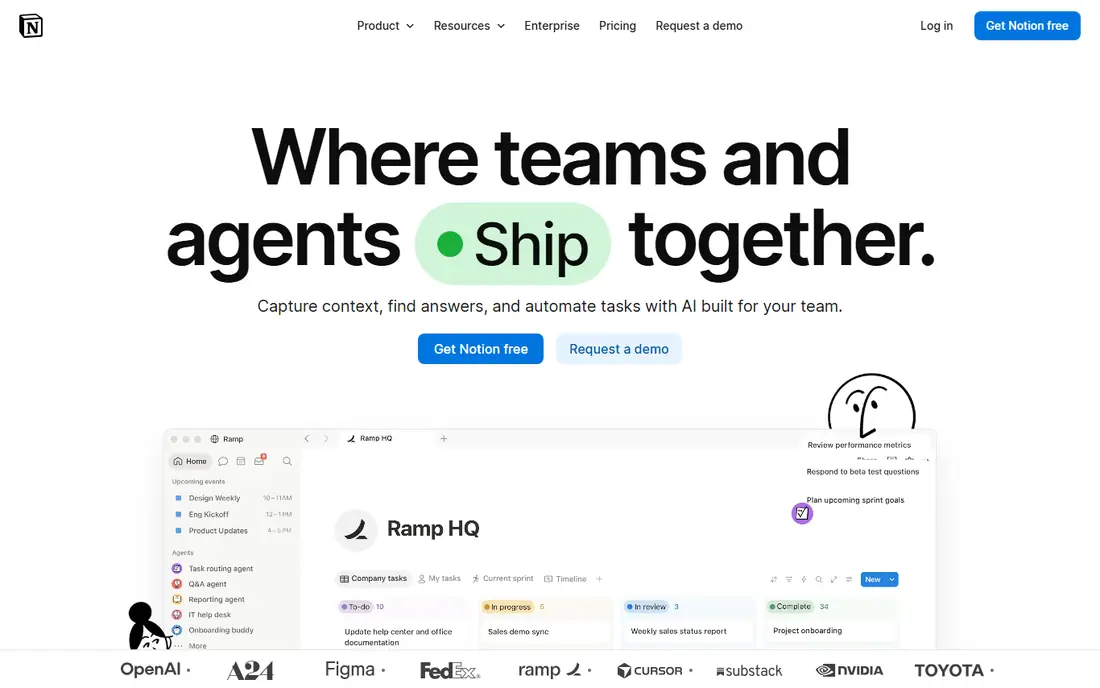
Notion works as a semester hub. You can keep lecture notes, reading lists, assignment trackers and group project pages in one workspace, and you can link them so a deadline, a note and a source stay connected. Templates for class notes, revision plans and habit trackers cut setup time at the start of term.
Students with an eligible school email can claim a free Education plan, which gives Plus-level features for a one-member workspace. That removes the upload cap and extends page history, which matters when you revise notes late in the term. Without that plan, the standard free tier still covers unlimited pages and blocks for personal use.
The catch is structure. Notion gives you a blank workspace, so you need to build your own system or start from a template. Students who want a ready-made notebook may prefer OneNote below. If you like organizing your own way, Notion is our pick for most students.
- Flexible pages, databases and templates
- Education plan free for eligible students
- Syncs across phone, web and desktop
- File uploads capped at 5 MB on the standard free plan
- Page history limited to 7 days without a paid plan
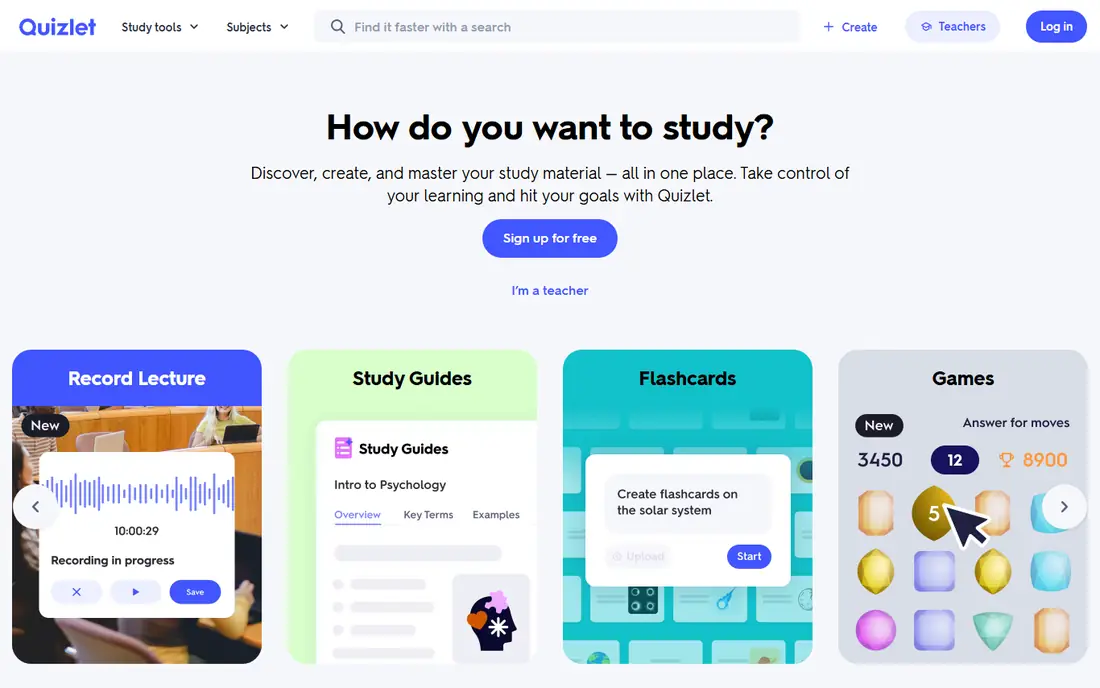
Quizlet is the fastest way to start revising a new topic. Many courses already have shared flashcard sets, so you can search for your subject and begin within minutes. Flashcards, matching games and short quizzes suit quick revision on a bus or between classes.
The free plan covers core flashcard creation and study, but Plus adds full study modes without daily limits, removes ads and adds AI features such as tutoring help and note summaries. Plus cost $7.99 per month or $35.99 per year in recent pricing guides, so it is worth checking the current price before you commit.
The honest limit is depth. Quizlet is strong for terms, definitions and short facts, and weaker for long explanations or problem solving. Pair it with Anki for material you must remember for months, and use Quizlet when you need a fast set for a test this week.
- Huge library of shared study sets
- Quick flashcard and matching modes
- Works on phone and web
- Advanced Learn, Test and AI tools sit behind Plus
- Free study rounds have limits
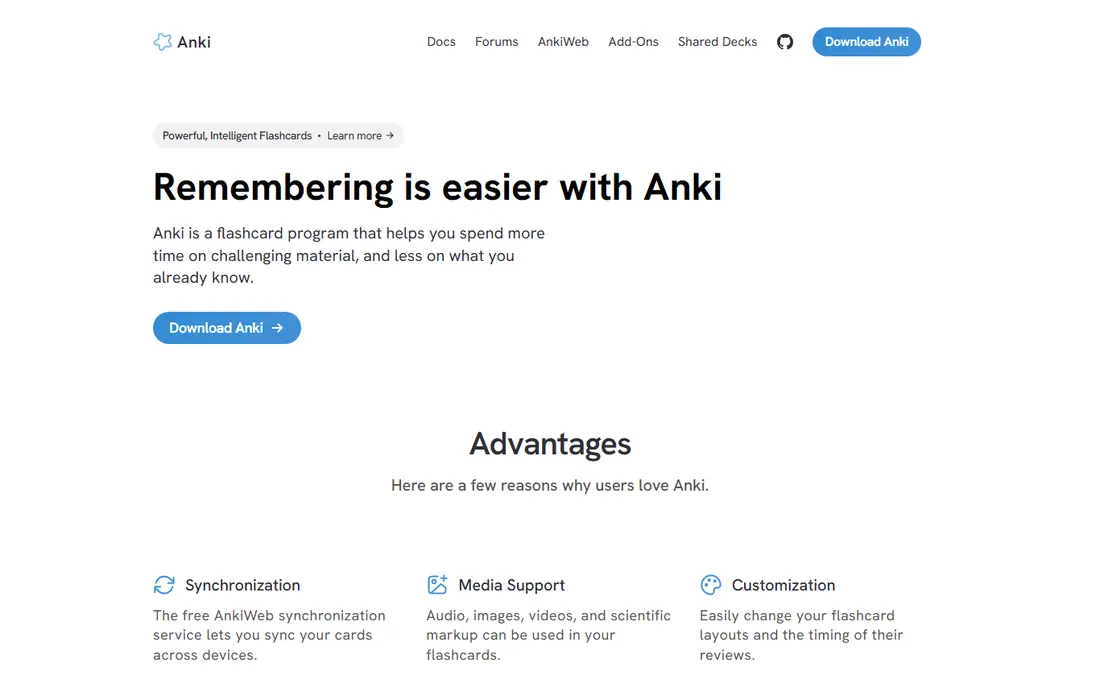
Anki takes a slower, steadier approach to memory. Its spaced repetition system shows a card again just before you are likely to forget it, which builds recall over weeks and months. That makes it a favorite for medicine, law, languages and other subjects with a large volume of facts.
The desktop and Android versions are free, and sync through AnkiWeb keeps decks across devices. Shared decks cover many textbooks and exams, though quality varies, so check a deck before you trust it for a whole course. You can also build your own cards, which often works better than using someone else's set.
The main friction is the iPhone price and the learning curve. The iOS app costs $24.99 as a one-time purchase, and the interface takes a short while to learn. Once the habit sticks, few tools match Anki for long-term retention.
- Spaced repetition that schedules reviews over time
- Free on Android and desktop
- Large library of shared decks
- IPhone app costs $24.99 one time
- Setup feels less polished than Quizlet at first
Khan Academy is the easiest recommendation on this list because the core library is free. Short video lessons explain a concept, then practice exercises check whether you understood it. Subjects range from maths and science to computing, economics and test preparation.
For students who missed a lecture or need a second explanation, Khan Academy fills gaps without a paywall. Offline viewing covers downloaded videos, which helps when campus Wi-Fi is weak. The app works on phone and tablet, and progress syncs with the website.
The limit is level. Khan Academy is strongest up to early college material, and it will not replace a university textbook or a specialist course. Use it to rebuild foundations, then move to course readings and past papers for advanced work.
- Core library fully free with no ads or subscriptions
- Video lessons plus practice exercises
- Covers school and college topics
- Less useful for advanced university courses
- Test prep is stronger on the website than in the app
Todoist keeps deadlines visible. You can add an assignment in seconds, set a due date, repeat it weekly for a seminar, and sort tasks by course project. That simple loop matters more than a complex planner, because missed deadlines cost marks even when the work itself is strong.
The free plan covers 5 active projects and 3 filters, which suits a student with a handful of courses. Pro adds more projects, reminders, calendar layout and other advanced views, and recent guides list Pro at $7 per month or $60 per year. Check the current price on the vendor site before upgrading.
The catch is scope. Todoist is a task list, not a full planner with timetables and grade tracking. Pair it with a calendar app or a dedicated study planner if you need to map classes, exams and revision blocks together.
- Fast task capture with recurring dates
- Projects for each course
- Syncs with calendars
- Free plan limited to 5 projects and 3 filters
- Calendar layout needs Pro
Grammarly catches the small errors that slip through when you write fast. The free plan covers spelling, grammar and basic clarity suggestions, and it works through a phone keyboard, browser extension and desktop apps. That makes it useful for essays, emails to tutors and application forms.
Pro adds style, tone and advanced clarity help, plus a larger allowance of AI prompts. Recent guides list Pro at $12 per month billed yearly, so students should weigh that cost against how much writing they do each term. Many universities also offer writing support that may cover similar ground for free.
The honest limit is judgment. Grammarly can suggest a clearer sentence, but it cannot tell whether your argument is sound or your sources are strong. Read its suggestions with care, and keep your own voice in the final draft.
- Spelling and grammar checks across apps and browsers
- Tone and clarity suggestions on paid plans
- Works on phone keyboards
- Free plan covers essential suggestions only
- Pro is a subscription
- Needs an internet connection for full checks
Forest turns focus into a small game. You plant a virtual tree, set a timer, and the tree grows while you stay off your phone. If you leave the app early, the tree withers. That light pressure helps many students get through a 25-minute study block without checking messages.
The app is free to download on iPhone and Android, with an optional Plus subscription for extra features. That makes it a low-cost way to test whether timed focus sessions help you. It also pairs well with a task list, since you can pick one task, start a timer and work until the tree is done.
The limit is obvious. A timer cannot choose what to study or make a hard topic easier. Use Forest to protect study time, and use a planner and good notes to decide what that time should cover.
- Simple focus timer that grows a virtual tree
- Gentle way to leave your phone alone
- Works on phone and browser
- Some features sit behind an optional Plus subscription
- Focus timers alone will not fix a heavy workload
OneNote feels like a paper notebook with search. You can create a notebook per course, sections per topic, and pages per lecture, then mix typed notes, images, drawings and links on the same page. That structure suits lecture-heavy courses where you need to find a note fast during revision.
The app is free on phone, tablet, web and desktop, and notes sync through a Microsoft account. Students who already use Microsoft 365 through their university may find it fits neatly with Word, Teams and Outlook. Handwriting and drawing support also helps on tablets with a stylus.
The catch is that OneNote rewards a simple habit. If you dump everything into one long page, search still helps, but revision gets harder. Spend a few minutes each week sorting pages into sections, and the notebook stays useful all term.
- Free on every platform
- Notebook, section and page structure
- Mixed notes, images, drawings and audio
- Needs a Microsoft account for sync
- Some older Windows versions are now read-only
Google Drive is the file layer behind many group projects. Docs, Sheets and Slides let several students edit the same file at once, with comments and version history to track changes. Sharing links and folder permissions make it easy to hand in work or share readings with a class group.
The free plan includes 15 GB shared across Drive, Gmail and Photos, which covers most coursework. Paid Google One plans add storage when you need it, and many universities provide extra storage through a school account. The phone app also lets you scan documents and upload photos of handwritten notes.
The limit is storage discipline. A few large video projects can eat the free allowance, so archive old work and check what is taking space each term. Drive is also only as organized as your folders, so name files clearly from the start.
- 15 GB of free shared storage
- Docs, Sheets and Slides for group editing
- Easy sharing links
- Storage is shared across Google services
- Large video files fill the free allowance fast
How we picked these
We compared current student app guides, official pricing pages and app store listings for October 2026. We favored apps with a genuinely useful free plan, phone apps on both major platforms, and a clear role in a student workflow. We left out apps with a narrow free tier that blocks core study features, and we noted where a paid plan adds the features students are most likely to want. We did not claim hands-on testing, and we based prices on vendor pages and recent pricing guides.
How to build a simple student phone setup
Start with four jobs, not nine apps. You need a place for notes, a way to review, a list of deadlines and a place for files. Notion or OneNote can hold notes, Anki or Quizlet can handle review, Todoist can hold deadlines, and Drive can hold files. Add Khan Academy for explanations, Grammarly for writing checks, and Forest for focus only when those jobs are already covered.
Keep your home screen calm. Put your notes app, task list and calendar on the first screen, and move social apps to a folder. Turn off non-essential notifications during study blocks, and set a daily review time to clear your task list. That routine matters more than any single app, because a tool only helps when you open it.
Check costs each term. Free education plans, school accounts and trial periods can change, and a paid plan that made sense for one heavy term may not suit a lighter one. Export notes and flashcards at the end of each term, so a price change never locks away your revision material.
Frequently asked questions
How many apps does a student really need on a phone?
Three or four well-chosen apps usually cover notes, review, deadlines and files. More apps can help for a specific subject, but a long list often means none of them gets used daily.
Is Notion really free for students?
Eligible students and teachers can claim a free Education plan for a one-member workspace with a school email. The standard free plan is also free for personal use, with limits on file uploads and page history.
Is Anki better than Quizlet?
Anki is stronger for long-term memory because its spaced repetition schedules reviews over weeks and months. Quizlet is faster for quick revision and ready-made sets, especially before a test this week.
Can I use these apps without paying?
Yes, for core use. Each app on this list has a free plan that covers notes, flashcards, lessons, tasks or files. Paid plans add advanced study modes, larger uploads, longer history or extra features.
What is the best app for group projects?
Google Drive works well for shared files and group editing, while Notion suits shared planning pages and task trackers. Choose Drive when the work is mainly documents, and Notion when you need a shared workspace with linked pages.
Do these apps work on both iPhone and Android?
Yes, all nine apps offer phone apps for iPhone and Android, plus web or desktop versions for most of them. Check the app store listing for your device before you rely on a specific feature.
Sources
- https://www.androidhire.com/best-productivity-apps-for-students
- https://pixeltrackhq.com/blog/best-study-apps-for-college-students
- https://www.notion.com/pricing
- https://quizlet.com
- https://apps.ankiweb.net
- https://www.khanacademy.org
- https://todoist.com/pricing
- https://www.grammarly.com
- https://www.forestapp.cc
- https://www.onenote.com
- https://drive.google.com
See where you really rank - block by block
ProMapRanker scans Google Maps across a grid of your service area. Simple monthly plans from $19, white-label on every plan.
Start freeKeep reading
 top custom software development company
Top Custom Software Development Company in 2026
Looking for a top custom software development company? We compare 9 firms for web, mobile, and enterprise software, covering strengths and fit for 2026.
Read → tableau alternatives
Tableau Alternatives in 2026
Compare the best Tableau alternatives for 2026, from Power BI to Metabase, with prices, hosting options, and picks for small teams and enterprises today.
Read → microsoft teams alternatives
Best Microsoft Teams Alternatives in 2026
Looking for microsoft teams alternatives? We compare 9 chat and video tools for 2026, covering free plans, pricing, meetings, and integrations for teams.
Read →