 ProMapRanker
Best Apps for Freelancers in 2026


Proposals, contracts, and invoices · Pricing starts at: $19 per month
Key takeaways
- Bonsai and HoneyBook cover the full client flow from proposal to payment, while FreshBooks and Wave focus on invoicing and books.
- Toggl Track and Harvest make time tracking and billing simple, with free tiers for solo freelancers.
- Notion and Calendly fill the gaps around notes, project tracking, and scheduling that client suites do not cover well.
- Start with one invoicing tool and one time tool, then add a client suite only when proposals and contracts take real time each week.
Quick comparison
| Pick | Great for | Pricing starts at | Free tier | |
|---|---|---|---|---|
| Bonsai | Proposals, contracts, and invoices | $19 per month | Free trial | Visit |
 HoneyBook | Creative client booking and payment | $29 per month | Free trial | Visit |
 FreshBooks | Invoicing and bookkeeping | $23 per month | Free trial | Visit |
 Wave | Free invoicing and accounting | Free | Yes | Visit |
 Toggl Track | Simple time tracking | Free | Yes | Visit |
 Harvest | Time tracking with invoicing | Free | Yes | Visit |
 Notion | Notes, projects, and client docs | Free | Yes | Visit |
 Calendly | Scheduling calls and bookings | Free | Yes | Visit |
The best apps for freelancers
Freelancers need different tools for different jobs: winning work, tracking time, getting paid, and staying organised. These eight tools cover that stack, and most offer a free plan or trial so you can test them on real client work.
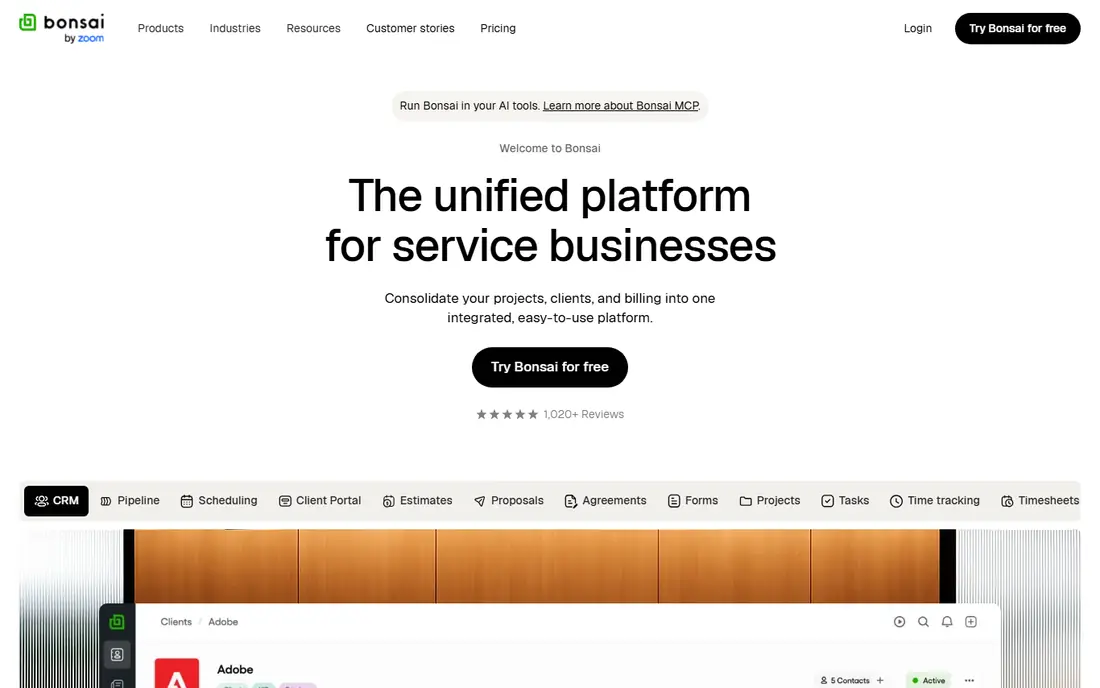
Bonsai is our pick for freelancers who spend real time on proposals and contracts. It covers the full client flow, from proposal to contract to invoice to payment, with a client portal where clients can approve and pay. That single flow reduces the usual patchwork of documents, emails, and payment links.
The Essentials plan starts at $19 per month billed annually, and there is no permanent free plan, only a trial. If you only send a few invoices a month, Wave or FreshBooks may be cheaper. If proposals and contracts are a weekly job, Bonsai saves enough admin time to justify the price.
- Proposals, contracts, and invoices in one place
- Client portal
- Bookkeeping add-ons
- No permanent free plan
- Essentials starts at $19 per month billed annually
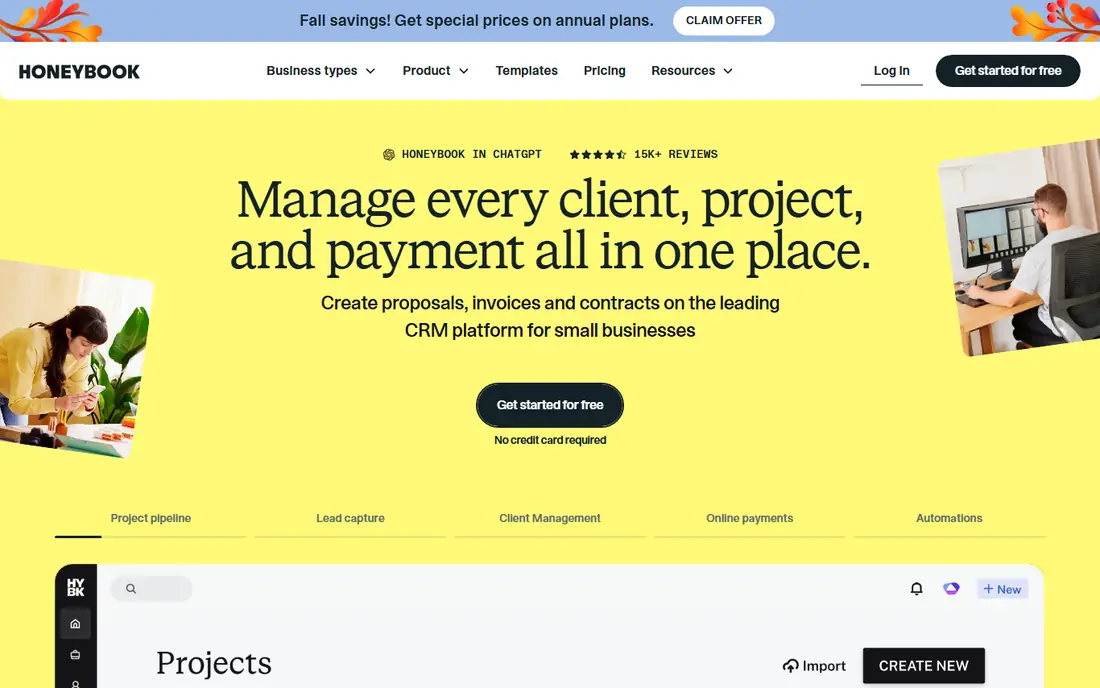
HoneyBook suits creative freelancers who sell packages, such as photographers, designers, and event professionals. It combines inquiry, booking, proposals, contracts, invoices, and payments in one client flow, so a lead can move to a booked project without switching tools. The client portal keeps approvals and payments in one place.
The Starter plan at $29 per month billed annually is dearer than Bonsai, and there is no permanent free plan. If you sell simple hourly work, a cheaper invoicing tool may fit better. If you book projects with packages and contracts, HoneyBook matches that workflow well.
- Booking, proposals, and contracts for creative work
- Client portal
- Payment tracking
- Higher starting price
- Starter plan is $29 per month billed annually
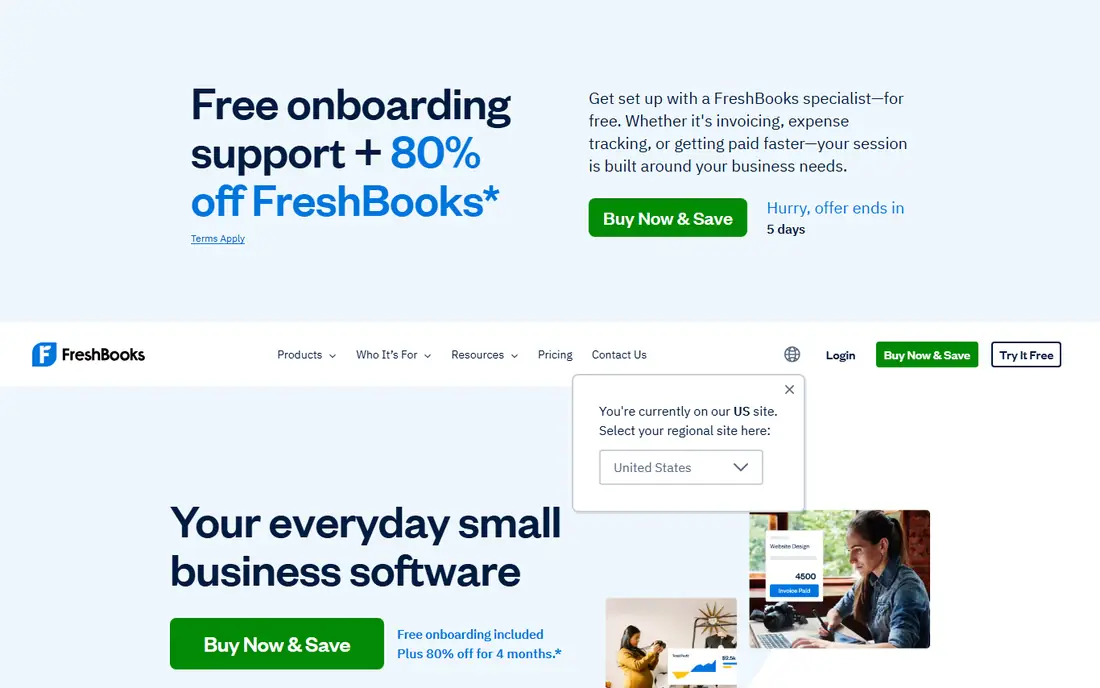
FreshBooks is a strong all-round invoicing and bookkeeping tool for freelancers with many clients. The Lite plan starts at $23 per month for five billable clients, with time tracking, expenses, and payment reminders built in. Automatic late fees and reminders help reduce chasing, which is a common freelancer pain point.
The client cap is the catch. If you pass five billable clients, you need a higher plan, so growing freelancers should budget for that step. FreshBooks also lacks the full proposal and contract flow of Bonsai, so pair it with a contract tool if you need one. For invoicing and books, it is a polished and reliable choice.
- Clean invoicing with reminders and late fees
- Time tracking and expenses
- Good for many clients
- Lite plan covers only five billable clients
- Price rises with client count
Wave is the best free starting point for freelancers who need invoicing and bookkeeping. The free Starter plan covers unlimited invoices, expense tracking, and accounting, which is more than many paid tools offer at entry level. That makes it ideal for new freelancers who need a clean record for taxes without a monthly fee.
The Pro plan at $19 per month adds features such as receipt capture and deeper reporting, and card payment fees still apply. Wave does not cover proposals or contracts as deeply as Bonsai, so you may still need a separate contract tool. For invoicing and books at no cost, Wave is hard to beat.
- Free Starter plan with unlimited invoices
- Real bookkeeping
- Good for starting out
- Pro plan costs $19 per month for extra features
- Card fees apply on payments
Toggl Track is our pick for simple time tracking. The timer is fast, reports break time down by client and project, and the free plan covers up to three users. That simplicity matters, since a tracker you do not use is worthless, and Toggl Track is easy enough to run all day without friction.
Invoicing is limited, so Toggl Track works best paired with Wave, FreshBooks, or Bonsai for billing. The Starter plan at $9 per user per month billed annually adds billable rates and deeper features. If you bill by the hour, start with Toggl Track free and add a paid plan only when you need rate-based reports.
- Very easy timer
- Free for up to three users
- Reports by client and project
- Invoicing is limited
- Starter plan needed for billable rates at $9 per user per month
Harvest pairs time tracking with invoicing in a clean way. Track hours and expenses, then turn them into an invoice with online payments, all in one tool. The free plan covers one seat and two projects with invoicing included, which suits a solo freelancer with a couple of regular clients.
The Teams plan starts at $9 per seat per month billed annually, and paid plans use a mix of seat and usage billing that needs care as projects grow. If you need only time tracking, Toggl Track is simpler. If you want time and invoices together without a second tool, Harvest is the better pair.
- Timesheets plus invoices from hours
- Free for one seat and two projects
- Online payments
- Teams plan is $9 per seat per month billed annually
- Usage-based billing needs care on paid plans
Notion fills the organisation gap that invoicing tools leave. Use it for client notes, project trackers, briefs, content plans, and a simple CRM, all in one flexible workspace. The free plan covers individuals well, and the Plus plan at $10 per month billed annually adds more storage and collaboration features.
Notion is not an invoicing or payment tool, so do not try to force it into that role. Pair it with Wave or FreshBooks for money, and use Notion for the work itself. For freelancers juggling many clients and deliverables, that split keeps both sides clean.
- Flexible notes, docs, and project tracking
- Free plan for individuals
- Good client wikis
- Not built for invoicing or payments
- Plus plan is $10 per month billed annually
Calendly removes the email back-and-forth from booking calls. Share a link, let clients pick a time, and the event lands in your calendar with reminders. The free plan covers basic scheduling, which is enough for many solo freelancers, while the Standard plan at $10 per month adds group events, workflows, and deeper integrations.
Calendly does not handle proposals, contracts, or invoices, so it sits alongside Bonsai, HoneyBook, or FreshBooks rather than replacing them. If discovery calls and client check-ins eat your week, a booking link is a small change with a large time saving.
- Easy booking links
- Free plan for basic scheduling
- Reduces email back-and-forth
- Standard plan is $10 per month for deeper features
- Not a full client suite
How we picked these
We compared official pricing pages, feature pages, and recent October 2026 roundups of freelancer tools. We kept only live tools that solve a real freelancer job, such as proposals, invoicing, time tracking, scheduling, or project notes, with a clear free plan or trial. We left out general marketplaces, since this article is about tools for running freelance work, not finding clients.
What to check before you build your stack
Start with money and time, not with a long app list. Pick one invoicing tool, such as Wave for free or FreshBooks for more clients, and one time tool, such as Toggl Track or Harvest. That pair covers most solo work. Add Bonsai or HoneyBook only when proposals and contracts take real time each week, and add Notion and Calendly for organisation and scheduling.
Watch client caps, seat minimums, and card fees, since those are where freelancer tools differ most once you grow. A cheap plan with a five-client cap can cost more than a dearer plan with no cap. Test each tool on a real client project for two weeks, and keep the stack small. Three tools you use every day beat eight tools you forget to open.
Frequently asked questions
What are the best apps for freelancers overall?
Bonsai is best for proposals through payment, FreshBooks and Wave are best for invoicing and books, and Toggl Track is best for simple time tracking. Most freelancers need two or three of these, not all eight.
What is the best free app for freelancers?
Wave is best for free invoicing and accounting, Toggl Track is best for free time tracking, and Notion and Calendly are best for free notes and scheduling. Together, those four cover a solid free starter stack.
What is the best freelancer app for invoicing?
FreshBooks suits freelancers with many clients and a need for reminders and late fees, while Wave suits freelancers who want free invoicing. Bonsai suits freelancers who also need proposals and contracts in the same flow.
How do freelancers track time and bill clients?
Track time in Toggl Track or Harvest, then turn tracked hours into an invoice in Harvest, FreshBooks, or Bonsai. Harvest does both in one tool, while Toggl Track pairs best with a separate invoicing app.
Do I need a client suite like Bonsai or HoneyBook?
Not always. If you send simple invoices and use your own contract template, Wave or FreshBooks may be enough. If proposals, contracts, and package bookings take time each week, a client suite saves admin and presents a more polished client experience.
What is the best platform for freelancers to find work?
This article covers tools for running freelance work, not marketplaces for finding clients. For finding work, general freelance marketplaces and direct outreach remain the main routes, and the tools here help you deliver and bill that work once you win it.
Sources
- https://www.hellobonsai.com
- https://www.honeybook.com
- https://www.freshbooks.com
- https://www.waveapps.com
- https://toggl.com/track/
- https://www.getharvest.com
- https://www.notion.so
- https://calendly.com
- https://agiled.app/blog/software-for-freelancers
- https://www.gettimen.com/articles/time-tracking-software-with-invoicing
See where you really rank - block by block
ProMapRanker scans Google Maps across a grid of your service area. Simple monthly plans from $19, white-label on every plan.
Start freeKeep reading
 best chat tool for website
Best Chat Tool for Website in 2026
Best chat tool for website owners compared, with live chat, AI agents, free plans, and pricing for small stores, SaaS teams, and support teams of all sizes.
Read → best birdwatching app
Best Birdwatching App in 2026
Best birdwatching app picks for 2026: nine free and paid apps for bird ID by sight and sound, checklists, hotspots, and finding birds near you for all birders.
Read → best bird identification app
Best Bird Identification Apps in 2026
Find the best bird identification app for photos, songs and calls. We compare 9 bird apps, including Merlin, BirdNET and Audubon, to help you choose today.
Read →