 ProMapRanker
Best App to Track Mileage for Work in 2026

Key takeaways
- This article is general information only, not tax advice. Check current IRS rules and your employer policy, or speak to a tax professional, before claiming mileage.
- MileIQ and Everlance lead for automatic tracking, with free tiers covering 40 drives and 30 trips per month respectively in recent October 2026 comparisons.
- TripLog and Timeero suit teams and employers, while Hurdlr and Stride suit self-employed workers who also want tax estimates.
- Free tiers are real but capped, so count your monthly business drives before choosing a plan.
- Our pick for most solo workers is MileIQ for simple automatic tracking, with Everlance as the better pick when you also need expense tracking.
Quick comparison
| Pick | Great for | Pricing starts at | Free tier | |
|---|---|---|---|---|
 MileIQ | Automatic tracking for individuals | $13.99 per month | Yes | Visit |
 Everlance | Mileage plus expenses | $8.99 per month | Yes | Visit |
 TripLog | Teams and reimbursement | $8.00 per user per month | Yes | Visit |
 Hurdlr | Self-employed tax tracking | $9.99 per month | Yes | Visit |
 Driversnote | Simple compliant logs | $11.00 per month | Yes | Visit |
 Stride | Free tracking for gig workers | Free | Yes | Visit |
 Zoho Expense | Businesses already on Zoho | $3.00 per user per month | Yes | Visit |
 Timeero | Field teams with GPS time tracking | $6.00 per user per month | Free trial | Visit |
 MileageWise | Audit-ready and reconstructed logs | $6.99 per month | Free trial | Visit |
The best apps to track mileage for work
A good mileage app should record the date, start and end points, distance, and business purpose for each trip, and export a clean report. That record matters whether you claim a deduction, submit expenses to an employer, or both.
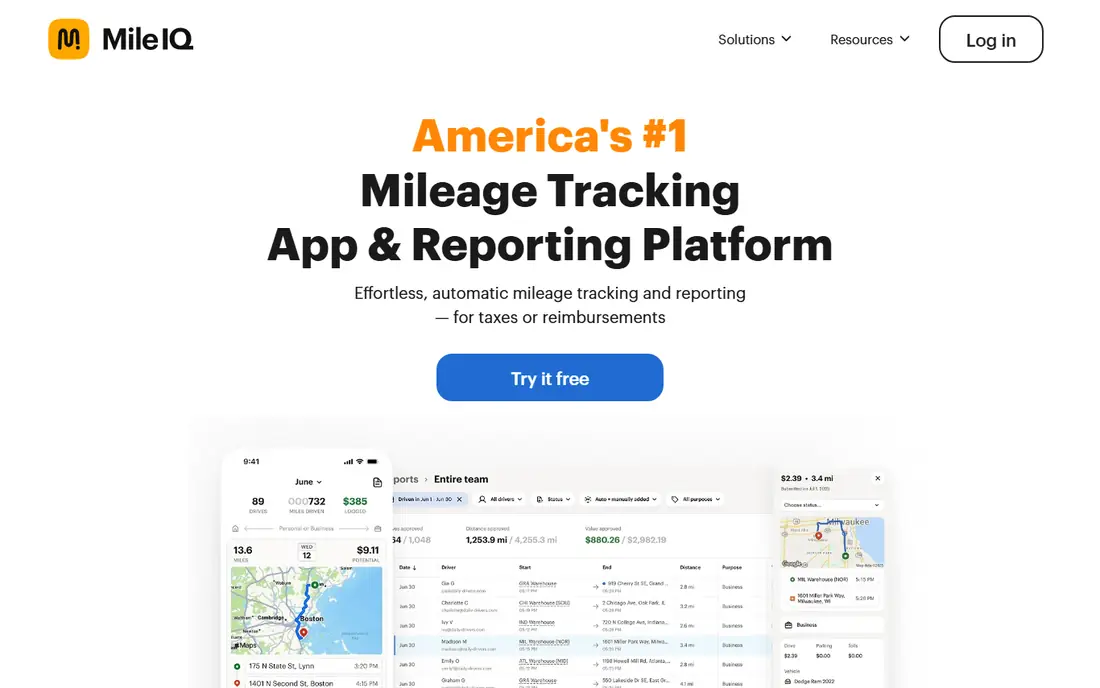
MileIQ, owned by Microsoft, is the simplest hands-off pick for a solo worker. It detects drives automatically in the background, then lets you swipe each drive as business or personal. That swipe step is the whole workflow for most users, which is why it suits people who forget to start a tracker.
The free tier covers 40 drives per month, which is enough for occasional business travel but not for daily driving. Recent comparisons list Unlimited at $13.99 per month, or $11.66 per month billed annually. MileIQ does not track general expenses, so pair it with an expense app if you need receipts as well as mileage.
- Automatic drive detection with no manual start
- Simple swipe classification
- Free tier covers 40 drives per month
- No expense tracking
- Monthly price is higher than some rivals when paid monthly
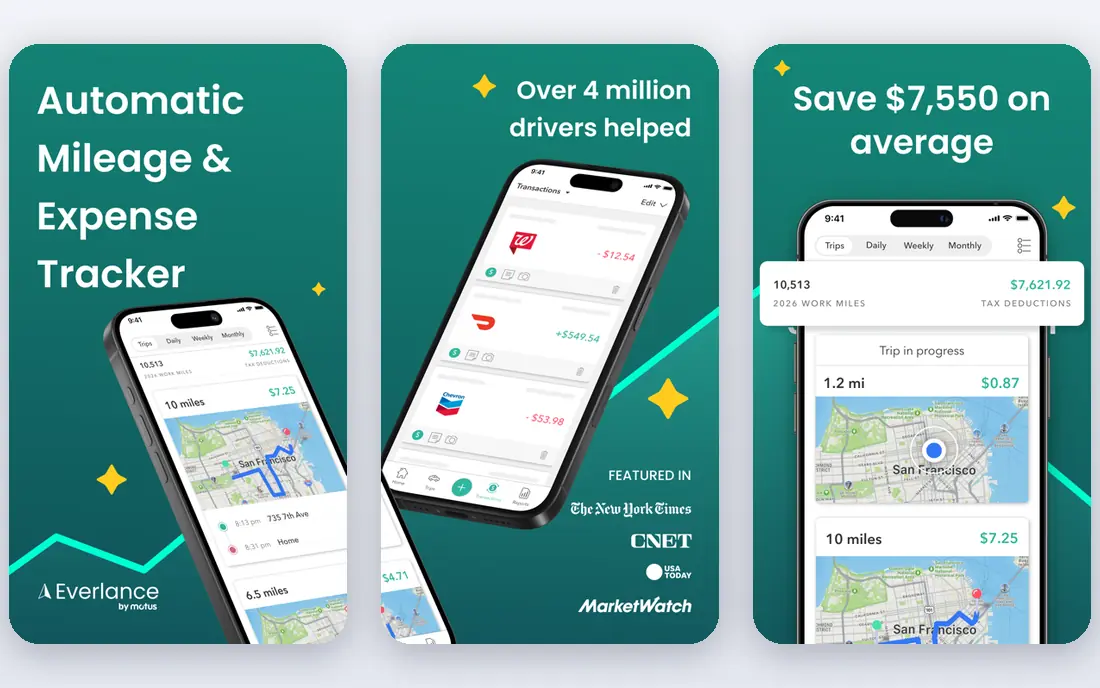
Everlance suits freelancers and self-employed workers who want mileage and spending in one app. It detects trips automatically, classifies them as business or personal, and adds expense tracking with bank and card sync on paid plans. That combination saves time at tax time, since mileage and receipts sit in one report.
The free tier covers 30 automatic trips per month with unlimited manual trips, which is a useful test but tight for full-time drivers. Recent comparisons list paid plans from $8.99 per month or $69.99 per year. If you only need mileage, MileIQ is simpler. If you also track expenses, Everlance is the better single app.
- Automatic mileage plus expense tracking
- Bank and card sync on paid plans
- IRS-compliant reports
- Free tier caps automatic trips at 30 per month
- Paid features matter most for heavy drivers
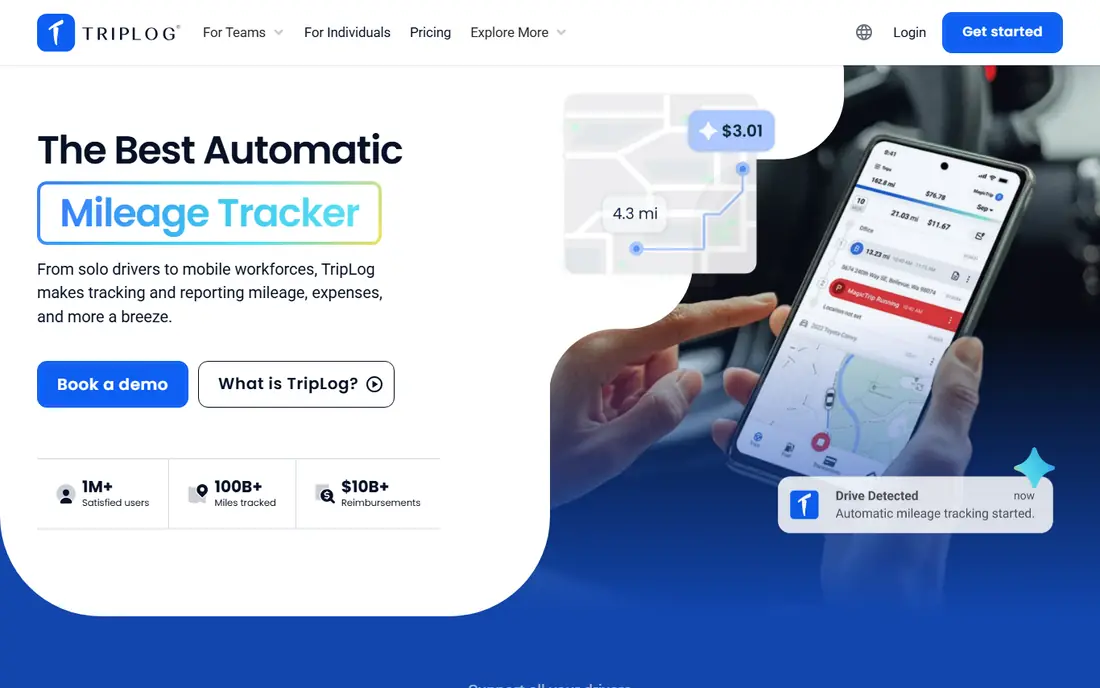
TripLog is built for companies that reimburse employee mileage, with team plans, admin controls, and approval workflows. It also works for solo drivers, with automatic tracking and a free tier, but its strength shows when a manager needs to review, approve, and pay mileage claims across a team. Recent comparisons list Teams plans from $8 per user per month.
Solo drivers should check the free tier limits carefully, since reports are limited outside a paid pass in some comparisons. For an employer, the value is control and consistency: every driver uses the same method, and reports follow the same format. For a solo worker, Everlance or MileIQ is usually simpler.
- Team plans and admin controls
- Reimbursement workflows
- Automatic tracking and receipt features on paid plans
- Team features can be more than a solo driver needs
- Free tier limits reports
Hurdlr suits self-employed workers who want a running view of taxes as well as mileage. It tracks mileage, income, and expenses, and gives real-time tax estimates that help freelancers plan quarterly payments. The free tier covers unlimited manual mileage tracking, which is generous for occasional drivers.
Automatic tracking is fuller on paid plans, listed at $9.99 per month or $99.99 per year in recent comparisons. Treat tax estimates as planning aids, not as a tax return: rates, deductions, and rules change, and a tax professional should review anything you file. Hurdlr is strongest for gig workers and freelancers who already think in terms of quarterly taxes.
- Mileage plus income and expense tracking
- Real-time tax estimates
- Unlimited manual mileage on free tier
- Automatic tracking needs a paid plan for full use
- Tax estimates are estimates, not filing advice
Driversnote is a straightforward logger for employees and freelancers who need a clean, compliant mileage record without extra features. It logs trips automatically, lets you classify them, and produces reports in a format suited to tax and employer requirements. It also suits drivers outside the US, since its log format covers several countries.
The free tier covers 15 trips per month, which is tight for regular drivers, and paid plans are listed around $11 per month. There is no general expense tracking, so it is a mileage-only tool. If you drive for work in more than one country, or you want the simplest compliant log, Driversnote is a strong pick.
- Automatic GPS logging
- Compliant log format for several countries
- Simple interface
- No expense tracking
- Free tier caps trips at 15 per month
Stride is the best free option in this list, with no paid tier for its core mileage and expense tracking. It suits gig workers and part-time drivers who want a basic, IRS-ready log without a subscription. It logs mileage and expenses and gives deduction estimates that help gig workers understand what they may be able to claim.
Stride's tracking style is less automatic than MileIQ in some comparisons, with manual start and reminders, so it needs a bit more attention from the driver. It also lacks team admin features, so it is not an employer reimbursement tool. For a free solo log, it is hard to beat.
- Completely free
- Mileage and expense logging
- Tax deduction estimates for gig workers
- Manual start with reminders in some comparisons
- Fewer team and admin features
Zoho Expense suits businesses already using Zoho products, since mileage flows into the same expense and approval system as receipts and travel costs. It offers mileage tracking, expense reports, and integrations with accounting tools, with a free tier for up to 3 users and Standard plans listed from $3 per user per month in US pricing.
A solo driver who only needs mileage will find Zoho Expense heavier than MileIQ or Stride. The setup, categories, and approval steps are built for teams, not for a quick personal log. For a small business that already runs on Zoho, though, keeping mileage in the same system reduces duplicate work at month end.
- Mileage inside a full expense system
- Approval workflows
- Free tier for up to 3 users
- Overkill for a solo driver who only needs mileage
- Setup takes longer than a single-purpose app
Timeero is a workforce tool for field teams, combining GPS mileage with time tracking and segmented trips. Managers can see where team members traveled, how long jobs took, and how mileage relates to work hours, which suits delivery, service, and sales teams. Recent comparisons list Basic plans from $6 per user per month, with a 14-day free trial rather than a free plan.
Solo drivers do not need this level of oversight, and the team focus shows in the pricing and setup. For an employer managing mobile workers, Timeero's combination of time and mileage in one dashboard is its main advantage over a mileage-only app such as MileIQ.
- GPS mileage plus time tracking for field teams
- Segmented trip tracking
- Admin dashboard
- No free plan, only a trial
- Built for teams, not solo drivers
MileageWise suits drivers who need an audit-ready log, or who need to reconstruct a past log from partial records. Its reconstruction tools help drivers rebuild missing months from calendars, fuel records, and other sources, which is a specific need that most mileage apps do not address. Paid plans are listed from $6.99 per month or $69.99 per year, with a 14-day trial.
The detailed interface can feel heavy for a driver who just wants automatic tracking and a monthly report. MileageWise is the pick when accuracy and audit readiness matter most, or when a past log needs rebuilding, rather than when simplicity is the priority.
- Audit-ready log format
- Tools to reconstruct past mileage
- Vehicle expense tracking
- No free plan, only a trial
- Interface is more detailed than casual drivers need
How we picked these
We compared official pricing pages, free tier limits, automatic versus manual tracking, team features, and report formats in October 2026 comparisons. We favored apps that are live, state their free limits openly, and produce a dated, itemized log with distance and purpose. We did not rank apps on claimed deduction amounts, since actual deductions depend on individual tax circumstances.
How to choose a mileage app for your work pattern
Count your business drives first. If you drive fewer than 30 times a month, a free tier on MileIQ or Everlance may be enough. If you drive daily, pay for unlimited automatic tracking, since a capped free tier will miss trips and cost you more in lost records than the subscription costs.
Match the app to who pays you
Employees should check what their employer accepts before choosing. Some employers require a specific format or a team app such as TripLog, while others accept any clean report. Self-employed workers should favor apps that combine mileage with expenses and tax estimates, such as Everlance or Hurdlr, since they reduce work at filing time.
Keep your log clean from day one
Classify trips promptly, add a business purpose to each trip, and export a report monthly. A log with dates, distances, and purposes is far easier to defend than a log rebuilt at year end. Keep fuel receipts and employer reimbursement records alongside the app export, and review the log before you submit it anywhere.
Frequently asked questions
What is the best app to track work mileage?
MileIQ is the best app to track work mileage for most solo workers, thanks to automatic detection and simple swipe classification. Everlance is better when you also need expense tracking, and TripLog is better for teams that need reimbursement workflows.
What are the best apps to track mileage for work for free?
Stride is completely free for mileage and expense logging, while MileIQ offers 40 free drives per month and Everlance offers 30 free automatic trips per month. Free tiers suit occasional drivers, while daily drivers usually need a paid unlimited plan.
Does mileage tracking count as tax advice?
No, this article is general information only, not tax advice. Mileage rules, rates, and deduction eligibility change and depend on your work status and location. Check current IRS guidance or speak to a tax professional before claiming mileage on a return.
How does automatic mileage tracking work?
Automatic tracking uses your phone GPS to detect when you drive, then records the route, distance, and time without you starting each trip manually. You then classify each trip as business or personal and add a purpose. Manual tracking requires you to start and stop each trip or enter it by hand.
Can my employer use my mileage log for reimbursement?
Yes, if your employer accepts app reports. Many employers accept a dated report with distance and purpose, while some require a team system such as TripLog or Timeero. Ask your employer which format they need before you choose an app.
What should an IRS-ready mileage log include?
An IRS-ready log should include the date, start and end locations, distance, business purpose, and total business miles for each trip. Keep the log contemporaneous, meaning recorded near the time of travel, and keep it alongside any reimbursement records.
Sources
See where you really rank - block by block
ProMapRanker scans Google Maps across a grid of your service area. Simple monthly plans from $19, white-label on every plan.
Start freeKeep reading
 who has best internet service
Who Has the Best Internet Service in 2026
Who has best internet service for US homes? We compare fiber, cable, fixed wireless and satellite providers on speed, price, availability and terms today.
Read → which survey tool has the best analytics
Which Survey Tool Has the Best Analytics in 2026
Find which survey tool has the best analytics in 2026, comparing Qualtrics, SurveyMonkey, Typeform, Alchemer, and more on reports, text, and stats today.
Read → which streaming service has the best movies
Which Streaming Service Has the Best Movies in 2026
Answering which streaming service has the best movies, with Netflix, Max, Criterion and more compared on libraries, prices and free options in this guide.
Read →